TOOLNAVIA / BUYING GUIDE
Dr.Fone Android Unlock on Windows: Prepare the PC Before You Pay
The short answer
The computer you plan to use is part of the Dr.Fone buying decision. A Windows Screen Unlock Android license does not activate on a Mac, and a phone's compatibility is separate from whether the desktop software can run. Preparing both sides can make a supported owned-device session easier to organize without confusing installation success with unlock success.
At a glance
- Best for
- Owners or authorized technicians recovering access to a supported Android device after checking exact model and data-loss consequences.
- Price model
- Current Windows: $39.95/year Annual; $49.95 Perpetual; $29.95/month
- Check first
- Most non-legacy devices can require data deletion; FRP support is contradictory in current official pages; Windows license is platform-specific.
Choose the actual computer before checkout
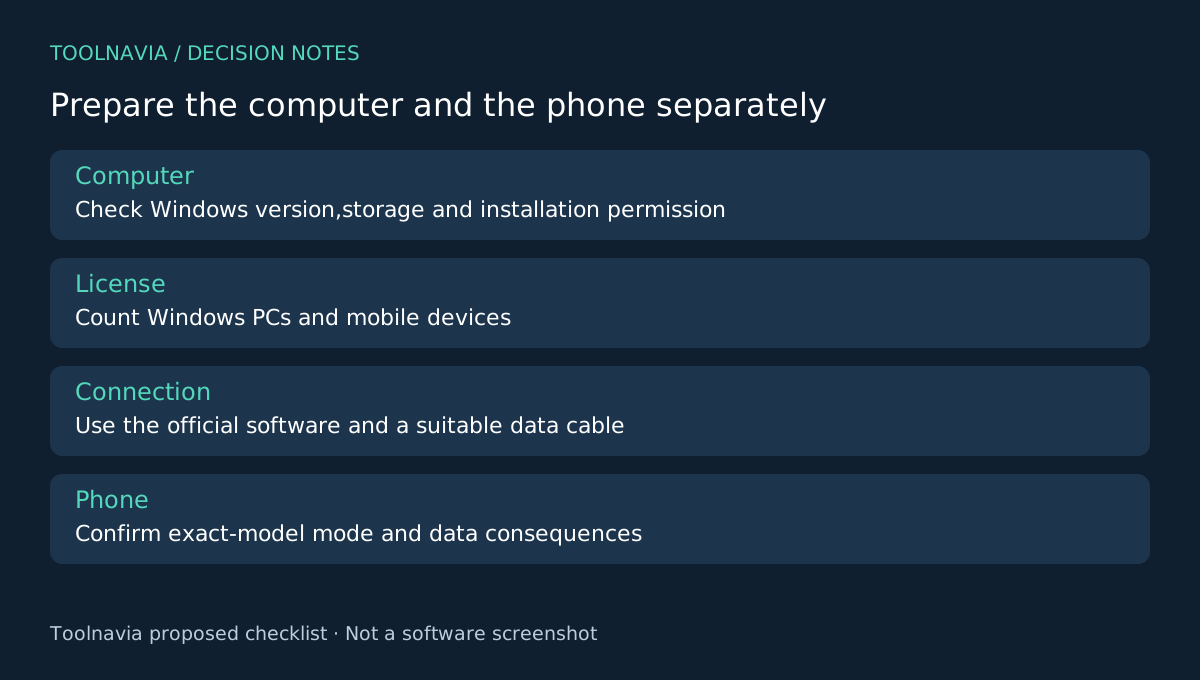
Identify the Windows machine you will use, whether you can install the official software there and whether its owner permits the work. Avoid making a borrowed computer the default merely because it is nearby. You may need to return to the same environment to review a support case or complete follow-up checks.
Record the Windows version and available storage. The product documentation lists a 1 GHz processor, 7 GB of available disk space and 1 GB of free RAM, with 2 GB or more recommended. These are published requirements, not a performance benchmark or a guarantee for every hardware configuration.
Four aspects of the offer help planning
The approved Windows annual offer permits activation on up to two Windows PCs and use with up to five mobile devices. It includes software updates and technical support. Those four elements define where you can work, the device roster, version access and a route for resolving a supported case.
They do not mean unlimited computers, unlimited phones or cross-platform activation. Count actual computers and mobile devices, and check prior license usage if the account already has one. A Mac version is a separate purchase decision; the linked offer remains Windows Android Screen Unlock.
Prepare the connection and the case record
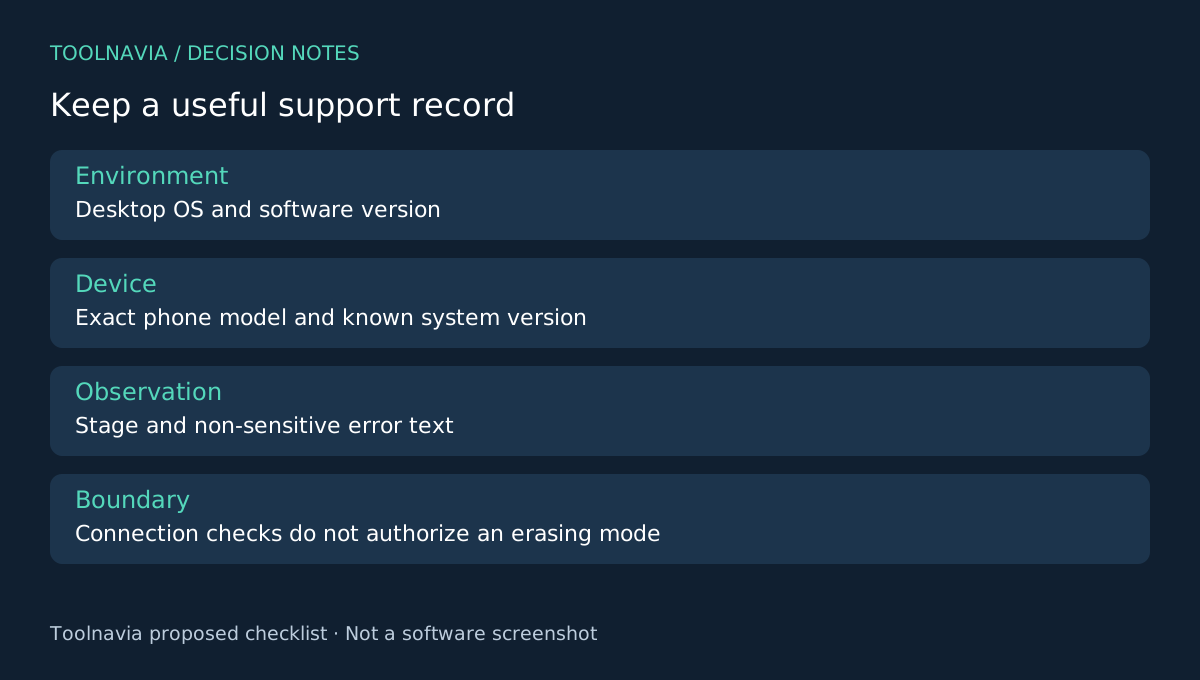
Use the official installer and a suitable data cable. Keep the device model, current lock state and known software version in your notes. If the phone or computer cannot be identified as expected, record the exact stage and message rather than cycling through unrelated modes.
The product's desktop workflow uses USB connection and device/mode selection. Inspect the selected route and its data consequence before any irreversible action. A cable change is a connection check; choosing an erasing mode is a different decision and should never be treated as routine connection troubleshooting.
Prepare a short support record containing the desktop version, phone model, software version and the non-sensitive error text. Exclude passwords and unnecessary personal content. This is a proposed preparation workflow, not a Toolnavia connection or unlock test.
Confirm phone eligibility separately
A computer meeting the requirements does not establish that the phone supports data-preserving removal. The official FAQ limits that behavior to some Samsung and LG devices. Confirm the exact model and outcome, especially when local content is irreplaceable.
Account verification also remains a separate question. The store advertises FRP removal, while the official Unlock FAQ says it is unsupported. Treat that contradiction as unresolved and do not purchase on an assumed FRP result. Use legitimate account recovery or exact-case official support.
If a native manufacturer route already solves the owner's problem, desktop preparation may be unnecessary. Google and Samsung provide their own conditional recovery guidance. Check that fit before paying for a computer-based workflow.
Make the purchase match the prepared setup
Review the selected Windows annual term, renewal and optional extras in checkout, using the [Dr.Fone plan guide](/en/software/drfone-screen-unlock-android) for context. Keep the receipt and compatibility response with the case record so that a later question refers to the exact product you bought.
Choose this module when the desktop is ready, the device roster fits and the phone's supported outcome is clear. Toolnavia may earn a commission through the official affiliate link; no hardware-wide compatibility, cross-platform license or successful-unlock guarantee is implied.