TOOLNAVIA / BUYING GUIDE
Dr.Fone Screen Unlock Auto-Renewal: Cancel Before the Next Charge
The short answer
Dr.Fone Screen Unlock (Android) lists its Windows Annual Plan at **US$39.95 per year** for 1–5 mobile devices and 2 PCs. The key catch: canceling auto-renewal stops the next charge, not a completed one, while access continues through the paid term.
At a glance
- Best for
- Annual buyers preventing unwanted renewal and documenting cancellation.
- Price model
- Current display: US$39.95/year; future renewal price not guaranteed
- Check first
- Cancellation stops future renewal; it does not automatically refund a completed charge.
Decide before the renewal date
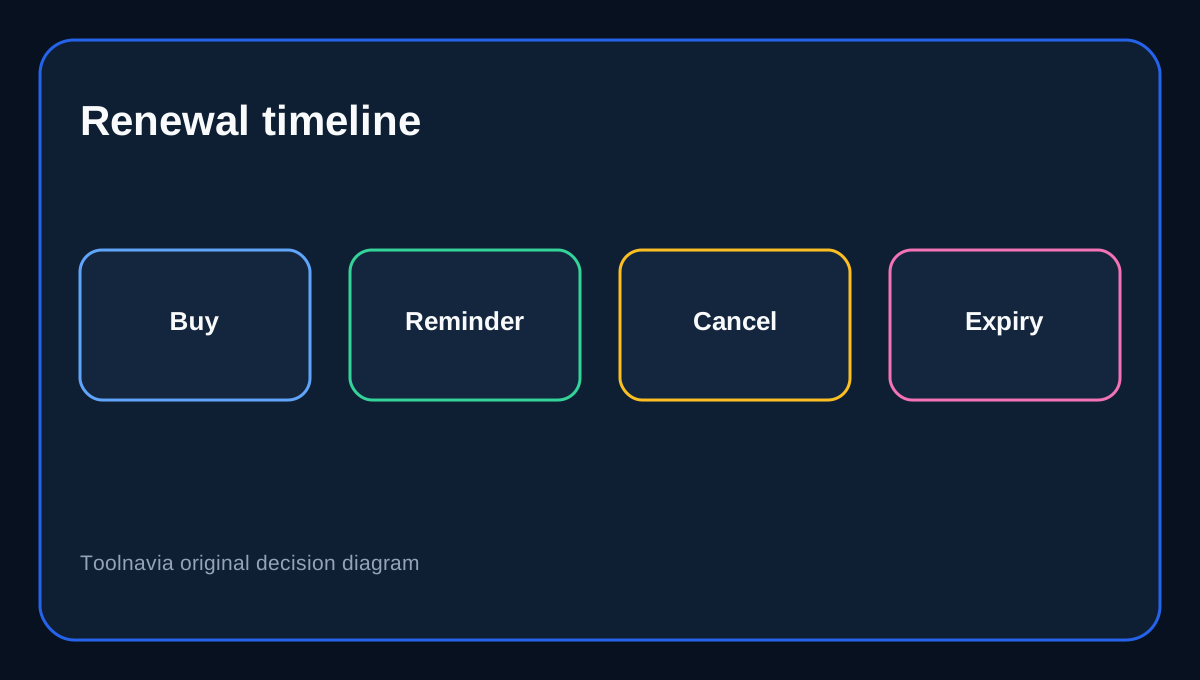
The annual plan gives one year of premium access, updates and support. If you only need one unlock job, turn off renewal after confirming that the license works on the exact phone and PC you intend to use. If you expect repeated work across supported devices, keeping renewal on may be reasonable—but the next charge should still be a deliberate decision, not a forgotten default.
What cancellation actually changes
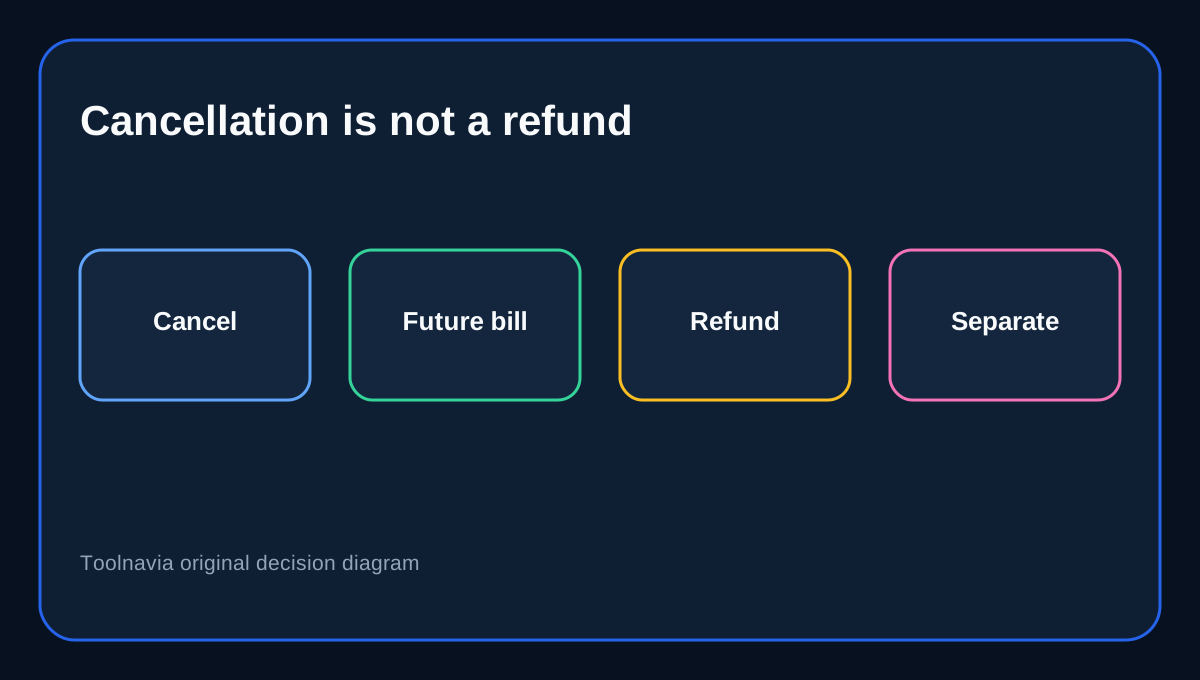
Canceling automatic renewal controls future billing. It does not immediately remove access: Wondershare says service continues until the end of the contracted term. A separate Wondershare cancellation explainer says the same thing in plainer language—features remain available until the last paid day. Neither statement turns cancellation into a refund request.
This differs from our existing annual-versus-perpetual guide. That article asks which license model to buy. This guide asks what to do after choosing annual: record the renewal date, cancel the correct subscription, preserve confirmation and understand which charges may still be final.
Use the right cancellation route
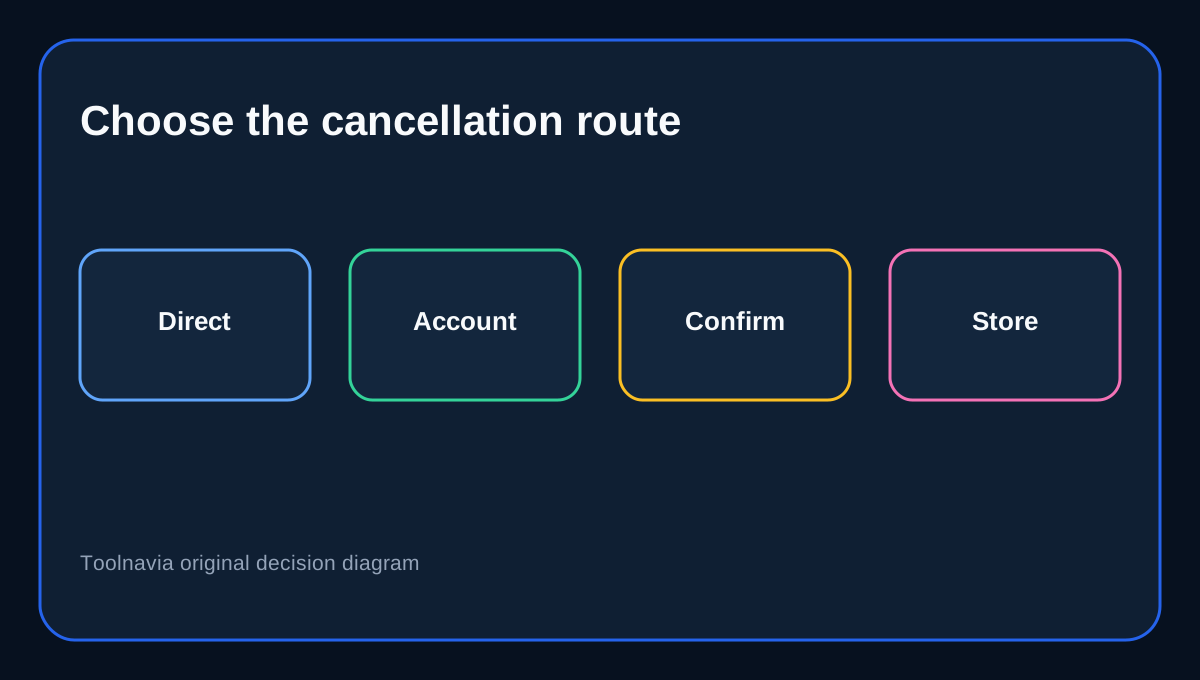
For a direct Wondershare purchase, sign in to Account Center, open **Plan & Products**, choose **Manage Subscription**, open **Manage Plan**, select **Cancel Subscription**, continue past any retention offers, review the details and confirm. Store purchases are different: Wondershare warns that Google Play or App Store subscriptions may need to be canceled with Google or Apple instead. UPI users in India are told to cancel at least 24 hours before expiration.
Take a screenshot of the final confirmation and check that the plan no longer shows an upcoming automatic renewal. Do not stop at the first “Continue” screen—the documented flow has several steps before confirmation.
Cancellation is not a refund request
The safest assumption is that turning off auto-renew prevents the next charge but does not reverse one already processed. Wondershare’s subscription terms explicitly exclude auto-renewal charges from the general 30-day policy. Dr.Fone documents a route for duplicate-payment refunds, but that is a specific exception requiring the license email or both order numbers.
There is also an official wording conflict. One Wondershare refund page describes a 30-day guarantee for most products, while a general Account Center FAQ lists Dr.Fone-series wrong-product cases under a seven-day route. Because those pages do not establish one universal Screen Unlock renewal window, this guide does not promise “30 days” or “7 days” for ordinary renewal regret. Submit the order number and facts promptly, but treat approval as conditional.
Keep proof before and after canceling
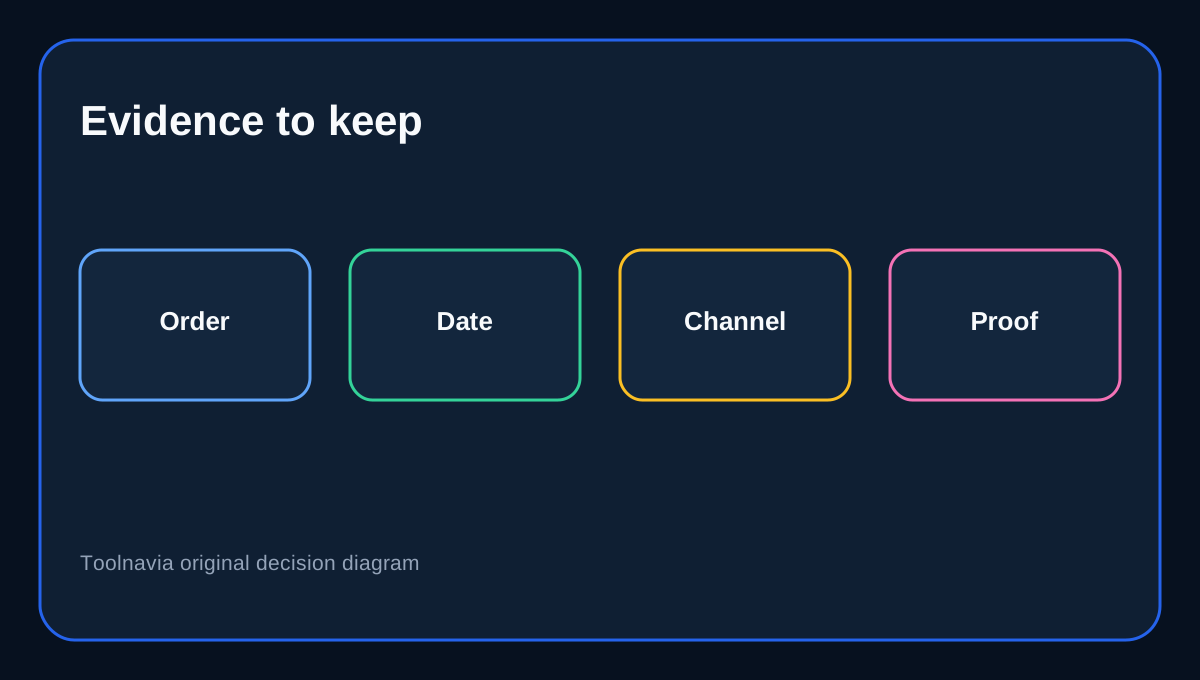
Before canceling, save the invoice, license email, order number, renewal date and the device/PC allocation you used. After canceling, save the confirmation email and an Account Center screenshot. If a charge appears later, distinguish four cases: a charge authorized before cancellation, a duplicate order, a store-billed subscription, or a direct Wondershare renewal. Each may require a different support or store channel.
Comparable vendors such as Autodesk, Avid and Figma also separate cancellation, remaining paid access and refund eligibility, but their windows differ. Their rules are useful context, not substitutes for Wondershare’s terms.
When the annual plan still makes sense
Choose annual when you have verified phone compatibility, need multiple supported unlocks during the year, and value major upgrades and support. Choose perpetual when you want to avoid recurring billing and are comfortable receiving only updates within the purchased major version. Once that plan choice is settled, put a calendar reminder several days before renewal and verify cancellation in the correct billing channel.
Pre-renewal checklist
Confirm the exact product is **Screen Unlock (Android)**, not a full Dr.Fone toolkit or another module. Verify the billing channel, renewal date, order number and licensed email. Test compatibility while the purchase is recent. If leaving, complete every cancellation step, capture confirmation and keep access expectations tied to the paid term. For a refund, submit a separate request with evidence; do not assume cancellation automatically creates one.
Affiliate disclosure: Toolnavia may earn a commission from an eligible purchase through the exact Dr.Fone offer link. That does not change the cancellation or refund analysis.