TOOLNAVIA / BUYING GUIDE
Dr.Fone Android Unlock: Check Your Data Before Choosing a Route
The short answer
When a locked Android phone holds the only copy of important photos or messages, choosing an unlock tool is also a data decision. Dr.Fone Screen Unlock may offer a suitable route for an explicitly supported device, but buying the module does not make its data-preserving option universal. Establish what is safely copied elsewhere before deciding what outcome you can accept.
At a glance
- Best for
- Owners or authorized technicians recovering access to a supported Android device after checking exact model and data-loss consequences.
- Price model
- Current Windows: $39.95/year Annual; $49.95 Perpetual; $29.95/month
- Check first
- Most non-legacy devices can require data deletion; FRP support is contradictory in current official pages; Windows license is platform-specific.
Make a data map before an unlock attempt
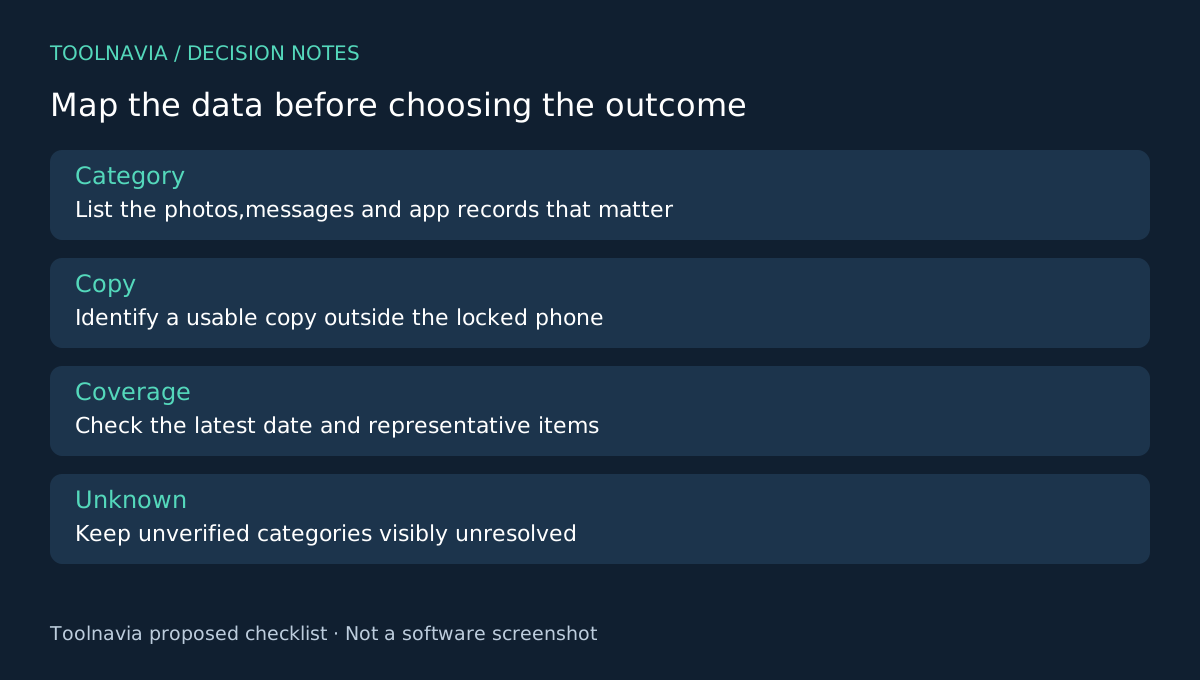
List the irreplaceable categories: recent photos, local documents, messages and information held inside particular apps. For each, record whether a usable copy exists outside the phone, the last date it covers and how you verified access. Mark unknowns as unknowns rather than treating a remembered backup setting as proof.
Check existing copies through your own accessible accounts or computer archives. Do not assume you can create a fresh backup from a phone that is already locked. This article does not establish such access, and it does not suggest bypassing another person's account or device protections.
Separate four product benefits from their limits
Dr.Fone provides a guided desktop process and a device/mode selection step; official support distinguishes a limited data-preserving route from workflows that erase data. Those offer a structured process, an exact-device decision and a possible retention route. The annual offer also includes technical support, which is useful for resolving eligibility before execution.
None of those capabilities is a replacement for an independent copy. Ask support to identify the data consequence for the exact model and current mode. If the answer is only that the brand is supported, the preservation question remains unanswered.
Check what an existing backup can really restore
Google explains that restoration varies by device and Android version, that not every app restores all its data, and that some backed-up information is protected with the screen lock. A cloud account containing photos is therefore not proof that every local app record or protected backup can be recovered.
Open representative existing photos and documents from an accessible account or archive. Confirm that the newest material you care about is present, not just older items. Record any separate app recovery requirements and keep account-recovery information available through a legitimate route.
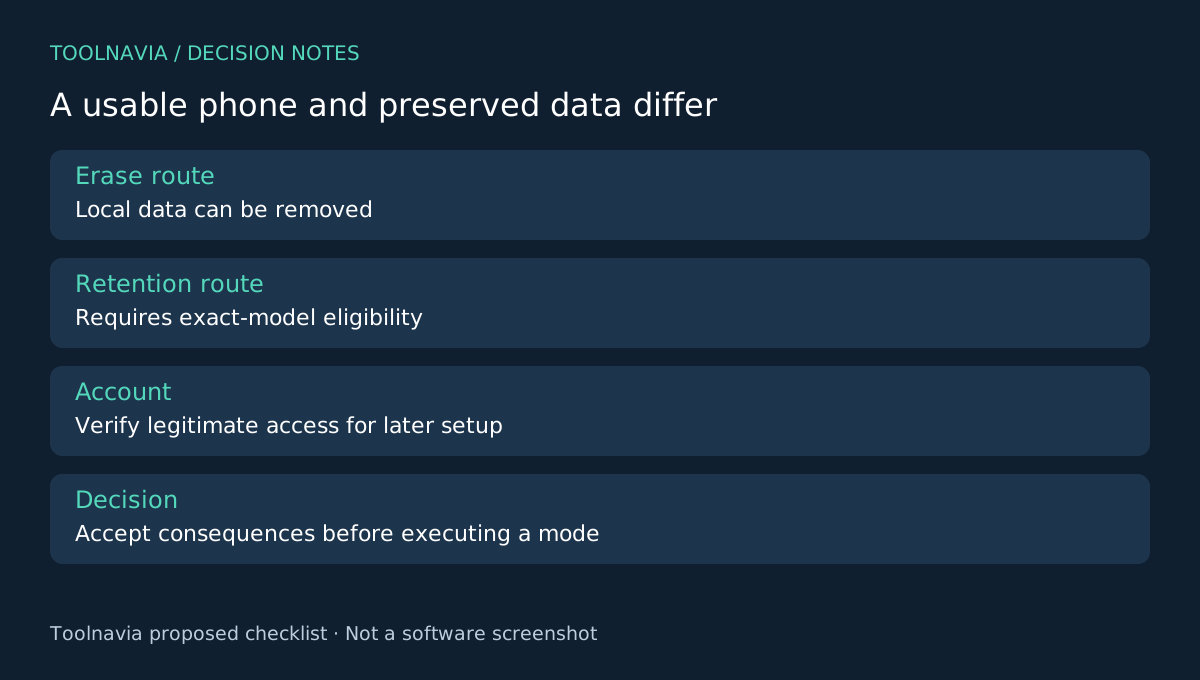
If an irreplaceable category remains only on the locked phone, treat an erasing workflow as a different decision from recovering a usable handset. Pause and seek exact-model advice. A lower software price cannot compensate for a data consequence you have not accepted.
Decide which outcome actually solves the problem
A phone that reaches setup after an erase may be usable again while its former local content is gone. A data-preserving claim, meanwhile, requires exact eligibility and still needs verification afterward. Official Dr.Fone guidance limits that route to selected models.
There is also an unresolved official FRP conflict: the store advertises removal, while the Unlock FAQ says it is unsupported. Do not include assumed account-lock removal in your recovery plan. Google's reset preparation separately emphasizes account access.
These are decision checks, not a Toolnavia recovery experiment. No success rate, new-backup capability on a locked phone or post-erase recovery guarantee is asserted.
Buy only the supported outcome you need
The linked Windows Annual Screen Unlock Android module is separate from the full toolkit and its other data products. Review the current license and renewal in the [Dr.Fone plan guide](/en/software/drfone-screen-unlock-android).
Choose it when the exact route is confirmed and your data map makes the consequences acceptable. If preserving unique local content is essential and no supported retention route is confirmed, resolve that uncertainty first. Toolnavia may earn a commission through the official affiliate link; payment is not evidence that your files will survive.