TOOLNAVIA / BUYING GUIDE
Dr.Fone Android Screen Unlock: Match Your Phone Before You Buy
The short answer
Dr.Fone Screen Unlock can be worth considering when you own a locked Android phone and want a guided desktop route back to a usable device. The first buying step is matching the exact problem to the exact module. A familiar brand name or a supported Android version is not enough to establish the outcome you need.
At a glance
- Best for
- Owners or authorized technicians recovering access to a supported Android device after checking exact model and data-loss consequences.
- Price model
- Current Windows: $39.95/year Annual; $49.95 Perpetual; $29.95/month
- Check first
- Most non-legacy devices can require data deletion; FRP support is contradictory in current official pages; Windows license is platform-specific.
Identify the problem before choosing software
Record what the phone actually displays: a normal screen-lock prompt, a Google account verification screen, a carrier message or a hardware problem. These are different jobs. This article evaluates the Windows Android Screen Unlock module for your own device or one you are explicitly authorized to help with.
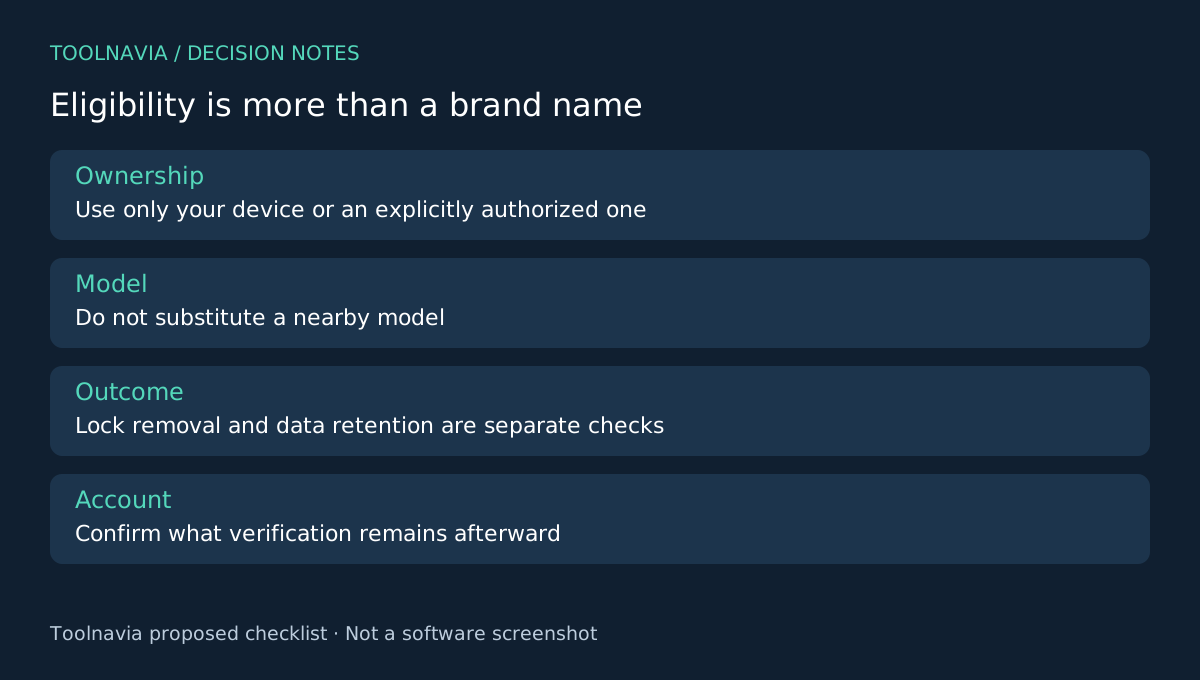
Write down the full model identifier and known software version from records you can legitimately access. Do not substitute a nearby model in a selector. If the screen itself is broken, a screen-lock product does not establish that the physical input problem will be fixed.
What makes the module worth evaluating
The official product workflow provides a desktop USB connection, device and mode selection, guided instructions and a limited data-preserving route for selected supported models. The useful combination is a structured process with a decision about the device and the consequences before proceeding.
That is a reason to investigate compatibility, not evidence of universal support. The support FAQ limits no-data-loss behavior to some Samsung and LG devices; other workflows can erase data. Treat data retention as a separate eligibility question from whether a lock-removal route is available at all.
Build a short compatibility brief
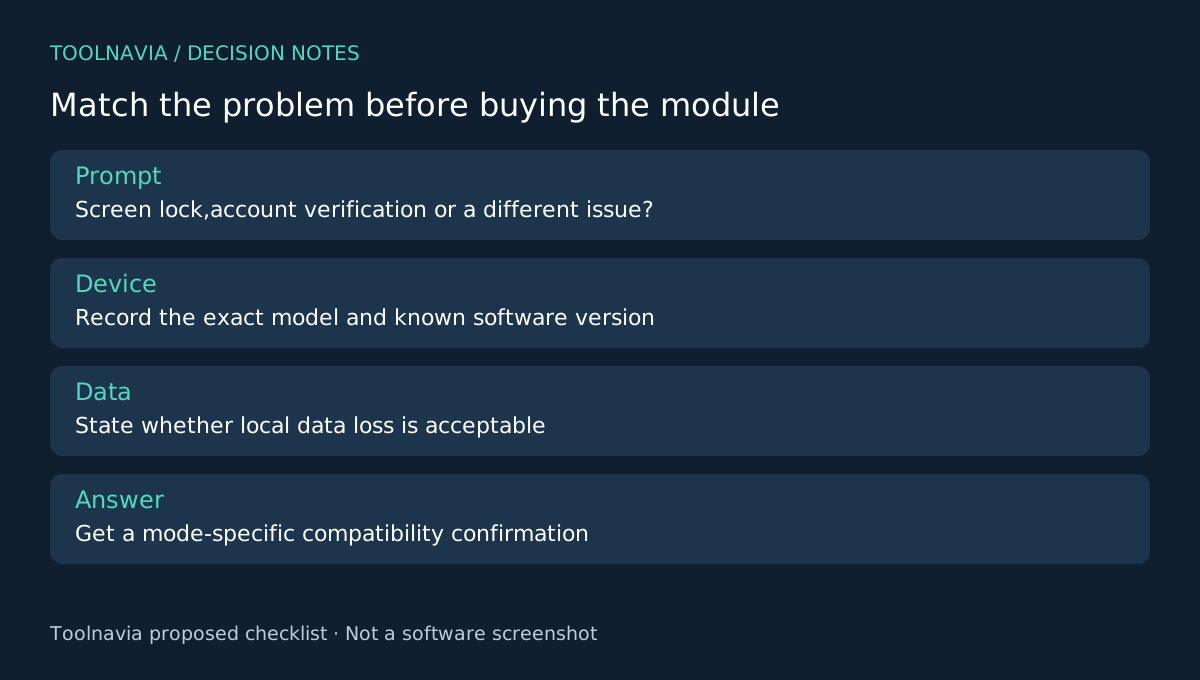
Prepare four facts for official support: the exact model, known software version, the displayed lock state and whether losing local data is acceptable. Add a screenshot of the prompt only after removing private notifications or identifiers that are unnecessary for the question.
Ask which current Windows module and mode applies, whether that path erases data and whether further account verification remains afterward. Keep the answer tied to the model and date. A generic statement that the brand is supported does not resolve these questions.
You can inspect available options without treating inspection as permission to run an irreversible operation. Stop before any step whose data consequence is unclear. Toolnavia has not tested an unlock on your model and does not present a successful device connection as a successful recovery.
Resolve the official claim that remains inconsistent
The current store advertises FRP removal, while the official Unlock FAQ says FRP bypass is not supported. This contradiction is unresolved here. Do not buy on an assumed FRP result; use account recovery and obtain exact-case confirmation from official support.
Google's locked-device guidance includes erasing and restoring previously backed-up data, while Samsung documents a previous-lock option for qualifying recent changes on One UI 6.1 or later. Check an applicable native route before paying. Alternative tools such as 4uKey also have model-specific data-retention boundaries.
Purchase only after the brief produces a clear answer
The approved link is the Windows Annual Screen Unlock Android offer, not the full Dr.Fone toolkit, iPhone unlock or a Mac license. Check the current term, device allowance, renewal and optional extras in the [Dr.Fone plan guide](/en/software/drfone-screen-unlock-android) and checkout.
Choose the module when your exact device and screen-lock problem are supported, the data consequence is acceptable and a guided desktop workflow adds value over the native option. Keep the compatibility answer with your purchase record. Toolnavia may earn a commission through the official affiliate link; no universal unlock or data-preservation guarantee is made.