TOOLNAVIA / BUYING GUIDE
Dr.Fone for Older Samsung and LG Phones: Read the Right Support List
The short answer
An older Samsung or LG phone can be a different buying case from a current Android handset. Dr.Fone publishes a specific data-preserving screen-unlock list for selected older models. If your own phone is on that list, the module may deserve a closer look—but the right section of the compatibility table matters more than the brand logo.
At a glance
- Best for
- Owners or authorized technicians recovering access to a supported Android device after checking exact model and data-loss consequences.
- Price model
- Current Windows: $39.95/year Annual; $49.95 Perpetual; $29.95/month
- Check first
- Most non-legacy devices can require data deletion; FRP support is contradictory in current official pages; Windows license is platform-specific.
Read the heading above the model list
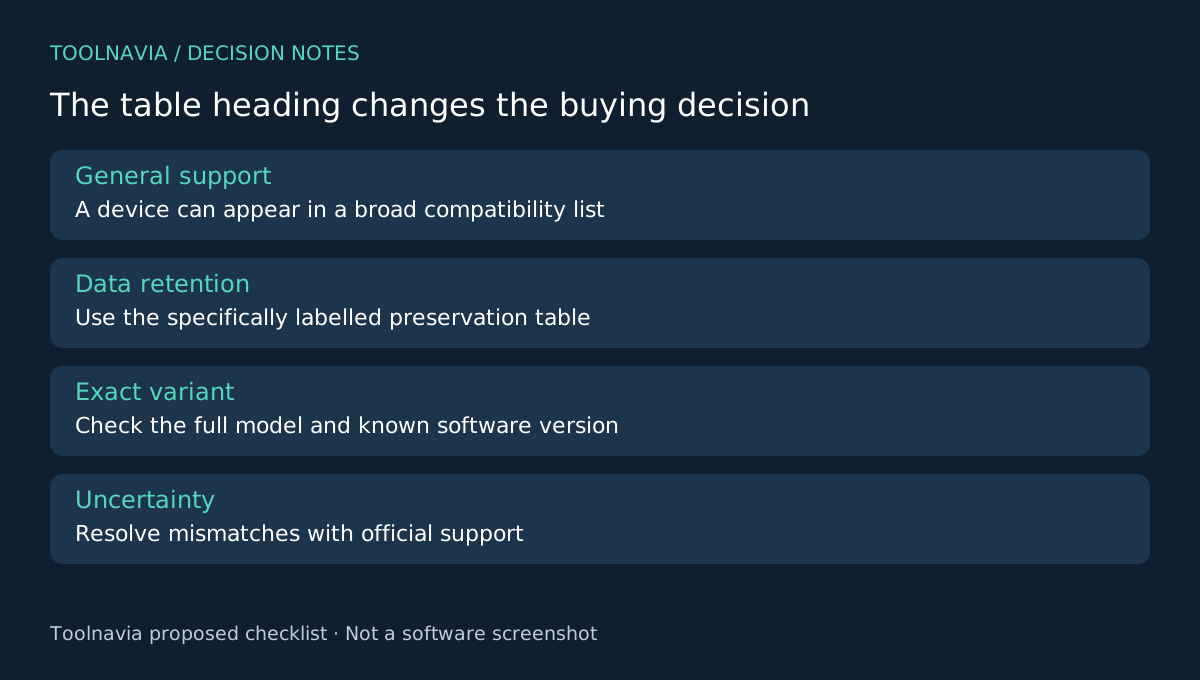
The current technical page separates a data-preserving Android screen-unlock table from a broader screen-unlock table that warns data may be lost. It also contains other Dr.Fone feature lists. A search result that lands on your model somewhere on the page is not sufficient evidence for the function you want.
For example, the data-preserving section names older Galaxy S and Note models and selected LG G-series variants. These examples explain the scope; they are not a complete eligibility list or a promise for every regional version carrying a similar marketing name.
Four useful parts of the supported route
The documented offering combines a limited data-preserving mode, device/mode selection, a guided desktop process and technical support under the annual plan. For an eligible older phone, that creates a route worth investigating before accepting an erasing alternative.
The value is conditional. A support entitlement can help clarify compatibility, but it cannot turn an unlisted model into a listed one. Likewise, seeing the phone in a general Android compatibility section does not establish that the data-preserving mode applies.
Create an eligibility record for the exact handset
Record the full model identifier, known Android version and the exact screen-lock problem. Compare those facts with the correct current table and the choices in the current product. If a suffix, region or firmware detail does not match clearly, send that discrepancy to official support before purchase or execution.
Ask for a specific answer about retaining local data, not merely removing the lock. Keep the response and the page date with your notes. Do not select a neighboring model or switch to an erasing mode just because the first route is unavailable; that changes the decision you were evaluating.
This is a proposed evidence-gathering process. Toolnavia has not run a data-preserving unlock on the listed models and does not repeat a vendor success percentage as an independent measurement.
Define what preservation would mean afterward
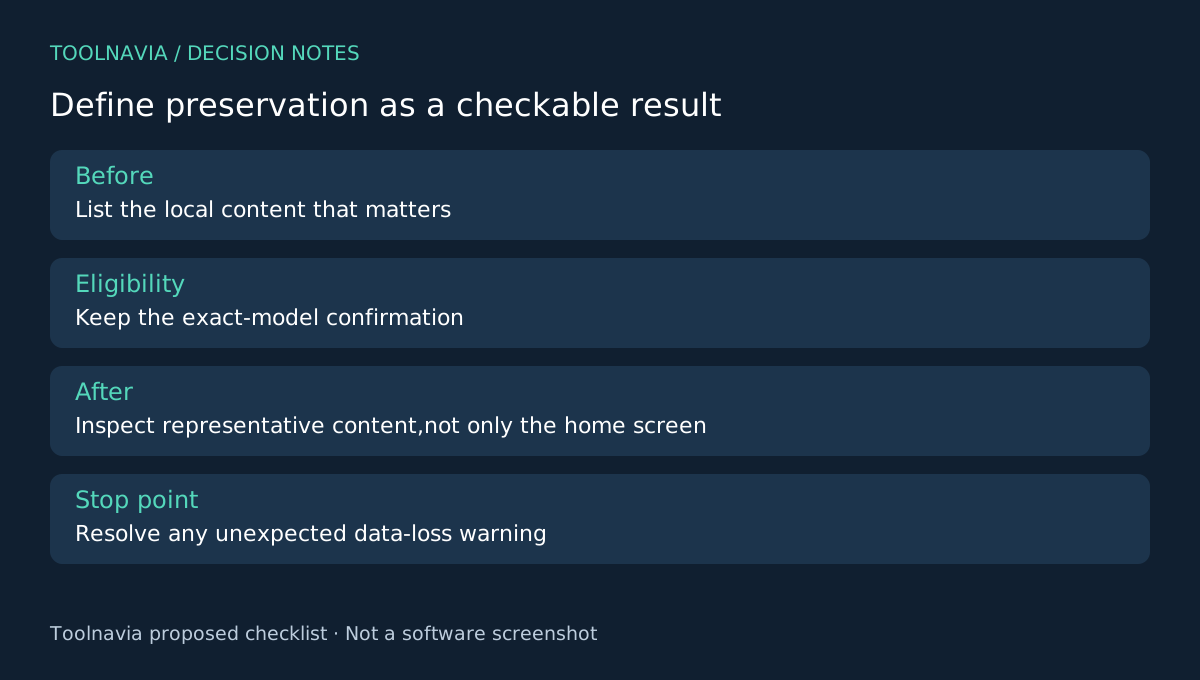
Before proceeding on an owned or explicitly authorized phone, list the content that makes retention important. After any supported process, inspect representative photos, messages and necessary local app content through legitimate access. A usable home screen is not a complete data audit.
Keep any existing external copies. If the device remains inaccessible or an unexpected data-loss warning appears, stop and resolve it rather than assuming the older-model label protects the contents. The FAQ itself limits retention to some Samsung and LG devices.
Also separate account verification from the screen lock. The store advertises FRP removal while the official Unlock FAQ says it is unsupported; that conflict remains unresolved. This guide does not recommend purchase for an assumed FRP outcome.
Compare the exact alternative before paying
Samsung's previous-lock feature applies to a different, qualifying recent-lock-change scenario; Google's general locked-device guidance includes erasing. Alternative software such as 4uKey also limits data-preserving claims to selected older devices. Compare the same model and outcome, not broad product slogans.
Choose the Windows Annual Screen Unlock Android module only when the exact retention route is confirmed and its value fits your case. Check the [Dr.Fone plan guide](/en/software/drfone-screen-unlock-android) and checkout for terms. Toolnavia may earn a commission through the official affiliate link; no universal older-phone or data-preservation guarantee is made.