TOOLNAVIA / BUYING GUIDE
Dr.Fone or Android Factory Reset? Decide What You Are Paying For
The short answer
If your own locked Android phone is backed up and you can access its Google account, the buying question changes. You are no longer paying simply because the phone is locked. You are deciding whether Dr.Fone's supported desktop workflow offers something useful beyond the manufacturer's recovery route. That distinction can turn an anxious purchase into a clear choice.
At a glance
- Best for
- Owners or authorized technicians recovering access to a supported Android device after checking exact model and data-loss consequences.
- Price model
- Current Windows: $39.95/year Annual; $49.95 Perpetual; $29.95/month
- Check first
- Most non-legacy devices can require data deletion; FRP support is contradictory in current official pages; Windows license is platform-specific.
Define the result you actually need
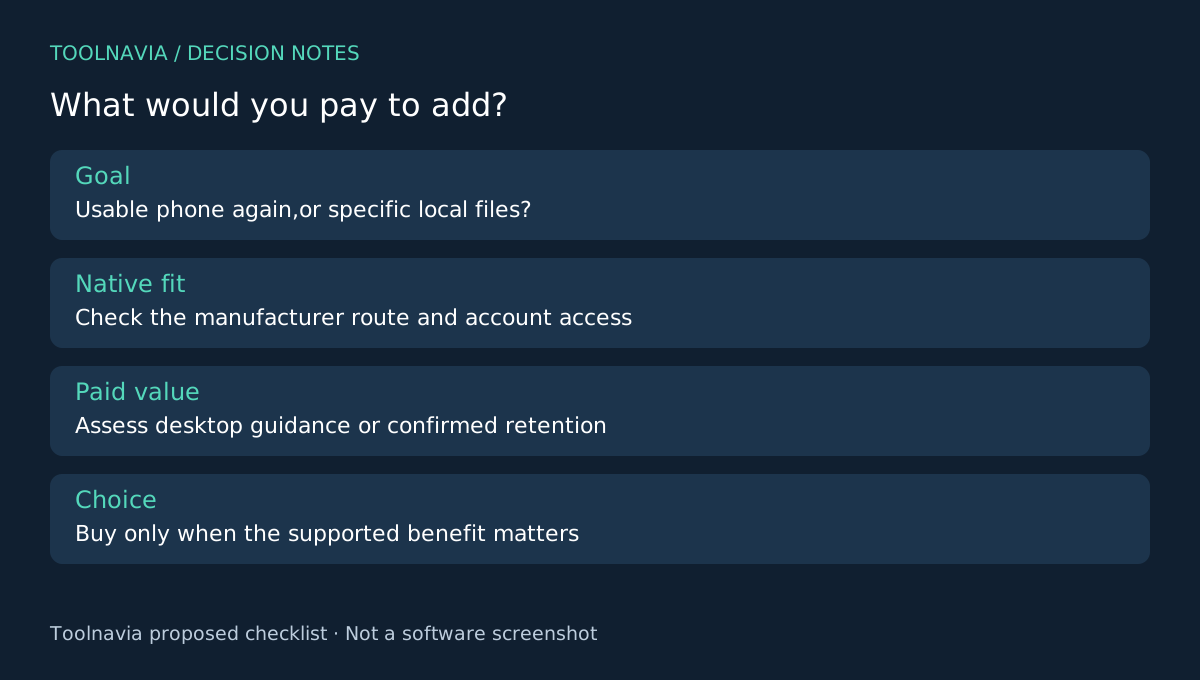
Write one sentence describing success: “I need a usable phone again and can rebuild it,” or “I need specific local files that are not in my backup.” Those are different goals. A route that satisfies the first may destroy the possibility of the second.
Google explains that resetting removes local data and recommends manufacturer-specific instructions. It also asks owners to confirm the Google account credentials needed afterward. Check the actual backup and account access before comparing software; the presence of a cloud account alone does not prove that every important item can be restored.
Compare the native route with the desktop offer
For an owner who accepts erasure and has the required account access, the official reset route may be sufficient without purchasing this module. Google's locked-device guidance explains the erase-and-set-up-again approach. Use the manufacturer's instructions for the actual device, rather than a generic sequence copied from another model.
There may also be a narrower native option. Samsung documents use of a previous screen lock for qualifying devices after a recent change, subject to its version and timing conditions. Check that applicability before choosing either an erasing route or a paid one.
Dr.Fone is worth evaluating when you prefer its supported computer-based process or when an exact model qualifies for its limited data-preserving mode. Neither preference establishes that the phone will retain data.
Identify the four benefits you would use
The product documents a Windows desktop USB workflow, a device-and-mode selection process and a limited data-preserving option for supported models. The annual offer also includes technical support. These are four concrete reasons to assess the module: the working environment, the route selection, a conditional retention possibility and access to case-specific assistance.
For example, a user who wants a structured desktop process may value the first two even when erasure is acceptable. An owner seeking irreplaceable local content must resolve the third before proceeding. Someone uncertain about a mode can ask support for a model-specific answer instead of treating generic advertising as compatibility evidence.
The FAQ limits data-preserving behavior to some Samsung and LG devices. A competing product such as 4uKey also states model-specific retention limits. Paying for either product is not a substitute for checking the exact supported outcome.
Keep account verification outside the sales promise
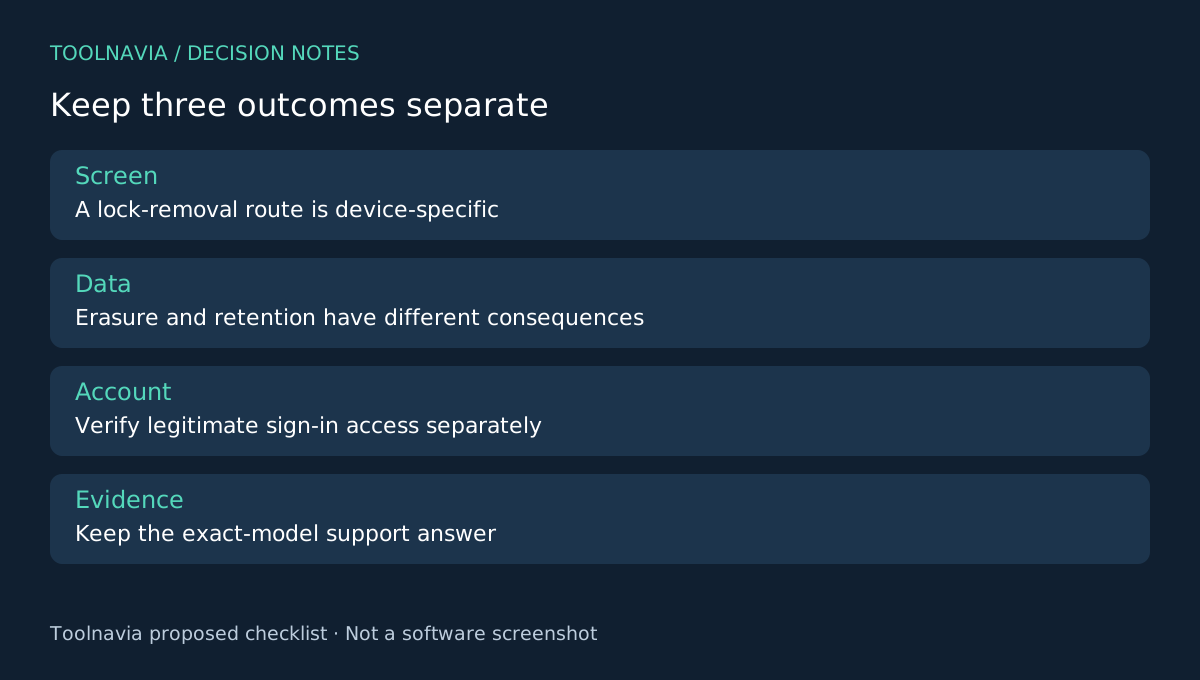
A removed screen lock, a restored backup and an account that can sign in are separate outcomes. Do not use the software price as evidence that all three are included.
The Dr.Fone store advertises FRP removal, while its official Unlock FAQ says that capability is unsupported. That conflict remains unresolved here. This comparison therefore makes no FRP purchase recommendation and provides no account-bypass procedure. Resolve legitimate account access through official recovery and support before relying on a reset or unlock plan.
Buy only the extra workflow value you need
If the native route fits your goal, no purchase is necessary for this comparison. If exact-device support is confirmed and the desktop process or supported retention mode adds useful value, review the [Windows Android Screen Unlock plan](/en/software/drfone-screen-unlock-android), renewal and checkout extras. The approved link covers this module, not the full toolkit or a Mac license.
Keep the support answer, chosen outcome and purchase receipt together. This is a buying framework based on documentation, not a Toolnavia unlock test or a success-rate comparison. Toolnavia may earn a commission through the official affiliate link.