TOOLNAVIA / BUYING GUIDE
DemoCreator for Software Tutorials: Make Every Important Click Clear
The short answer
A screen tutorial earns its value when viewers can see the control you use and understand the result. DemoCreator is worth evaluating if you repeatedly record software steps and want capture, cursor emphasis and explanatory annotations in one workflow. Start with the smallest text and most easily missed click in your real lesson.
At a glance
- Best for
- Creators needing watermark-free recording/editing and choosing future-version subscription or one-time V8.x ownership.
- Price model
- Baseline USD $59.99/year; Perpetual $79.99; live promos may be lower
- Check first
- Perpetual excludes future majors; Visual Assets separate; dynamic promo/renewal prices vary.
Design for the viewers screen
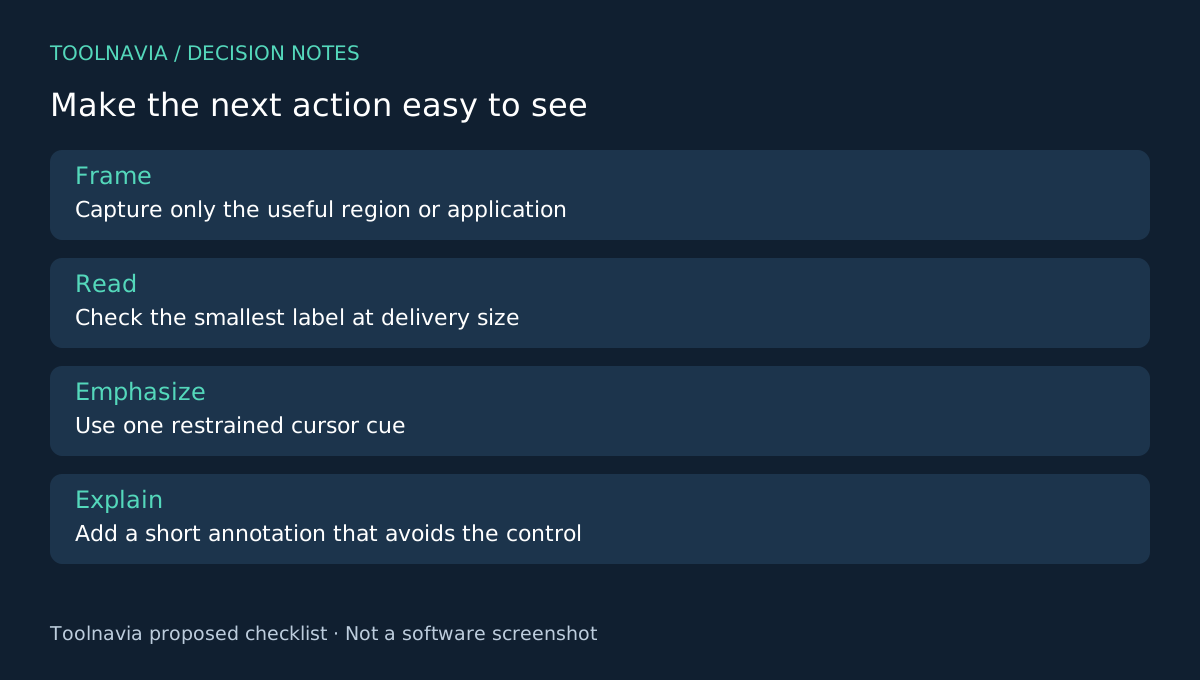
Choose one task with a clear start and finish. Remove unrelated windows and use demonstration data you can publish. Set the application to a useful size before recording; capturing an enormous desktop and shrinking it later can leave essential labels unreadable.
Decide where the lesson will be watched: a course player, a help page or a phone. Your acceptance sample should be viewed in that context. A sharp preview on the recording monitor does not prove that a smaller embedded player will remain legible.
Four controls make the explanation more deliberate
DemoCreator documents custom-region and selected-window recording, editable cursor emphasis and text or arrow annotations. A region can focus the composition, a window can define the captured application, a cursor effect can locate the action, and an annotation can explain why that action matters.
Use these as complementary controls. A bright cursor cannot repair unreadable interface text, and an arrow should not cover the button it explains. The useful outcome is one clear visual priority at a time, not the maximum number of effects.
Choose editable cursor behavior before capture
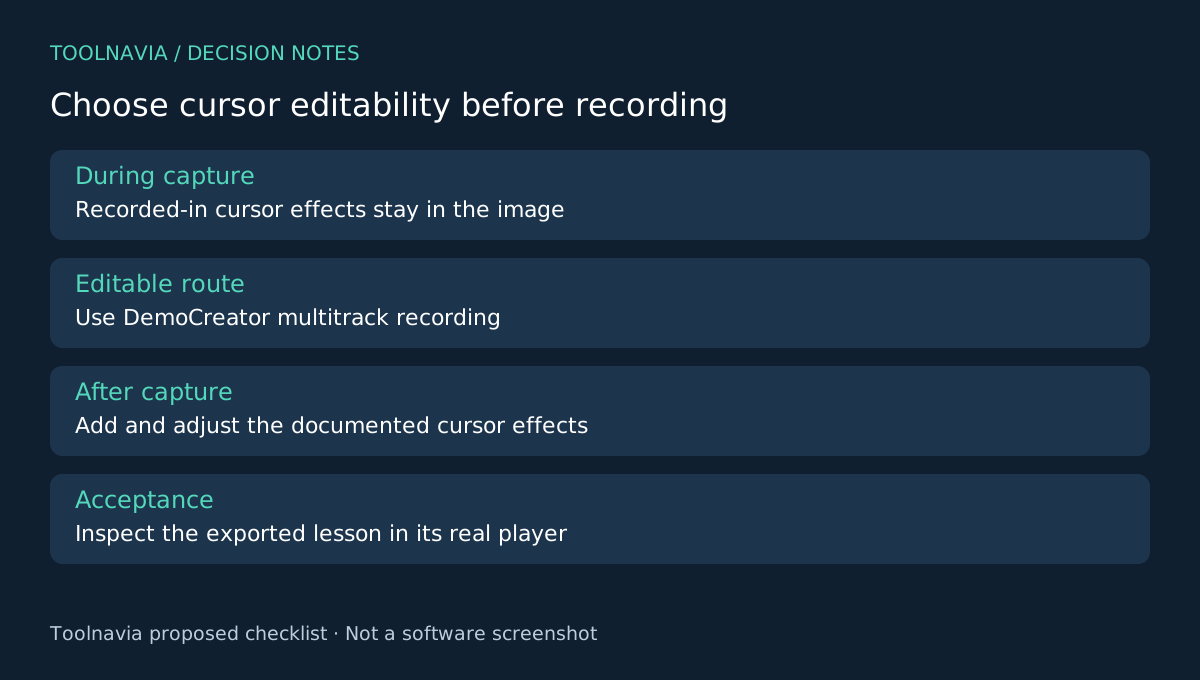
The cursor guide distinguishes effects applied during recording from those added during editing. Recorded-in effects cannot later be hidden or deleted in the editor. Editable cursor effects require footage recorded in DemoCreator with multitrack recording and editing enabled.
If you expect to revise the emphasis, select that editable route before recording the lesson. Capture a short sequence with a small menu, a click and an observable result. Then add a modest cursor highlight and one explanatory annotation in the editor. Adjust the annotation's position and duration to match the step.
Preview the whole sequence, including the moment before and after each effect. An annotation that appears too early can reveal the wrong instruction; one that remains too long can obscure the next control. These are proposed editorial checks, not measured learning outcomes.
Judge the exported sample outside the editor
Export the sample and play it at the expected viewing size. Ask someone unfamiliar with the task to identify the clicked control and the resulting change, or review against a written acceptance list if no second reader is available. Do not count a successful export as proof of comprehension.
If labels are too small, improve the capture framing or application scale before applying more decoration. If the action is unclear, simplify the cursor treatment and shorten competing text. Retain the editable project and source recording so that the same lesson can be revised after the software interface changes.
Buy when the repeat workflow passes
The Cross-Platform Yearly reference is $59.99 and includes watermark-free export. Review renewal and the optional Visual Assets trial, which the referenced store lists as renewing at $15.99 per month after seven days. Extra assets are not a prerequisite for a clear basic lesson.
OBS is a free recording alternative, ScreenPal combines capture and editing, and Loom emphasizes video communication. Choose DemoCreator when its editable capture-and-explanation sample fits your recurring work. See the [DemoCreator plan guide](/en/software/democreator). Toolnavia may earn a commission through the official affiliate link; no guaranteed learning or sales improvement is claimed.