TOOLNAVIA / BUYING GUIDE
DemoCreator for Long Recordings: Rehearse Before the Session Matters
The short answer
For a long workshop or demonstration you are authorized to record, the useful purchase test is whether you can capture, locate and play the entire session reliably on your own computer. DemoCreator offers scheduling and configurable recording output, but a timer alone does not make a recording ready. Rehearse the complete path before relying on it.
At a glance
- Best for
- Creators needing watermark-free recording/editing and choosing future-version subscription or one-time V8.x ownership.
- Price model
- Baseline USD $59.99/year; Perpetual $79.99; live promos may be lower
- Check first
- Perpetual excludes future majors; Visual Assets separate; dynamic promo/renewal prices vary.
Plan the recording window and the deliverable
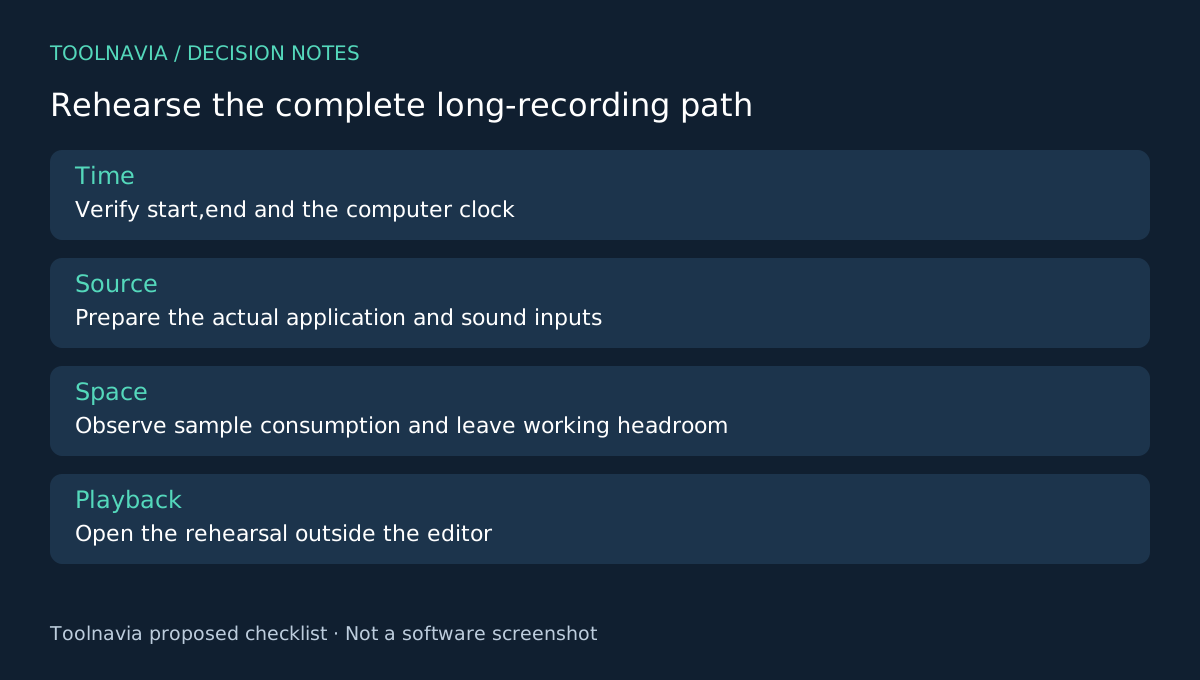
Write down the expected start, finish and any reasonable buffer. Confirm the computer's clock and the time shown in the recording task. Prepare the source application and the sound inputs that belong in the recording; the schedule does not establish that the right content will be visible when it begins.
Decide whether you need a quickly usable combined recording or editable source tracks for later correction. Also identify the final playback destination. A long file that exists on disk is not yet a useful deliverable if the intended recipient cannot open it.
Four controls cover different stages
DemoCreator documents scheduled start and end settings, a defined capture area, selectable audio inputs and export controls including format, resolution, frame rate and bitrate. Scheduling defines the capture window, framing defines the image, input selection defines the sound, and export settings shape the delivery file.
Treat these as separate decisions. The recorder's source-file needs and the final export's file size are not necessarily the same. Lowering the final output bitrate does not prove that the computer has enough working space for capture and editing.
Rehearse with the real machine
Run a short scheduled rehearsal using the same application, display arrangement and audio sources. Check that recording begins and ends as expected, the correct content is captured and the output can be found. Confirm that ordinary power and screen-lock behavior will not interrupt the planned session.
Inspect free space before and after the rehearsal. Use the observed consumption as a rough planning input, allowing headroom for source files, temporary work and the final export. Do not scale a quiet static sample into a precise guarantee for a much longer, more active session. Toolnavia has not measured recording size or unattended reliability.
Open the rehearsal file outside the editor. Listen to the beginning and the end, and check a point where the on-screen action and sound clearly correspond. Correct any missing source or unreadable framing before the irreplaceable session starts.
Verify the long result before cleaning up
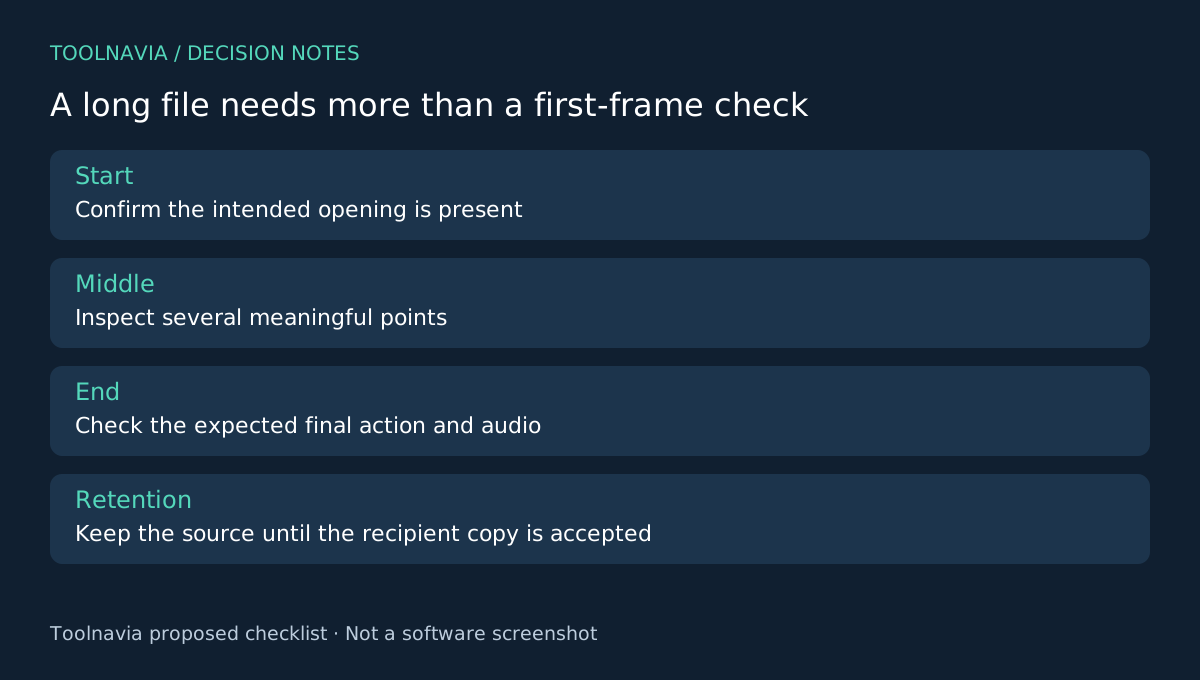
After the actual capture, record the file location and expected duration. Inspect the beginning, several points through the middle and the ending. A file that opens only at the start has not passed a useful long-session check.
Keep the original recording while preparing the recipient copy. The export guide lets you choose output parameters and a destination folder. Make one representative export sample before rendering the whole session if playback requirements are uncertain. Name the final file clearly and keep a small record of the settings that worked.
If a necessary part is missing, describe the gap rather than silently presenting the file as complete. The acceptance process should reveal uncertainty, not hide it behind a successful export message.
Choose the paid plan after the rehearsal
The yearly DemoCreator offer lists watermark-free export and paid recording/export limits that differ from the trial. Check the actual plan, renewal and optional assets before purchase. Use the [DemoCreator plan guide](/en/software/democreator) for the broader comparison.
OBS may suit recording-first needs; ScreenPal and Loom offer other capture workflows with their own plan limits. Buy DemoCreator when its rehearsal and final-format sample fit your recurring long-session work. Toolnavia may earn a commission through the official affiliate link; no unattended-capture or crash-recovery guarantee is made.