TOOLNAVIA / BUYING GUIDE
DemoCreator on Two Computers: Does One License Cover Both?
The short answer
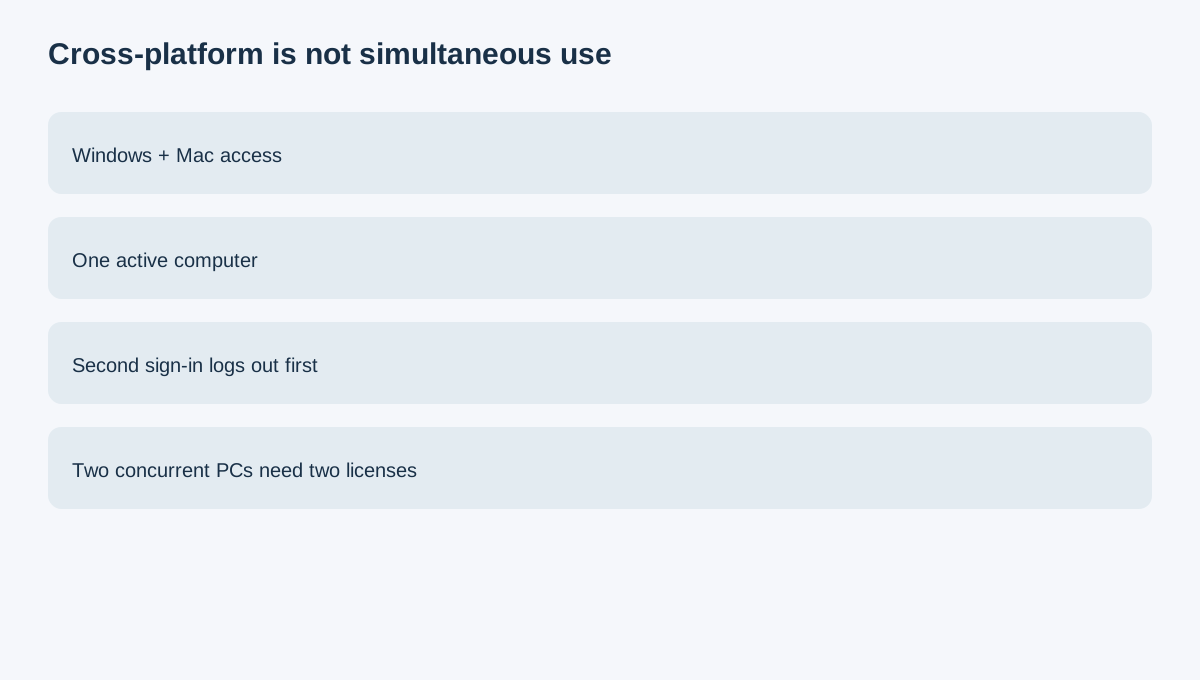
DemoCreator's "cross-platform" yearly plan does not mean one paid account can remain active on two computers at the same time. The activation FAQ says a second-computer sign-in automatically logs the first computer out. Wondershare's Japanese support page is more explicit: one license permits simultaneous use on one computer, and more concurrent computers require more licenses.
At a glance
- Best for
- One creator alternating between Windows and Mac with one active computer at a time.
- Price model
- $59.99/year baseline; one simultaneous computer per license
- Check first
- Second login logs out the first; concurrent computers need more licenses.
Cross-platform is access, not concurrency
The plan covers the Windows, Mac and web/DemoAir context Wondershare shows. That helps a solo creator alternate between a desktop and a MacBook, but it is not two seats. A realistic solo workflow is sequential: save on computer A, sign out, then activate on B. Test where project files, fonts, downloaded assets and plug-ins live, because account access can move while local dependencies do not automatically follow.
The second-login rule is the paid trigger
One license may be enough when a solo creator changes computers occasionally. The friction is the logout and handoff, not lack of Windows/Mac support. If two people must record or edit simultaneously, one individual license is the wrong budget assumption. Official support says to buy licenses according to the number of computers used at the same time.
Price the real seat requirement
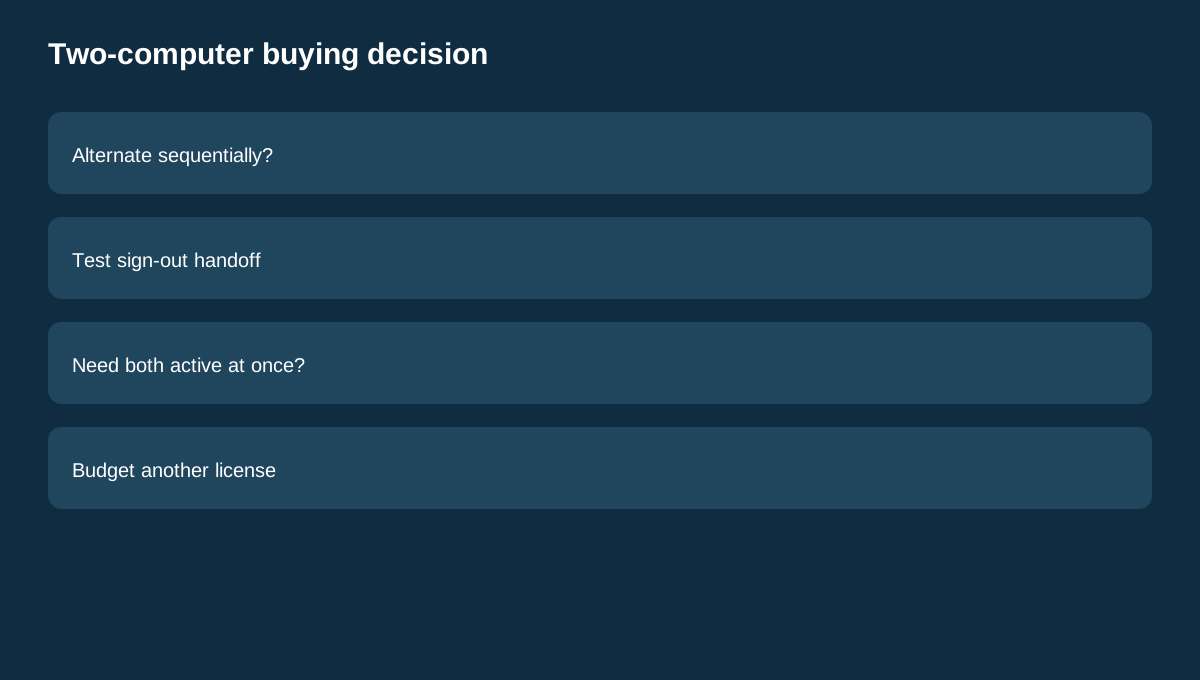
The public baseline is $59.99 per year. One active computer therefore costs about $5 per month before tax. Two simultaneous computers should be budgeted as two licenses unless a current business quote or checkout expressly grants more. Ask whether a second active workstation avoids enough delay or lost editing time to justify another seat; otherwise, a disciplined sign-out/sign-in workflow may be cheaper.
Annual versus perpetual is a separate decision
The store distinguishes yearly access, which stays current with future versions during the subscription, from perpetual access limited to V8.X. Neither is a multi-seat promise. Choose annual versus perpetual for upgrade economics; choose license count for simultaneous-computer needs. Also inspect the optional Visual Assets trial separately: it may renew as another subscription and does not add an active computer.
What independent reviews confirm—and do not
Independent reviews from TechRadar, GeekChamp and iTechGuides confirm the current subscription/perpetual plan structure and public price range. They do not grant additional device rights, so the vendor's activation documentation remains controlling for the concurrency decision.
Five-minute pre-purchase test
1. Install the trial on the two computers you expect to alternate between. 2. Create a small project on computer A and list every local asset. 3. Sign in on computer B and confirm A is logged out. 4. Move the project using your intended storage method and verify fonts, media and exports. 5. If both computers must stay productive, buy or request the required extra license instead of assuming "cross-platform" means concurrent.
Buying rule
Buy one yearly license when one person uses one active computer at a time and can tolerate switching. Budget another license or business-seat arrangement when two computers must be active simultaneously. Recheck the live checkout, renewal price and account terms before paying because promotions and language can change.