TOOLNAVIA / BUYING GUIDE
DemoCreator AI Background Removal vs Green Screen: What Should You Test Before Paying?
The short answer
DemoCreator can remove a webcam background without a green screen, and it also offers a conventional chroma-key workflow. The buying question is not whether both buttons exist. It is whether the faster AI route survives your hair, hands, lighting, camera and export workload well enough to justify a paid yearly plan. Our recommendation is simple: record the same short scene three ways before paying—AI Portrait, a physical green screen, and an untreated control—and judge the exported files at full resolution.
Affiliate disclosure: Toolnavia may earn a commission if you buy through the approved DemoCreator link below. That does not change the price we show or the decision method.
At a glance
- Best for
- Webcam creators who can validate AI edges and green-screen control before paying.
- Price model
- Current official Cross-Platform Yearly: US$59.99/year; live checkout controls
- Check first
- Edge quality, hardware performance, privacy boundary and checkout can change.
Verdict: buy the workflow that passes your edge test
The current official store lists the Cross-Platform Yearly Plan at US$59.99 per year, with automatic renewal, and includes AI Portrait (Background Remover). The live checkout, tax, regional availability and renewal terms control. DemoCreator's feature page says AI Recognition can be applied to imported clips or during webcam recording, with edge thickness, feathering, blur and replacement backgrounds. The separate green-screen guide exposes chroma-key controls such as offset, tolerance, edge thickness and feather.
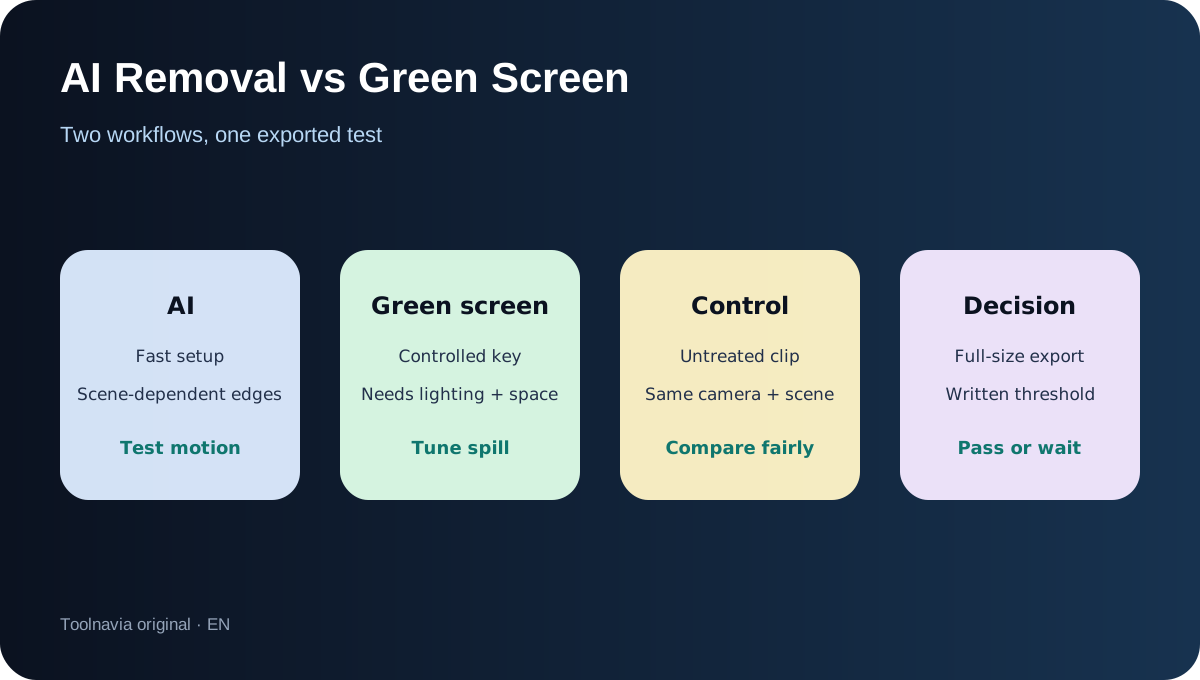
That gives buyers two genuinely different workflows. AI removal is the convenience path: no backdrop, fast setup, and easy background replacement. Green screen is the controlled path: it requires space, even lighting and a backdrop, but it gives you a defined color to remove and explicit tuning controls. Do not buy because a marketing demo looks clean. Buy only if your own exported test keeps acceptable edges through motion.
What the official pages prove—and what they do not
DemoCreator documents AI background removal for both imported footage and webcam capture. Its webcam page also says you can use AI Recognition, green screen or virtual backgrounds, and that camera and microphone tracks can be separated after recording. The Screen & Camera guide confirms simultaneous screen, system-audio, microphone and camera capture, plus AI Portrait and blur-background options.
Those pages prove availability and workflow, not accuracy on your exact scene. The AI page uses strong phrases such as "precise recognition" and even says the remover is free to use, while the current store distinguishes a limited Free Trial from paid plans and lists no-watermark, unlimited-length and higher-quality export benefits for paid tiers. We therefore treat the remover as testable before purchase, not as proof that the free route replaces a paid workflow. We also do not assume the background remover consumes the same AI credits as subtitle or generative tools; the store matrix presents AI Portrait as a plan feature rather than a per-use credit line.
AI removal versus green screen
AI removal makes sense when setup time is the expensive part. A trainer recording from different rooms, a remote worker without backdrop space, or a creator who publishes many short talking-head clips may value one-click isolation. DemoCreator lets you add custom backgrounds and tune edge thickness or feathering after detection.
Green screen makes sense when repeatability is more valuable than convenience. DemoCreator's chroma-key guide exposes offset, tolerance, edge thickness, feather and alpha-channel controls. OBS documents the same underlying trade-off: similarity removes more or fewer pixels, smoothness changes edge hardness, and spill reduction targets green contamination around details such as hair. A controlled key can still fail with wrinkles, shadows, green clothing or spill, but its failure is usually easier to diagnose than a changing AI mask.
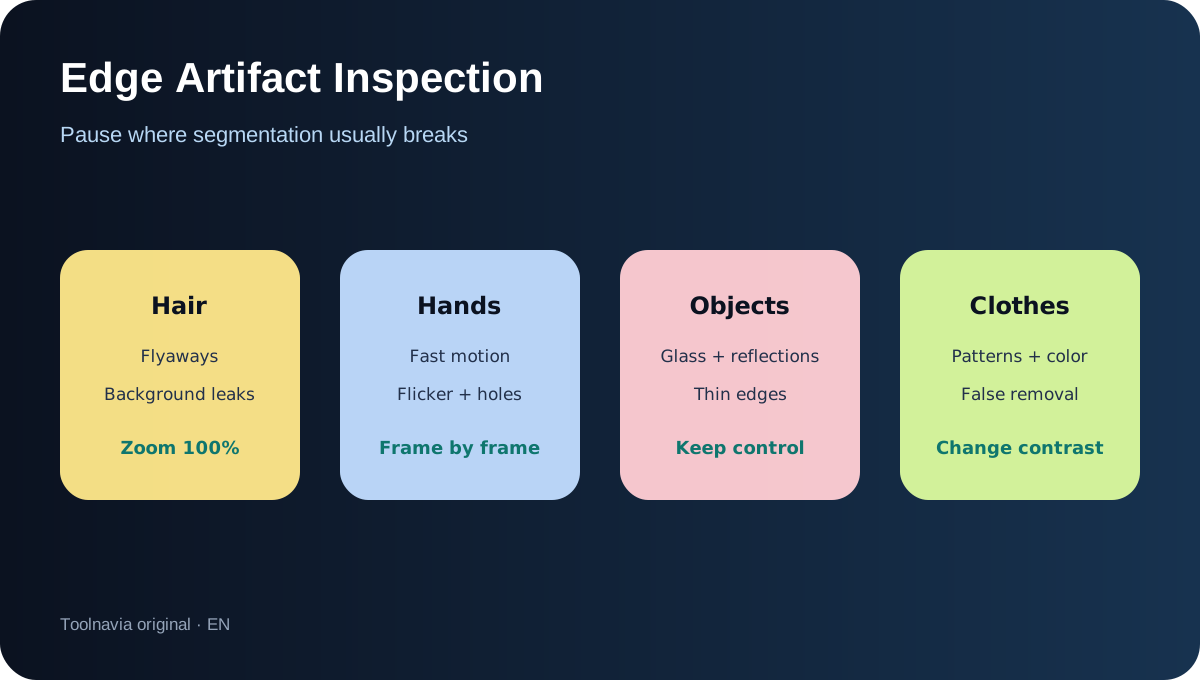
Competitor documentation supplies useful test criteria, not evidence about DemoCreator. TechSmith says its AI remover is optimized for camera footage and recommends a physical green screen when removal must be more reliable. Its product page also acknowledges that hair, fast hand motion, lighting, clothing patterns and camera resolution can shift edge quality, and that GPU capability affects processing speed. NVIDIA Broadcast shows that real-time AI removal can carry a specific GPU requirement; that does not mean DemoCreator has the same requirement, but it is a reason to test your own machine.
Run this five-minute pre-purchase test
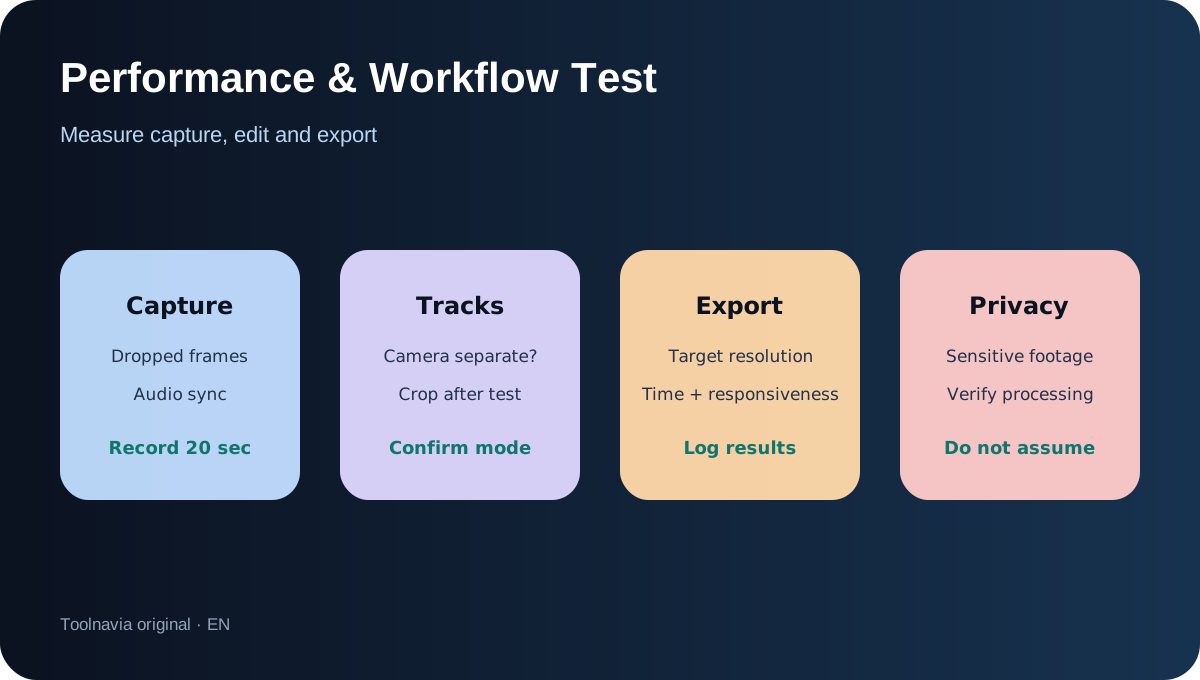
Use the exact camera, room and clothes you plan to use in production. Record 20 seconds with slow head movement, raised hands, a glass or reflective object, and a quick gesture. Keep a control copy without removal. Then record the same sequence against a evenly lit green screen.
Apply AI Portrait to the first clip and chroma key to the second. Export both at the resolution and frame rate you actually deliver. Do not judge only inside the preview window. At full size, pause on hair, fingertips, glasses, chair edges and motion. Look for holes in the subject, shimmering borders, background leaks and sudden mask changes. For the key, inspect green spill and whether tolerance removes clothing or props.
Repeat once after cropping or resizing the camera layer. Confirm whether the camera remains on a separate track when combined with the screen recording. Time both exports, watch for stutter, and note whether the application remains responsive. A passing test is not "perfect in one frame." It is a stable result across the whole movement sequence with an editing cost you can repeat weekly.
Performance, privacy and workflow boundaries
DemoCreator's official pages describe local editing features but do not give a complete privacy or model-processing statement for every background-removal path in the pages reviewed. Do not infer that all AI processing is offline. If footage is sensitive, verify the current privacy documentation and network behavior for your installed version before importing confidential material.
Performance also belongs in the purchase decision. A real-time webcam effect and a post-production effect can stress hardware differently. Test live capture for dropped frames and audio sync, then test final export. If your GPU is older, compare AI removal against chroma key on the same clip. The yearly plan is not a hardware upgrade.
The separate-track claim is valuable because it lets you change the presenter's size or position without rebuilding the screen capture. Confirm this in your chosen recording mode. If your camera is baked into the screen image, later background repair becomes much harder.
Cost and plan boundary
At the time of this review, the official page shows the Cross-Platform Yearly Plan at US$59.99 per year and says it renews automatically. The page also advertises an optional Visual Assets trial that can auto-renew separately. Treat that add-on as a different purchase and leave it unchecked unless you need it. Prices, promotions, tax and renewal terms can change; the live checkout controls.
The background-removal page says the feature is free to use, while the store shows material export limits for the Free Trial. The practical interpretation is: use the free route to test the mask, but evaluate the paid plan for watermark-free, production-length output. Do not pay merely to discover whether your hair or lighting breaks the effect.
If the test passes, you can review the current plan through our [approved DemoCreator link](https://www.anrdoezrs.net/click-101895278-15901180). If it fails, improve lighting and contrast, use a physical green screen, keep the untreated background, or choose a tool whose hardware and privacy boundaries fit better.
Who should buy, and who should wait
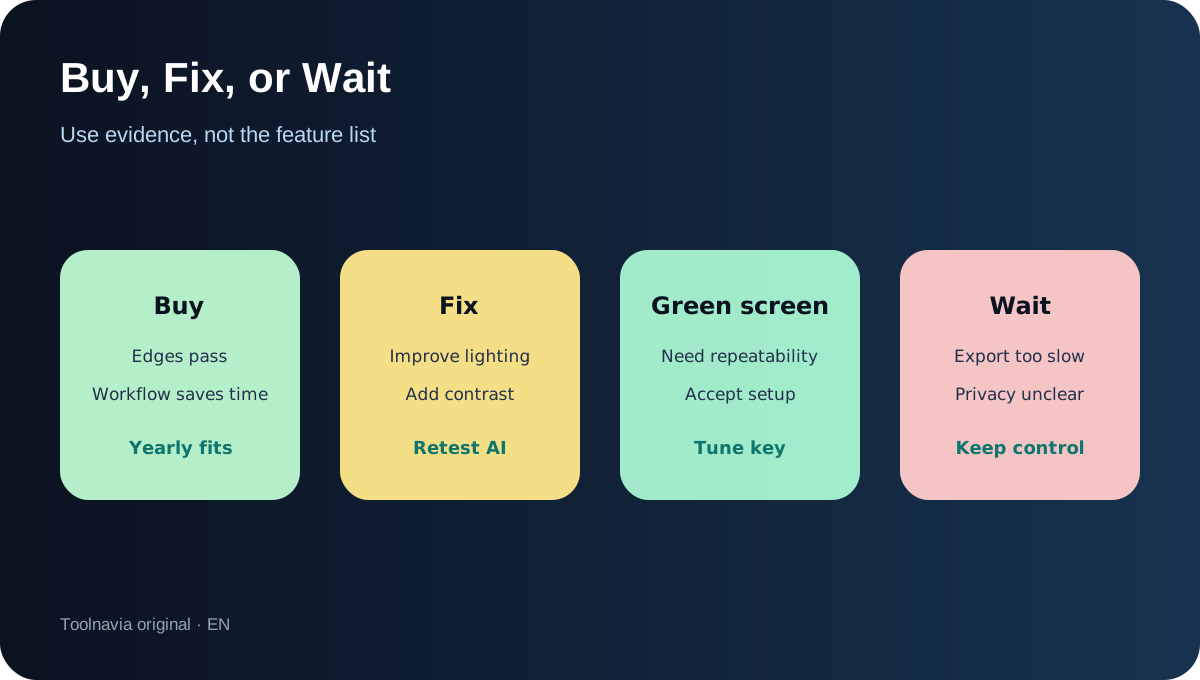
Buy the yearly plan if you already need DemoCreator's recording/editing workflow, your AI and green-screen exports both meet your quality threshold, and separate camera-track editing saves enough time to justify recurring billing. It is especially defensible for trainers and tutorial creators who need a presenter beside screen content.
Wait if edge quality fails on hair or hands, export time disrupts your schedule, you cannot verify the processing boundary for sensitive footage, or you only need occasional background removal. Also wait if you are choosing solely because the feature page says "free": the purchase decision should be based on production export, not feature access alone.
The strongest buying signal is not a feature checklist. It is a saved test project containing the untreated control, AI result, green-screen result, export times and a written pass/fail threshold. That evidence survives future marketing changes and tells you whether DemoCreator fits your real camera workflow.