TOOLNAVIA / BUYING GUIDE
Close Smart Views: Can You Freeze a Daily Lead List?
The short answer
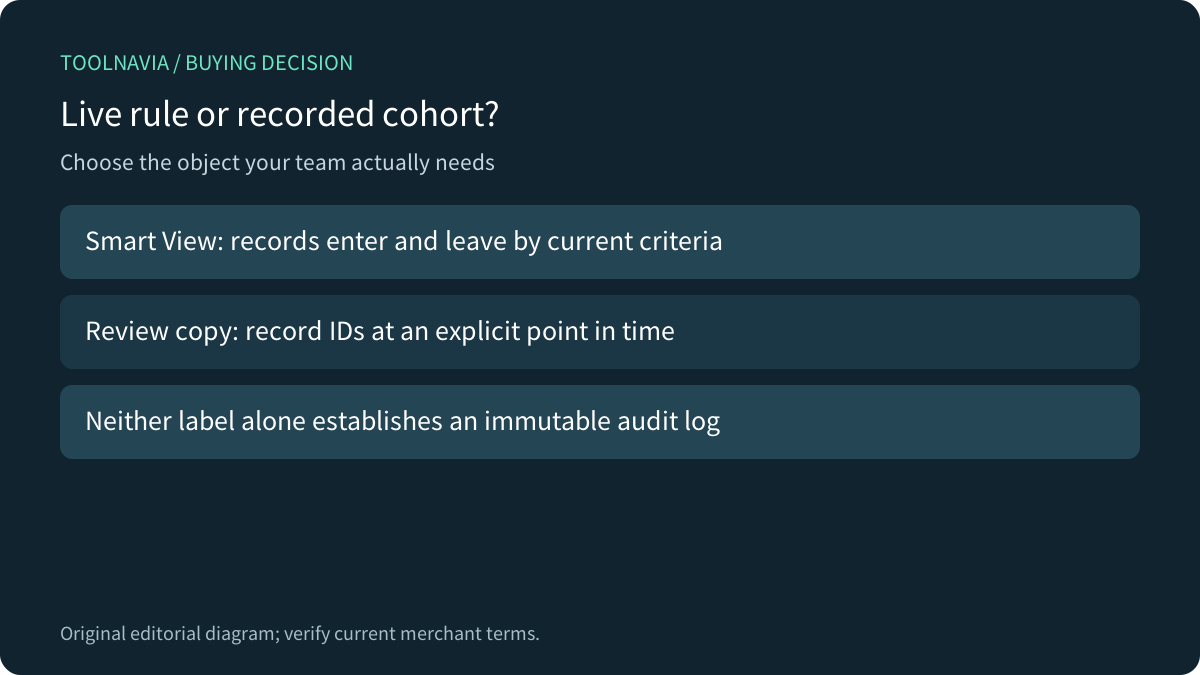
A Close Smart View saves a search rule, not an immutable morning list. Records can enter or leave as their data changes, and relative dates can change which records qualify. If you are buying Essentials to preserve exactly which leads a team reviewed at 9 a.m., a saved name or link is insufficient evidence.
At a glance
- Best for
- Live follow-up queues with separately verified daily-cohort evidence when required.
- Price model
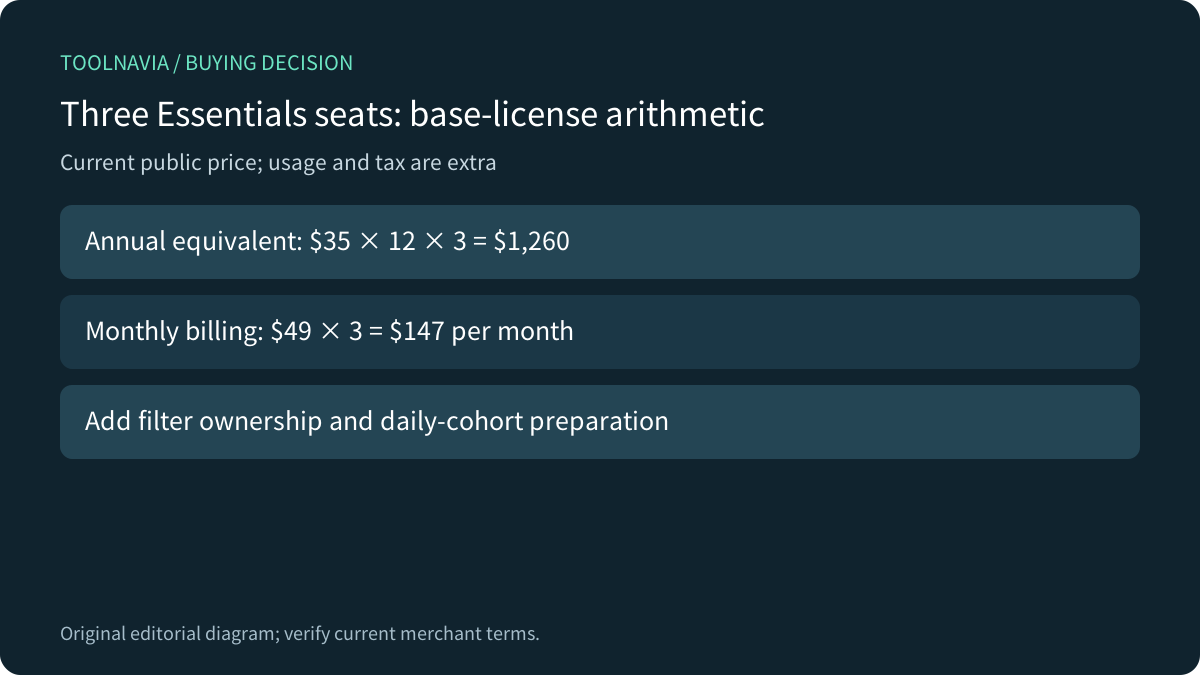
- Essentials49USD/user monthly or35USD/user/month billed annually; usage, tax and administration extra.
- Check first
- A saved filter is dynamic; current help excludes direct export from Contact-based Smart Views.
Choose a live queue or a recorded cohort
A live queue is useful for today's eligible work. A recorded cohort answers a different question: which record IDs were included when a manager approved a batch? Close explicitly describes leads flowing dynamically into and out of Smart Views. Saving the query does not preserve yesterday's membership.
HubSpot makes this distinction explicit with active and static segments, formerly called lists. Its static segments can still be changed manually; even that label is not a guarantee of an immutable audit record. Use the comparison to clarify the requirement, not to assume Close offers the same static-segment feature.

Fixed dates freeze only one condition
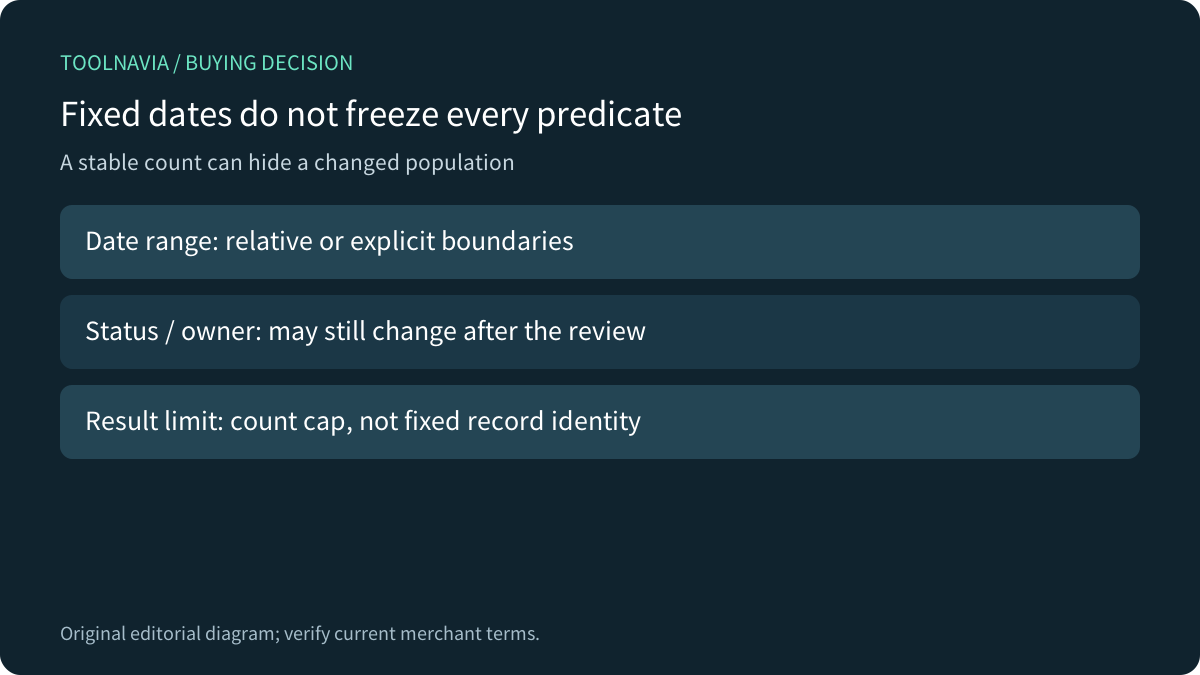
Suppose a view selects open leads created in the last seven days. Tomorrow, a record can age outside the range; another can enter because its status changed. Replacing the relative range with explicit dates fixes the date predicate, but status, owner and other conditions can still change the results. Keep the query definition and membership evidence separate.
Close's filtering guide supports grouped conditions and relative date/time searches. Review ALL versus ANY and test records just inside and outside each boundary. A result limit of 100 restricts how many matches are returned; it does not establish that the same 100 IDs will remain. Do not use a stable count as proof of stable membership.
Salesforce's date reference illustrates the broader trap: week definitions and some relative ranges depend on locale or field context. Those are Salesforce rules. Confirm the intended Close organization’s behavior around your actual day boundary instead of copying another CRM's interpretation.

Verify the Lead and Contact export boundary
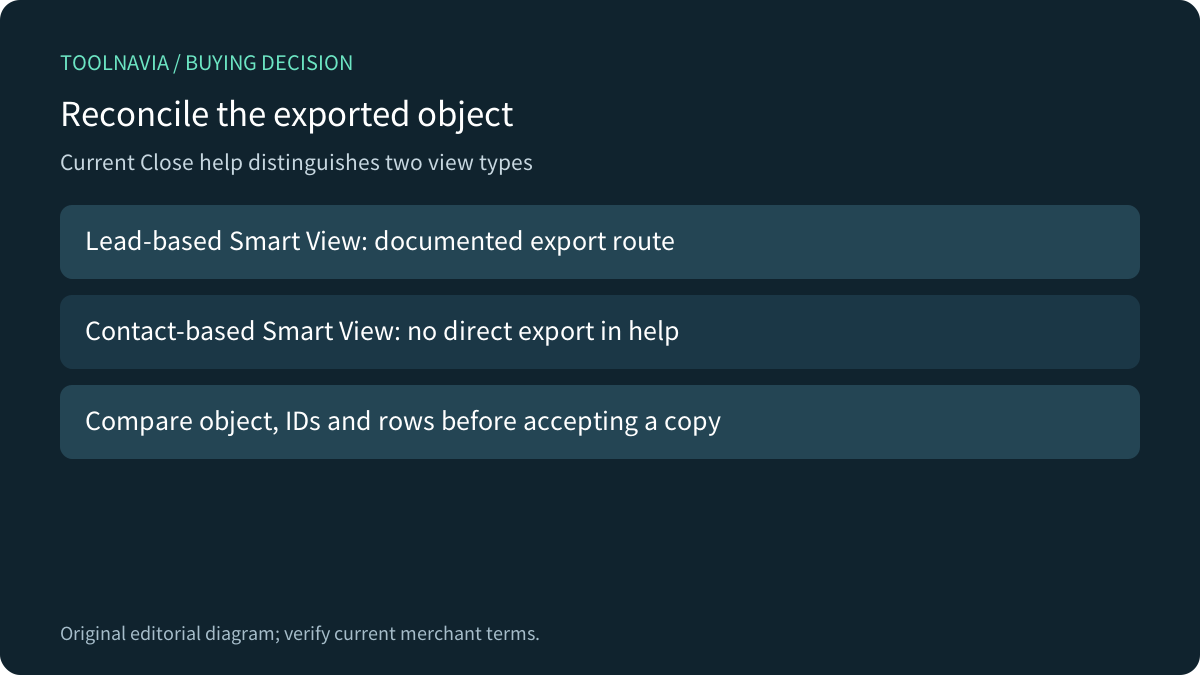
Close's current export help describes narrowing a Leads-page search, then choosing the exported object, CSV or JSON, and common or all fields. Crucially, it says you cannot export directly from a Smart View created on the Contacts tab; the documented Smart View route uses a Lead-based view.
That restriction can change the purchase decision. If your fixed cohort is a set of individual contacts, do not substitute a lead export and assume the IDs or row counts mean the same thing. Reproduce the required relationship in a small test, compare the actual exported object and IDs, and clarify an appropriate supported route if the direct Contacts view is essential.
A timestamped file may preserve an independent review copy, but it is not automatically an immutable log or a complete CRM backup. Record the selected fields, object type, query and authorized owner; protect the file according to the data it contains.
Give the shared rule an owner
Current Close help lets a view be private, shared with selected users or groups, or shared with the organization. Unpinning removes it from your sidebar while leaving it available to others. Deleting is an owner action. These are different operations from preserving a cohort or revoking access to underlying records.
Agree who may maintain the rule and how the team recognizes a revised definition. Pipedrive's saved-filter guidance is a useful comparison because it separates ALL/ANY logic and private/shared visibility. Its permissions must not be imported into Close. Test the intended accounts and the actual record access rather than relying on a bookmark appearing in a sidebar.

Run a small membership test before annual commitment
Use disposable records with known expected results. Record the morning IDs. Change one status, change one owner, and create one new eligible record. Reopen the view and compare IDs rather than only totals. Test the chosen relative-date boundary and the explicit-date version. Then export using the intended Lead-based route and reconcile the exported object, fields and membership.
Keep one record that should never qualify as a negative example. Have a second authorized test user open the shared view. Confirm what unpinning and permitted rule edits do in the real account. These are proposed acceptance checks; we ran no Close search, edited no shared view and exported no customer data.
Price the live routine and the snapshot work
Current Essentials is $49 per user per month on monthly billing, or $35 per user per month billed annually. The annual base is $420 per user; three users total $1,260 before usage and tax. Add time to maintain filters, prepare any daily cohort record and reconcile exceptions. A saved view does not perform that governance work by itself.

Essentials fits a human-operated live queue when the query and handoff tests pass. Automated Workflows are a separate higher-tier feature, and a workflow also does not establish immutable membership by its name alone. If a fixed contact cohort is mandatory and the supported export route remains unproven, resolve it before paying annually. [Check Close Essentials](https://refer.close.com/qrcyqrkrw8i6) against the tested requirement. This article contains an affiliate link; we may earn commission from a qualifying subscription.