TOOLNAVIA / BUYING GUIDE
Close Essentials for Sales Follow-Up: Smart Views or More Reminders?
The short answer
Close Essentials is worth considering when your sales team needs a reliable daily follow-up list instead of scattered spreadsheets and reminders. Evaluate it for human-led work: Smart Views help identify the next lead, while Tasks preserve specific promises. Automated Workflows require a higher tier.
At a glance
- Best for
- Small sales teams organizing daily human-led follow-up and individual customer promises.
- Price model
- USD35/user/month annual-equivalent or USD49/user/month monthly; nominal USD420 vs USD588 per seat/year before usage/tax
- Check first
- Teams that need timed automated sequences or Power Dialer within Essentials.
Start with the work that falls through the gaps
Write down one recurring failure: new enquiries wait too long, proposals are forgotten, or two reps chase the same company. Choose one to fix first. Define the desired outcome in operational terms, such as every open enquiry having a responsible person and a visible next action.
Do not start by importing a large list and sending more messages. A better routine should distinguish an interested prospect from someone who has declined. The test is whether the team can make an appropriate next decision, not whether its activity counter rises.
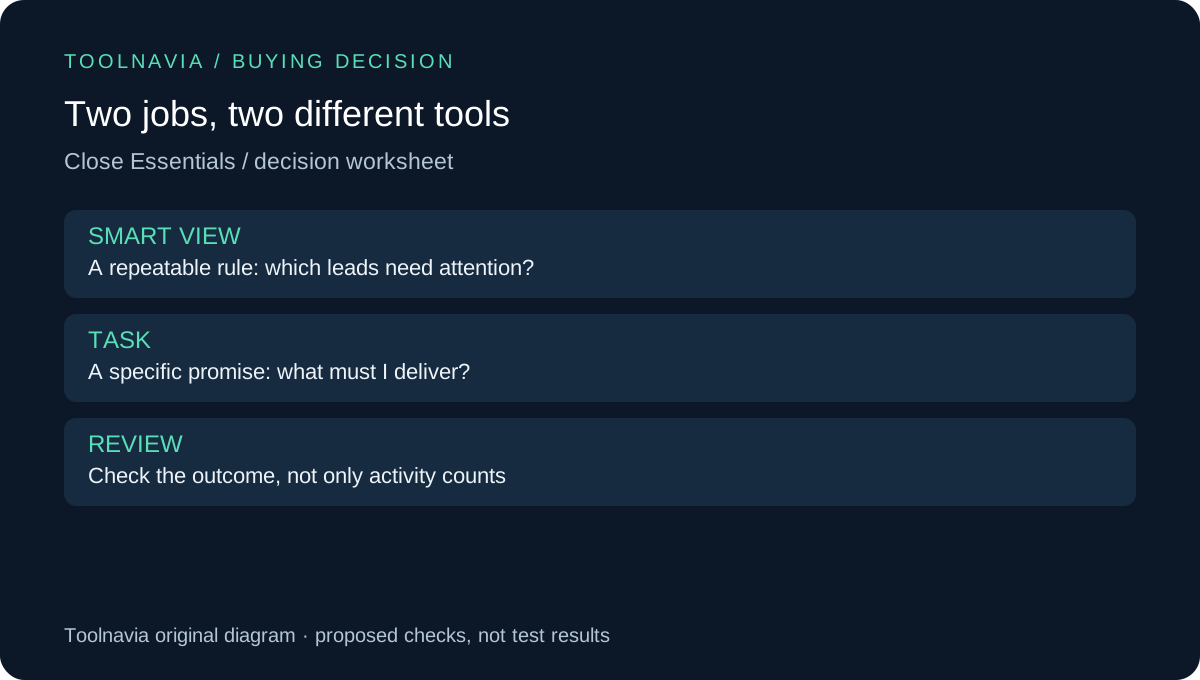
Use Smart Views for repeatable selection
Smart Views save filters that can surface relevant leads or contacts. Close's documentation presents them as a way to organize recurring follow-up. Build a small set around your actual stages: untouched enquiries, conversations waiting for a reply, and opportunities needing a review. These are suggested categories, not built-in templates or automatic sending rules.
Test each with a known sample. Change the underlying status or activity, then check whether the result changes as expected. If a lost opportunity remains in an active-follow-up view, fix the filter before asking the team to rely on it.
Sharing a useful selection rule can make the process less dependent on one rep remembering a private spreadsheet. That benefit still depends on consistent input. Agree on what each status means and who maintains the rule when the process changes.
Reserve Tasks for specific promises
Close recommends Smart Views for routine communication follow-up and Tasks for unique actions. Use a task for a promise such as “send the revised proposal on Thursday,” with a clear owner and enough context to complete it. Avoid creating another generic reminder for every record already covered by a recurring view.
At the start of the day, a rep should be able to distinguish a specific customer commitment from a general list of eligible contacts. At the end, review unresolved promises rather than simply count completed activities. A completed checkbox is not proof that the customer received the correct document.
Know exactly when Essentials stops fitting
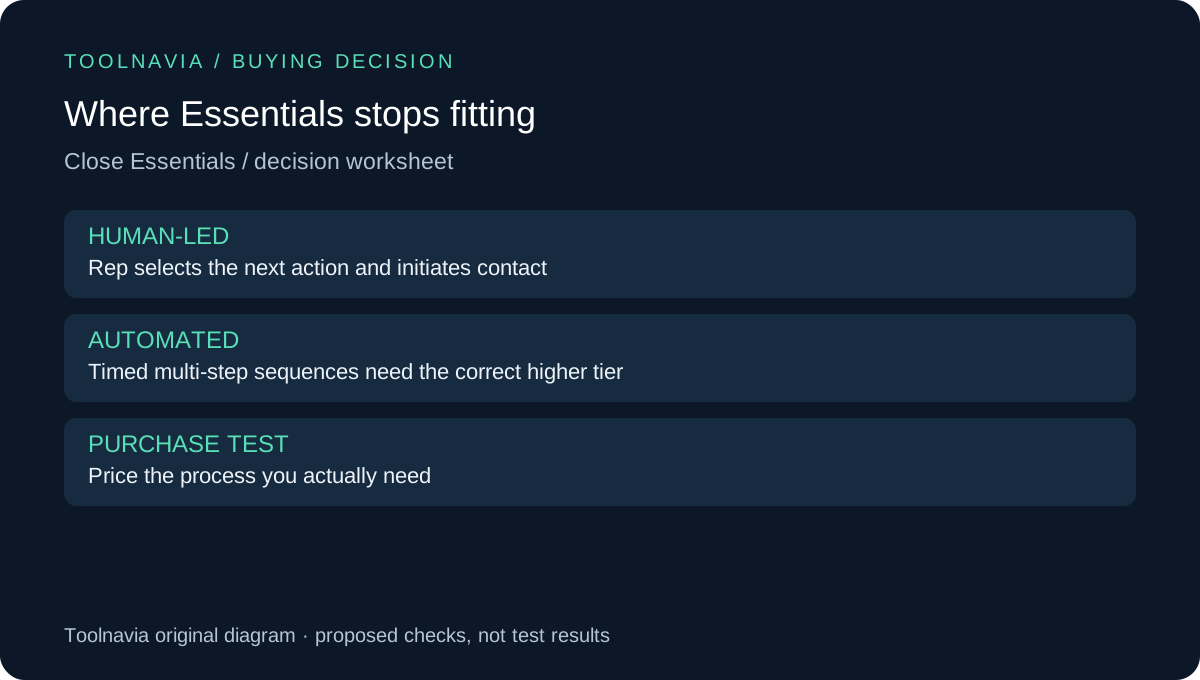
Essentials includes core communication and record-management tools, but automated Workflows and the Power Dialer belong above this tier. If your process requires a timed multi-step sequence to execute without a rep initiating each action, a saved view is not an equivalent replacement. Check the actual plan matrix before buying.
The email setup guide also gives Essentials a three-connected-account limit per user. Test the mailbox arrangement your reps need, including whether the right account is connected and the intended conversation is visible. Do not interpret “built-in email” as unlimited sending capacity or a guarantee of inbox delivery.
Run a small operating-cost comparison
For one representative week, record time spent locating work, repairing records, writing messages and maintaining the routine. Compare it with your present method using the same type of work. Treat the exercise as proposed, not as evidence that Close will increase revenue or save a fixed number of hours.
Moving systems also has a cost. Pipedrive, HubSpot and Zoho document their own migration or import requirements; changing CRM does not eliminate field cleanup and record-matching work. If the existing system can support the same routine reliably, improving that system may be enough.
Use our [Close billing guide](/en/software/close-essentials) to calculate the intended seat commitment, then add communication usage and ongoing administration. Paying for a higher tier should solve a demonstrated bottleneck. A larger lead list alone does not prove that you need automated outreach.
Buy a routine your team will actually use
Choose Essentials when reps can identify the right next action, record it consistently and keep specific promises visible without an unmanageable reminder pile. Pause the purchase if the views need constant repair or the process only works with higher-tier automation.
Use the [team trial checklist](/en/software/close-team-trial-checklist) to validate adoption and the [migration checklist](/en/software/close-crm-migration-checklist) before moving existing records. Start the official Close trial through our issued referral button when those checks fit your needs. Toolnavia may earn commission on qualifying subscriptions; no special price or conversion improvement is guaranteed.