TOOLNAVIA / BUYING GUIDE
Close CRM CSV Import: Avoid Duplicate Leads Before You Migrate
The short answer
A Close CRM import can create duplicate leads, merge contacts that should remain separate, or overwrite data you meant to preserve. The safe workflow is not “upload CSV and click Import.” First decide what identifies a unique Lead, how rows should be grouped, what to do when a match exists, and how to reverse a bad import. Close's Lead Importer supports comparison fields and separate actions for matched and unmatched records.
At a glance
- Best for
- Sales teams migrating spreadsheets or updating existing Leads without losing valid CRM data.
- Price model
- Current Close Essentials annual price is USD35/user/month on the public page; monthly USD49/user/month. Live checkout controls final terms and tax.
- Check first
- No live import was performed; destructive Replace and merge behavior must be tested with a sample and backup.
Define what one Lead means before mapping columns
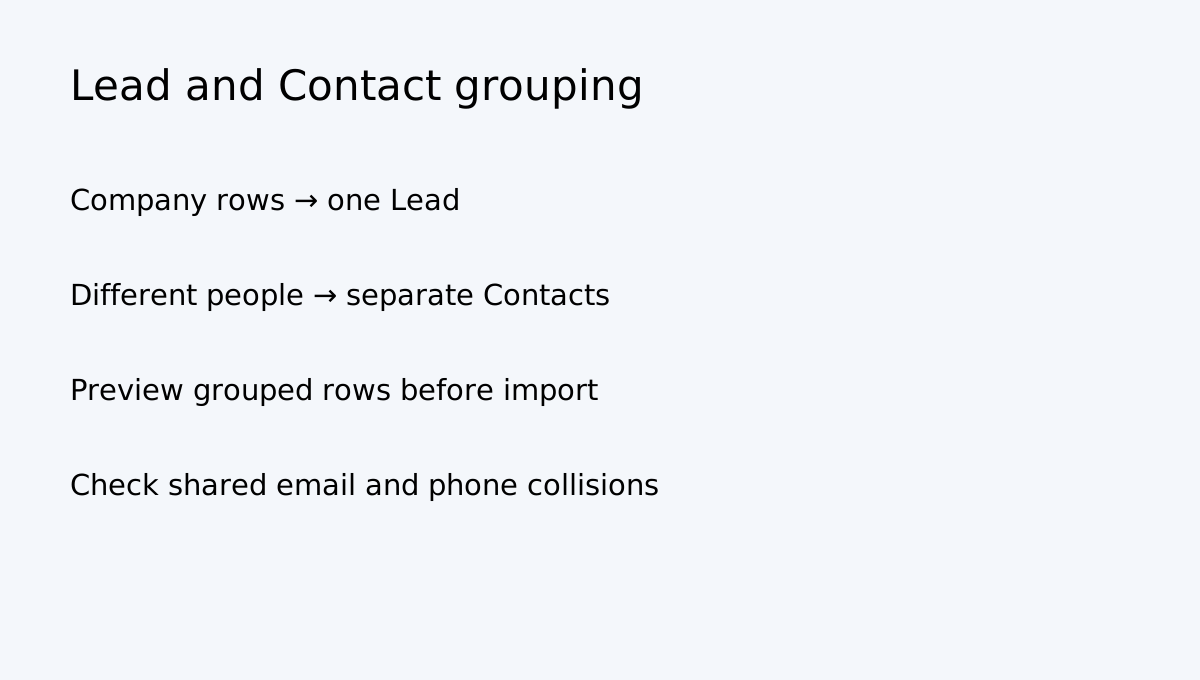
Close separates Leads (organizations) from Contacts (people attached to a Lead). If a spreadsheet has several contacts at one company, group rows by a stable organization field rather than importing each row as a separate company. The importer can group rows by a repeating column; grouped contacts sharing an email or phone may be merged into one Contact.
Use a stable unique key whenever possible: an internal customer ID, CRM ID or normalized company identifier. Company names alone can be ambiguous across subsidiaries, punctuation and trading names. Email and phone are useful contact identifiers, but not always safe company-level keys.
Choose the match action deliberately
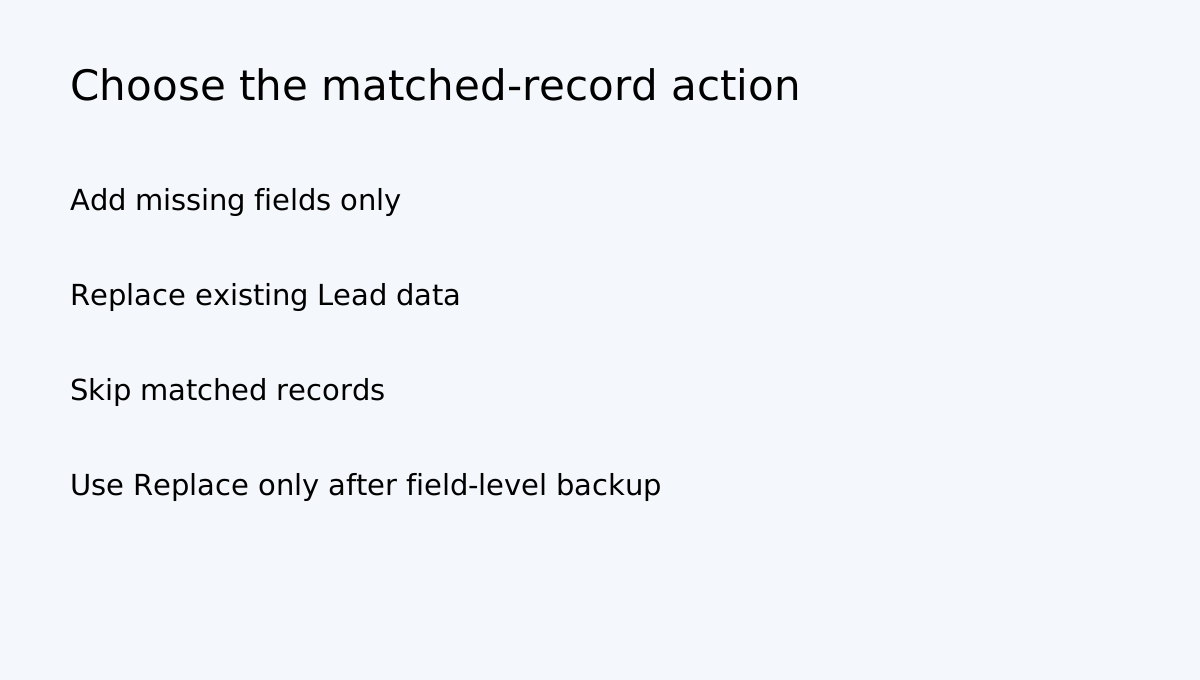
After mapping columns, Close lets you check whether a Lead already exists by one or more comparison fields. For matched leads, the importer can add missing information only, replace existing information entirely, or skip the match. For unmatched rows, you can create new leads or skip them.
| Import choice | What it does | When to use it | |---|---|---| | Add missing information | Fills blank fields without replacing populated values | Cautious enrichment | | Replace existing information | Rewrites existing Lead data | Only after reviewed field-level backup | | Skip matched leads | Leaves existing records untouched | Conservative migration | | Create new unmatched leads | Adds records that did not match | Net-new import | | Skip unmatched leads | Imports updates only | Updating a known customer set |
Do not choose Replace as a shortcut. Close says this rewrites lead data and cannot be undone. Stale job titles, old phone numbers or empty cells mapped incorrectly can damage a good record.
Grouping contacts is a separate decision
If multiple rows refer to one organization, group them by the company column and map each person as a separate Contact. Before importing, inspect the preview: one company should become one Lead, while distinct people remain separate. Close notes that contacts with the same email or phone number within grouped rows may be merged into one Contact.
Normalize email and phone formats first. Do not group by a field that is not stable or unique enough. A shared switchboard number, for example, may belong to several people.
Account-wide duplicate cleanup is different from import matching
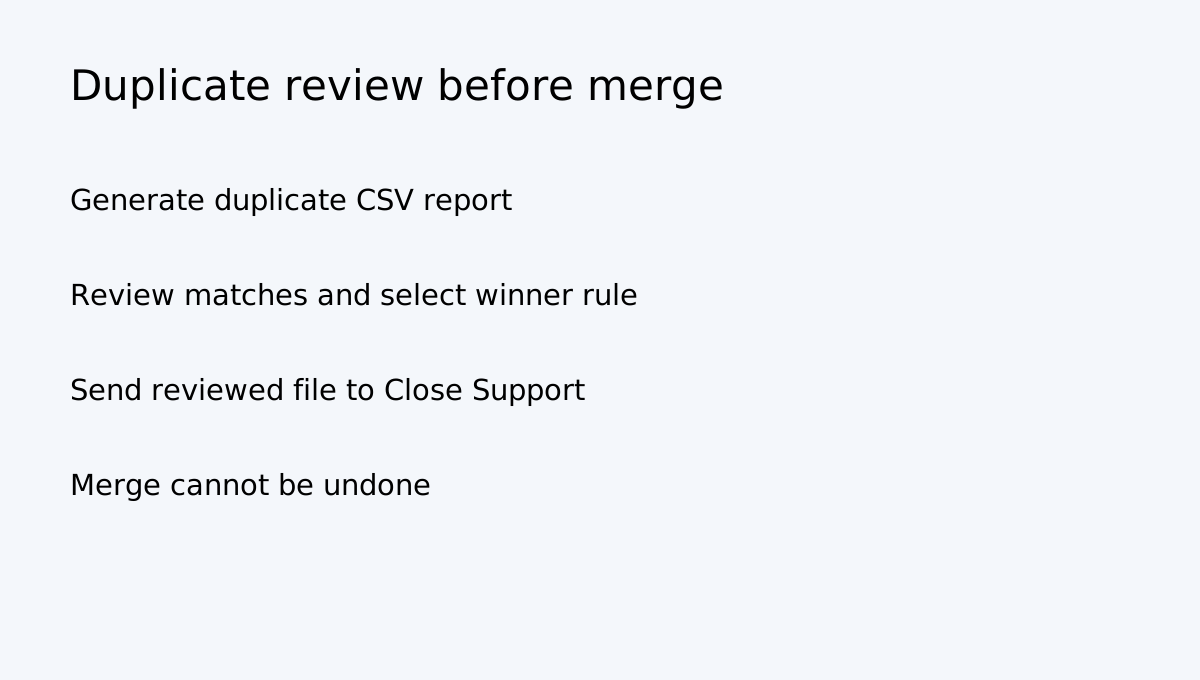
Close documents a separate support tool for finding duplicate Leads across an account and duplicate Contacts within a Lead. The tool generates a CSV report for review and does not change the CRM. You can inspect matches, choose a merge rule and send the reviewed file to Close Support for its one-time merge service. The documented match fields include lead name, phone or email; the contact tool checks contact name, phone or email within a Lead.
That is different from the Lead Importer's duplicate check. Do not assume an account-wide scan automatically merges every duplicate, or that generating a CSV report modifies records.
Plan the undo path before importing
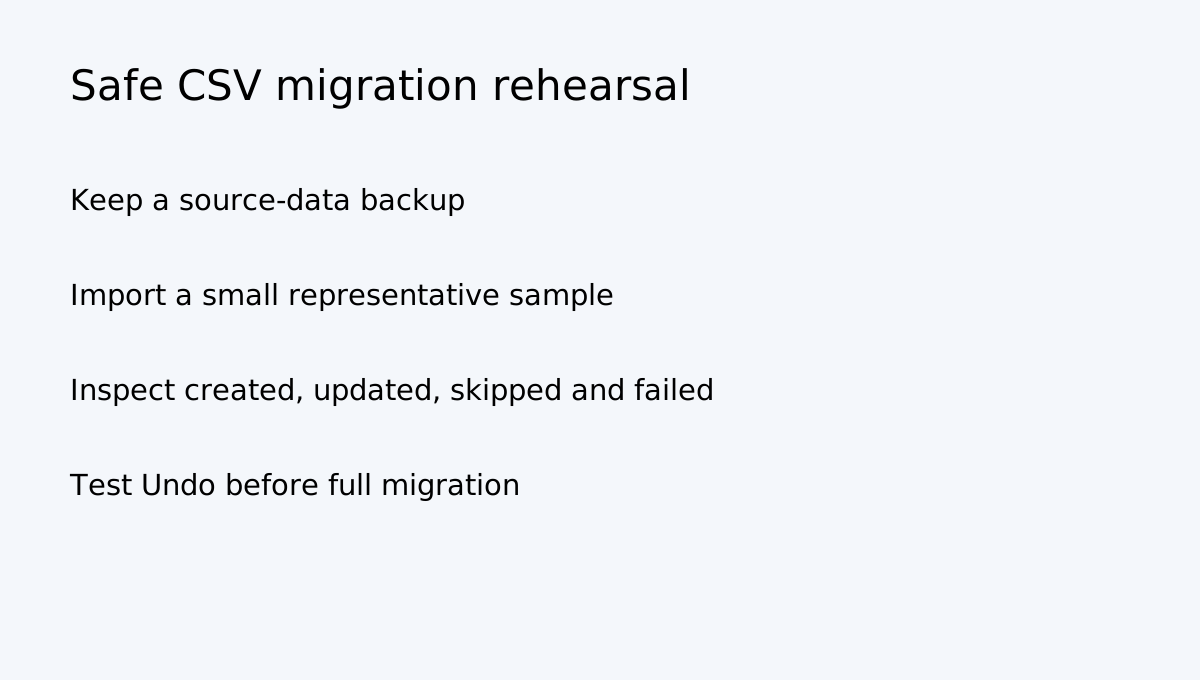
Close's import summary reports created, updated, skipped and failed rows. It can provide CSVs for skipped duplicates and validation failures. For CSV or spreadsheet imports, the History tab can offer Undo, but users need Bulk Delete permission. If a Lead has been changed after import, Close says Undo may skip that record.
Merges need even more care: Close states merged Leads cannot be unmerged. Conflicting values may be taken from the destination Lead while some source data is discarded. Review the destination and field precedence before requesting a merge.
A safe migration rehearsal
1. Preserve a read-only copy of the current CRM data. 2. Prepare a small sample: one existing Lead, one new Lead, two contacts for one company, one intentional duplicate and one invalid row. 3. Map fields and select a stable comparison key. 4. Preview row grouping and confirm each Contact is attached to the intended Lead. 5. Use Add missing information or Skip for the first test; avoid Replace until mapping is verified. 6. Run the sample import and inspect created, updated, skipped and failed totals. 7. Test Undo before the data is edited further. 8. Only then import the full dataset and save the summary and source file.
Does Essentials make sense?
Close's current pricing page lists data import/export and duplicate-lead detection/merge across the displayed plans. Essentials is shown at USD49 per user/month monthly or USD35 per user/month billed annually; live checkout controls currency, tax, term and final amount. Do not upgrade solely because you assume CSV duplicate matching is exclusive to Essentials. Choose a paid tier based on the wider team features you need and verify the current comparison before paying.
**Use Close** when you need a sales CRM with a controlled CSV importer, Lead/Contact grouping and reviewable import history. **Wait** if the source key is ambiguous or you have not tested Undo. **Get support help** for account-wide duplicate scans and merges, especially where records contain conflicting histories.
The purchase decision is less about the number of import buttons and more about whether your team can safely identify, update, skip, review and recover the records it imports.