TOOLNAVIA / BUYING GUIDE
Close AI Enrichment: Fill Empty Fields or Replace Trusted Values?
The short answer
At a glance
- Best for
- Native enrichment with explicit field ownership and reviewed write policies.
- Price model
- Essentials: US$35/user/month billed annually or US$49 monthly; confirm live usage meter.
- Check first
- Bulk override can replace existing values; confidence is not independent verification.
Verdict: choose write authority before bulk enrichment
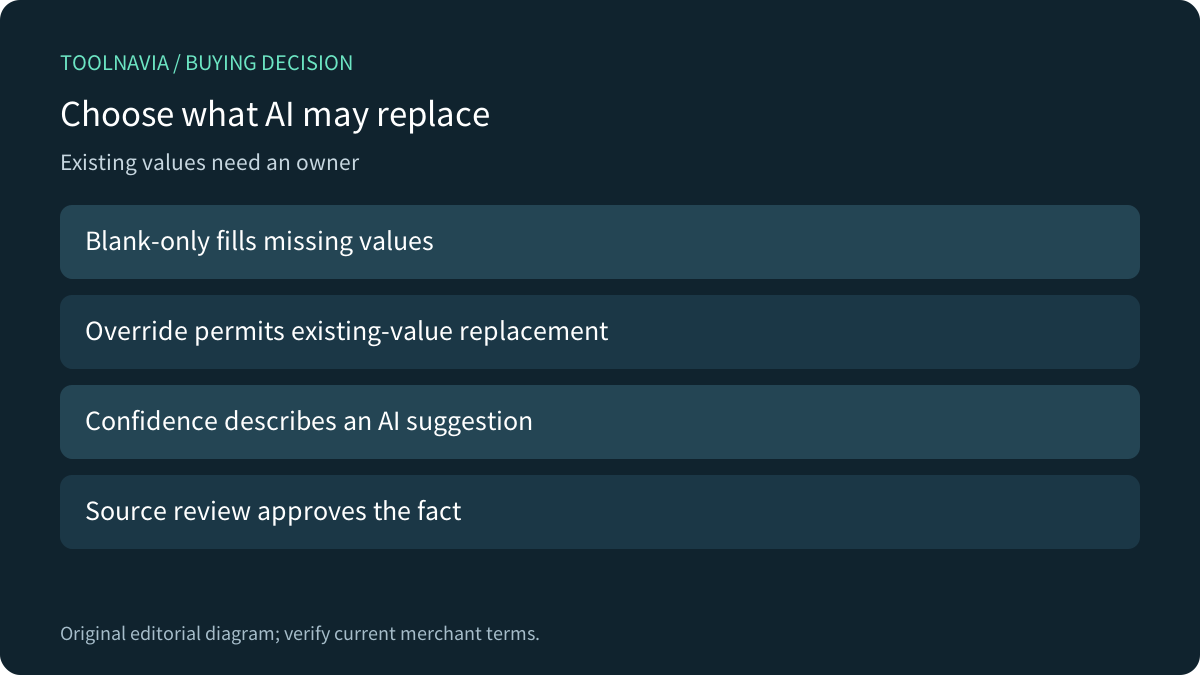
Close Essentials can fit a sales team that wants native research into Lead and Contact fields. Before buying for AI convenience, decide whether a field is missing information or already contains an approved fact. In Close's bulk enrichment flow, leaving Override existing values unchecked fills only empty fields; selecting it permits replacement. That is a data-ownership decision.
This is documentation analysis. No CRM, API request, enrichment or credit purchase was operated.
Review the approved Essentials offer. Toolnavia may earn a commission on an eligible purchase.
Write useful guidance without promising truth
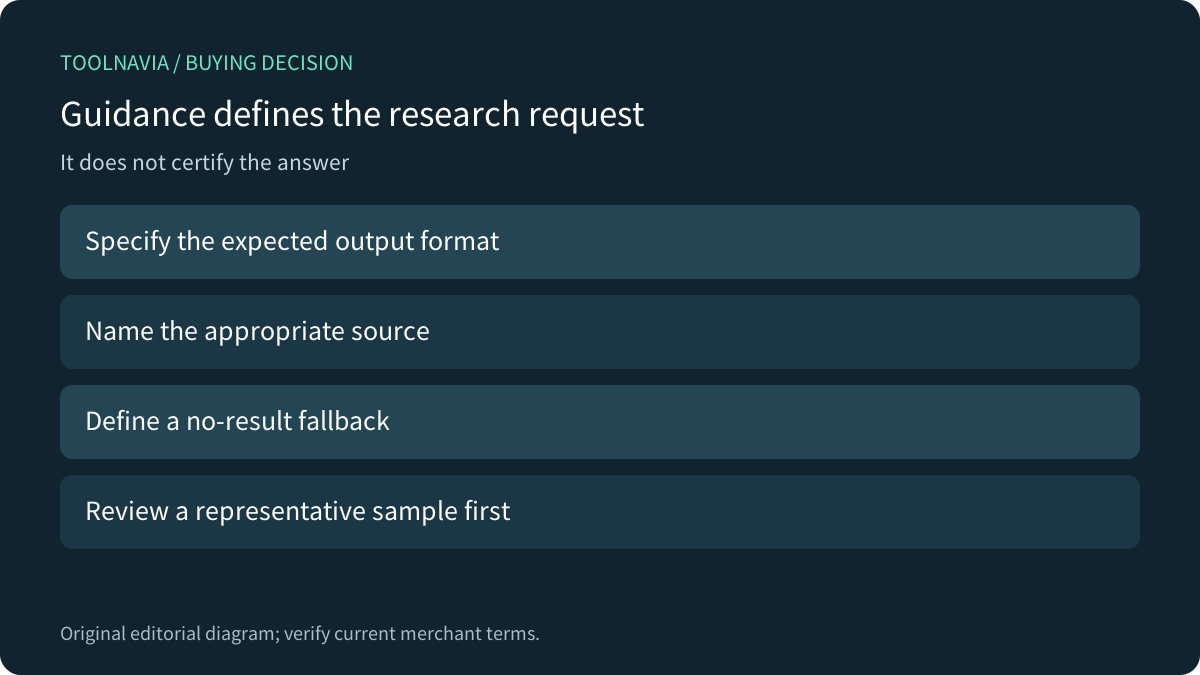
Close supports guidance for what to find, where to look and how to format the result. Its examples include constrained categories and returning nothing when an appropriate source cannot be found. The field modal also supports a sample-lead guidance test before a broader run. These are useful controls, not proof that an inferred company or current job title is correct.
As an editorial practice, distinguish a reviewed customer statement from a public-web suggestion. For example, a company website may describe headquarters while a contact works elsewhere. An answer can be plausible yet unsuitable for the field's intended meaning. Define that meaning before asking AI to populate it.
Review the selected records and replacement policy
The documented bulk route starts from a Smart View, selects fields and then presents the override choice and expected credit consumption. Bulk enrichment also depends on user permission. Inspect the actual selected population and fields immediately before an authorized run.
Blank-only mode protects existing values from that bulk operation, but does not validate new values. Conversely, an overwrite may be appropriate for stale research if the field owner approves replacement. Preserve a recoverable reference to important existing facts and assign a reviewer; do not infer an automatic rollback feature from this recommendation.
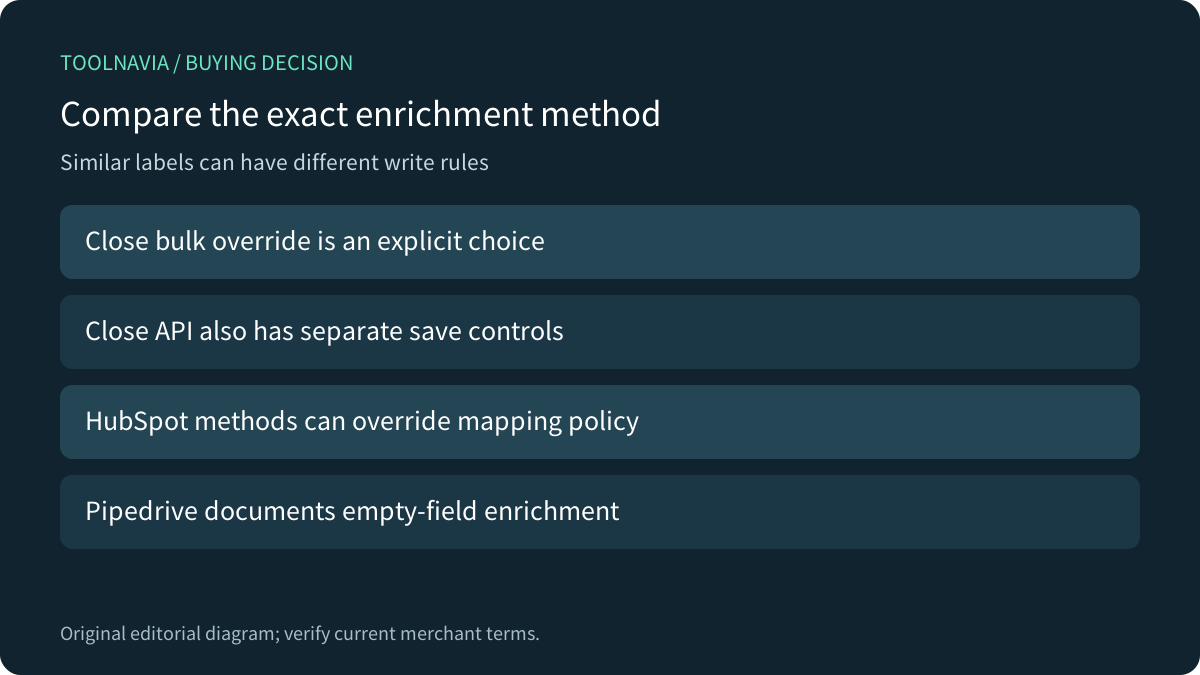
The API has its own controls: its default saves only when a field is empty, set_new_value=false disables saving, and overwrite_existing_value=true permits replacement. A no-save request may still consume credits and can time out with complex guidance; it is not a free bulk UI preview.
Treat confidence and reasoning as review material
Enriched values display a sparkle icon whose color represents AI confidence. Hovering reveals reasoning and source information. That helps a reviewer investigate a result, but green does not establish independent verification or approval to replace a trusted value.
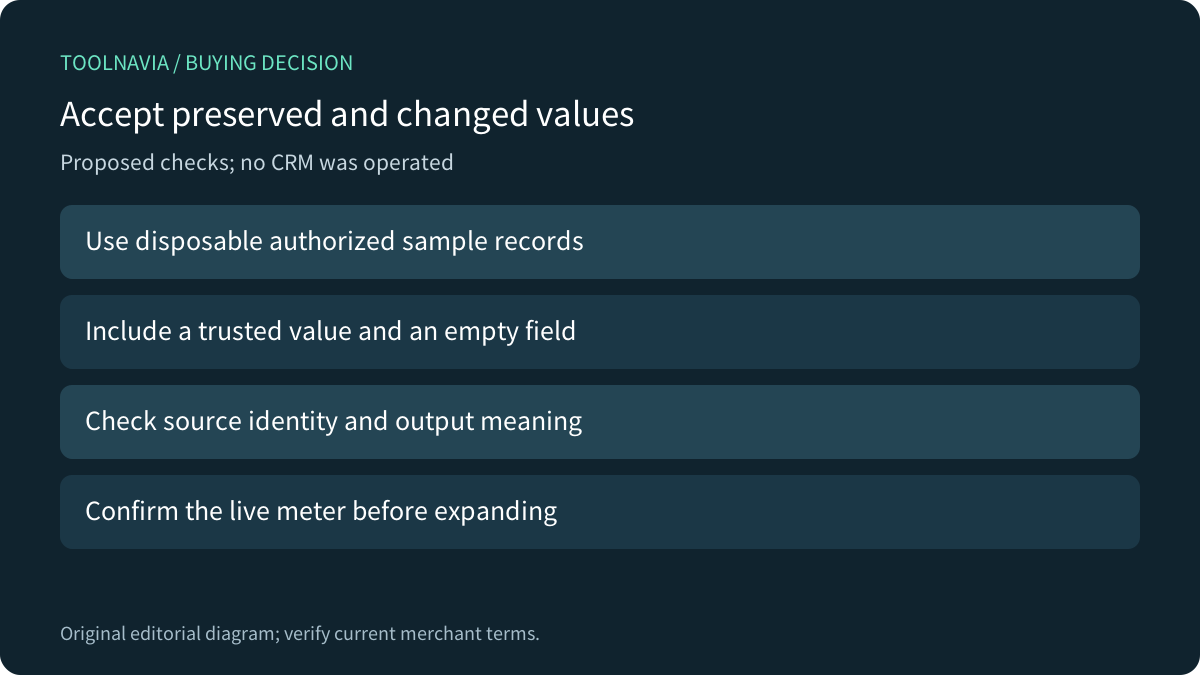
For a proposed authorized exercise, use disposable records with one known value, one empty field and an ambiguous company identity. Record the expected write behavior, inspect the sources and confirm that the output answers the actual field question. No exercise was performed here.
Compare actual methods across CRMs
Pipedrive's current enrichment guide says it fills empty fields and retains existing information. Its data provider and plan eligibility differ; that statement does not cover every import or edit operation in Pipedrive.
HubSpot provides mapping-level overwrite rules, but explicitly says conversational enrichment and a workflow enrichment action can override those rules. Salesforce separately warns that Data Cloud copy-field synchronization can replace locally entered data, suggesting a distinct destination field as one mitigation. These are their own architectures, not hidden Close features. Compare the precise operation and owner of the target value.
Confirm the meter after the workflow fits
Four relevant Close capabilities are field-specific guidance, sample testing, blank-only bulk control and reasoning/confidence feedback. They justify consideration when they reduce a real maintained research task with acceptable review work, not merely because a field can be filled.
Current Essentials pricing is US$35 per user/month with annual billing or US$49 monthly. Included AI credits are shared and capped; enrichment is metered rather than unlimited. The dedicated help states six credits per populated record-field, while the generic usage page still says US$0.05 per field. This official discrepancy remains unresolved; confirm the live meter and order rather than inventing a cash conversion.
Choose the tool when field ownership, source review and total cost fit. Keep a reliable existing research process when those benefits have not been established.