TOOLNAVIA / BUYING GUIDE
Close Essentials AI Credits: How Far Does 10,000 Go?
The short answer
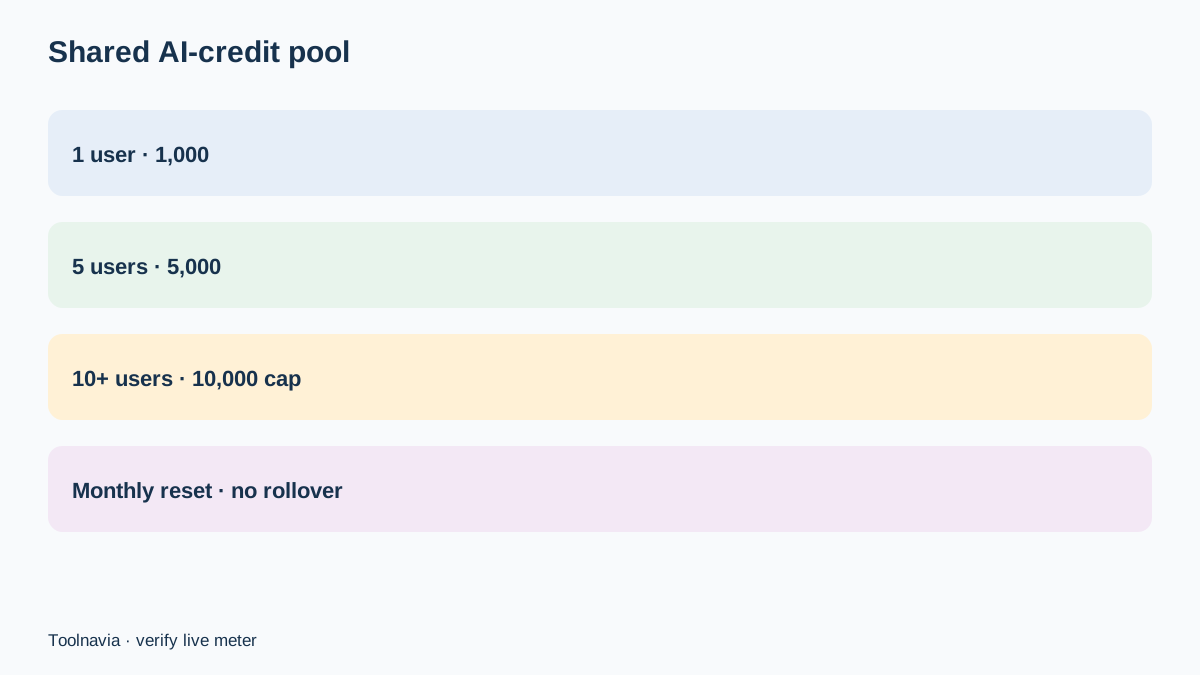
Close Essentials does not give every user an isolated bucket of AI credits. It currently grants 1,000 credits per user each month, combines them into one account-level pool and stops increasing the included pool after 10 users, at 10,000 credits. Unused credits reset rather than roll over. That makes the buying question less about headline “AI” access and more about whether the team’s monthly workload fits the shared pool.
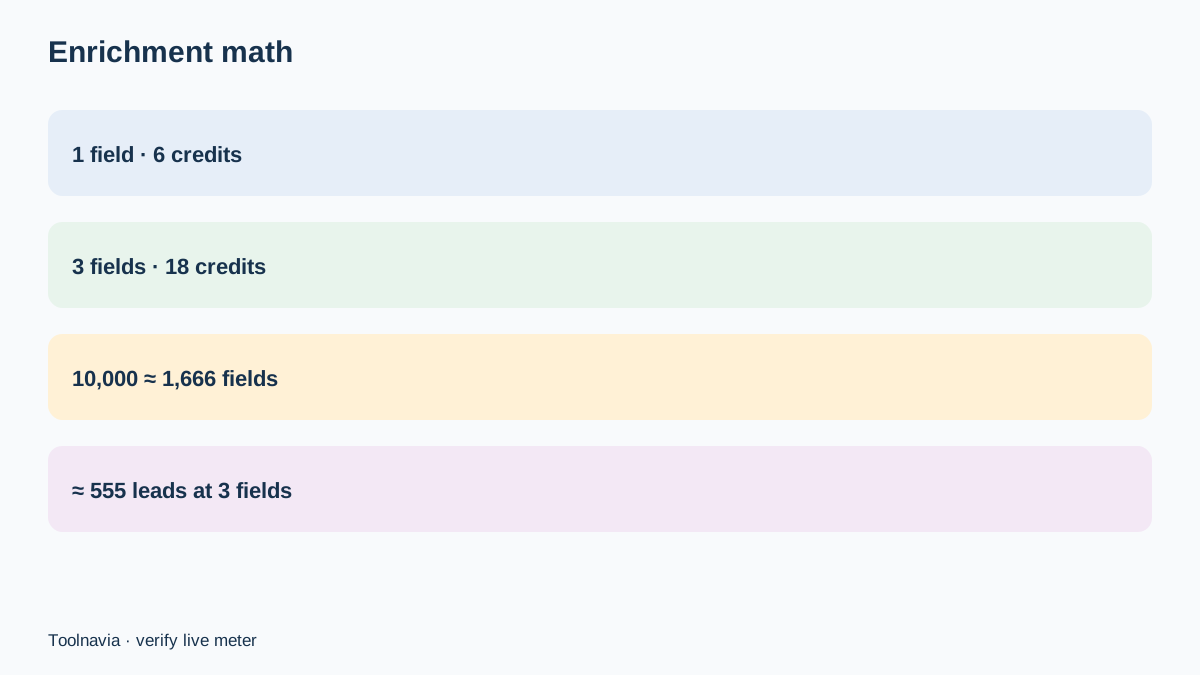
For Enrichment, Close currently says each successfully populated field costs six credits. A 10,000-credit pool therefore covers about 1,666 populated fields. If a typical lead receives three fields—say job title, company size and industry—the same pool covers roughly 555 leads, not 10,000 leads.
Independent pricing guides from SalesCrew, SaaSSwitcher, Professional’s Toolkit, SparrowCRM, RevenueFlow and VettedSaaS consistently frame Close as a per-user plan decision, but none replaces the current Close meter for credit consumption. They are useful for testing whether a buyer expects plan and team-cost analysis; the credit figures in this article still come from Close’s current dedicated pages.
At a glance
- Best for
- Close Essentials teams that can estimate monthly populated fields and need to budget pooled AI credits.
- Price model
- $35/user/month annual rate or $49 monthly; AI-credit add-ons currently start at $20
- Check first
- Credits do not roll over, the included pool caps at 10,000 and feature rates may change.
The pool grows with seats, then stops
On Essentials, one user contributes 1,000 included credits; five users create a 5,000-credit account pool; ten users create the 10,000-credit maximum. An eleventh or twentieth user does not increase that included maximum. The credits are shared across the account, so one heavy workflow can consume capacity that another rep expected to use.
This design has two consequences. First, below ten users, a real new teammate can increase both seat cost and included credits. Second, after ten users, adding people changes the subscription bill but not the AI-credit ceiling. Never create a phantom user merely to obtain credits: seats are for actual users, permissions and CRM work, while credit add-ons are the direct capacity product.
Credits reset monthly and do not roll over. A team that uses only 2,000 of a 10,000-credit pool cannot bank the other 8,000 for a quarterly cleanup. Schedule large enrichments across cycles or buy a top-up only when the forecast exceeds the current pool.
Translate credits into records and fields
The safest forecast begins with fields, not contacts. Close Enrichment charges six credits for each field it successfully populates. One populated field costs 6 credits; three populated fields cost 18; five cost 30. A 1,000-credit share is therefore about 166 populated fields, while 5,000 credits cover about 833 and 10,000 cover about 1,666.
A contact count alone can mislead. Enriching 500 leads with one missing field requires about 3,000 credits. Enriching the same 500 leads with three fields requires about 9,000. At five fields per lead, the requirement rises to 15,000 and exceeds the maximum included Essentials pool.
Close charges when a field is populated, so actual usage can differ from a simple requested-record estimate. Run a small representative batch, note the successful-field count, and use that observed ratio for the next month’s budget.
What happens when the balance reaches zero
Close distinguishes free AI tools from metered tools. Its AI Credits page says free AI features continue when the balance is empty, while credit-based Enrichment, Auto Updates and Voice Agents pause until the next monthly reset or an add-on purchase. Voice Agents can also incur telephony charges, so its full cost is not represented by the credit balance alone.
That pause is operationally important. A zero balance is not merely an accounting notification: automated work that depends on credits may stop. Assign one owner to watch the balance and decide which workflows receive priority. A prospecting team might reserve credits for Enrichment early in the month, while a customer team might protect Auto Update capacity.
Do not assume every metered feature uses the Enrichment rate. Six credits per populated field is the current rule for Enrichment. Check the product meter for other workflows before combining them into the same forecast.
Add-ons versus another seat
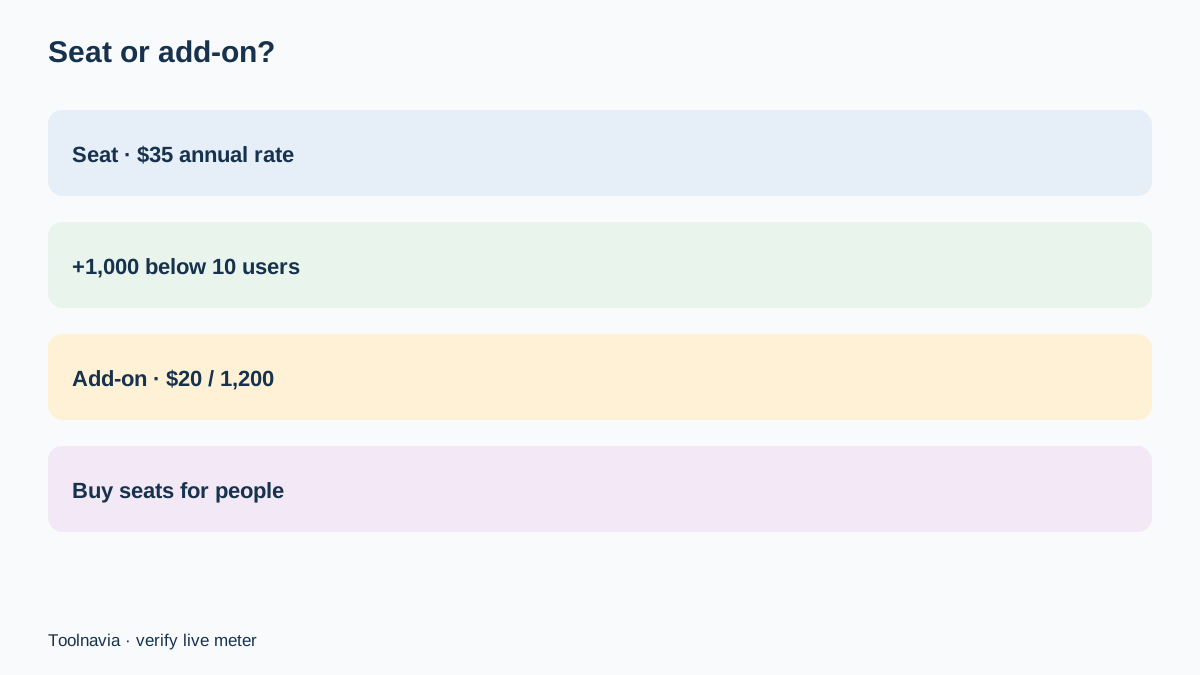
Close currently shows AI-credit add-ons beginning at $20 for 1,200 credits, with examples including $50 for 3,200 and $100 for 7,000. At the current Enrichment rate, those tiers are roughly 200, 533 and 1,166 populated fields.
Essentials is currently listed at $35 per seat per month when billed annually and $49 on monthly billing. Below the ten-user cap, a legitimate annual seat adds 1,000 included credits but also adds a user account. A $20 add-on supplies 1,200 credits without inventing a user. If nobody needs a seat, the add-on is the cleaner capacity purchase. If a real teammate needs access, evaluate the seat for the person and treat the extra credits as a secondary benefit.
At ten or more users the choice is simpler: additional seats add no included credits, so usage above 10,000 must be reduced, rescheduled or covered by add-ons. These are current public figures, not a permanent price promise; verify live checkout and the in-app credit screen.
Three team budgets
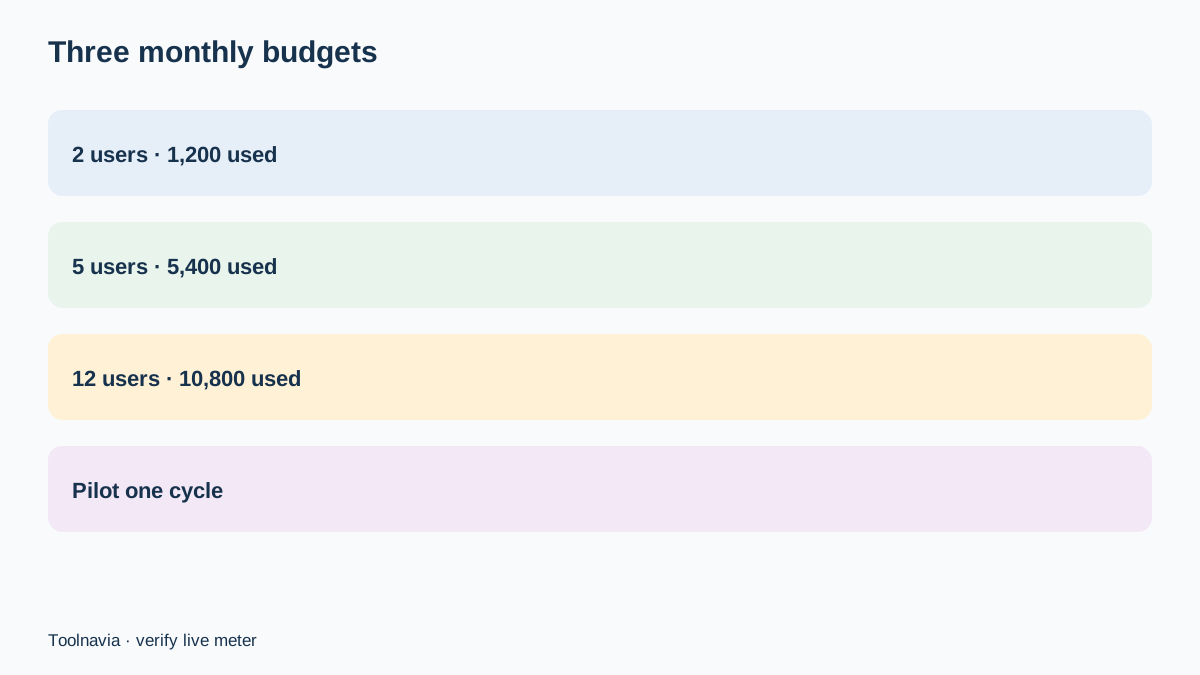
**Two-user research team.** Suppose the team enriches 100 leads with two fields each. That is 200 populated fields, or about 1,200 credits. The included 2,000-credit pool covers the workload with approximately 800 credits of headroom.
**Five-user sales team.** Suppose 300 leads receive three fields each. That is 900 populated fields, or about 5,400 credits. The included pool is 5,000, leaving a 400-credit shortfall. The smallest current 1,200-credit add-on covers it; alternatively, reduce the batch by about 67 populated fields or move some work to the next reset.
**Twelve-user team.** The included pool remains 10,000, not 12,000. Enriching 600 leads with three fields each requires about 10,800 credits. The smallest add-on again covers the narrow gap. Adding a thirteenth seat would not increase the included pool.
These examples intentionally use Enrichment because its current unit rate is public. Auto Updates and Voice Agents should be forecast from the live meter rather than forced into the same formula.
Build a one-cycle pilot
Before committing annual budget to a heavy AI workflow, select a representative sample and define the exact fields that matter to routing or qualification. Record starting credits, successful populated fields and ending credits. Compare the observed consumption with the six-credit rule and document any other feature usage in the same account.
Then set three thresholds: a warning level, a protected reserve and an add-on approval point. For example, warn at 30% remaining, preserve 10% for high-priority records and require an owner to approve top-ups. Because the pool resets with no rollover, review the forecast near the end of each cycle instead of automatically buying the largest tier.
There is also a source conflict worth recording. Close’s current dedicated Enrichment and AI Credits pages express usage in credits and say Enrichment costs six credits per populated field. An older official variable-usage page still describes Enrichment as $0.05 per field. This article uses the newer, product-specific credit model, but your in-app meter and current order terms should control.
Verdict
Close Essentials’ included AI credits can be sufficient for a disciplined small team, but “1,000 per user” is not unlimited and does not scale past a 10,000-credit account cap. Estimate successful fields, not just leads; remember that three enriched fields cost 18 credits per lead; and treat a zero balance as a workflow pause for metered features.
Buy a seat only for a real user. Buy a credit add-on when the team needs capacity rather than another person. Toolnavia may earn a commission from a qualifying Close purchase through the approved link. That link does not change the plan price, credit rules or support decision.