TOOLNAVIA / BUYING GUIDE
Close Essentials Custom Fields vs Notes: Search, Export and Data Quality
The short answer
At a glance
- Best for
- Typed qualification facts plus contextual activity notes.
- Price model
- Essentials: US$35/user/mo billed annually; US$49 monthly. Usage and tax separate.
- Check first
- Text fields do not validate; hidden fields and complete activity exports have specific limits.
Verdict: fields for decisions, notes for explanation
Close Essentials fits a small sales team when repeatable qualification facts live in appropriate custom fields and conversation context stays in notes. A budget number, next-review date or agreed qualification status should not depend on every representative writing the same phrase. A note remains useful for why the number changed or what the customer meant.
This guide uses current official documentation; we did not access a CRM or test customer data. Essentials currently shows 250 custom fields and US$35 per user/month billed annually, or US$49 on monthly billing. Custom Activities and automated Workflows are excluded from this tier. Do not buy Essentials expecting those separate features.
Check the exact Close Essentials offer. Toolnavia may earn a commission from a qualifying subscription.
Design the minimum useful schema
Put a fact in a field when several people must filter, sort or export it consistently. Use the correct object: a company's qualification belongs on the Lead, a person's attribute on the Contact, and a deal-specific requirement on the Opportunity. Avoid one ambiguous field that changes meaning across objects.
Close offers choices, dates, numbers and other types, but a Text field has no validation or structure. Hidden API fields cannot be used in ordinary lead search and are not visible in normal export. Restrict Editing limits who changes values; it does not hide those values from other users. Type changes also need care: converting multiple values back to a single value can drop existing values.
Create a short dictionary: field name, object, type, allowed values, meaning of blank, responsible owner and update trigger. For example, distinguish “budget not discussed” from a genuine zero. That is an editorial data-design recommendation, not an automatic Close enforcement feature.
Keep the explanation in notes
Notes are unstructured activities that can be edited, searched, filtered and reported on, with mentions and comments. They preserve context that a dropdown cannot express. Use a note to explain a budget revision, not as the only place where the current approved budget is stored.
The practical pattern is one current-state attribute plus its explanation. After a call, update the agreed field and add the relevant context. Avoid copying the entire conversation into dozens of fields. More fields can increase maintenance without improving decisions.
A Smart View can reuse the qualification filter, but records flow in and out as their values change. A saved filter is neither a fixed audit cohort nor a mechanism for validating inputs. This article concerns representation quality; preserving a historical membership list is a separate requirement.
Export values and history deliberately
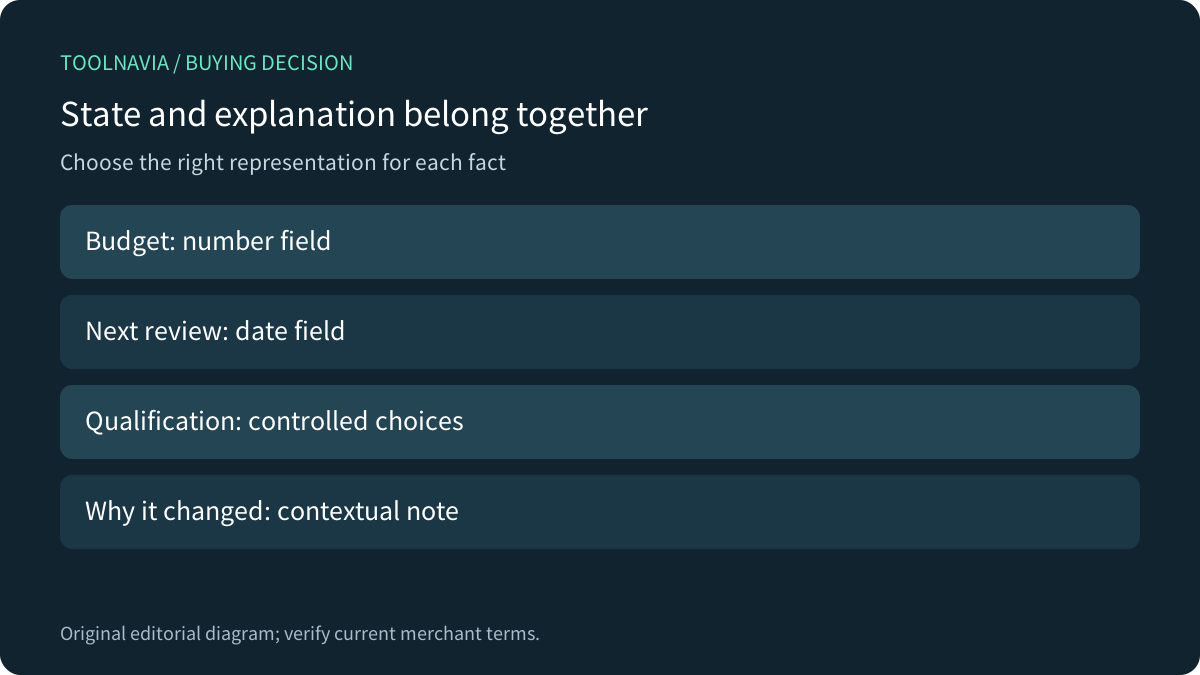
Close's export guide distinguishes CSV from JSON: CSV suits tabular values; JSON is the documented route for exporting all activities, including notes. Common fields include custom field values, while definitions and other data have additional support-tool routes. A Contact-created Smart View also has a direct-export restriction.
Ask whether “backup the qualification process” means current values, field definitions, notes, attachments, relationships or all of them. One successful spreadsheet download does not prove every component is portable.
Competitor documentation shows why this distinction matters: HubSpot separates record-property export from activity routes; Pipedrive requires separate exports for linked activities, notes and files; Zoho documents explicit field types and conversion limits. These are comparison questions, not Close entitlements or instructions to import another CRM's rules.
Prove the model with a small acceptance dataset
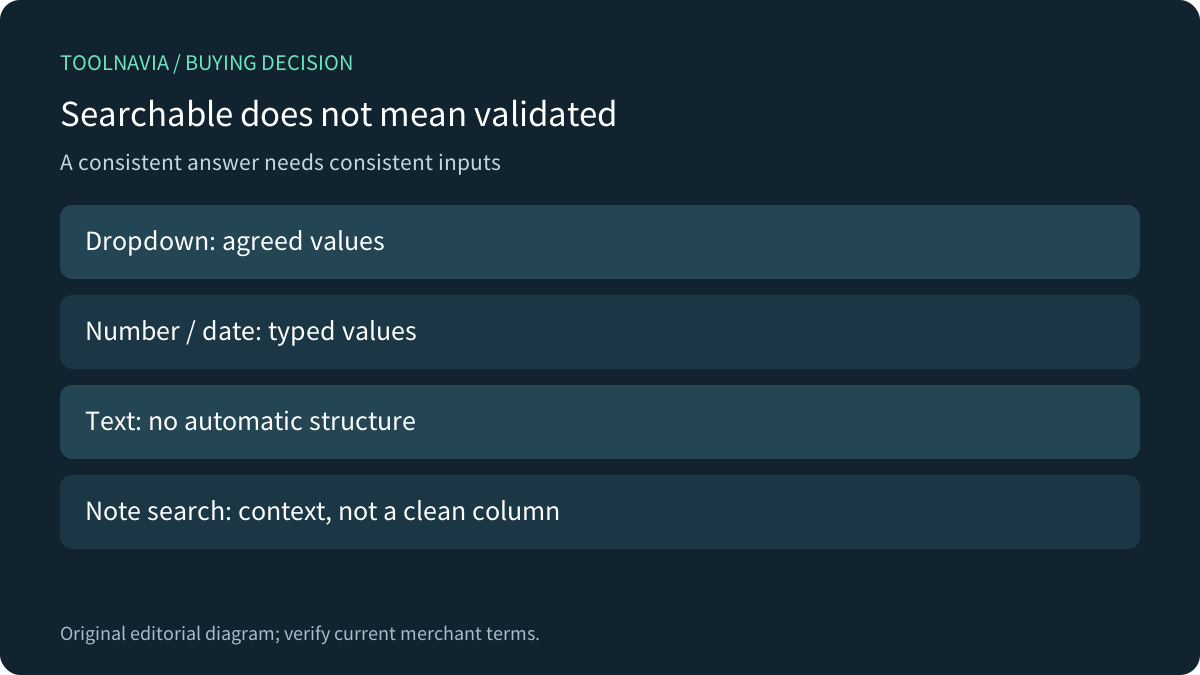
Before annual commitment, create authorized synthetic examples: known budget values, a blank budget, two qualification choices, a review date near a boundary, and two notes with similar wording but different meaning. Write down which records should match each filter. Check object IDs and exported values rather than only the number of rows.
Confirm that an ordinary team member can perform the intended workflow and that restricted editing behaves as required in the chosen tier. Export the needed attributes and activity history through supported routes, then read representative notes and reconcile relationships. These are proposed acceptance checks; none was performed in a Close account.
Price the maintenance, then choose
At the displayed annual rate, one Essentials seat costs US$420 for 12 months; three seats cost US$1,260 before tax and usage extras. Twelve monthly payments at US$49 total US$588 per seat, a US$168 difference from the annual base. The saving is useful only if the data model and workflow actually fit.
Choose Essentials when a small agreed schema, contextual notes and supported exports meet the team's needs. Wait when a mandatory activity model, field restriction or export component is unproven. Evaluate an eligible higher tier when Custom Activities or automated Workflows are actual requirements; notes are not a substitute for those capabilities.
Assign a schema owner and review new-field requests before multiplying columns. The goal is a dependable decision and a readable explanation, not the maximum number of fields.