TOOLNAVIA / BUYING GUIDE
Close Email Verification: Does Read-Only Also Stop Integrations?
The short answer
At a glance
- Best for
- Owned onboarding and separately maintained integration authorization.
- Price model
- Essentials: US$35/user/month billed annually or US$49 monthly; confirm exact terms.
- Check first
- Official pages differ on unverified users existing API access; exact behavior needs confirmation.
Verdict: confirm the API boundary before depending on it
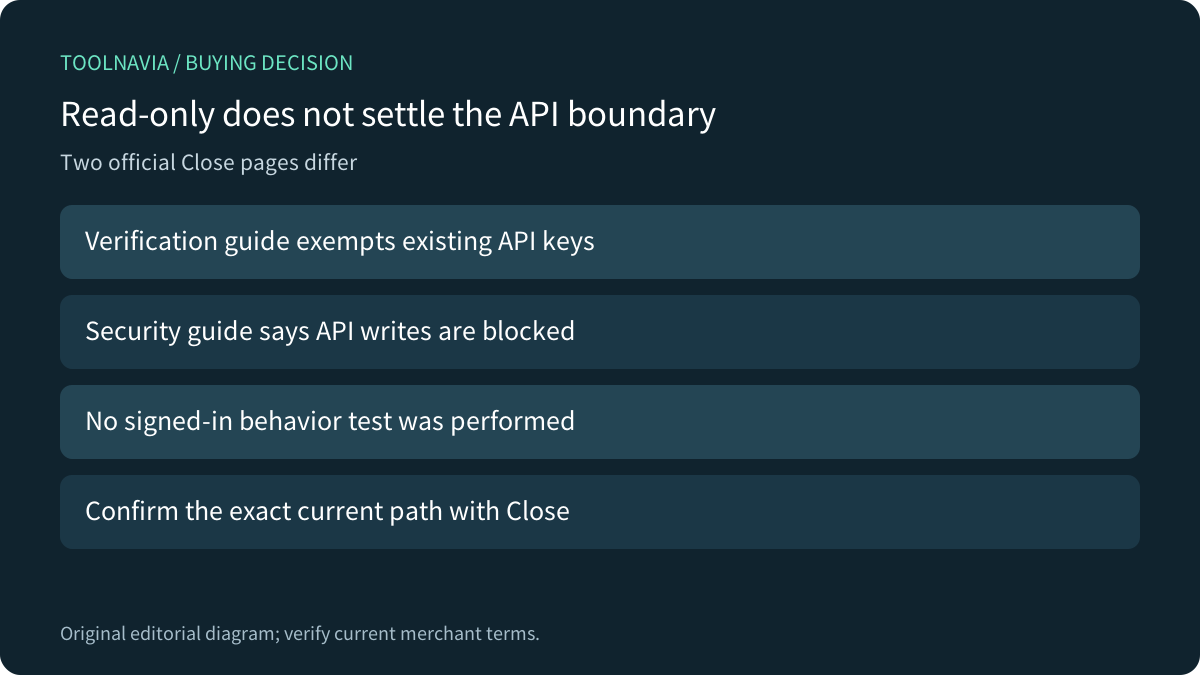
Close Essentials can fit a small sales team with owned onboarding and integration maintenance. But two official pages differ on what happens before a user's login email is verified. The dedicated guide exempts existing API keys; the Security page says API create, update and delete actions are blocked. That discrepancy remains unresolved here. Do not promise either uninterrupted integration writes or universal shutdown from the read-only banner.
This is documentation analysis. No account, email, API key, OAuth connection, API request or revocation was operated.
Review the approved Essentials offer. Toolnavia may earn a commission on an eligible purchase.
Complete the documented verification route
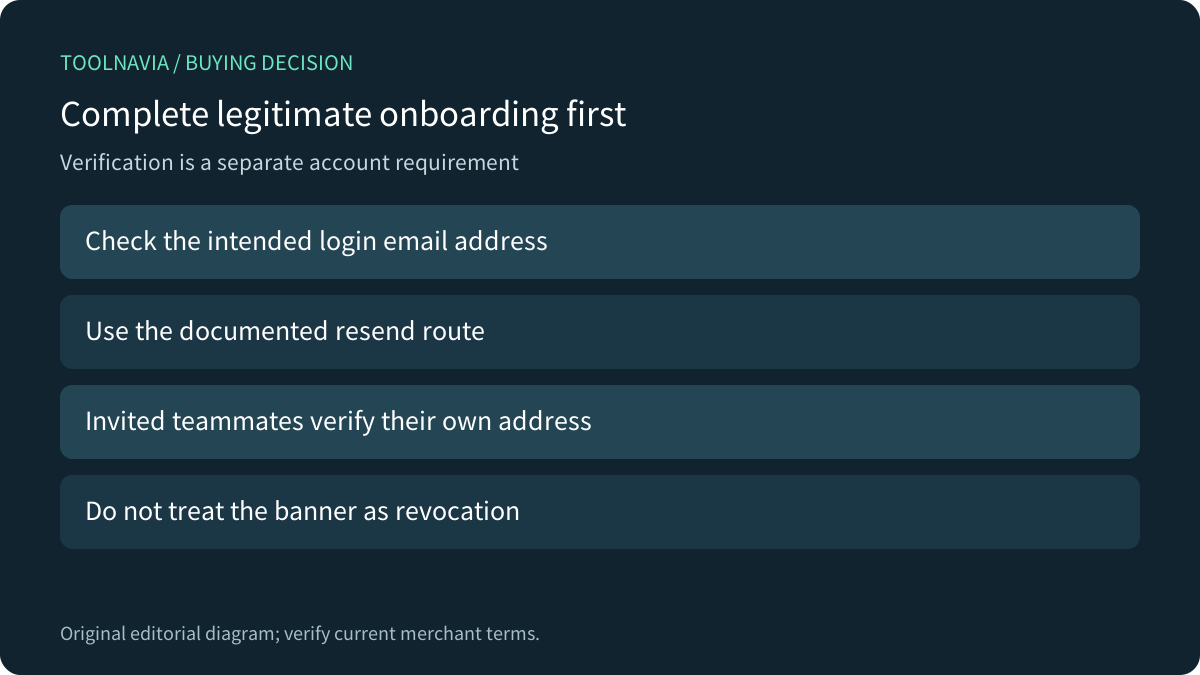
Close requires users to verify their login address. Its dedicated guide says an unverified user can sign in and view records but cannot create, edit or delete through the app. The verification banner provides a resend route; the guide suggests checking spam, correcting an unusable login address and contacting support when needed. Invited teammates verify their own address during acceptance.
Use the intended person's legitimate account and address. The Security guide calls verification a separate account requirement, not an organization switch an administrator can simply turn off. Resolving normal onboarding is different from designing how an integration should be authorized or retired.
Preserve both official statements about existing keys
The dedicated verification page specifically says requests with existing API keys are not blocked, while creating a new key requires verification. The Security page more broadly says unverified users cannot create, update or delete through the app and API. Neither passage establishes a tested exception hierarchy for your current account.
Ask Close to confirm the exact account, key and operation without sending the secret key in ordinary correspondence. Record the answer before scheduling a dependency-critical migration or assuming an automation has stopped. The discrepancy is about current documented behavior; it is not evidence of an observed security incident.
Manage authorization through its own controls
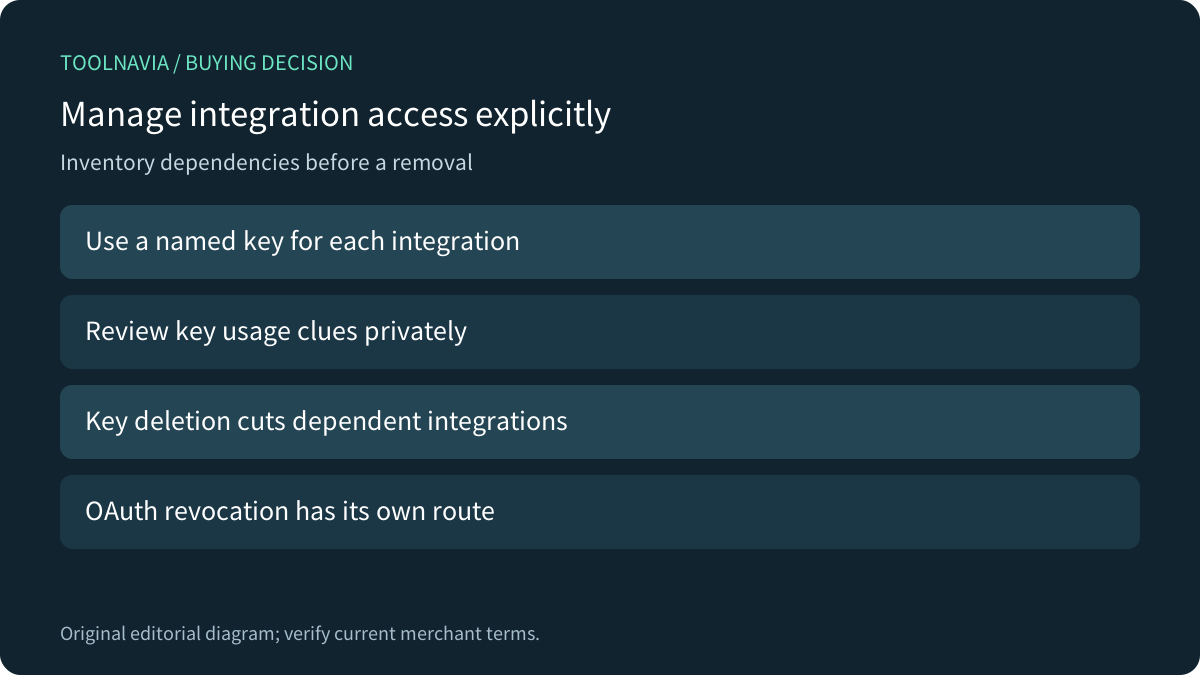
Close's API/OAuth guide recommends informative key names and separate keys per integration. Its last-used details include time, IP and User Agent, useful clues for identifying a dependency. They do not replace a named owner and a record of which business job uses the connection.
The guide says deleting a key immediately cuts off every integration using it and the deleted key cannot be restored. OAuth access has a separate Authorized Apps revocation route, with reauthorization needed to restore that integration. Plan an authorized removal around those consequences; a verification banner is not the documented replacement for revocation.
Four useful capabilities are a visible verification workflow, supported resend/address correction, identifiable integration keys and explicit authorization-removal controls. Evaluate them as separate jobs rather than one all-purpose security label.
Compare authorization scope across platforms
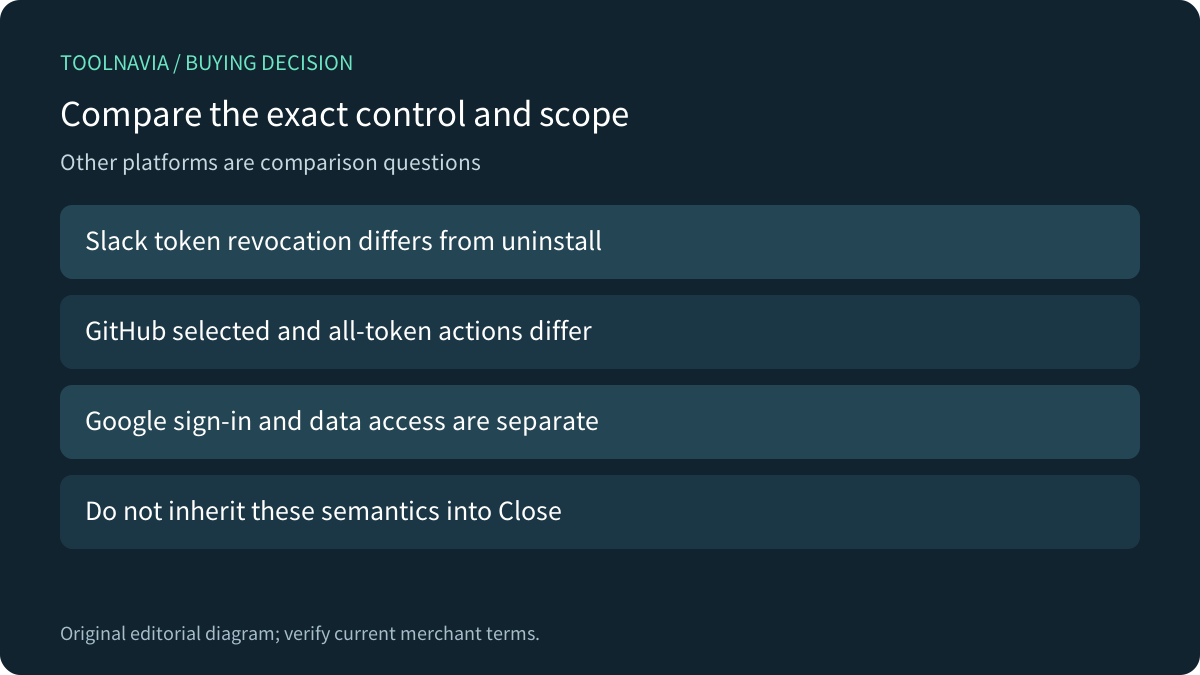
GitHub documents reviewing selected authorized OAuth apps and distinguishes selected revocation from Revoke all. Slack's token-revocation method distinguishes the token from app uninstall and has its own response semantics. These are their own controls, not commands to use against Close or proof that one token action removes every connection.
Google likewise separates Sign in with Google, linked-account relationships and access to Google data. Stopping automatic sign-in does not delete data already held by the app. The purchasing question is which access relationship is being controlled, not whether the interface contains a generic Disconnect button. Do not inherit those Google semantics into Close verification.
Choose the term after onboarding and ownership fit
For a proposed authorized trial, use disposable accounts and synthetic records to document verification state, intended UI actions and separately approved integration access. Obtain clarification before any dependency-critical API assumption, and keep actual observations separate from expected behavior. No trial was performed here.
Current Essentials pricing is US$35 per user/month with annual billing or US$49 monthly, before applicable extras. Confirm seats, usage, tax, renewal and any required security-feature tier. Do not upgrade merely to solve an email-verification problem. Choose the CRM when its sales workflow and supported access model fit, with an owner for ongoing integrations.