TOOLNAVIA / BUYING GUIDE
Close CRM Cancellation: Export Data Before the 91-Day Purge
The short answer
Canceling Close is not a single “download CSV, click cancel” task. The safe sequence is: inventory what your team uses, export each data class through the appropriate path, verify that the files open and can be imported elsewhere, port any phone numbers, then let an Admin schedule cancellation. Close keeps access until the end of the paid monthly or annual period, but neither the 91-day default purge note nor the Terms' 30-day retrieval wording should be treated as a recovery guarantee.
At a glance
- Best for
- Close Essentials admins planning to leave without losing CRM history, phone numbers, files, workflows or configuration context.
- Price model
- Essentials is shown at $35/user/month billed annually or $49 monthly; cancellation takes effect at the billing-period end.
- Check first
- The UI export is not a full-fidelity account clone; default 91-day lead-data purge guidance and the TOS 30-day retrieval language should not be treated as a recovery guarantee.
The safe order
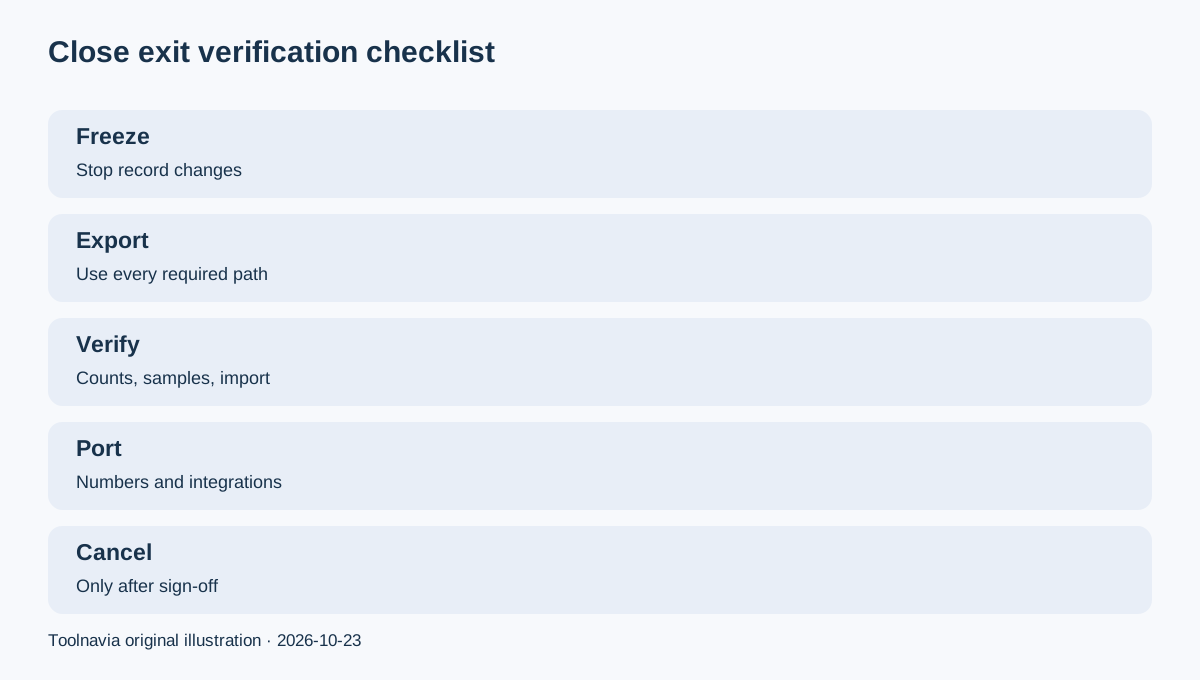
1. Choose a change-freeze date and assign an Admin owner. 2. Export leads, contacts, opportunities and activities. 3. Export the objects the normal UI file does not fully cover. 4. Save attachments, recordings and phone-number evidence separately. 5. Test a small import into the replacement system. 6. Port numbers and rotate integrations/API keys. 7. Schedule cancellation only after verification.
This order matters because the emailed export link expires after seven days, large exports can take time, and cancellation can eventually remove access to the organization.
What the normal export includes—and misses
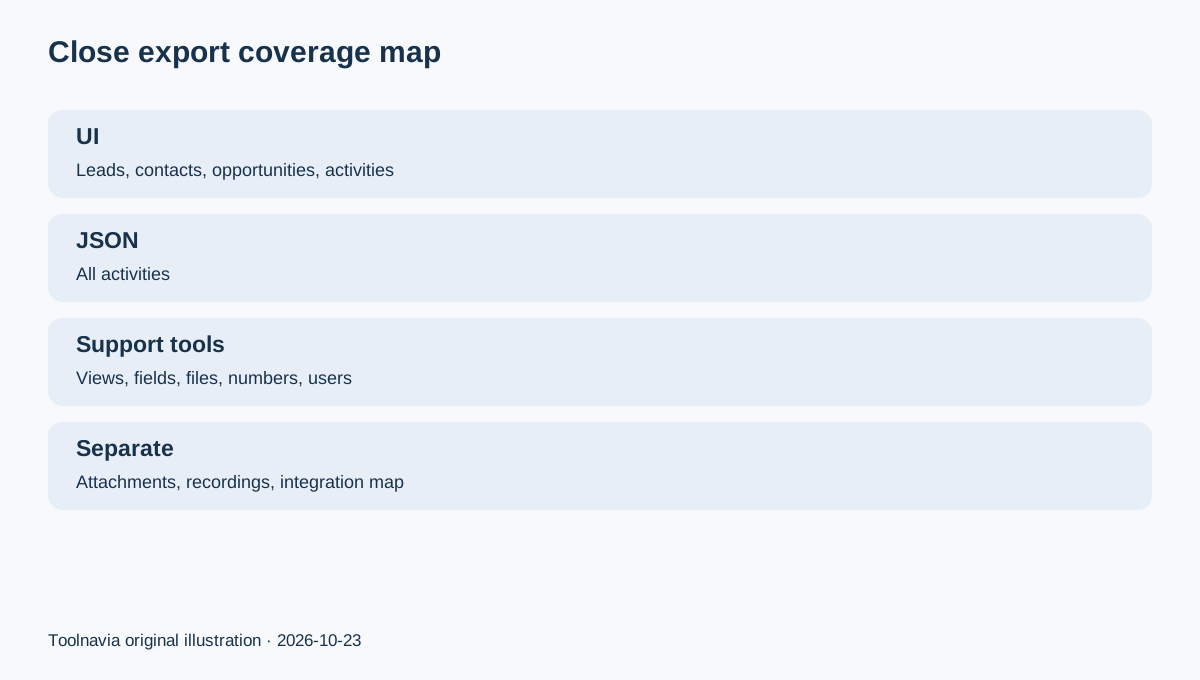
From the Leads area, Close lets an authorized Admin export; Close also lets that user export leads, contacts, opportunities and activities in CSV or JSON. CSV is convenient for tabular records; JSON is the only documented format for all activities such as emails, calls, SMS, notes and custom activities. “All fields” adds more context, but it is still not a complete clone of the organization.
Smart Views, custom fields, phone numbers, templates, users, notes, lead files and event logs use separate support tools or API paths. Email export does not include attachments; deleted-lead restoration also excludes several objects. Independent research reaches the same conclusion: UI, support-tool and API exports have different coverage, so one spreadsheet is not a full exit package.
Cancellation, access and deletion clocks
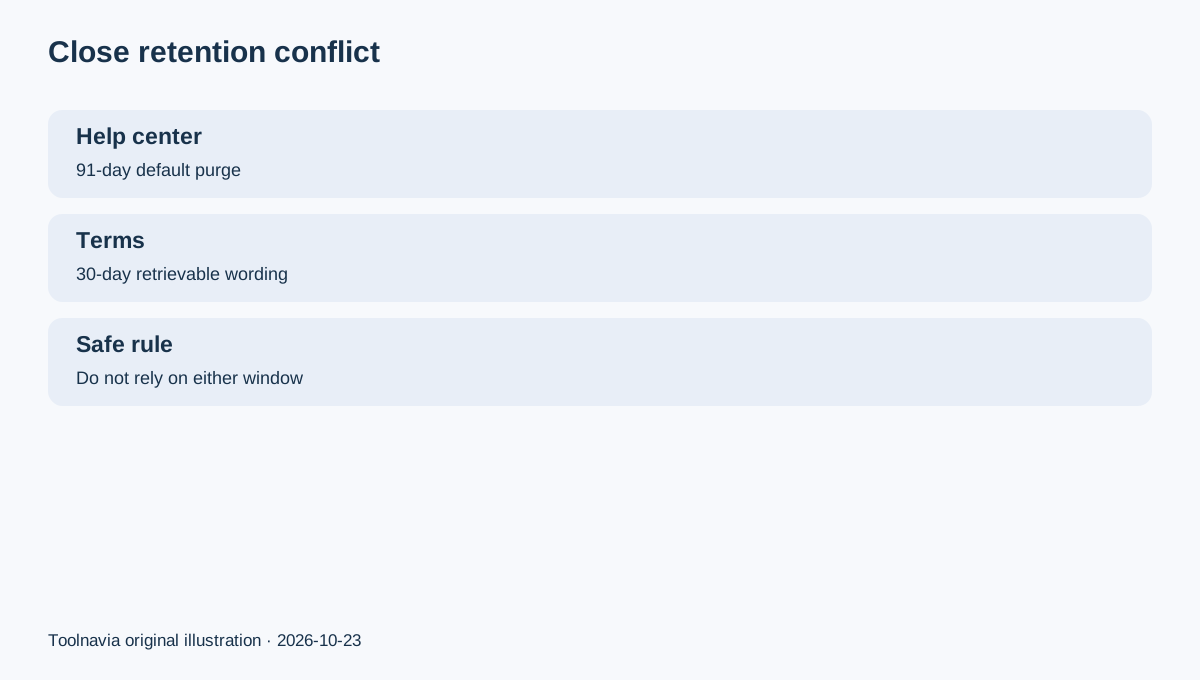
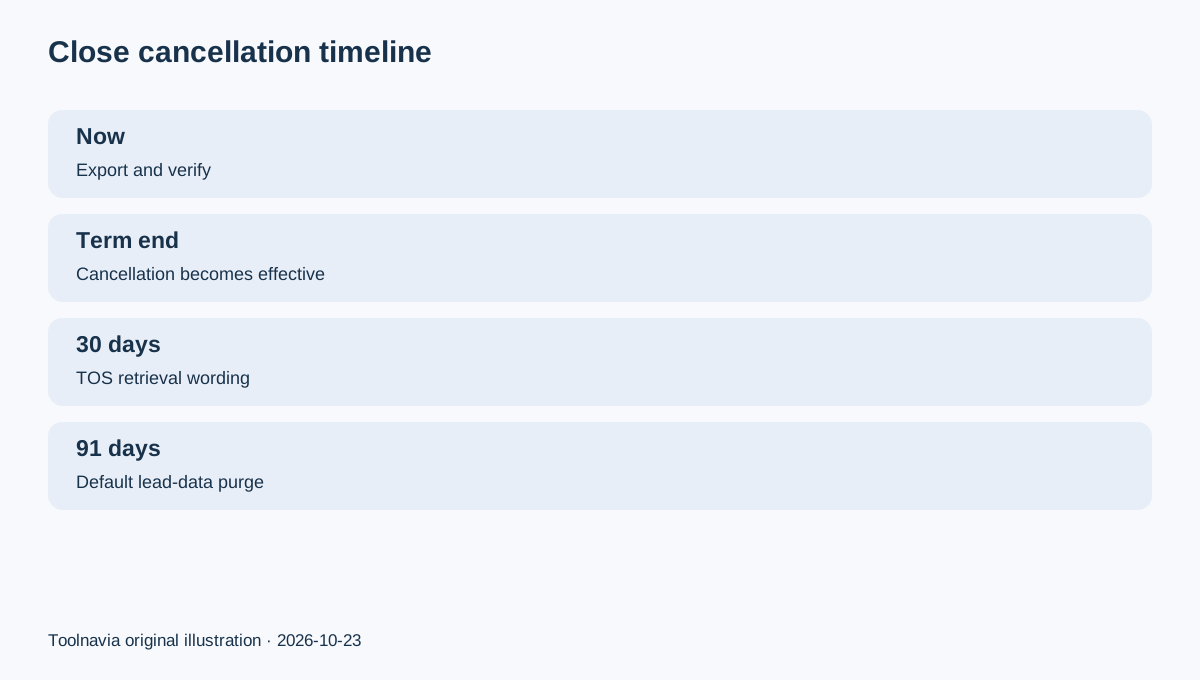
Only an Admin can cancel. Close schedules the account to end at the conclusion of the current billing period, and the Admin can undo cancellation before that point. The help center says lead data is permanently purged 91 days after deactivation or cancellation by default. The Terms, however, say content remains retrievable for 30 days after termination while also reserving deletion rights upon termination.
Treat that difference conservatively: export before clicking cancel and do not design a migration around a presumed recovery window. A support response or temporary reactivation is not a substitute for an independently verified archive.
Refunds and annual billing
The pricing page currently shows Essentials at $49 per user monthly or $35 per user per month with annual billing, and advertises a 30-day money-back guarantee. Cancellation still takes effect at the billing-period end. Do not assume an unused annual balance is automatically prorated: the Terms explicitly promise prorated money back only when Close terminates a paid account without cause. Ask support to confirm eligibility for the exact invoice before relying on a refund.
Phone numbers, users and integrations
Port Close numbers before cancellation; the new carrier usually needs proof of ownership from Close support. Removing a user disables that user's API keys and stops active email workflows, so move integrations to an active service owner first. Export users, number assignments, Smart Views, templates and workflow definitions, then record which external tools depend on each key.
Verification checklist
Compare lead, contact, opportunity and activity counts. Open a sample from every file, confirm Unicode and timestamps, inspect attachments separately, and test-import a small batch into the destination CRM. Save the export email, download receipt, checksum or file size, invoices, cancellation confirmation and number-port ticket. Independent exit guidance consistently recommends canceling only after the import has been validated.
Close operates an open cash affiliate program, and Toolnavia's exact Essentials annual offer is approved, market-confirmed and enabled. Commercial links use only the matching [Close Essentials route](/go/close-essentials-annual-official-usd); no raw tracking URL or coupon claim appears here.
Decision rule
If your team only needs core lead tables, the UI export may be enough after testing. If you rely on activities, Smart Views, custom fields, files, recordings, numbers, templates or integrations, build a multi-part archive. In every case, verify the replacement before cancellation—not during a countdown you hope Close will honor.