TOOLNAVIA / BUYING GUIDE
ClickFunnels Launch vs Scale: Is 5 Workspaces Worth $1,000 More?
The short answer
**Quick answer:** ClickFunnels Scale is about **$1,000 more per year** than Launch. Stay on Launch while one workspace, two team members, 10,000 contacts and 50,000 monthly emails fit. Upgrade only when a measured Scale gate is worth the whole premium. [Check the approved Launch offer](/go/clickfunnels-launch-annual-official-usd).
At a glance
- Best for
- Teams deciding whether a measured workspace, team, usage or API gate can recover about $1,000 per year.
- Price model
- Launch $970/year support reference; Scale $1,970/year; live checkout controls
- Check first
- Break-even allocations are illustrative; Scale has no exact approved CTA and official annual displays differ by $2.
Price difference: approximately $1,000 per year
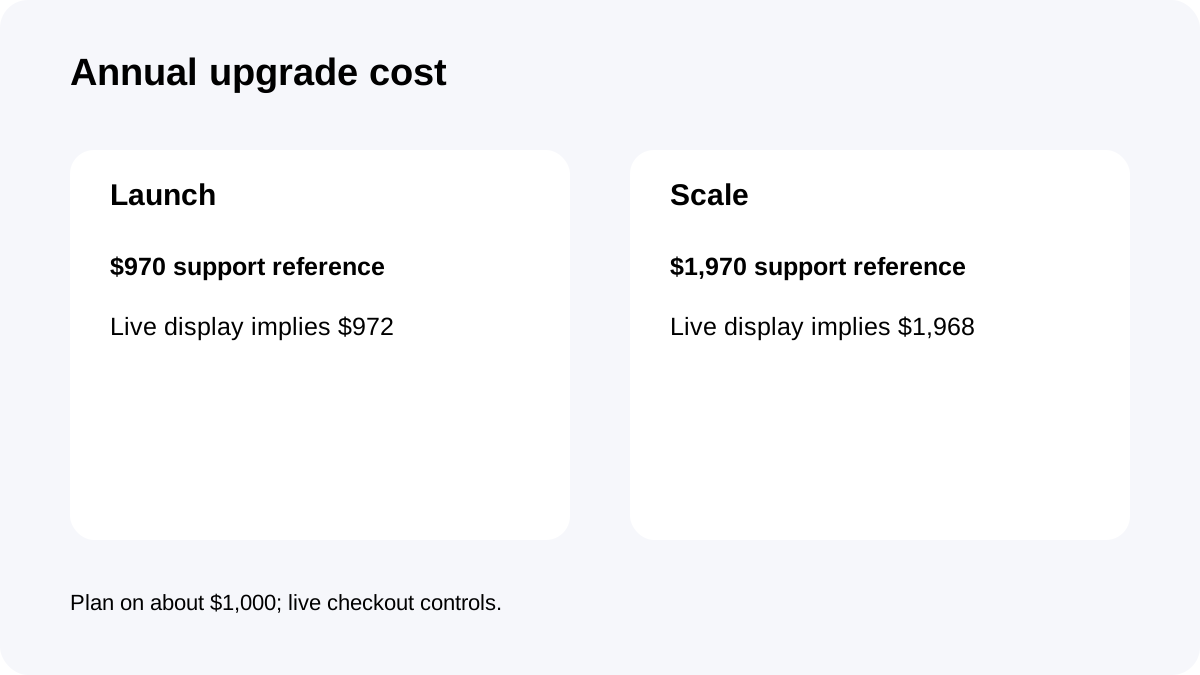
The official support article lists Launch at **$97/month or $970/year** and Scale at **$197/month or $1,970/year**. That is a $100 monthly or $1,000 annual difference.
The live pricing display shows annual equivalents of $81/month and $164/month, implying $972 and $1,968, a $2 mismatch on each total. Use “about $1,000” for planning and let the live checkout/account terms control.
This is a whole-plan upgrade. Do not call the arithmetic below a standalone seat, workspace or email price.
Capacity gates that actually change the decision
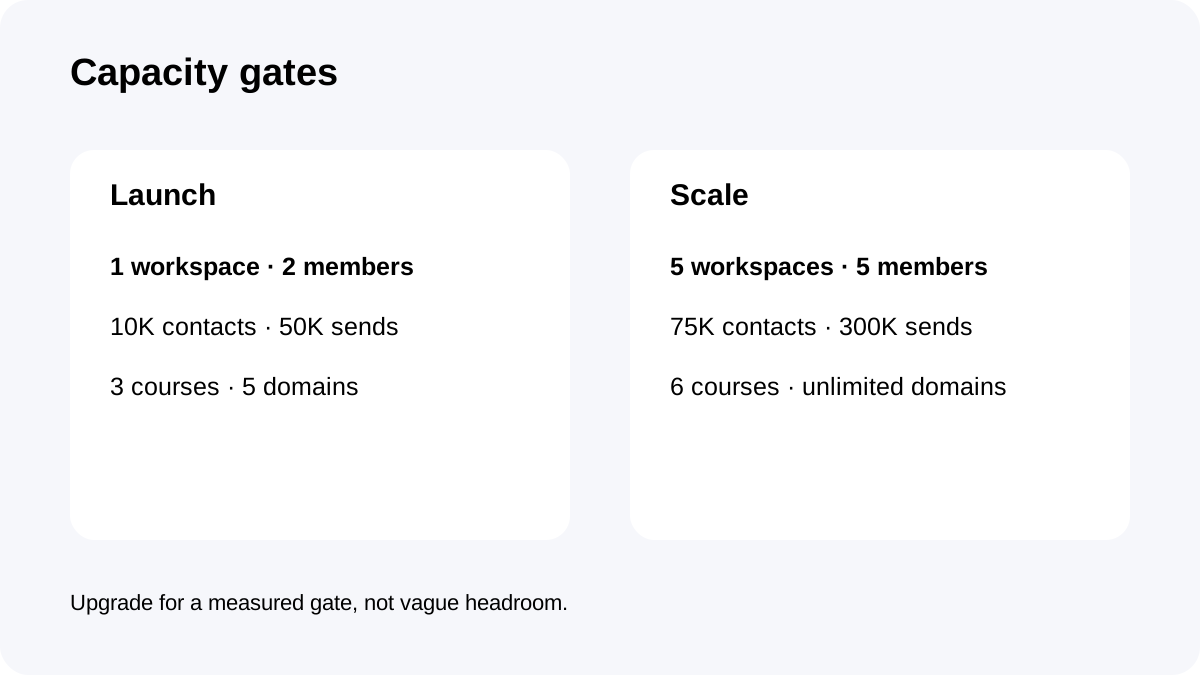
Launch includes **1 workspace, 2 team members, 10K contacts, 50K emails per month, 3 courses and 5 custom domains**. Scale raises these to **5 workspaces, 5 members, 75K contacts, 300K emails, 6 courses and unlimited custom domains**.
Scale also adds the custom code editor, webhooks and full API access. Those are harder gates than a vague desire for “more power”: if a required integration cannot run on Launch, the business case is explicit.
All current plans may advertise unlimited funnels as a limited-time inclusion. Do not make funnel count the durable upgrade reason; use the stable capacity and developer gates instead.
Four ways to allocate the premium
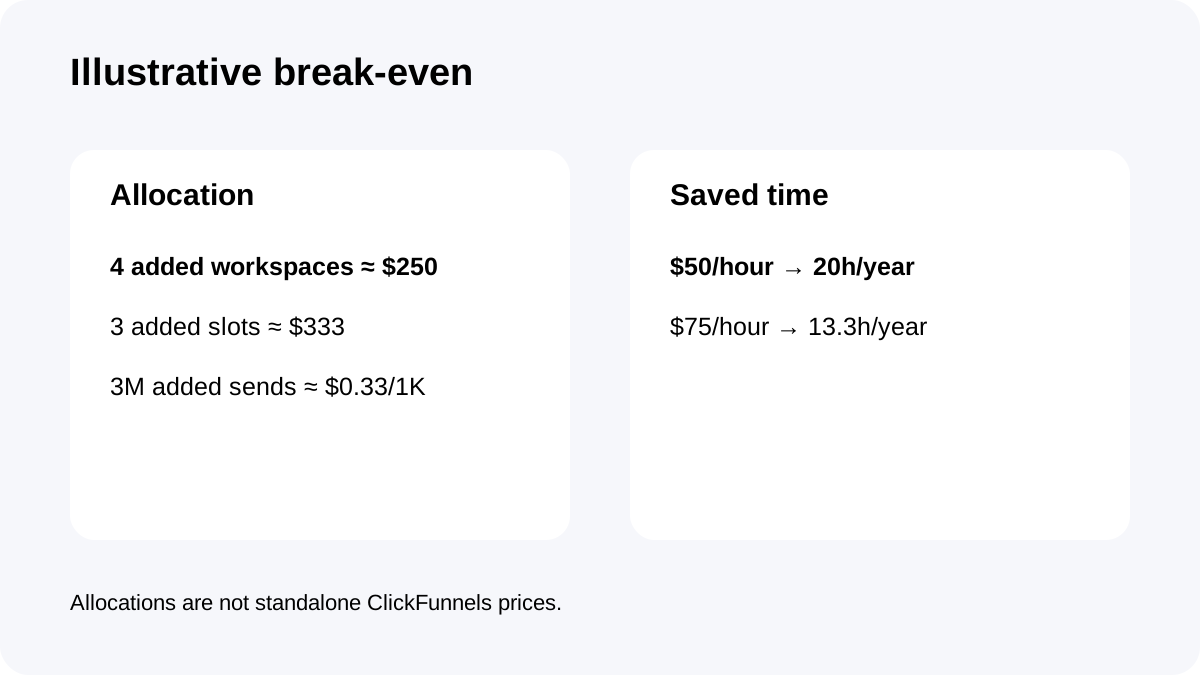
If all four additional workspaces are required, the $1,000 annual uplift allocates to about **$250 per added workspace per year**. If all three extra team slots are needed, it allocates to about **$333 per added slot per year**.
Scale adds 250K monthly email capacity, or 3 million sends per year. If fully used, the same uplift is about **$0.33 per extra 1,000 sends**. These are allocation lenses, not ClickFunnels unit prices, because Scale adds all benefits together.
A saved-time test is simpler. At a $50 loaded hourly cost, Scale must credibly save or protect about **20 hours per year**. At $75/hour, the threshold is about **13.3 hours**. Count only time or revenue risk directly caused by a Scale gate.
Stay on Launch when constraints are still theoretical
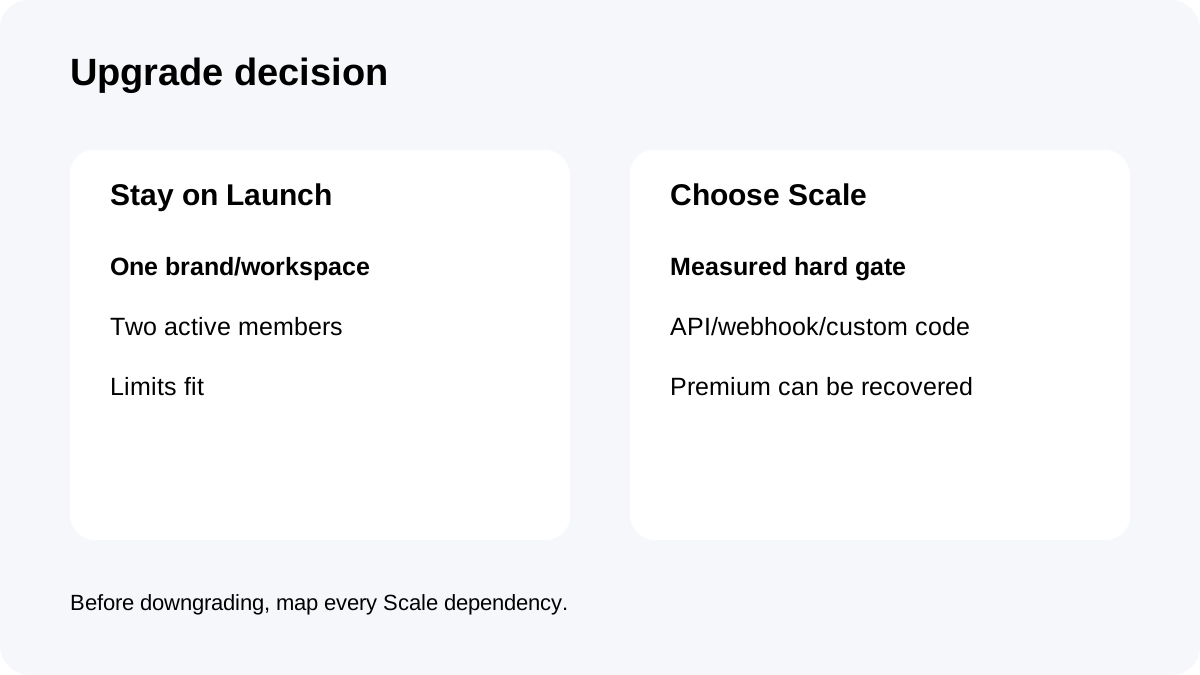
Launch is the better value when one brand or business unit fits one workspace, no more than two people need active access, and contact/send/course/domain usage stays comfortably below the plan limits.
A 14-day trial is available according to the official FAQ, but it is a trial—not a coupon or permanent discount. Use it to test the actual funnel, course and email workflow, then estimate future limits from observed usage.
Independent comparisons also place workspaces, contacts and integration access at the center of the tier decision. They are useful for intent context; official ClickFunnels sources control exact numbers.
Upgrade when a hard gate is measured
Scale becomes defensible when a second independent brand needs its own workspace, a third active teammate cannot share a role safely, contacts or monthly sends repeatedly approach the limit, or a required integration needs webhooks, full API access or custom code.
Do not upgrade only because one campaign briefly raises sends. Confirm whether the constraint repeats and whether cleanup, segmentation or workflow changes can keep Launch viable without adding operational risk.
If Scale ceilings also fail, compare Optimize rather than treating Scale as an unlimited destination.
Downgrade risk belongs in the purchase decision
ClickFunnels says plans can change at any time. On downgrade, excess content is not removed, but creating more is blocked until usage falls under the lower plan limits.
That means a Scale trial or temporary upgrade can leave the account operational yet constrained after returning to Launch. Before upgrading, record which workspaces, team access, contacts, courses, domains and integrations depend on Scale.
Before downgrading, consolidate or archive deliberately; do not wait for the creation block to reveal the dependency. Keep a short inventory of each Scale-only workspace, user, integration and domain owner so the rollback has a named operator and deadline.
Final choice and checkout checklist
Choose Launch if all current needs fit and the Scale gates are only hypothetical. Choose Scale only when one or more measured gates can recover about $1,000 per year through protected revenue, avoided tools or credible labor savings.
Confirm the exact annual total at checkout because official displays differ by $2. Verify workspace, team, contact, send, course and domain requirements, then document any webhook, API or custom-code dependency.
**Bottom line:** Launch is not an inferior default; it is the rational plan until a hard limit has a price. Scale earns its premium when the limit is measured, recurring and more expensive than staying constrained.