TOOLNAVIA / BUYING GUIDE
AOMEI Partition Assistant: Check Errors or Scan Bad Sectors?
The short answer
At a glance
- Best for
- A named supported operation that needs the broader licensed toolkit.
- Price model
- Official display $49.95 yearly or $59.95 lifetime for2PCs; confirm currency and cart.
- Check first
- Detection is not physical repair; clean results do not guarantee recovery or future reliability.
Verdict: identify the question before buying
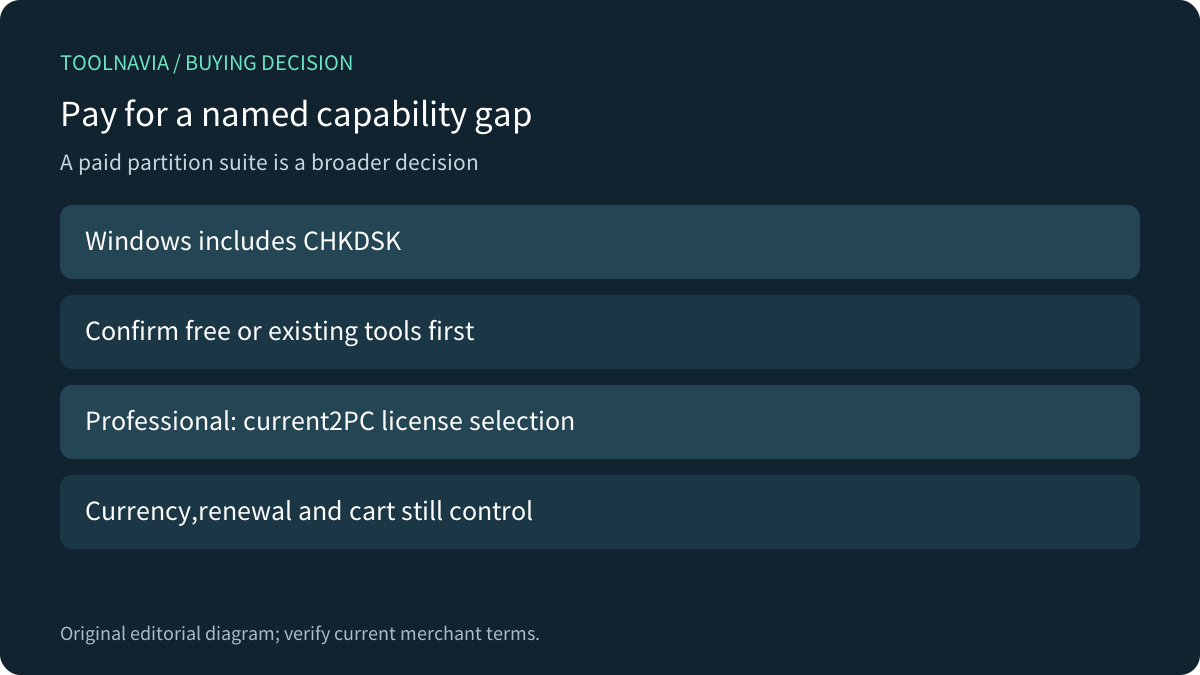
Do not buy AOMEI Partition Assistant Professional merely because a disk needs checking. Windows already includes CHKDSK. The purchase becomes relevant when a specific supported operation in the broader toolkit is needed, after the drive and data situation are understood.
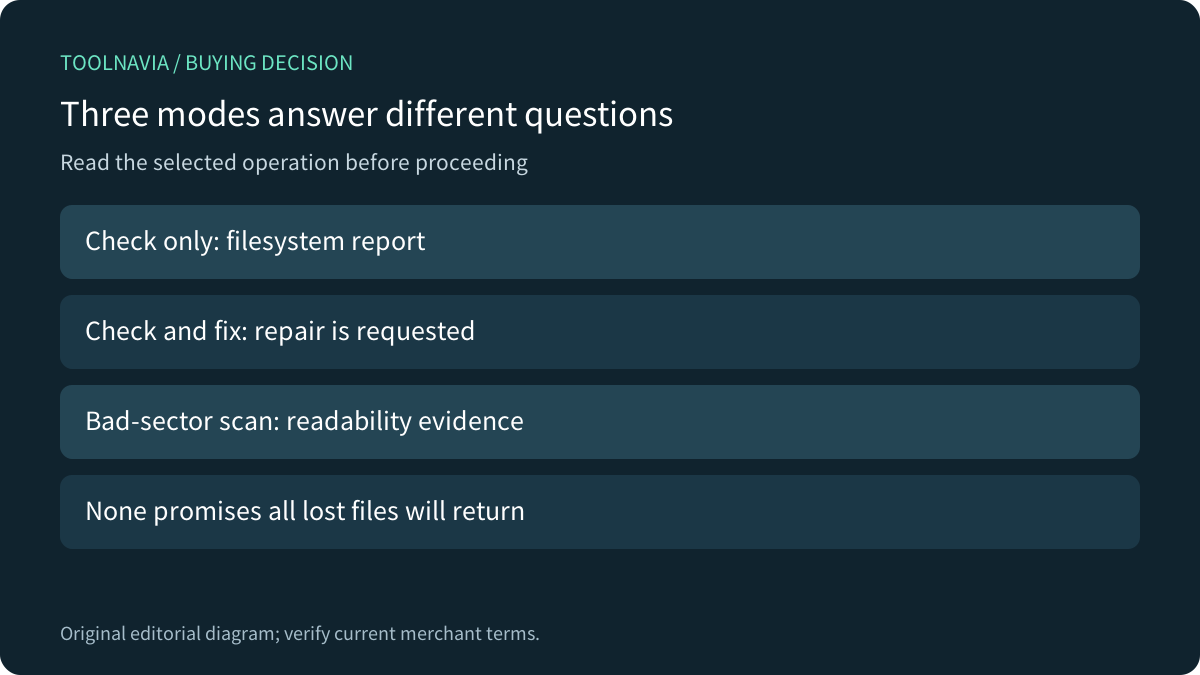
The product's Check Partition guide offers three choices: check and fix using CHKDSK, check using CHKDSK, or check for bad sectors. Selecting the right question matters more than the shared menu name. This is documentation analysis; no drive, repair or application was tested.
Review the exact Professional offer. Toolnavia may earn a commission through this approved affiliate link.
Separate a report from a repair request
AOMEI documents check-only and check-and-fix as separate choices. Microsoft likewise distinguishes a status report without parameters from repair options. Its /f option fixes filesystem errors; /r includes /f and adds bad-sector analysis and recovery of readable information. Neither description guarantees recovery of every missing file.
Do not translate the word check into a blanket promise that nothing changes. Read the selected mode and any restart or volume-lock requirement. Conversely, a successful check-only report is not evidence that a requested repair occurred. Record what operation actually ran before deciding the problem is resolved.
A partition result does not cover an entire drive
The bad-sector guide distinguishes scanning a chosen partition from starting Disk Surface Test on a disk. It explicitly says the detection function finds bad sectors rather than repairing them. Progress and counts are useful evidence about that scan, not a certificate of restored physical health.
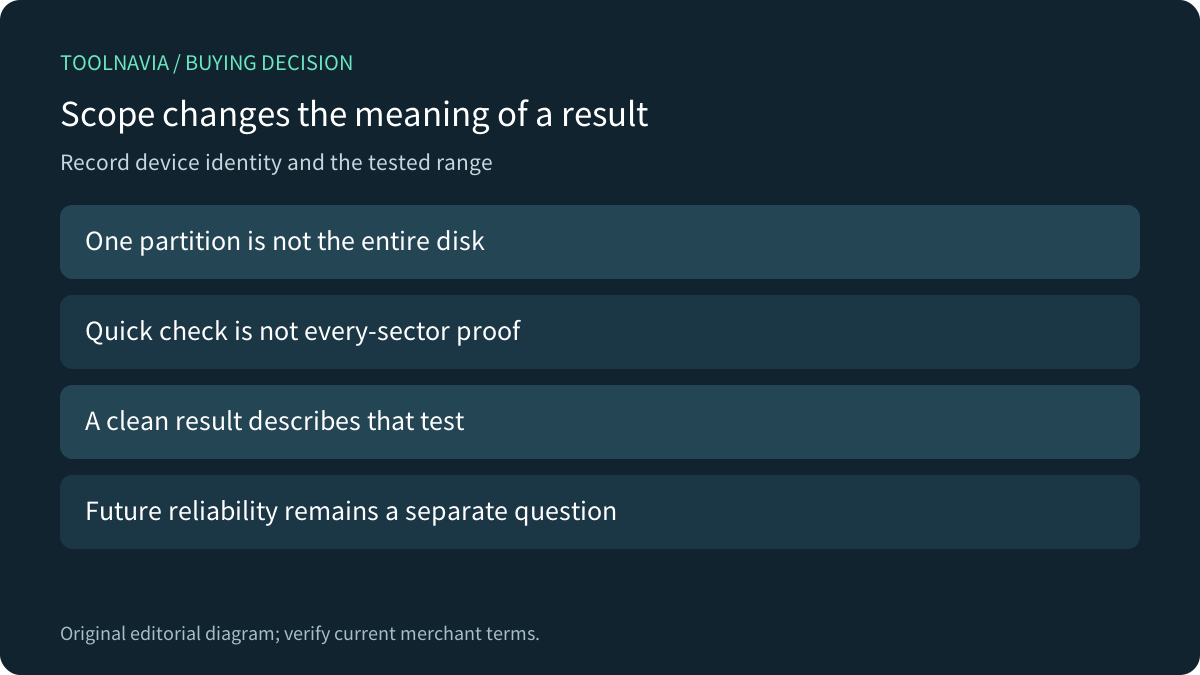
Those documented controls provide four practical benefits: a separate reporting path, an identifiable repair choice, partition-versus-disk scope, and visible scan progress. Each benefit has a boundary. A quick check or selected partition cannot establish that every part of the device was read. A passing result cannot predict its remaining working life.
Protect valuable data before experimenting
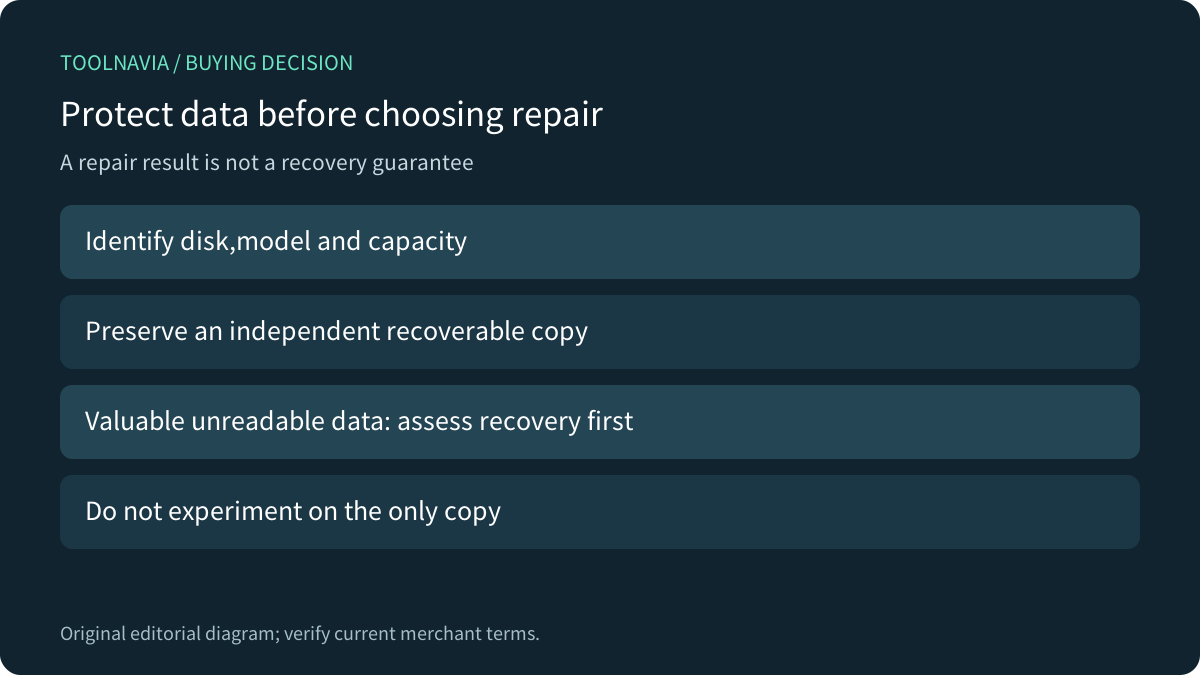
Identify the physical device by model, capacity and disk identity, not only its drive letter. Preserve an independent recoverable copy before a planned repair. If valuable data is already unreadable or the drive appears to be failing, assess recovery first rather than repeatedly running repair attempts against the only copy.
Seagate's guidance illustrates the distinction: its repair options require backup preparation, and unreadable data in a reallocated sector does not become recovered merely because the sector is replaced. It also explains that a healthy drive can contain corrupt data. This is a separate vendor's diagnostic guidance, not an assertion that AOMEI implements SeaTools.
Plan time around the actual operation
Dell distinguishes filesystem errors from bad sectors and says the duration depends on capacity, file count, errors and chosen options. Do not promise a universal few-minute completion or assume an apparently quiet long scan has finished. The actual tool, mode and device determine the interruption and downtime plan.
For a harmless rehearsal, use disposable sample data on an identified test disk, inspect the mode labels, and retain the resulting log. Check whether the result refers to a partition or the entire disk. We did not perform this rehearsal; it would verify the workflow, not prove recovery on a different damaged drive.
Buy the toolkit only after finding a capability gap
The official store displays Professional Yearly at $49.95 with automatic renewal and Professional Lifetime at $59.95 as a one-time purchase with lifetime upgrades, both covering two PCs. The dollar symbol alone does not establish the ISO currency or final tax; confirm the current cart and license scope. This PC edition does not grant Server rights.
Keep built-in or existing tools when they meet the diagnosed need. Consider Professional for a named supported operation in its wider toolkit, rather than treating a paid license as stronger evidence that a failing drive is safe. Hardware replacement, specialist recovery and the software license are separate spending decisions.