TOOLNAVIA / BUYING GUIDE
AOMEI FoneBackup: Unlimited Devices, 5 PCs—Can You Move the License?
The short answer
AOMEI FoneBackup Professional uses two limits that are easy to collapse into one: **unlimited iOS devices** and **five Windows PCs**. The product page displays US$35.95 for one year and US$53.95 for lifetime access, while AOMEI’s central store shows US$39.95 and US$59.95. The real buying question is which objects consume a limit, and what happens when a PC is replaced.
At a glance
- Best for
- Households with many iOS devices and up to five PCs.
- Price model
- Product display US$35.95/year or US$53.95 lifetime; store differs; checkout controls
- Check first
- Unlimited devices does not mean unlimited PCs; transfer reset is undocumented.
Read “devices” and “PCs” separately
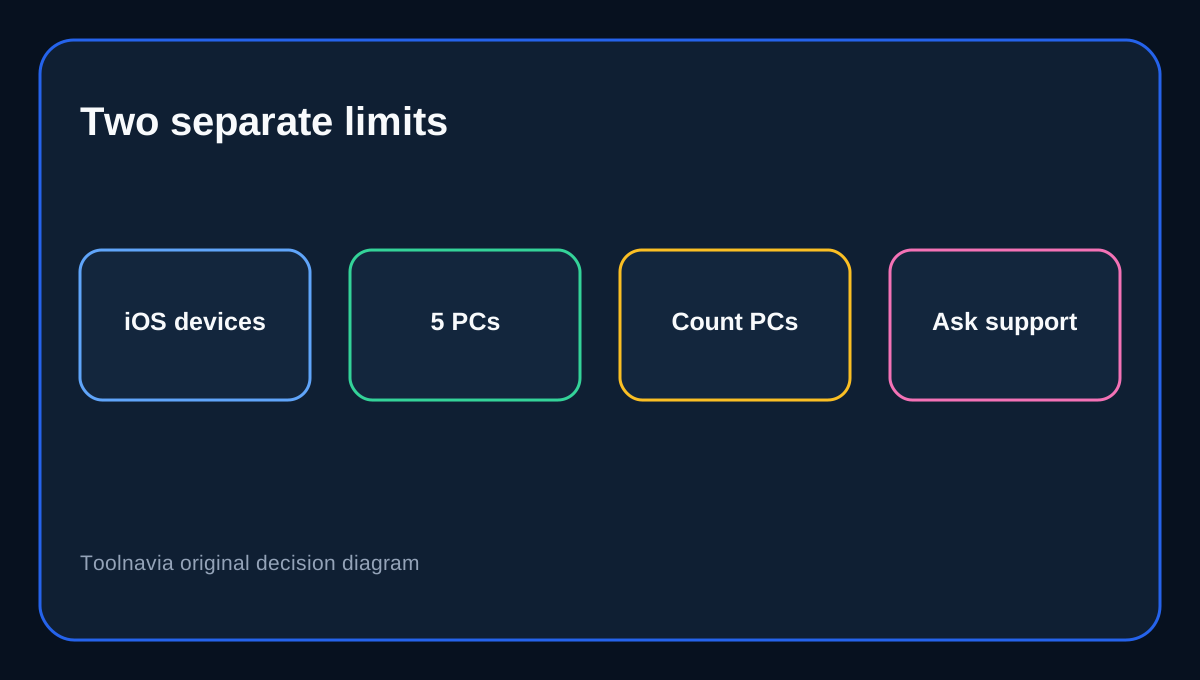
“Unlimited devices” refers to the iPhone, iPad and iPod touch hardware whose data you manage. “5 PCs” is the computer-side installation or activation allowance. Backing up ten family iPhones through one Windows computer does not imply ten PC seats. Installing FoneBackup on a sixth Windows machine is a different event and should not be assumed to fit Professional.
That makes Professional attractive for a household with several Apple devices and up to five Windows computers. It is less clear for a repair shop, a rotating fleet or anyone who regularly replaces PCs. AOMEI markets a separate Unlimited-PC lifetime edition, so the five-PC boundary is commercially meaningful.
Yearly and lifetime keep the five-PC ceiling
Yearly and Lifetime Professional both list unlimited devices and five PCs. Yearly includes upgrades during the paid year and renews; Lifetime is a one-time payment with lifetime upgrades. Lifetime does not convert five PCs into unlimited PCs.
Use price as a display snapshot. AOMEI’s own pages differ: US$35.95/US$53.95 on the product page versus US$39.95/US$59.95 in the central store. Taxes, checkout routing and promotion timing can change the total. Record checkout before authorizing payment.
A phone replacement is not a PC-license transfer
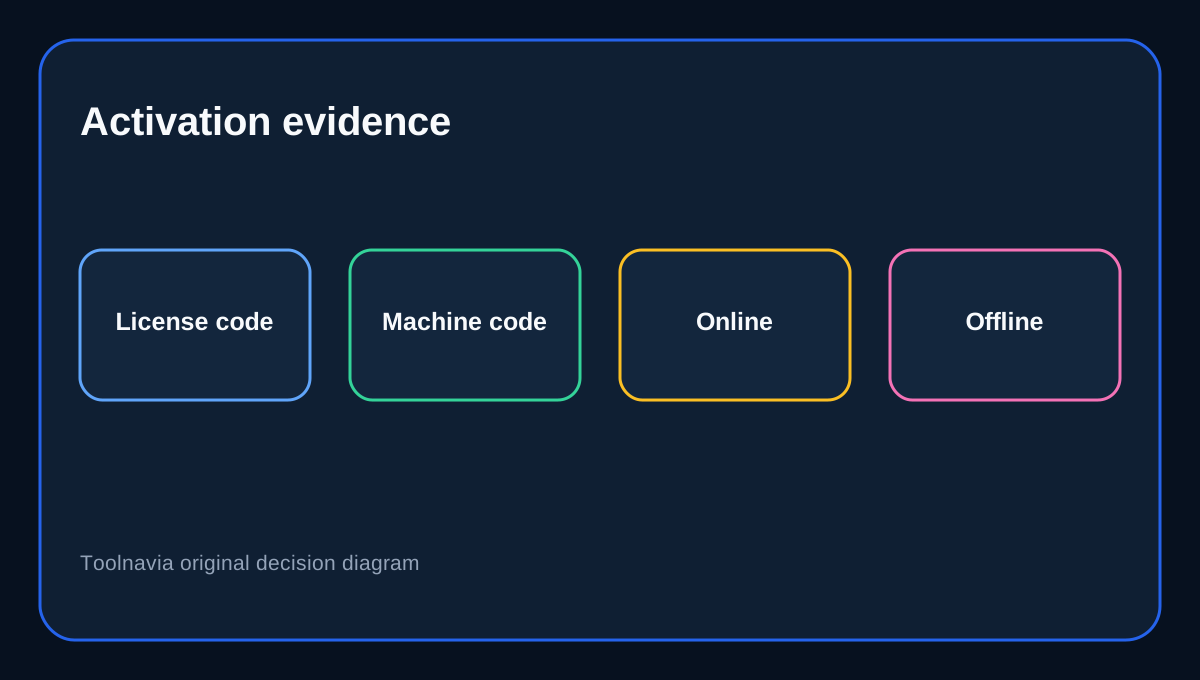
Moving from an old iPhone to a new iPhone stays inside “unlimited devices.” Replacing the Windows computer that runs FoneBackup touches the five-PC activation side. The registration guide says a paid key is entered inside the program; offline activation combines the key with a machine code. It does not document a self-service “deactivate old PC” button or promise that a seat automatically returns.
Do not promise that a failed or retired PC can always be swapped without support. Keep the order email and license code, then ask AOMEI Support whether the old activation can be reset for the replacement machine. A support-approved reset is stronger evidence than assuming “five” means five concurrent PCs.
Move the backup library separately
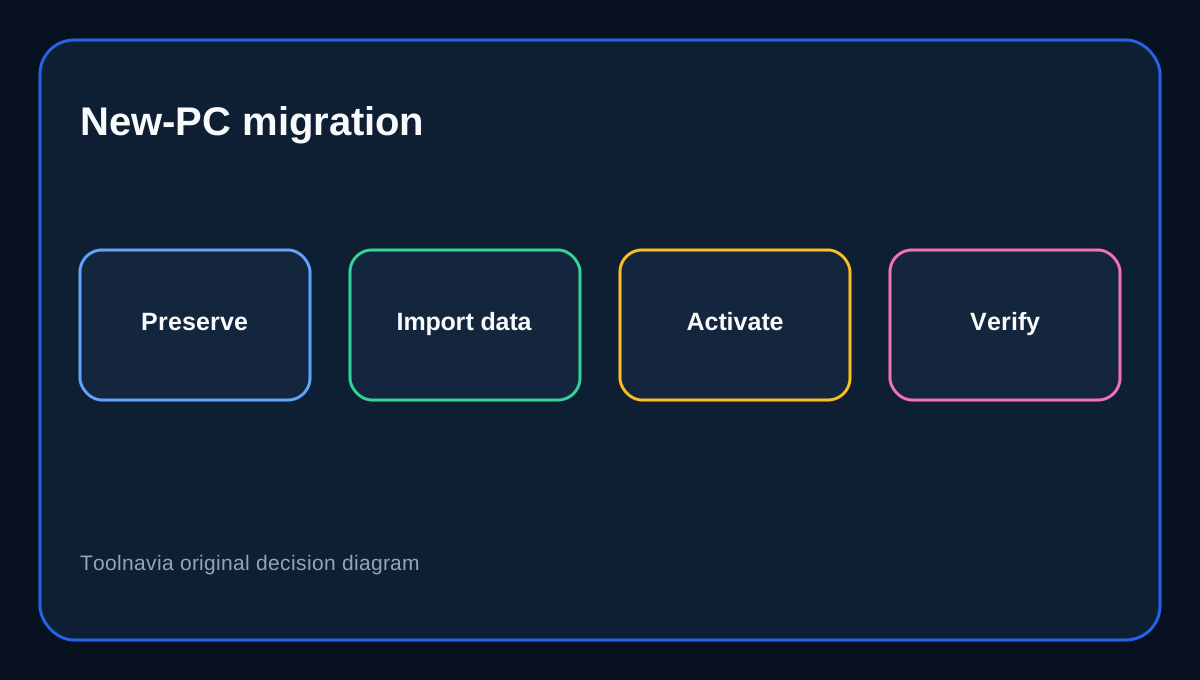
AOMEI documents migrating backup tasks and versions by importing the repository’s `mblibrary.db` on the new computer. That moves backup history; it is not described as a license-transfer workflow. Plan data migration and software activation separately before wiping the old PC.
Preserve the backup folder, note its path, export critical files, confirm the replacement PC sees the repository, and only then retire the old installation. If activation is still required, resolve it through support rather than repeatedly entering the key.
Competitors count different things
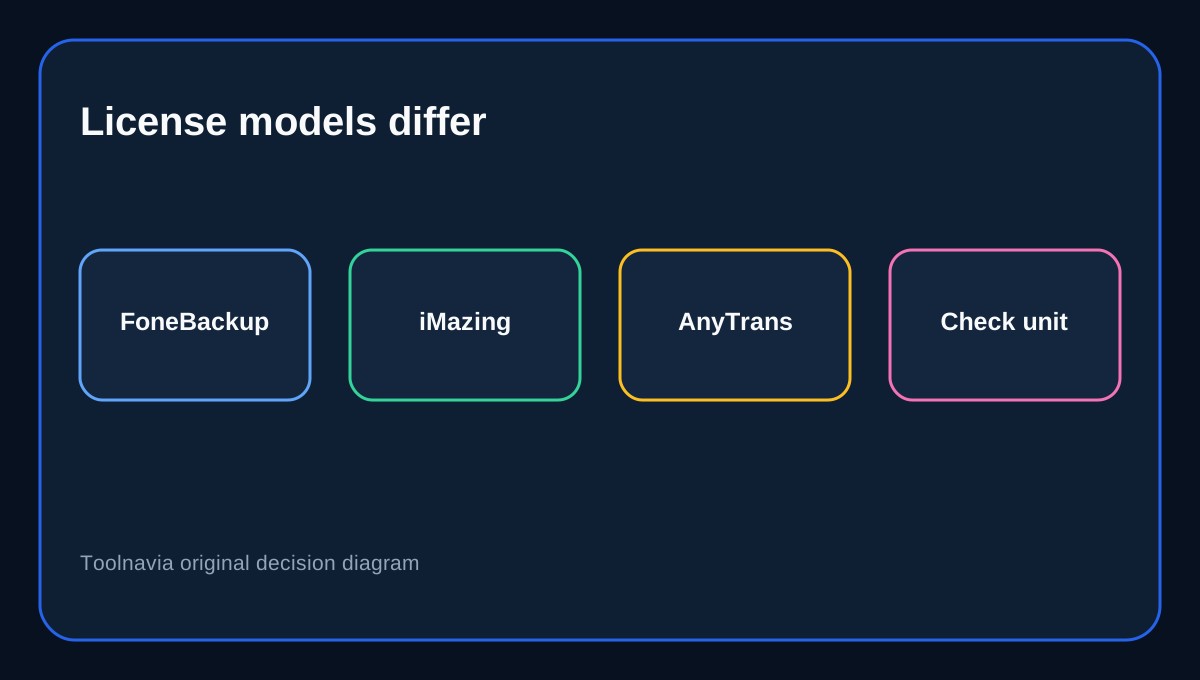
iMazing’s current model is device-based: licensed Apple devices can be used on multiple computers, while linked devices have permanence rules. AnyTrans instead sells unlimited-mobile-device personal plans for one computer, with a five-computer family option.
“Unlimited devices” is therefore not a universal promise. Vendors may limit Apple devices, computer installations or both. FoneBackup Professional is generous for many phones across up to five PCs, but its public documentation leaves replacement-PC resets less explicit than the headline allowance. Independent distribution coverage also describes FoneBackup as a Windows-hosted iPhone/iPad manager, while iMobie’s general license terms illustrate how vendors can make computer counts and non-transferability explicit.
When Professional is the right purchase
Choose Professional when all Windows computers fit within five, the use is personal, and unlimited iOS-device handling is the real benefit. Choose Yearly for a defined period with managed renewal. Choose Lifetime for long use while accepting the same five-PC boundary.
Pause if PCs are frequently rebuilt or replaced, several people need installations outside one household, or a sixth computer is likely. Ask support how activations are counted and reset, or compare the separate Unlimited-PC edition.
Purchase checklist
Count Windows PCs—not phones—against the five-PC allowance. Confirm Yearly or Lifetime checkout, renewal, compatibility and personal-use scope. Save the order email and key. If changing computers, preserve the backup repository and ask support about activation before erasing the old machine. Unlimited iOS devices do not erase the computer-seat boundary.
Affiliate disclosure: Toolnavia may earn a commission from an eligible purchase through the exact AOMEI FoneBackup Professional route. This does not change our analysis.