TOOLNAVIA / BUYING GUIDE
AOMEI FoneBackup Before iPhone Repair: Is Encrypted Local Backup Worth Paying For?
The short answer
At a glance
- Best for
- Windows users wanting a second encrypted local path and verified restore.
- Price model
- Official 2026-10-25 reference: $35.95 yearly or $53.95 lifetime; verify checkout
- Check first
- Windows-first; password loss blocks recovery; full restore may overwrite data.
Verdict: when FoneBackup is worth paying for
Before an iPhone repair, the goal is not merely to create a backup. It is to prove that a current, encrypted copy can be found and restored if the phone comes back erased. Apple tells owners to back up before service and warns that a returned device might have been erased. AOMEI FoneBackup Professional is worth considering for a Windows user who wants a selectable storage path, full and selective local copies, and a guided restore workflow. It is not an automatic upgrade over Apple's free tools.
Start with Apple Devices or iCloud if a standard whole-device recovery path is enough. Consider FoneBackup only when you need more control over which data is copied, where local files live, or how selected content is restored. The decisive test is a small restore on your real PC and iPhone—not a “backup completed” message.
Why repair changes the backup decision
A repair appointment creates a hard deadline and a plausible erase event. Apple recommends a backup before service and says the returned phone may need a restore from iCloud or a computer backup. Three facts matter more than feature count: the backup must be fresh, the storage location must remain available after the phone leaves your hands, and the password must be recoverable by you.
Do not confuse synchronization with recovery. HP notes that Phone Link is not a full-device backup and cannot restore a complete iPhone. It recommends a real iCloud, Apple Devices, or third-party backup and verification of completion time and storage. Seeing photos on a PC does not prove that messages, settings, Health data or app data can be restored.
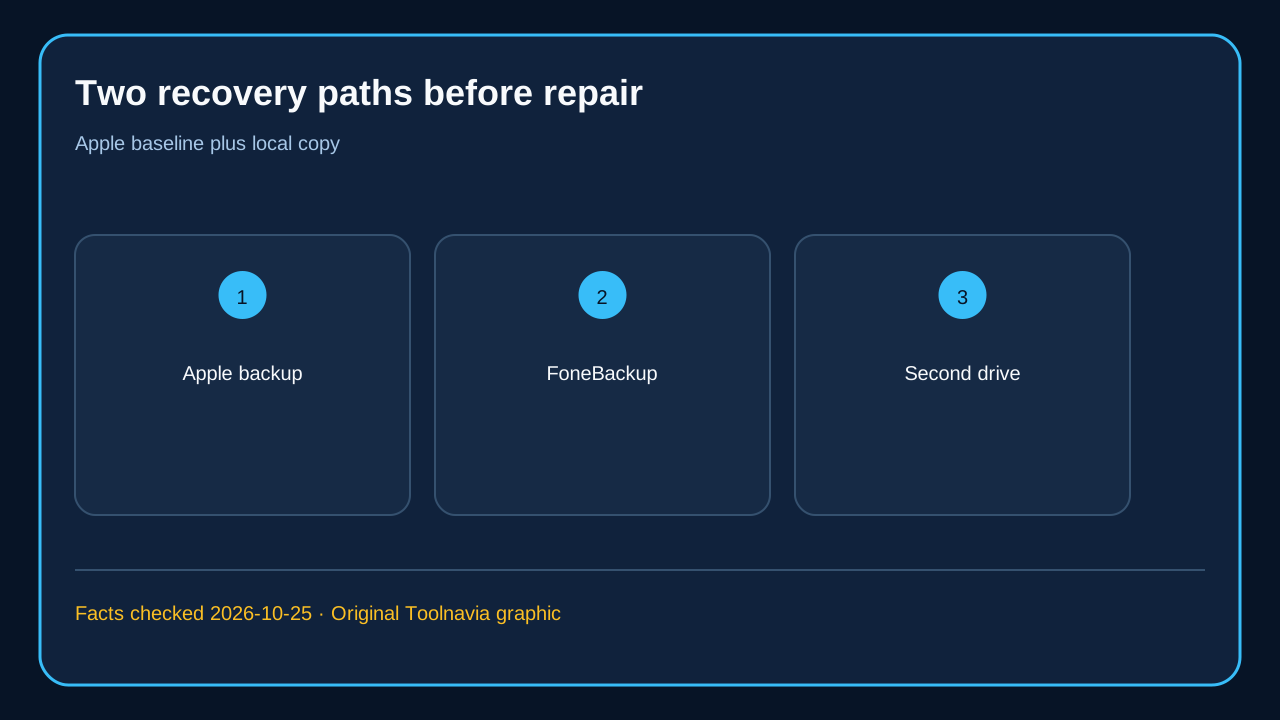
Aim for two independent recovery paths. Keep one current Apple backup because Apple documents its restore and encryption behavior precisely. Add FoneBackup as a second local path only if selective backup, destination control or transfer solves a specific problem. One local file on one Windows drive is still a single point of failure.
What FoneBackup actually gives you
AOMEI lists selective backup and restore for photos, videos, contacts, messages and music, plus one-click backup of iPhone local content to a computer. Its help page documents restore from Backup History and says a full restore can overwrite corresponding target data. The target needs more free space than the backup, and a backup from a higher iOS version cannot restore to a lower-iOS device.
A selective copy can preserve irreplaceable photos or contacts in a chosen location, while a full backup provides a broader fallback. Softpedia and Uptodown corroborate the Windows, USB-connected, full/selective backup and restore positioning. But neither a download listing nor a vendor page proves every app-specific record will survive your exact repair scenario.
AOMEI says full backup includes app data but not the app itself; the app must be downloaded again after restoration. Treat messaging apps, authenticators, work profiles and financial apps as separate verification items. If one is mission-critical, follow that provider's export or recovery instructions in addition to making the phone backup.
Encryption boundary: the password is part of the backup
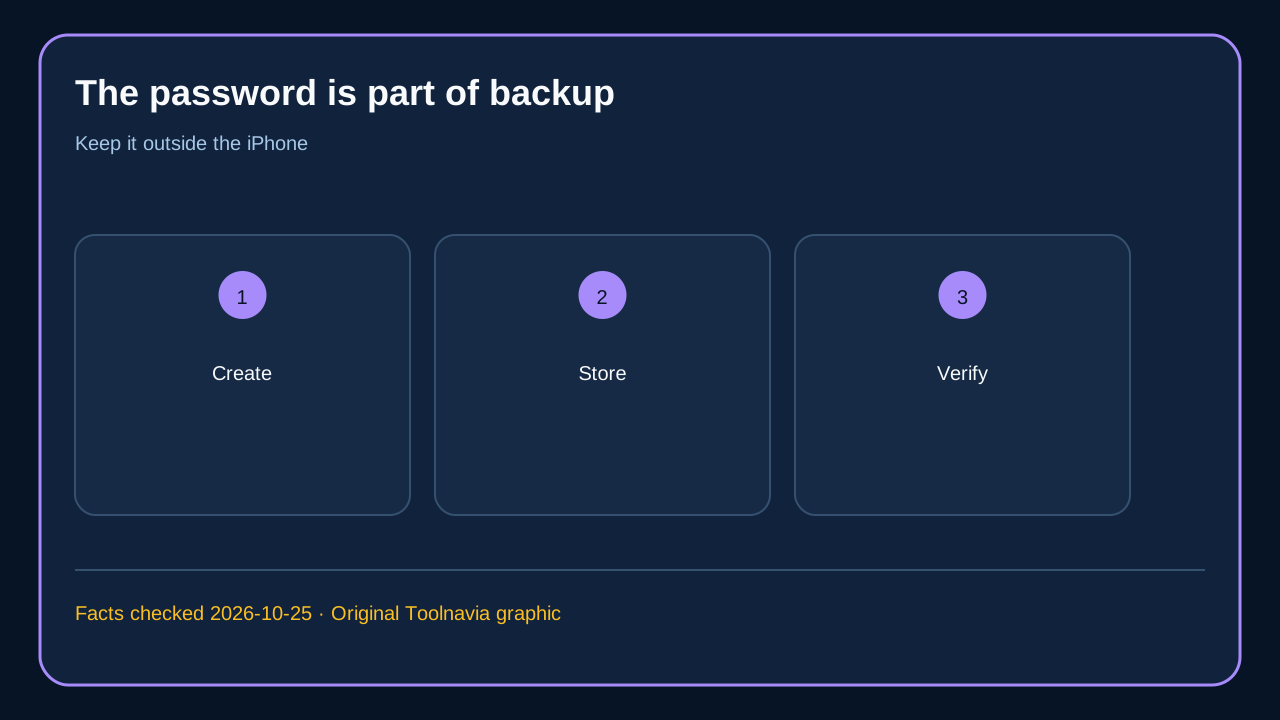
Encryption is valuable only if the password survives the repair. AOMEI says the backup password is shared across protected workflows, checked during browsing, backup and restore, cannot be viewed directly, and currently cannot be modified through FoneBackup. If forgotten, AOMEI directs the user to reset all settings on the iPhone before establishing a new password.
Apple makes the same operational point for its encrypted local backups: they are not encrypted by default, and the password is required to use them. Apple documents extra categories an encrypted computer backup can include—saved passwords, Wi-Fi settings, website history, Health data and call history—while excluding Face ID, Touch ID and the device passcode. AOMEI confirms encryption and password-controlled restore, but does not supply an independent item-by-item parity certification against Apple's encrypted backup format.
Store the password in a password manager or another secure offline record, and verify it before service day. Do not leave the only copy in the phone being repaired. Protect the Windows drive too: encryption does not prevent loss if the disk fails, is stolen, or is reformatted.
FoneBackup versus Apple Devices and iCloud
Apple Devices is the free official Windows baseline. CopyTrans's comparison also presents it as the default for straightforward local backup. iCloud is easier with enough storage and reliable Wi-Fi. An encrypted computer backup avoids dependence on upload speed and can include categories Apple says are absent from an unencrypted local copy.
FoneBackup's buying case is workflow control, not the mere ability to back up. Its value rises when you want to choose a destination, keep selective copies, browse backup history, or move content between iOS devices from Windows. Its value falls when you only need one standard full backup, do not want another utility, or cannot run a verified restore before repair.
Do not pay because “local” sounds safer. Pay only if the Professional workflow passes on your device and saves meaningful time or reduces a real recovery risk. Apple's free path remains the benchmark. The live checkout—not an old article or screenshot—controls license term, tax and final price.
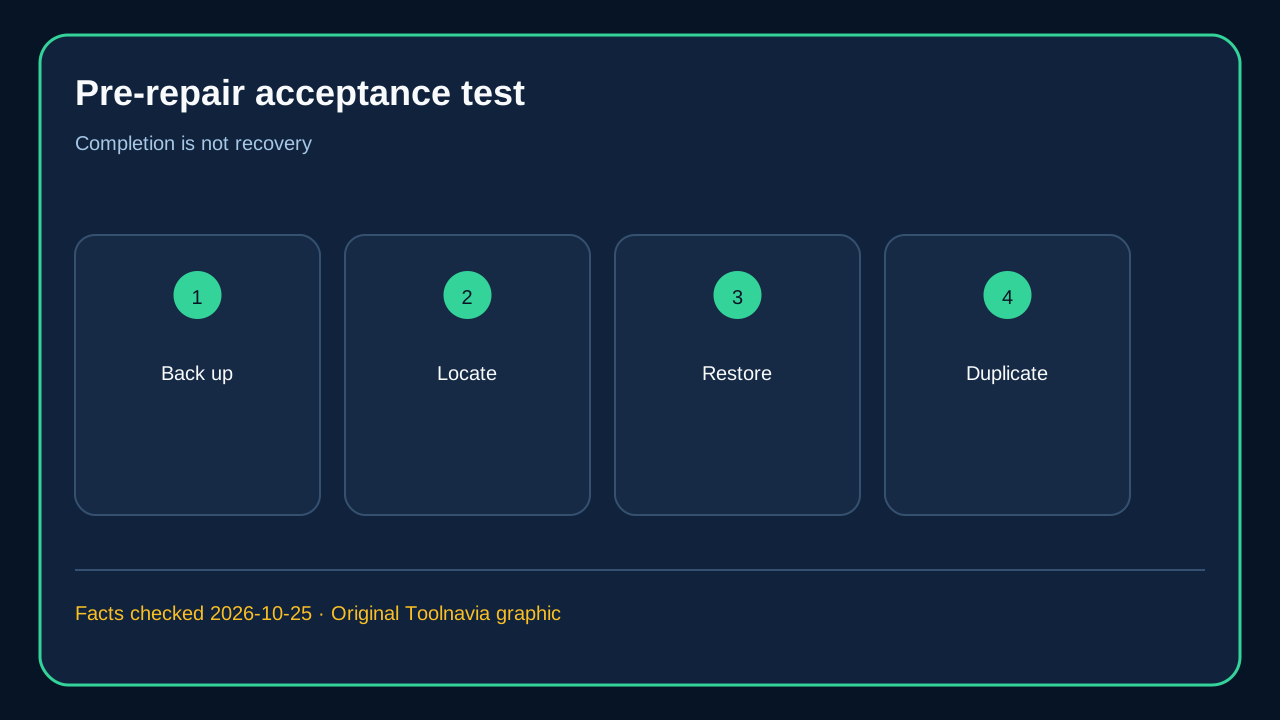
The pre-repair acceptance test
Run this sequence at least a day before service:
1. Update the Windows backup tool, connect the iPhone by cable, unlock it and approve the trust prompt. 2. Create a fresh Apple backup. For a computer backup, deliberately enable encryption, record the password outside the phone, and confirm the completion date and time. 3. In FoneBackup, make a small selective backup of disposable photos and contacts to the intended path. Then create the broader backup you plan to rely on. 4. Open Backup History, confirm the backup is visible, and verify enough free space on the destination drive. 5. Restore only disposable test data where the workflow permits. Do not start a full restore to the working phone just as a test because AOMEI warns that corresponding target data can be overwritten. 6. Copy the backup to a second encrypted drive or protected location and disconnect that second copy before handoff. 7. Review critical apps separately and follow Apple's other service-preparation steps. Keep Apple Account credentials available.
A completion badge without steps four and five proves a job ran, not that recovery will work. The repair deadline is the wrong time to discover a forgotten password, missing drive or incompatible iOS version.
Buying decision and next step
Buy FoneBackup Professional only if you use Windows and at least one paid-workflow advantage survives the acceptance test: selectable local destinations, selective restore, managed backup history, or repeat device transfer. Skip it if Apple Devices plus iCloud cover your needs, if you use only a Mac, or if you cannot safely retain the encryption password.
At the 2026-10-25 check, AOMEI's official install page listed $35.95 yearly with automatic renewal and $53.95 lifetime as a one-time payment; treat these as a current reference and let the live checkout control. Before checkout, verify the current license term, Windows/iOS compatibility, final price, tax and renewal behavior. Toolnavia may earn a commission from the approved AOMEI offer, but the test does not change: the backup must be current, the password recoverable, the destination duplicated, and a restore path verified. Keep an Apple encrypted backup as the compatibility baseline and use FoneBackup as a second, more controllable Windows recovery path.