TOOLNAVIA / BUYING GUIDE
AOMEI FoneBackup PC-to-iPhone Transfer: Add Files Without Erasing?
The short answer
Affiliate disclosure: Toolnavia may earn a commission if you buy through the AOMEI link in this guide. That does not change the evidence, limitations or recommendation.
At a glance
- Best for
- Repeated batches above 30 local files per day after a small transfer test succeeds.
- Price model
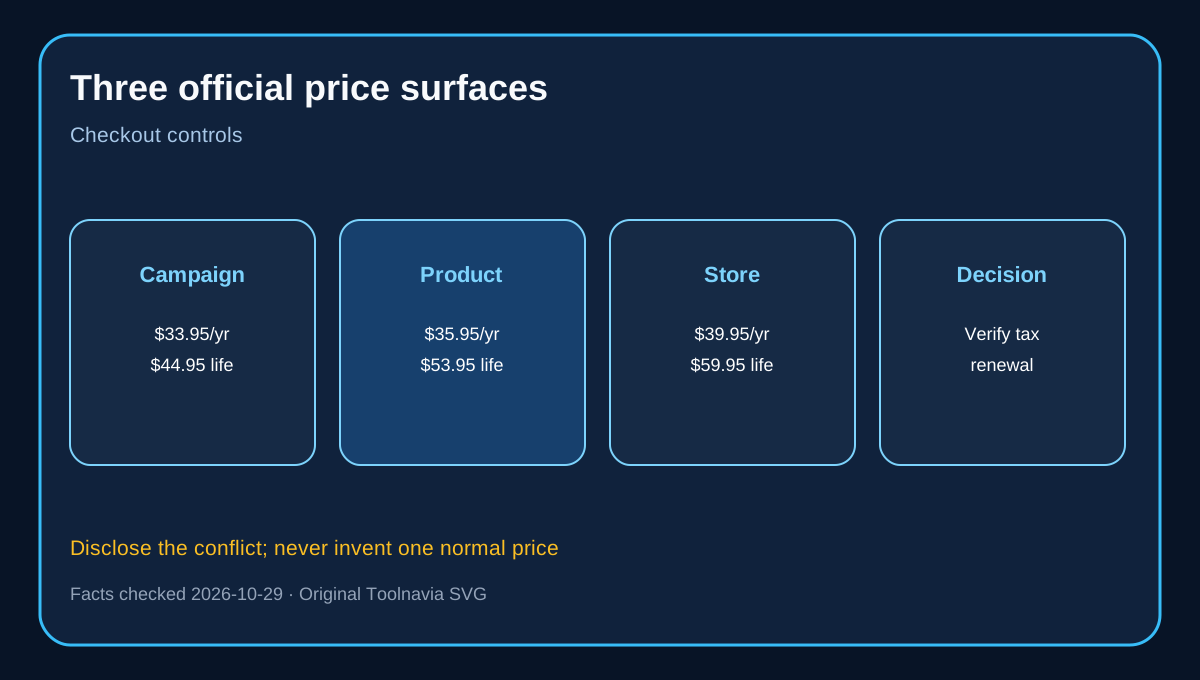
- $33.95–$39.95 yearly; $44.95–$59.95 lifetime; checkout controls
- Check first
- Full-device restore, CD ripping, cloud-only sources not downloaded locally, unsupported formats or more than five Windows PCs.
Verdict: use the free limit to prove an additive transfer first
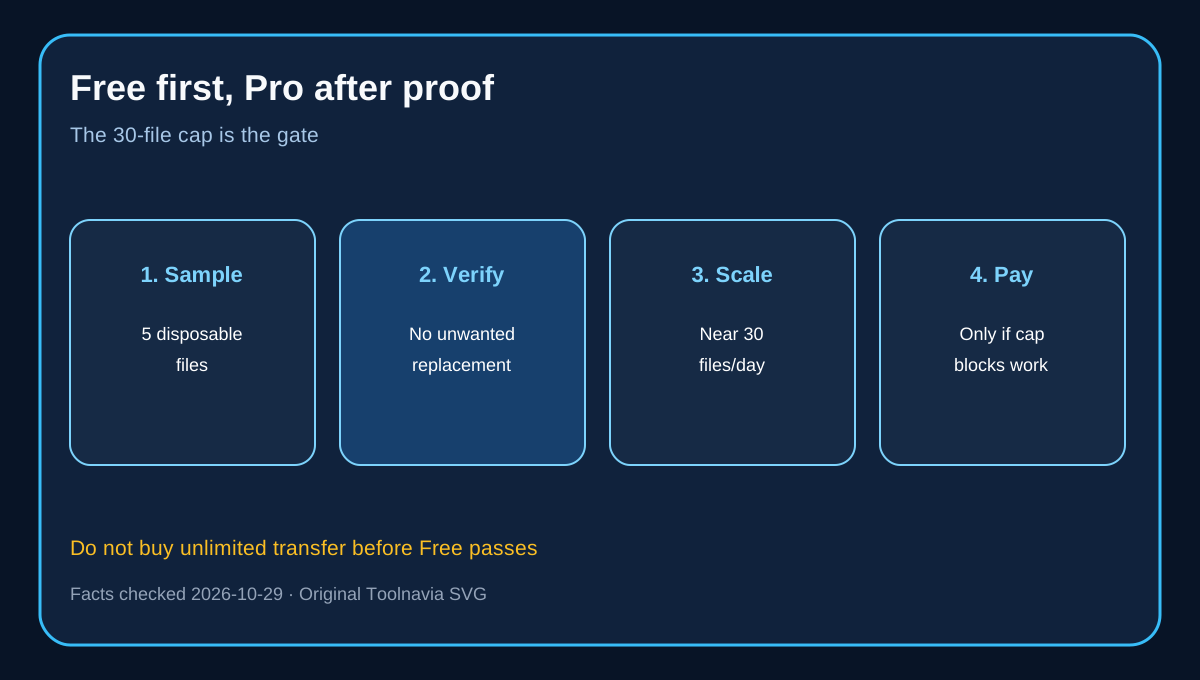
AOMEI FoneBackup is worth paying for only if you repeatedly need to move more than 30 local photos, music files or videos per day from a Windows PC to an iPhone and a small test proves the files arrive without disturbing content you intend to keep. AOMEI's current Free workflow is limited to 30 files per day, while Professional removes that daily file limit. The free edition is therefore an acceptance test, not a screenshot-only demo.
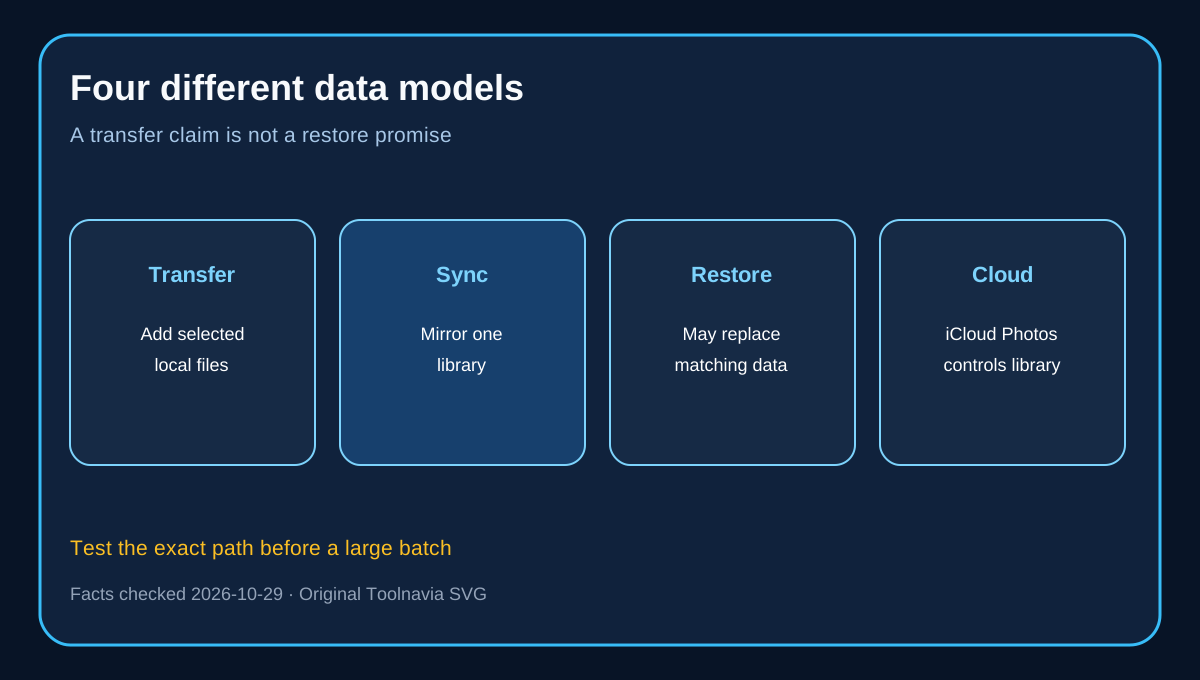
“Without erasing” has a boundary. Selected-file transfer is not Apple library synchronization and is not full-backup restore. AOMEI says full restore may overwrite destination data; selective restore is less disruptive but repeats can create duplicates. This guide covers PC-to-iPhone transfer, not full-device restore.

What the workflow covers
Official material names photos, music and videos. The selected-music example begins only after audio files exist on the PC; FoneBackup is not a CD-ripping tool. If an original exists only in iCloud, download it locally before treating it as a PC source file.
Preflight: 1. Install on supported Windows and connect a trusted iPhone. 2. Confirm source files are local, readable and supported. 3. Make a current Apple backup. 4. Transfer five disposable, recognizable files. 5. Verify destination, metadata, playback and existing items. 6. Repeat one file deliberately to reveal duplicate behavior. 7. Test a batch near the 30-file free ceiling.
Transfer is not Apple synchronization
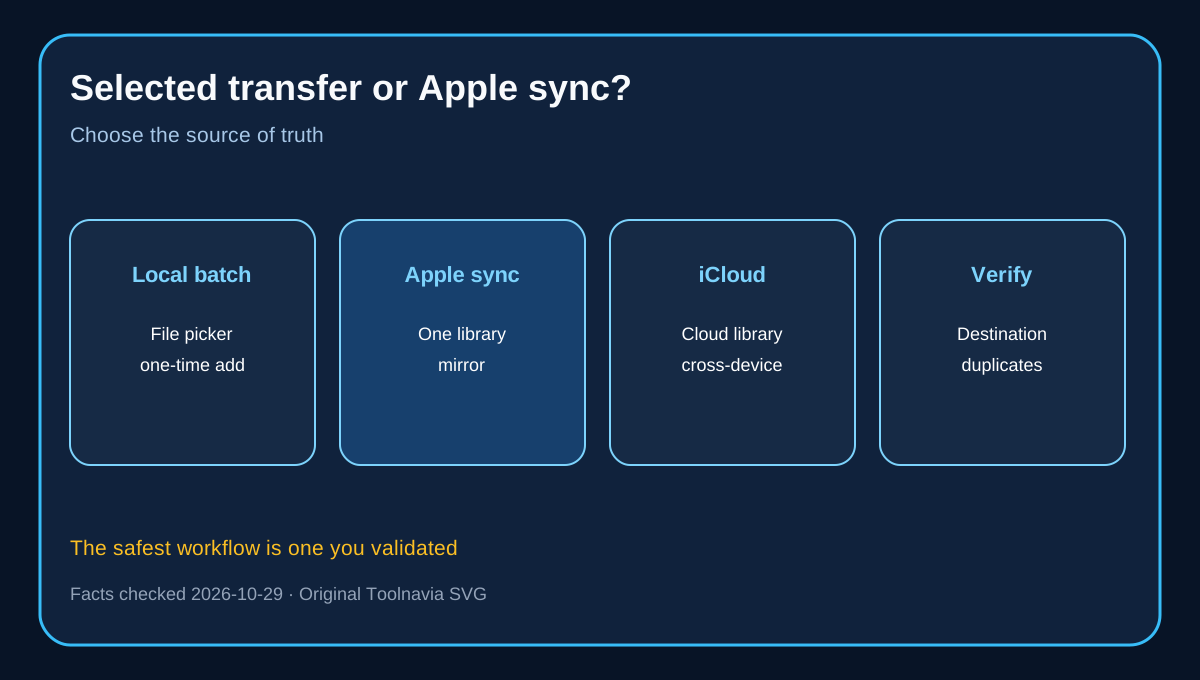
Apple Devices, Finder or iTunes can sync selected folders and media, but Apple documents a one-library relationship and an erase-and-sync warning when content came from another library. Later source-folder changes can also remove synced photos. Selected transfer is attractive when you want a file-picker instead of a maintained mirror. Apple sync is better when the PC folder remains the source of truth; iCloud Photos is a third, cloud-managed model.

Free versus Professional
The paid trigger is not whether the app can transfer—the Free path can prove that. The trigger is whether 30 files per day makes the verified workflow impractical. - Stay Free for occasional small batches. - Consider Professional for repeated large batches after the test passes. - Professional is cited for five PCs and unlimited mobile devices; unlimited devices does not mean unlimited Windows installations. - Yearly auto-renews; lifetime is one-time, but compatibility still controls value.

Three official price surfaces disagree
The campaign page shows $33.95 yearly and $44.95 lifetime. The main product page shows $35.95 and $53.95. The store shows $39.95 and $59.95. Do not manufacture one timeless normal price. Use the approved direct official destination, then verify checkout total, tax, renewal and cancellation route.
At those surfaces, lifetime costs $11, $18 or $20 more than one year. The arithmetic favors lifetime quickly only after Free proves the workflow fits the actual phone, formats and destination.

Alternatives
iMazing, CopyTrans Manager and EaseUS MobiMover publish same-intent computer-to-iPhone workflows. They show buyers are choosing among selected transfer, library management, supported types and license scope. Their pages are vendor evidence, not hands-on proof. Compare them with the same five files and checklist.
Who should buy
Buy only if local Windows files transfer successfully without unwanted replacement, you routinely exceed 30 files/day, five PC activations suffice, and live checkout terms are acceptable. Stay Free for small batches. Use Apple sync for a maintained mirror and iCloud Photos for a cloud source of truth. Do not buy for full restore, CD ripping, unsupported formats or as a substitute for an Apple backup.