TOOLNAVIA / BUYING GUIDE
AOMEI FoneBackup Photo Export: Will HEIC, Live Photos and Metadata Survive?
The short answer
# AOMEI FoneBackup Photo Export: Will HEIC, Live Photos and Metadata Survive?
Affiliate disclosure: this guide may contain an approved direct affiliate link to AOMEI FoneBackup. We may earn a commission if you buy through it, at no extra cost to you. The recommendation below is conditional on a representative export test; no commission changes the acceptance criteria.
At a glance
- Best for
- Windows iPhone owners who want a tested local photo-export workflow before paying.
- Price model
- Current checkout controls plan, term, renewal, device scope, tax and price.
- Check first
- AOMEI does not publicly guarantee every Live Photo pair, metadata field, edit history or conversion outcome; test representative assets first.
Short verdict
AOMEI FoneBackup is worth considering when you want a Windows-based, cable-first way to copy iPhone photos in bulk and you prefer a guided interface over manual folder work. But “the files copied successfully” is not enough proof that an archive is faithful. Apple photos can carry HEIC/HEIF format choices, Live Photo motion components, edits, timestamps, location data, captions and other metadata. AOMEI’s public pages describe photo transfer and backup, but they do not provide a field-by-field preservation warranty for every item in that set.
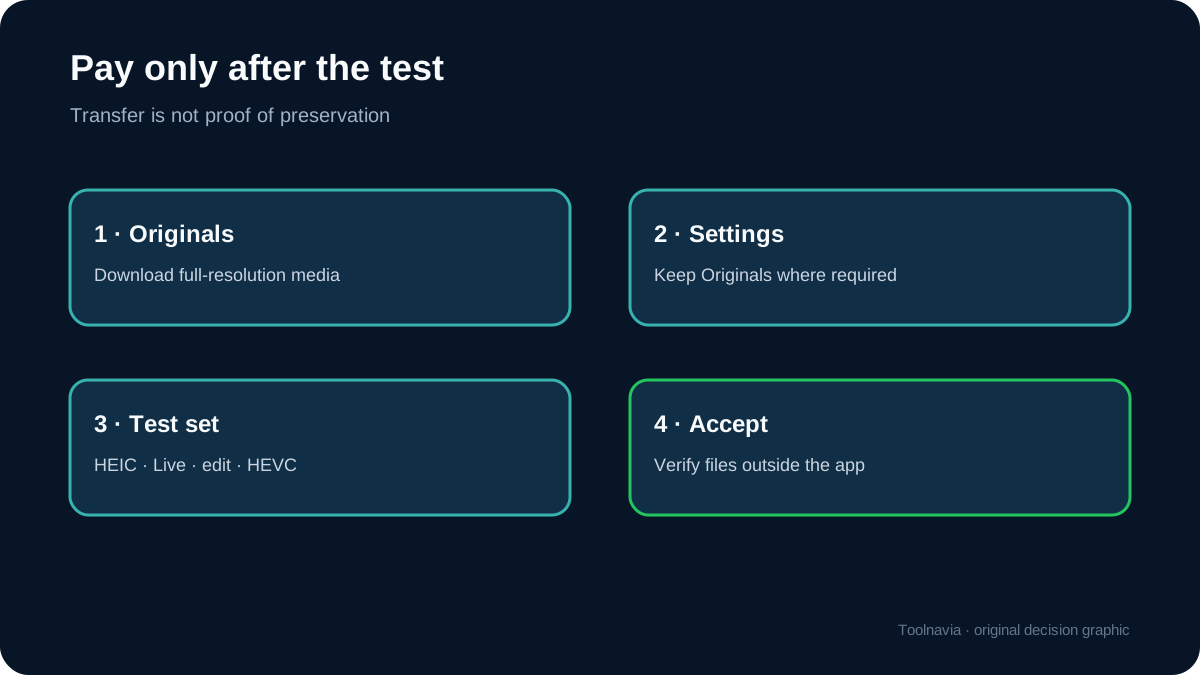
Buy only after a small export test proves that the exact attributes you care about survive your own iPhone, Windows version and destination workflow. If you need a legally defensible or preservation-grade archive, keep Apple’s own “Unmodified Originals” export or another independently verified original-preserving path as the reference copy.

The five-minute buying decision
Use these gates before checkout:
1. **Destination:** Do you need ordinary viewable files on Windows, or a preservation master that can later reconstruct Apple-specific behavior? 2. **Format:** Must HEIC/HEVC remain untouched, or is JPEG/H.264 conversion acceptable for compatibility? 3. **Live Photos:** Is the still image enough, or must motion and audio remain paired and usable? 4. **Metadata:** Which fields are mandatory—capture time, location, captions, edits, album context or all of them? 5. **Restore:** Is the goal a one-way export, or a future import back into an Apple Photos library with minimal loss?
If any answer is “preservation master,” do not decide from a feature list alone. Run the acceptance test below.
What AOMEI documents—and what it does not
AOMEI describes FoneBackup as an iPhone backup and transfer tool for photos and other data, with a free tier and paid Professional edition. That supports the basic use case: selecting photos, moving them to a computer and managing an iPhone without relying only on cloud storage.
The gap is equally important. Public marketing does not amount to a guarantee that every Live Photo exports as a correctly paired still-and-motion asset, that Apple Photos edits remain reversible, or that every EXIF/IPTC/location field survives every route. A tool can show a successful transfer while silently changing the container, flattening an edit, separating a motion component or dropping a field.
Treat “supports photos” as proof of transport, not proof of archival fidelity.

Why the format path matters
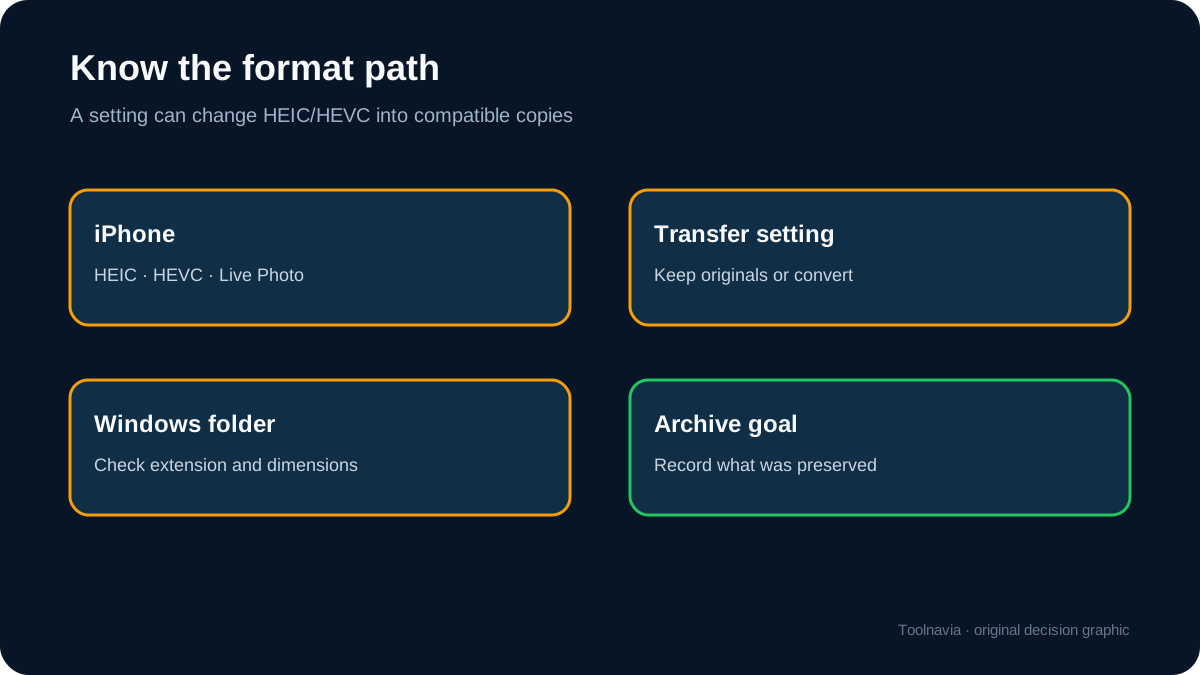
Apple explains that HEIF and HEVC are high-efficiency formats and that transfers to a PC can be converted to more compatible formats unless “Keep Originals” is selected on the iPhone. That means a JPEG appearing on Windows does not automatically prove that the transfer tool performed a lossy conversion; the iPhone’s transfer setting may have done it first.
Before testing:
- On the iPhone, record the current Photos transfer setting. - Keep it unchanged for the whole comparison. - Export the same test set through every candidate route. - Compare extension, dimensions, byte size, timestamps and metadata. - Open Live Photos in software that understands paired assets; a JPEG viewer cannot validate motion.
Apple’s iCloud download controls also distinguish “Unmodified Originals,” “Highest Resolution” and “Most Compatible.” Those options are a useful reminder that convenience, rendered appearance and original preservation are different outcomes.

Build a representative EXPORT-TEST set
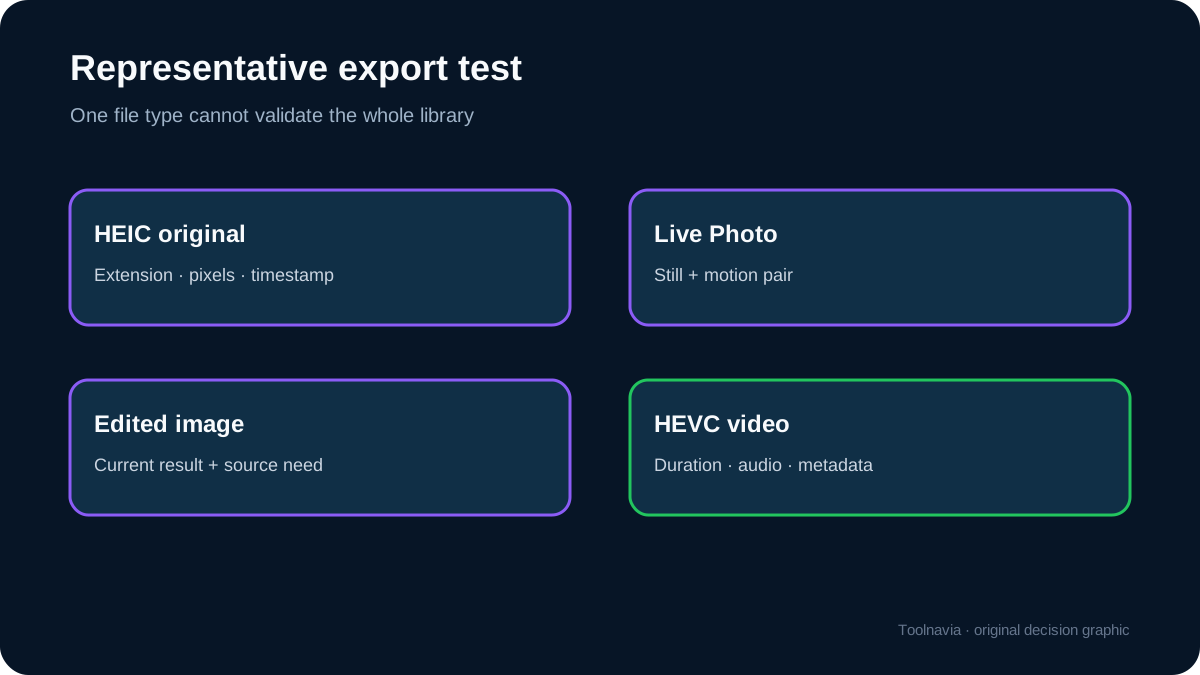
Create a temporary album named **EXPORT-TEST** containing at least:
- one ordinary HEIC photo; - one Live Photo with obvious movement and sound; - one photo edited in Apple Photos; - one Portrait-mode image with depth information; - one 4K HEVC video; - one screenshot; - one photo with a known capture location; - one file downloaded or saved from another app.
Record the visible capture date, location, caption and edit state before export. Copy this same set through AOMEI FoneBackup and at least one control route.
Compare the realistic routes
1. Apple cable import
This is the simplest control for a Windows user, but its output depends on the iPhone’s transfer setting. It is a good baseline for file visibility, not automatically a full Apple Photos archive.
2. iCloud Photos download
iCloud can provide unmodified originals or compatibility-oriented downloads. It is useful as a vendor-controlled reference, especially when you need to distinguish original data from a rendered derivative.
3. iMazing or another specialist manager
A specialist manager may expose more asset and metadata detail, but it still needs the same representative test. Do not infer preservation from price or reputation alone.
4. AOMEI FoneBackup
FoneBackup’s appeal is a guided Windows workflow, local transfer and a paid upgrade path. Its value rises if the test set passes and you regularly move large libraries without wanting ongoing cloud storage. Its value falls sharply if you require fields that the test shows are omitted or if the free/manual Apple path already meets your needs.
5. Open-source extraction tools
Open-source tools can be transparent and scriptable, but they often require more technical work. They suit users who want reproducibility and are willing to inspect logs and file pairs.
Free versus paid: decide by workflow, not by a badge
Do not buy Professional merely because “backup” sounds safer. First complete the EXPORT-TEST on the available path. Then identify the paid capability you actually need: a limit removed, a faster repeated workflow, a restore function or another documented feature. Match the checkout page to the correct product, license term, device scope, renewal state and market before paying.
Prices and campaign discounts can change. The decision should survive a price change: estimate the hours saved across a year, subtract the time needed for verification, and compare that value with the current checkout total. If the only benefit is avoiding a few manual clicks once, the free Apple path may be the better choice.

Archive acceptance checklist
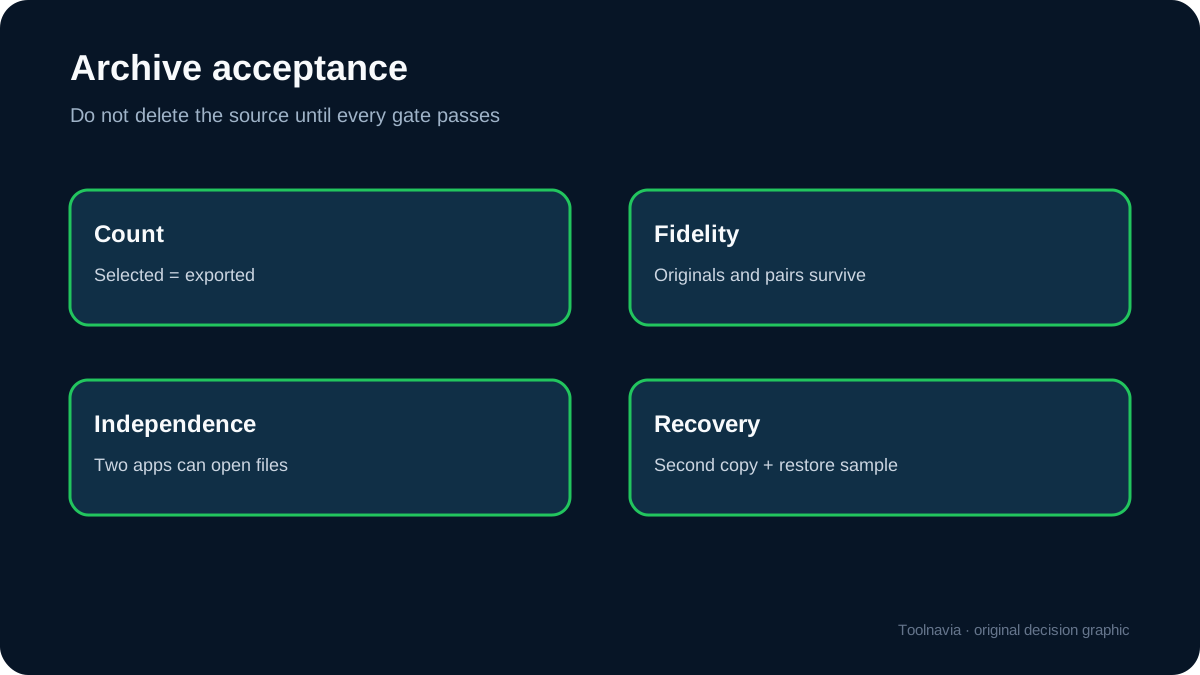
Accept the export only when all required checks pass:
- **Count:** exported items match the test album count. - **Format:** HEIC/HEVC remains original where required. - **Dimensions and bytes:** no unexplained downscaling or recompression. - **Capture time:** original capture timestamps remain correct. - **Location:** GPS data remains available where expected. - **Live Photo:** motion and sound remain paired and playable. - **Edits:** you understand whether the output is the edited rendition, original, or both. - **Portrait/depth:** required depth behavior survives in the target workflow. - **Round trip:** a sample can be re-imported or restored in the way you actually intend. - **Hash and redundancy:** create hashes after the accepted export and keep at least two copies on different media.
A green progress bar proves that a process finished; this checklist proves whether the result meets your purpose.
Who should buy
FoneBackup can be a sensible purchase for a Windows user who wants a local, repeatable iPhone transfer workflow, has tested the representative assets, and values the documented paid feature enough to justify the current checkout price.
Skip or postpone the purchase if you only need a one-time copy, if Apple’s free transfer or iCloud original download already satisfies the requirement, or if the test fails on Live Photos or essential metadata. For preservation-grade work, keep an independently verified original copy even if FoneBackup becomes the convenience layer.
Bottom line
The right question is not “Can FoneBackup export iPhone photos?” It can transport photo files. The buying question is “Does its output preserve the exact formats, paired assets and metadata my archive needs?” Build the EXPORT-TEST set, compare it with an Apple-controlled reference, and buy only after the evidence is positive.
Sources
AOMEI, FoneBackup product page, https://www.aomeitech.com/phone-tool/ AOMEI, FoneBackup feature and edition information, https://www.aomeitech.com/phone-backup/ Apple Support, Set up and use iCloud Photos, https://support.apple.com/en-us/108782 Apple Support, Download iCloud photos and videos, https://support.apple.com/en-us/111762 Apple Support, Archive or make copies of iCloud data, https://support.apple.com/en-us/108306 Apple Support, Using HEIF or HEVC media on Apple devices, https://support.apple.com/en-us/116944 iMazing, photo transfer information, https://imazing.com/transfer-iphone-photos-to-mac-or-pc iMazing, HEIC and Live Photo guidance, https://imazing.com/guides/how-to-export-iphone-photos libimobiledevice project, https://libimobiledevice.org/ Microsoft Support, HEIF and HEVC file extensions, https://support.microsoft.com/windows Adobe, HEIC/HEIF format overview, https://www.adobe.com/creativecloud/file-types/image/raster/heic-file.html ExifTool, metadata reference, https://exiftool.org/