TOOLNAVIA / BUYING GUIDE
AOMEI Cyber Backup for Hyper-V Clusters: Will Live-Migrated VMs Stay Protected?
The short answer
At a glance
- Best for
- Teams able to run two-node migration, owner-failover and isolated-restore tests before purchase.
- Price model
- Current canonical page checked 2026-11-11 shows a five-VM minimum with dynamic purchase controls; live checkout governs.
- Check first
- Public AOMEI docs reviewed do not define the exact failover-cluster object, migrated-VM tracking or cluster-safe restore contract.
Verdict: host-level support is not yet a cluster contract
AOMEI Cyber Backup is a credible shortlist candidate for centralized, agentless Hyper-V protection. Its current product page says it can back up running Hyper-V virtual machines, schedule incremental jobs and restore to another location. The purchase question for a failover cluster is narrower: **after a VM live-migrates to another node, will the same protected identity stay in the job, and will a restore preserve rather than overwrite cluster state?**
The current Device Management guide tells an administrator to add a Hyper-V device with the host computer's IP address and Windows credentials. In the public pages reviewed on 11 November 2026, AOMEI did not describe adding a failover-cluster object, following a VM across nodes, discovering a VM after ownership changes, coordinating jobs during CSV redirected I/O, or re-registering a restored VM with its clustered role. This is an unresolved documentation gap, not proof that the product cannot protect clustered VMs. Shortlist only after written confirmation and a two-node migration/failover/restore proof.
*Affiliate disclosure: Toolnavia may earn a commission if you buy through the AOMEI link in this article, at no additional cost to you. The verdict remains conditional on cluster-specific proof.*

Why a VM can move while a backup job stays behind
A failover cluster separates the VM's stable business identity from the node currently running it. Cluster Shared Volumes let multiple nodes access the same storage namespace and allow a clustered role to move between nodes without remounting the volume. That mobility is the reason clusters work—and the reason a host-scoped backup inventory can become stale.
Ask AOMEI which object a task selects. If the task stores a stable VM or cluster identifier, a live migration may be transparent. If it stores a node-local inventory entry, the VM can disappear from the selected source after it moves. The public Device Management page proves host-IP onboarding; it does not publicly prove either outcome. Do not infer cluster awareness from the words “centralized” or “agentless.”
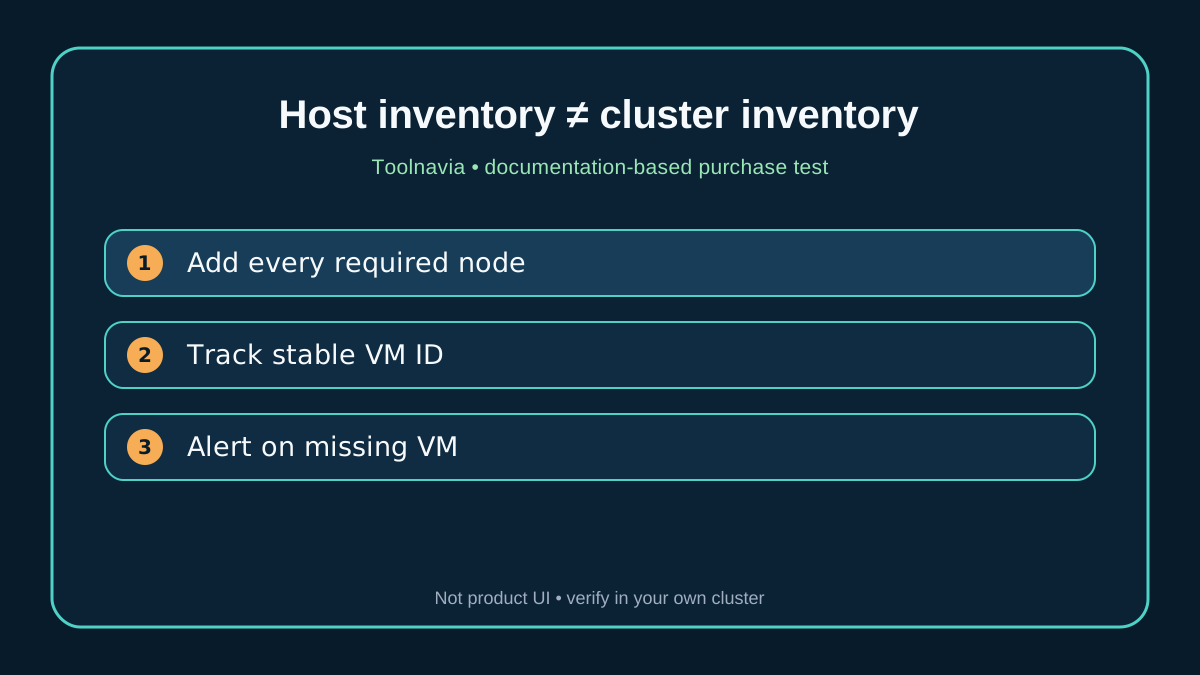
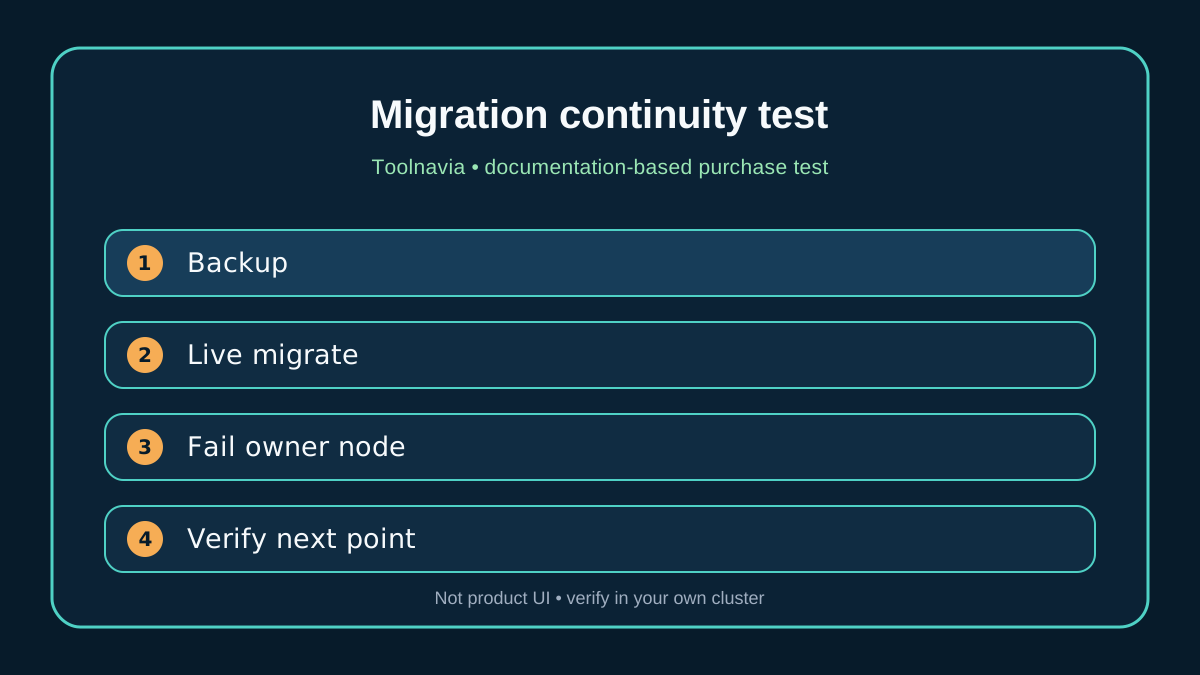
Build an inventory table before buying: cluster name, every node, VM stable identifier, current owner, CSV path, backup task, last successful point and next scheduled point. Live-migrate each test VM in both directions and verify the same identity remains selected. Then fail the owner node and confirm the next scheduled point is created without manually re-adding the VM.
Treat CSV ownership and redirected I/O as scheduling inputs
CSV presents a consistent path, but I/O still has ownership and routing behavior. Microsoft documents a coordinator node and redirected mode; write traffic can be routed through the coordinator when required. A backup window that overlaps redirected I/O, storage repair, live migration or another checkpoint-heavy job can behave differently from a quiet standalone host.
AOMEI documents Hyper-V scheduling and incremental backup, and says Hyper-V incrementals use checkpoints rather than a VMware-style CBT mechanism. Microsoft troubleshooting links failures to CSV connectivity, checkpoints, orphaned AVHDX chains, overlapping jobs and migration issues. The buying test therefore needs more than one green job:
- run jobs while each node owns the test VM; - live-migrate during a non-production backup and record the result; - observe checkpoint creation and cleanup on every node; - check CSV redirected-I/O state and coordinator load; - overlap only the concurrency you intend to run in production; - alert when a protected VM count drops or a stable identity changes.
Do not publish a universal throughput number from this test. The result is environment-specific. The useful evidence is whether discovery, checkpoint cleanup and job continuity survive the mobility events you actually use.

Demand a cluster-safe restore runbook
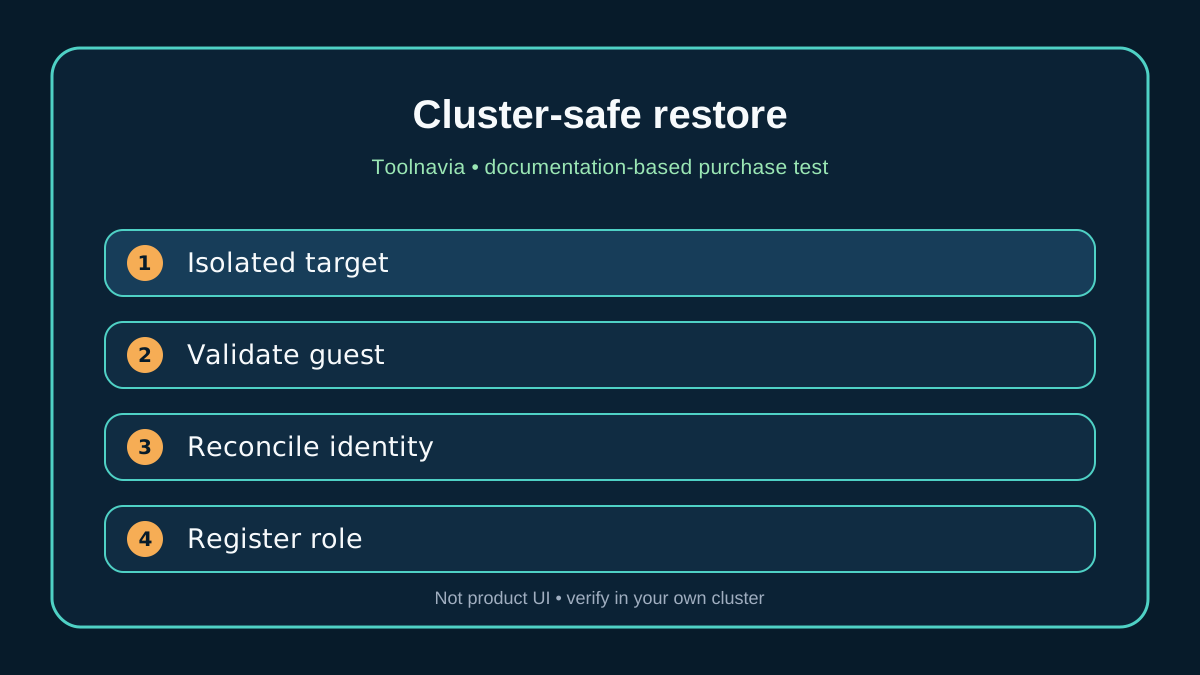
AOMEI's restore guide describes restoring a Hyper-V VM to an original or new location. A cluster buyer must add several questions: Which node receives the restored files? Which CSV path is selected? Does the workflow create a standalone VM or a clustered role? How are VM identifiers, network adapters and cluster registration reconciled? What prevents an original-location restore from overwriting healthy shared state?
Microsoft warns that restore behavior on shared storage must account for application capabilities, VSS semantics and node choice. That warning is especially important when the production VM is still registered or when another node owns its clustered role. Your first proof should restore to an isolated new location, not over production.
For the drill, record the source point, VM ID, target host, target CSV or isolated storage, network isolation and expected cluster state. Restore, boot without production connectivity, validate the guest and application, then decide whether to import it as a new clustered role. Only after that should you document an original-location procedure with explicit stop, ownership, unregister and rollback steps.
Use competitor documentation only as a checklist
Veeam publicly describes its processing path for Hyper-V VMs on local storage and CSV. Commvault exposes CSV ownership, redirected-I/O considerations and automatic discovery of migrated VMs. NAKIVO makes source, destination, schedule, retention and options explicit in the job workflow. These pages are useful because they show the questions mature cluster documentation can answer.
They do **not** prove that AOMEI works the same way, nor do they automatically make another product the better purchase. Use them to write an evidence request for AOMEI: supported cluster versions and topology; onboarding endpoint; stable identity behavior; automatic discovery after migration; CSV and redirected-I/O handling; backup during failover; original/new-location restore semantics; cluster registration; and support ownership when the drill fails.
The right comparison is not a feature-count table. It is the number of unresolved operational assumptions remaining after vendor answers and your proof run.
Price licenses around protected identities, not nodes
The exact approved offer is AOMEI Cyber Backup Yearly Customized VM. The canonical page was opened directly on 11 November 2026 and showed VM licenses sold in a minimum of five with dynamic quantity controls. It also says licenses can be unassigned from one VM and assigned to another. This article does not publish a selected-order total or coupon claim because the payable combination can change in the live control.
For a cluster, obtain a written answer on what consumes a VM license when a VM moves between hosts, is restored with a new identifier, or temporarily exists as both production and isolated recovery copy. Budget for enough licensed test identities to run migration and restore drills without removing protection from production. Include storage, CSV capacity, recovery networking, staff time and support escalation—not just the license count.
Buy, pause, or choose a cluster-aware path
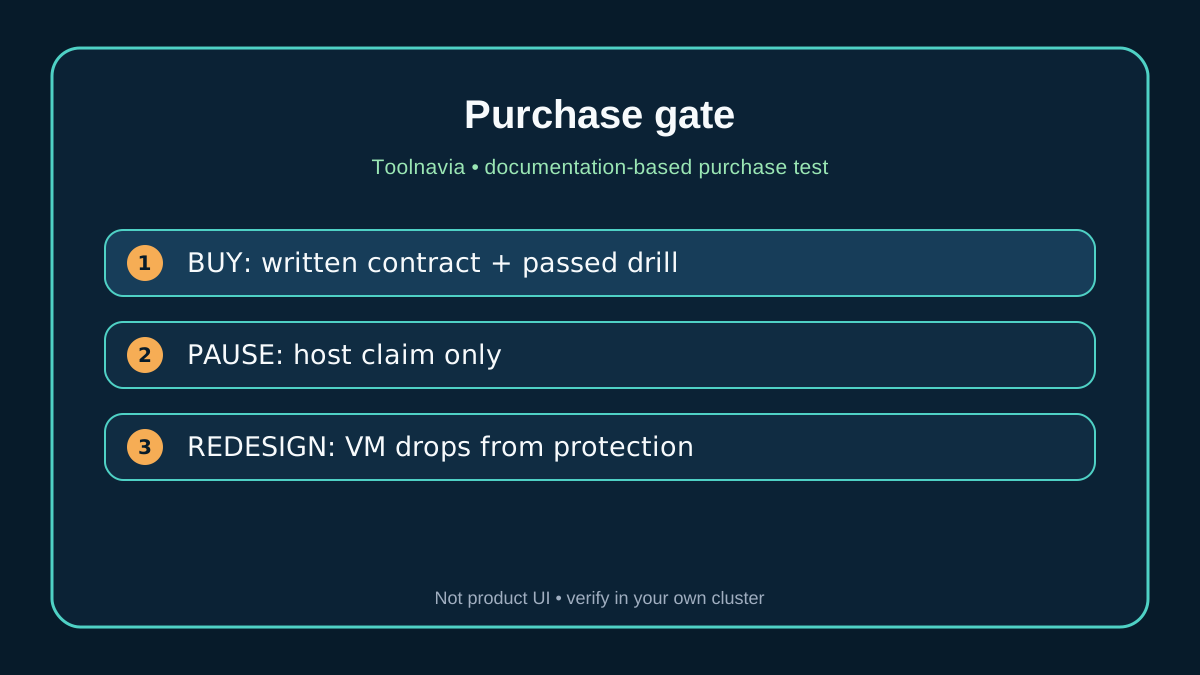
**Buy or shortlist** when AOMEI confirms the exact supported cluster topology, every node or endpoint to add, stable VM tracking after live migration, CSV scheduling behavior and cluster-safe restore semantics. Require the two-node test to pass in both directions, through owner-node failover and isolated restore.
**Pause** when the answer stops at “Hyper-V is supported,” “add the host IP,” or “centralized backup.” Those statements are true at a broad level, but they do not close the mobility and restore risks.
**Choose another design** when a migrated VM can leave the protected set, jobs require manual rediscovery after failover, or restore cannot avoid shared-state overwrite. You may still use AOMEI for standalone hosts while assigning clustered workloads to a path with explicit discovery and recovery contracts.
The final gate is operational: the same stable VM must remain protected before and after migration, jobs must survive planned mobility without dirty checkpoint chains, and an isolated restore must return a usable VM without damaging production cluster state.


Sources
AOMEI current offer. AOMEI Help Center. AOMEI Technical FAQ. AOMEI Device Management. AOMEI Hyper-V Backup. AOMEI Schedule Backup. AOMEI VM Restore. Microsoft Manage CSV. Microsoft CSV overview. Microsoft Hyper-V backup troubleshooting. Veeam CSV backup. Commvault CSV configuration. NAKIVO Hyper-V jobs.