TOOLNAVIA / BUYING GUIDE
AOMEI Cyber Backup CBT vs VSS: Prove App-Consistent Recovery Before You Buy
The short answer
At a glance
- Best for
- Teams that can obtain workload-specific guest-consistency confirmation and pass isolated transaction-aware restores before licensing.
- Price model
- Official page checked 2026-11-11 displays $99/year and minimum five VMs; quantity, discounts, tax and final cart control.
- Check first
- Agentless, incremental and running-VM claims do not alone establish application-consistent SQL/AD/Exchange recovery; written scope and restore proof remain required.
Verdict: CBT efficiency is not an application-consistency guarantee
AOMEI Cyber Backup is a credible shortlist candidate when a team wants centralized, agentless VMware backup and incremental transfer. AOMEI says it can protect running VMware VMs without installing an agent in every guest, and its scheduling documentation distinguishes full, incremental and differential jobs. That answers an operational-efficiency question. It does **not**, by itself, answer whether SQL Server, Active Directory, Exchange or another transactional workload will be recoverable at an application-consistent point.
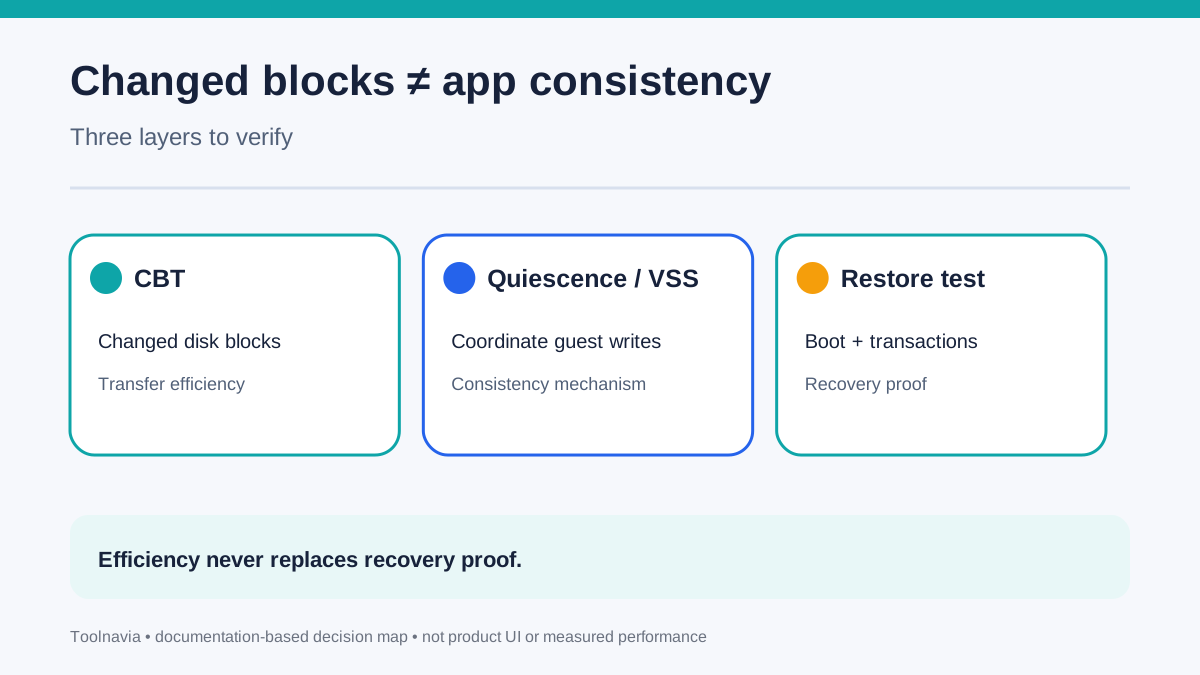
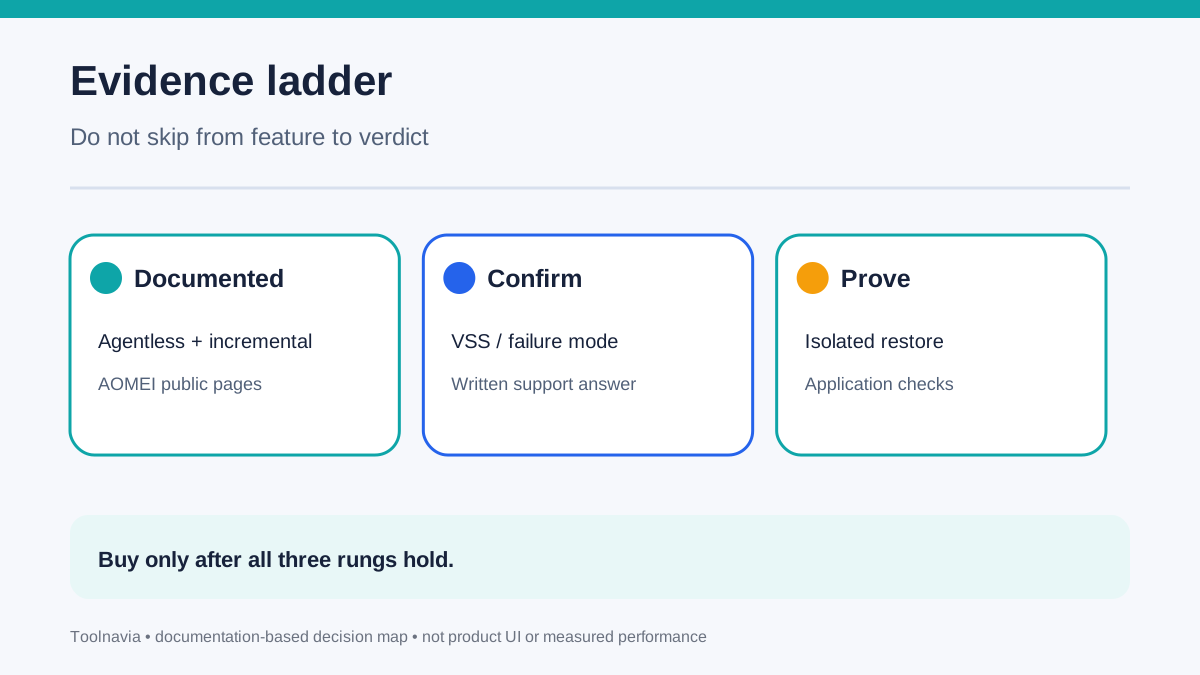
Changed Block Tracking (CBT) tells a backup system which virtual-disk blocks changed. Broadcom describes CBT as a virtualization-layer mechanism that accelerates incremental backup. Guest quiescence and Windows Volume Shadow Copy Service (VSS) address a different problem: coordinating writes so the recovered application sees a coherent state. Therefore, do not buy on “agentless + incremental” alone. Buy only after AOMEI confirms the guest-consistency path for your exact hypervisor, application and version, and after you pass a restore test.
*Affiliate disclosure: Toolnavia may earn a commission if you purchase through the AOMEI link in this article, at no additional cost to you. Our recommendation remains conditional on written capability confirmation and restore evidence.*

What AOMEI documents—and what remains unproven
The reviewed AOMEI pages establish four useful facts. First, VMware protection is presented as agentless. Second, running VMs can be backed up. Third, incremental backup is available. Fourth, AOMEI also mentions an agent-based option for specific backup needs. The scheduling page adds that Hyper-V does not use VMware-style CBT “per se”; AOMEI uses checkpoints as its incremental workaround, and incremental chains depend on previous backups.
Those facts support centralized operations, but the reviewed public pages do not explicitly promise application-consistent recovery for named transactional workloads, document the VSS writer checks performed, or state the fallback behavior when quiescence fails. That is a documentation-scope gap, not proof that the feature is absent. Ask AOMEI support to answer, in writing:
- Does the exact VMware workflow invoke guest quiescence, VMware Tools or VSS? - Which Windows Server, SQL Server, AD DS and Exchange versions are supported? - Does a failed quiescence attempt fail the job, warn and continue crash-consistent, or retry? - What log proves VSS writers were stable at the recovery point? - Is an in-guest agent required for the specific application-consistent path?

VMware CBT, quiescence and VSS solve different problems
A useful buying model has three layers. **Layer 1: change capture.** CBT reduces how much disk data must be read and transferred after the first full backup. **Layer 2: guest consistency.** Broadcom describes quiescing the guest file system and identifies VSS or VMware Tools synchronization mechanisms. Veeam’s documentation separately describes application-aware processing using VSS for transactionally consistent Windows backups. **Layer 3: recovery proof.** A restored VM must boot, the application must start, and database or directory integrity checks must pass.
A green incremental-job status proves only that the job reached its own success condition. It does not prove that a database committed every transaction you care about, that an AD recovery procedure is valid, or that an Exchange database mounts cleanly. Heavy I/O, guest free-space constraints and VSS writer problems can also affect snapshot behavior. Treat the recovery-point label as a claim to test, not a substitute for testing.
For Hyper-V, Microsoft’s terminology makes the distinction explicit: production checkpoints use VSS and are application-consistent; standard checkpoints are not. AOMEI says Hyper-V incrementals use checkpoints because there is no CBT per se. The purchase question is therefore not “Does it use checkpoints?” but “Which checkpoint type is created for my guest, how is failure surfaced, and what has my restore drill proven?”
Run a transaction-aware proof before committing licenses
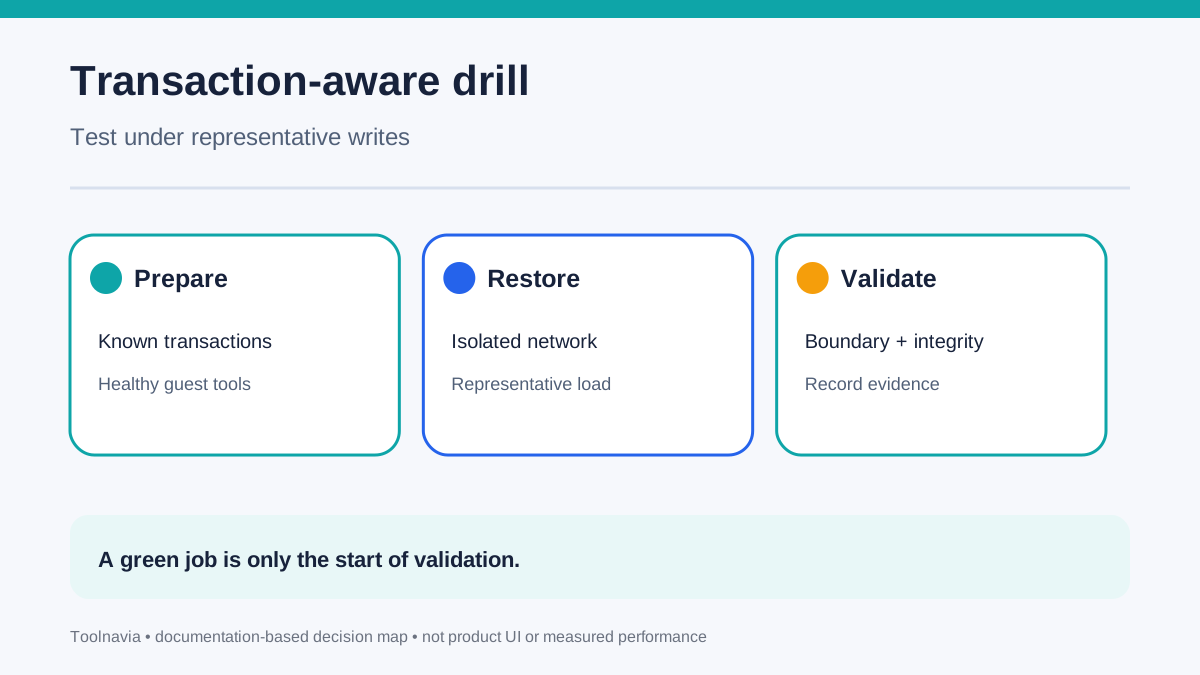
Build the proof with a non-production clone that resembles the real workload. Generate controlled application writes during the backup window: create a database row, update another row, and record timestamps or transaction IDs. Confirm that VMware Tools or the required guest component is healthy. During the job, capture AOMEI task logs, hypervisor events and guest VSS writer status.
Then restore into an isolated network. Check five outcomes:
1. The VM boots without repairing the filesystem. 2. The application service starts without an automatic crash-recovery surprise. 3. The expected transaction boundary is present and later writes are absent. 4. Application-native checks pass—for example, a database consistency check or an AD-supported validation procedure. 5. The operator can explain whether the point was application-consistent or merely crash-consistent.
Repeat once under representative I/O. A single idle-system success is weak evidence. Also simulate a VSS writer failure or stopped guest integration service. The job must visibly fail or warn according to the behavior AOMEI documented for you; silent downgrade is a purchase blocker.

Price the minimum around proven workloads, not VM count alone
On 11 November 2026, AOMEI’s official page displayed the Yearly Customized VM selection at **$99/year** and stated a **minimum of five VMs**. The page says the VM license can cover VMware or Hyper-V and may be reassigned. Do not treat $99 × 5 as a guaranteed checkout total: quantity, current volume discounts, region, tax and the live cart control the payable amount.
The real economic unit is a *validated workload*, not a licensed VM. Five licensed VMs are poor value if two critical applications can only be restored crash-consistently and your recovery objective requires application consistency. Conversely, a five-VM minimum can be reasonable when all selected workloads have documented handling, stable guest prerequisites, monitored warnings and repeated restore proof.
Budget for the work around the license: test storage, an isolated recovery network, administrator time, application-owner validation and periodic drills. CBT can reduce backup windows and transfer volume, but it does not remove this validation cost.
Buy, pause or choose another design
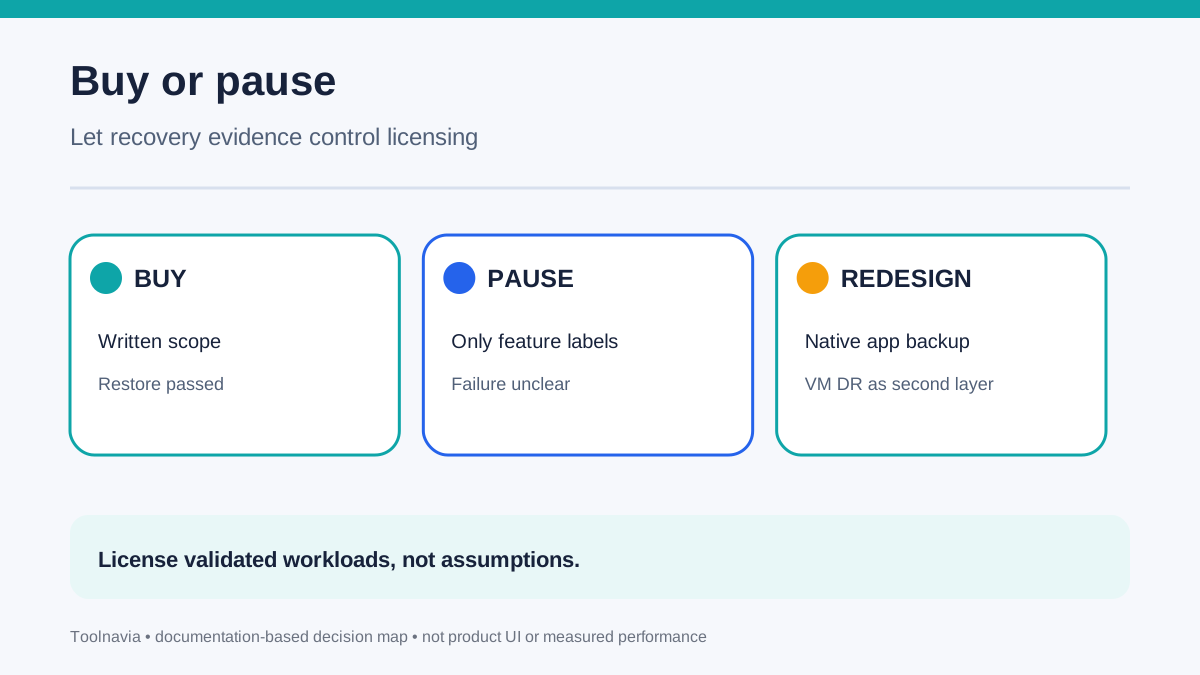
**Buy** when AOMEI gives written answers for your exact VMware/Hyper-V and application versions, the job exposes quiescence failures clearly, and an isolated restore passes boot, transaction and application checks under representative load. The exact approved AOMEI Cyber Backup yearly VM offer is the relevant catalog match.
**Pause** when support answers only with “agentless,” “incremental,” “running VM” or “snapshot” language. Those are useful capabilities, but they do not close the application-consistency question. Pause as well if your test cannot identify the expected transaction boundary or if a broken VSS writer still produces an unexplained green job.
**Choose another design** when the application requires a vendor-supported native backup, log shipping, database-aware tooling or a documented guest-processing feature that your AOMEI configuration cannot establish. You may still use AOMEI for VM-level disaster recovery while retaining application-native protection. The final choice should follow measured recovery evidence, not feature-label arithmetic.

Sources
AOMEI Cyber Backup pricing and licensing. AOMEI schedule backup task. AOMEI VMware backup. AOMEI Cyber Backup Help Center. Broadcom VMware guest quiescing. Broadcom Changed Block Tracking. Microsoft Hyper-V checkpoints. Veeam application-aware processing. Arcserve VMware snapshot quiescing.