TOOLNAVIA / BUYING GUIDE
AOMEI Real-Time Sync vs File Backup: Which Survives Ransomware?
The short answer
# AOMEI Real-Time Sync vs File Backup: Which Survives Ransomware?
AOMEI Backupper Professional offers both Real-Time Sync and File Backup, but they solve different problems. Real-Time Sync keeps a destination current by propagating additions, changes and deletions. File Backup creates recoverable image versions. If ransomware encrypts a source file, a current-copy sync can quickly reproduce the damaged state; versioned backup is the layer designed to roll back.
The current Professional purchase page controls license configuration, term, price and tax; no numeric price is reused here.
**Verdict:** use Real-Time Sync for convenient access to a current copy, not as your only recovery plan. Use File Backup with retention and an isolated destination when rollback matters. The strongest setup can use both, but each needs a separate job, destination policy and recovery test.
> Affiliate disclosure: Toolnavia may earn a commission if you buy through the AOMEI link. This does not change the recommendation to keep versioned and isolated recovery copies.
[Check the current AOMEI Backupper Professional offer](https://www.jdoqocy.com/click-101895278-17143105)
At a glance
- Best for
- Windows users building separate convenience and recovery jobs.
- Price model
- Verify current license, term, tax and storage cost.
- Check first
- Real-Time Sync can propagate deletions and has no historical versions.
The decision starts with deletion behavior
AOMEI says Real-Time Sync monitors added, modified and deleted files and updates the target when changes are detected. Its sync comparison also distinguishes Basic, Mirror, Real-Time and Two-Way Sync. That makes sync useful when another folder, drive or device needs the latest readable files.
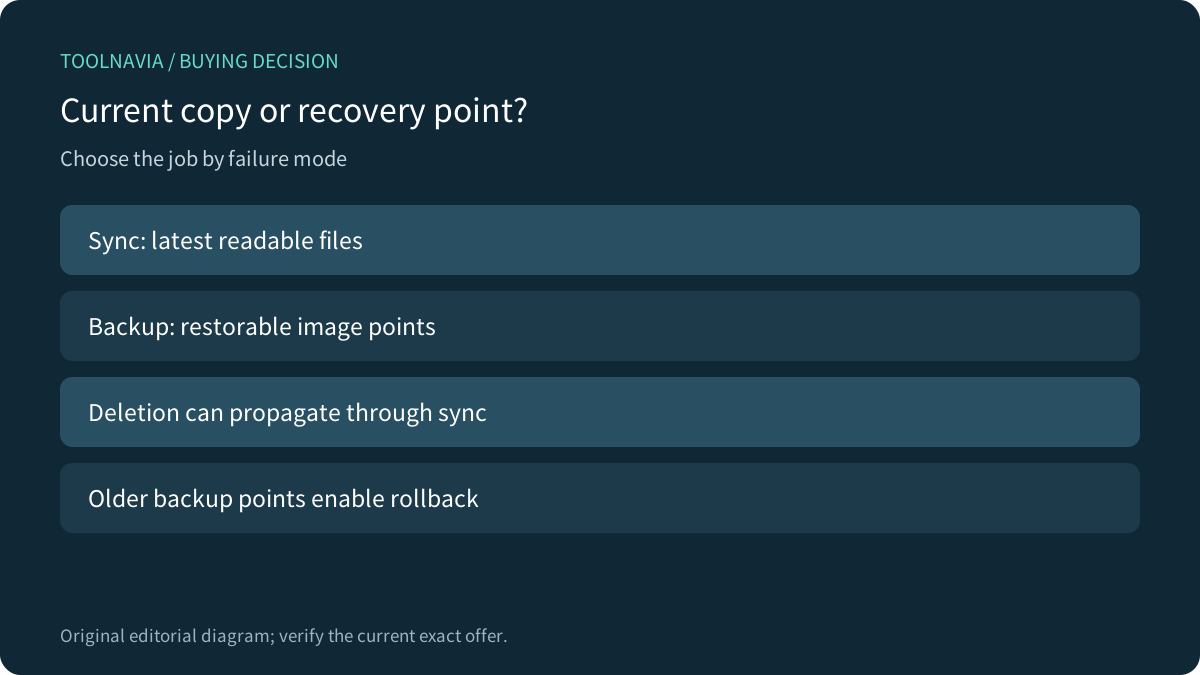
The same behavior creates the recovery boundary. A mistaken deletion, mass rename or encrypted replacement can propagate. AOMEI's backup-method comparison states that backup creates image versions for restoration, while sync keeps current state and does not preserve historical versions.
| Question | Real-Time Sync | File Backup | |---|---|---| | Main job | Keep a current readable copy | Create restorable versions | | File access | Direct at destination | Restore/explore from backup image | | Deletion/change propagation | Yes, by design | New backup point does not rewrite older points | | Rollback depth | None by sync itself | Depends on retained backup points | | Ransomware role | Convenience copy only | Recovery layer when versions remain intact |
Real-Time Sync is not “backup without delay”
Real-Time Sync is a Professional-or-higher feature. AOMEI documents that it can mirror additions, modifications and deletions in real time. It also documents a practical source limit: NAS and shared folders are not supported as the source for Real-Time Sync. The buyer should confirm the actual source and target path before assuming the mode fits a network workflow.
Use it when:
- another local or attached destination needs the latest readable project files; - users value immediate file access without mounting a backup image; - the target is treated as a convenience replica, not the final rollback copy.
Do not treat it as protection from a bad state that can propagate. A second current copy is useful for hardware failure or access convenience, but it may reproduce logical corruption.
File Backup is the versioning layer
AOMEI Backupper Professional describes File Backup as a manual or scheduled backup to storage devices for disaster recovery. Backup jobs can retain multiple image points and apply cleanup schemes. The recovery value comes from keeping older points available and separating them from the source.
A practical policy has four parts:
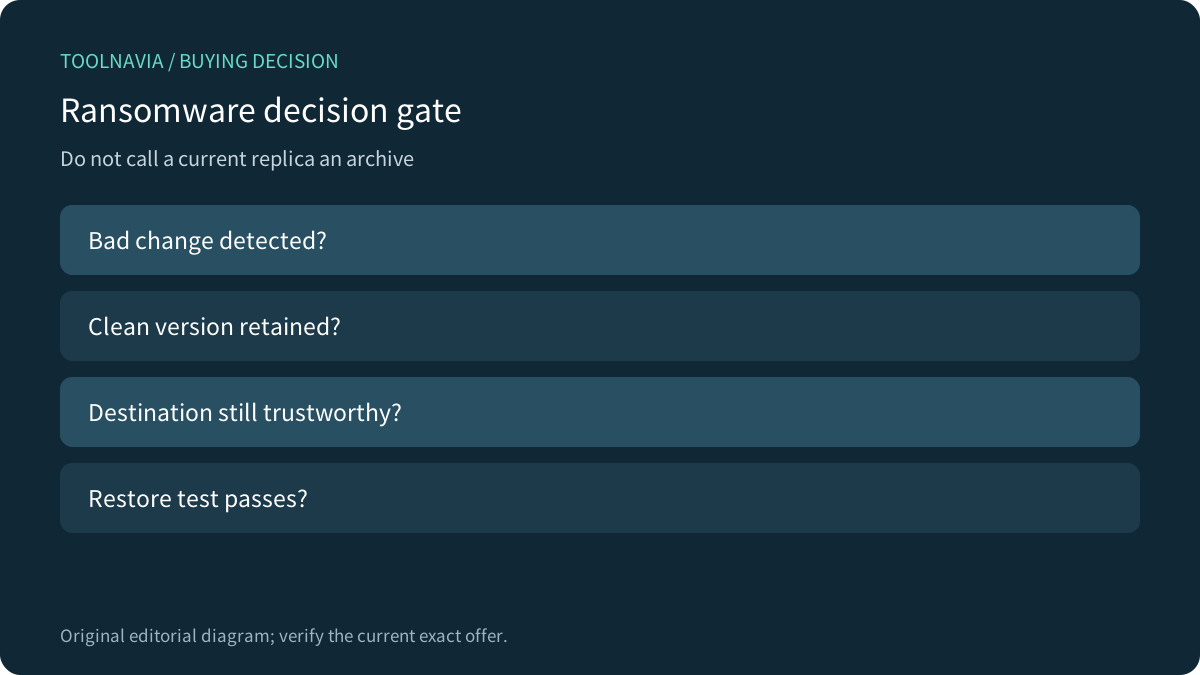
1. **Frequency:** how much recent work can be lost. 2. **Retention:** how many clean points remain after detection delay. 3. **Isolation:** whether malware or the same credentials can rewrite the destination. 4. **Restore test:** whether files can actually be recovered to a clean location.
Version count alone is not enough if every point is reachable and deletable from the compromised machine.
A ransomware-safe two-job design
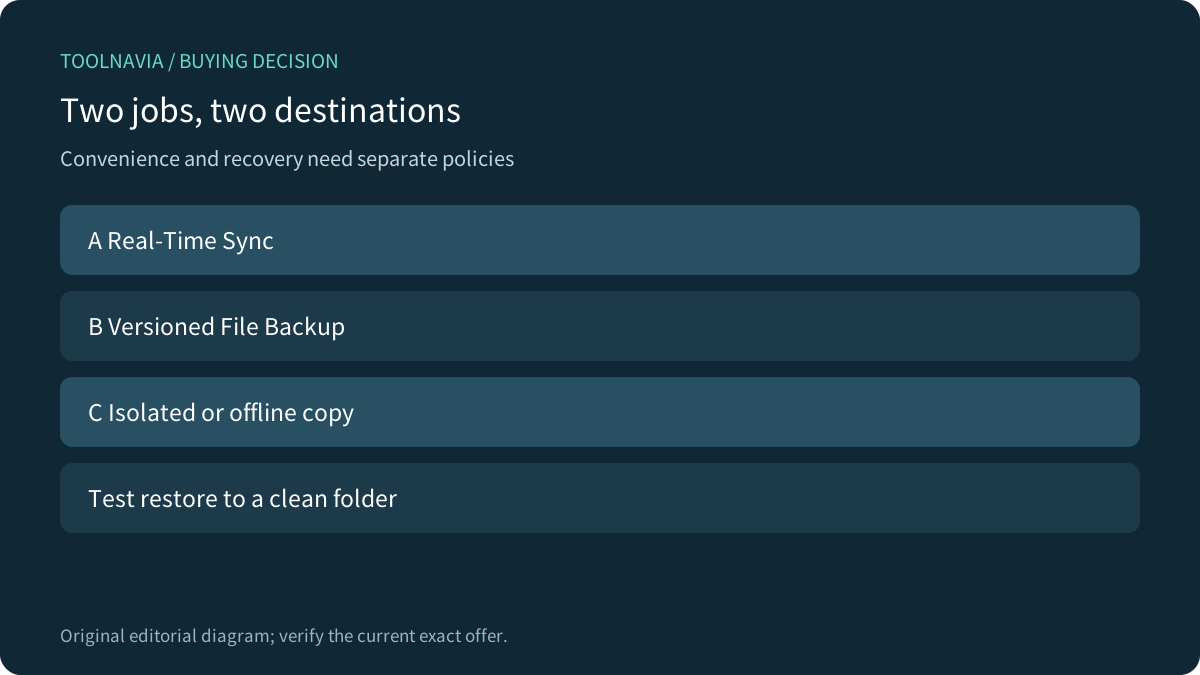
A stronger design separates convenience from recovery:
- **Job A — Real-Time Sync:** current working copy to a convenient destination. - **Job B — File Backup:** scheduled versioned images to a different destination. - **Copy C — isolated/offline copy:** disconnected or independently protected media for the most important data.
Microsoft OneDrive, Google Drive, GoodSync, Synology and Backblaze all document version history, rollback, deleted-file history or recovery controls in their own products. They are comparison benchmarks, not evidence for AOMEI. Their common lesson is that recovery requires historical states and controlled access, not merely a second current copy.
Pre-purchase questions
Ask before buying:
- Does the exact Professional license include Real-Time Sync for the intended source and target? - Is the source local, or is it a NAS/share that Real-Time Sync cannot use as source? - How many backup points fit the destination after compression and cleanup? - Can the backup destination be disconnected or protected by separate credentials? - Who receives failure notifications and checks logs? - When was the last restore to a clean test folder?
[Review the exact Backupper Professional offer](https://www.jdoqocy.com/click-101895278-17143105)
Who should use which mode?
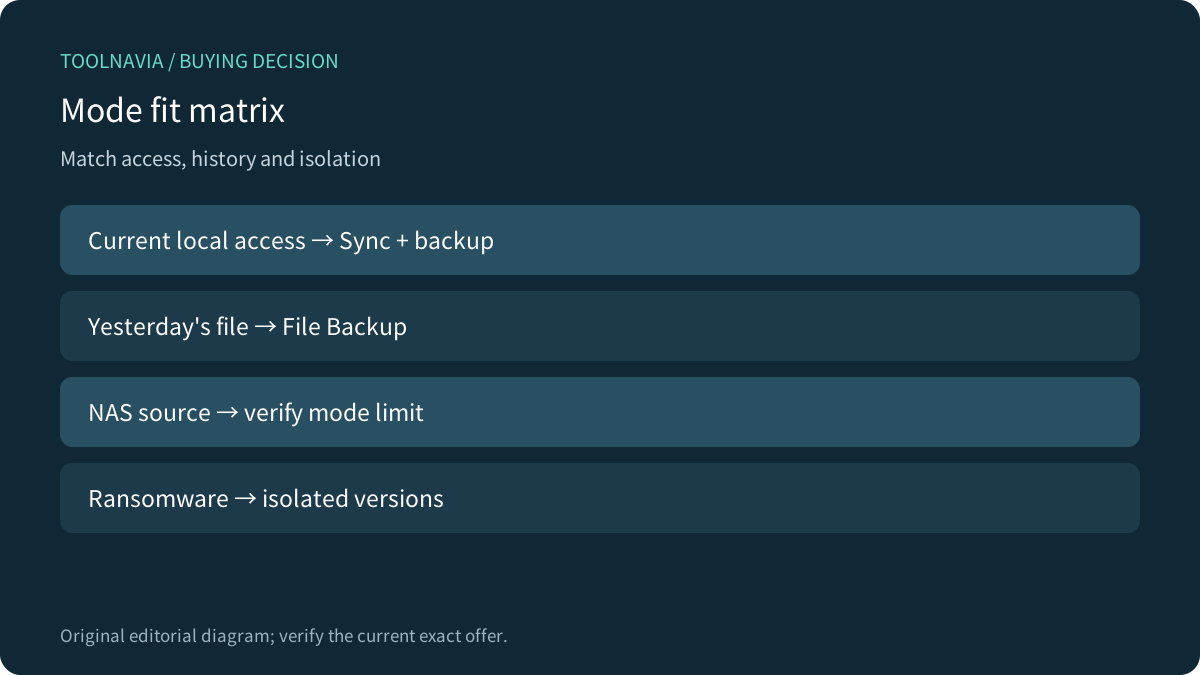
| Scenario | Recommended choice | |---|---| | Editing current project files across two local locations | Real-Time Sync plus separate versioned backup | | Recovering yesterday's clean document | File Backup with retained points | | NAS/share is the source | Verify another sync mode; Real-Time Sync source is unsupported | | Ransomware rollback | File Backup plus isolated/offline copy and restore test | | Simple current-copy convenience | Real-Time Sync, clearly labeled non-archive |
Bottom line
Real-Time Sync answers “Where is the latest copy?” File Backup answers “Which earlier state can I restore?” Those are complementary questions. Buy AOMEI Backupper Professional for this workflow only if you will configure both policies deliberately and keep at least one recovery copy outside the reach of source-side damage.
[Open the current AOMEI offer](https://www.jdoqocy.com/click-101895278-17143105)