TOOLNAVIA / BUYING GUIDE
AOMEI Email Backup vs Outlook Backup: Server Mailbox or Local Client?
The short answer
# AOMEI Email Backup vs Outlook Backup: Server Mailbox or Local Client?
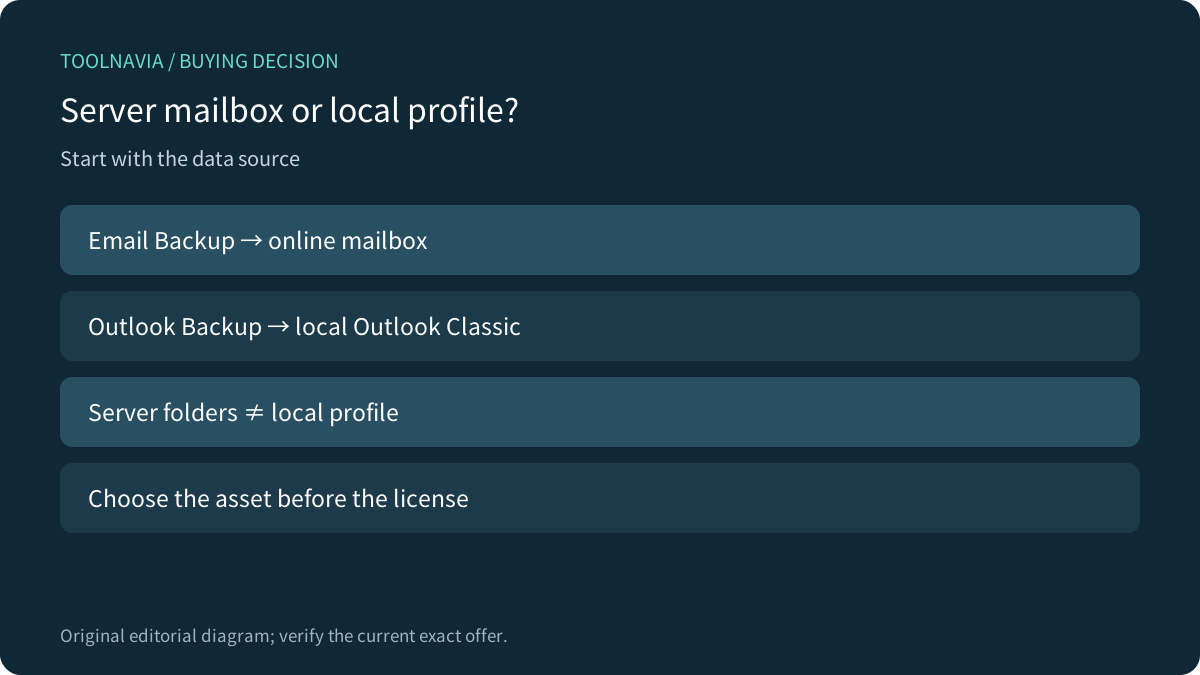
AOMEI Backupper Professional offers both **Email Backup** and **Outlook Backup**, but they protect different data sources. Email Backup signs in to a supported online mailbox and copies server folders. Outlook Backup reads the locally installed Outlook Classic profile. Choose by the asset you must recover, not by the similar names.
**Verdict:** use Email Backup when mail folders must survive without one Outlook profile. Use Outlook Backup when contacts, calendars, tasks and the local Outlook configuration matter. If you only need an occasional snapshot, Microsoft’s free PST export may be enough. Professional earns its price through scheduling, retention and integration with other Windows backup jobs—not merely the ability to make one copy.
> Affiliate disclosure: Toolnavia may earn a commission if you buy through the AOMEI link. This does not change the advice to test a restore and keep a second copy outside the PC.
[Check the current AOMEI Backupper Professional offer](https://www.jdoqocy.com/click-101895278-17143105)
At a glance
- Best for
- Windows users choosing repeatable mailbox or Outlook-profile backup.
- Price model
- Yearly 1 PC $39.95 auto-renew; Lifetime 1 PC $69.95; verified 2026-11-11 UTC.
- Check first
- Email Backup excludes contacts; Outlook Backup requires local Outlook Classic.
One product, two data sources
Email Backup connects to a supported mailbox and reads mail from the server, then writes an AOMEI image to local storage or NAS. It suits people who use webmail, phones and several clients, or who want an archive independent of one Outlook installation.
Outlook Backup starts from Outlook Classic on the same Windows computer. Outlook must be installed and the accounts configured there. Its advantage is breadth: it can include email, contacts, calendars and tasks. Its weakness is dependence on that local profile.
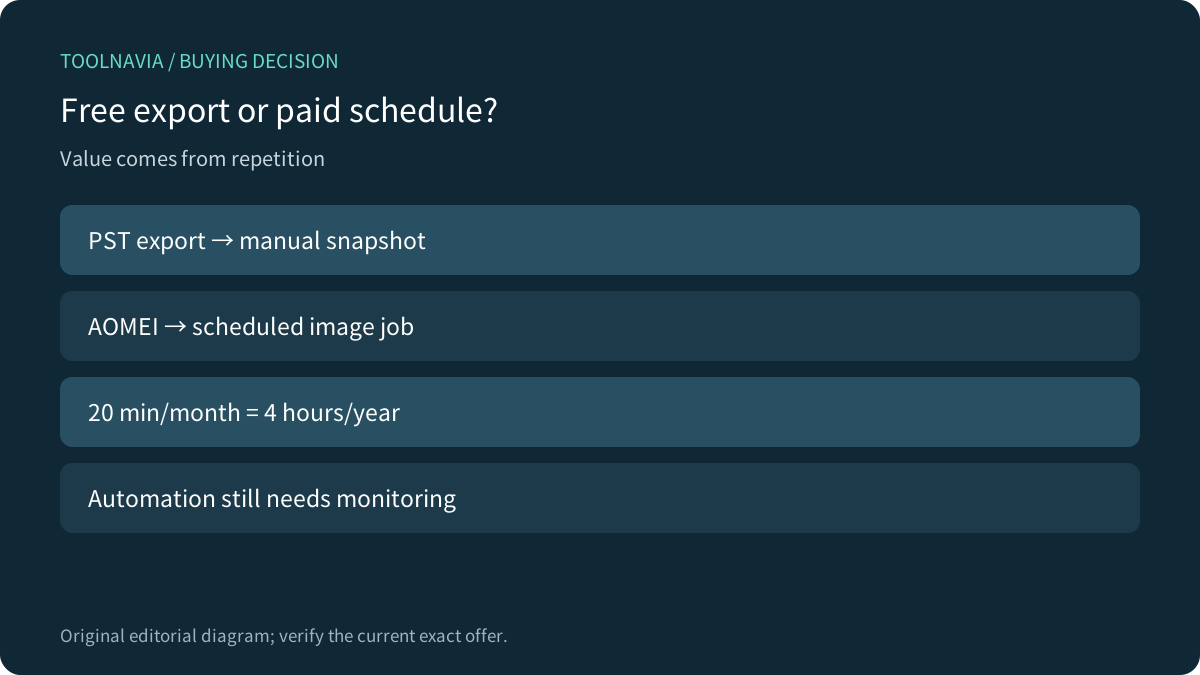
| Decision | Email Backup | Outlook Backup | Native PST export | |---|---|---|---| | Reads from | Online mailbox | Local Outlook Classic | Local Outlook Classic | | Scope | Mail folders; no contacts | Email, contacts, calendar, tasks | Selected Outlook data | | Repetition | Scheduled AOMEI job | Scheduled AOMEI job | Manual snapshot | | Destination | Local/NAS image | Local/NAS image | PST file | | Best fit | Outlook-independent archive | Full local profile | Occasional free copy |
Coverage and setup limits
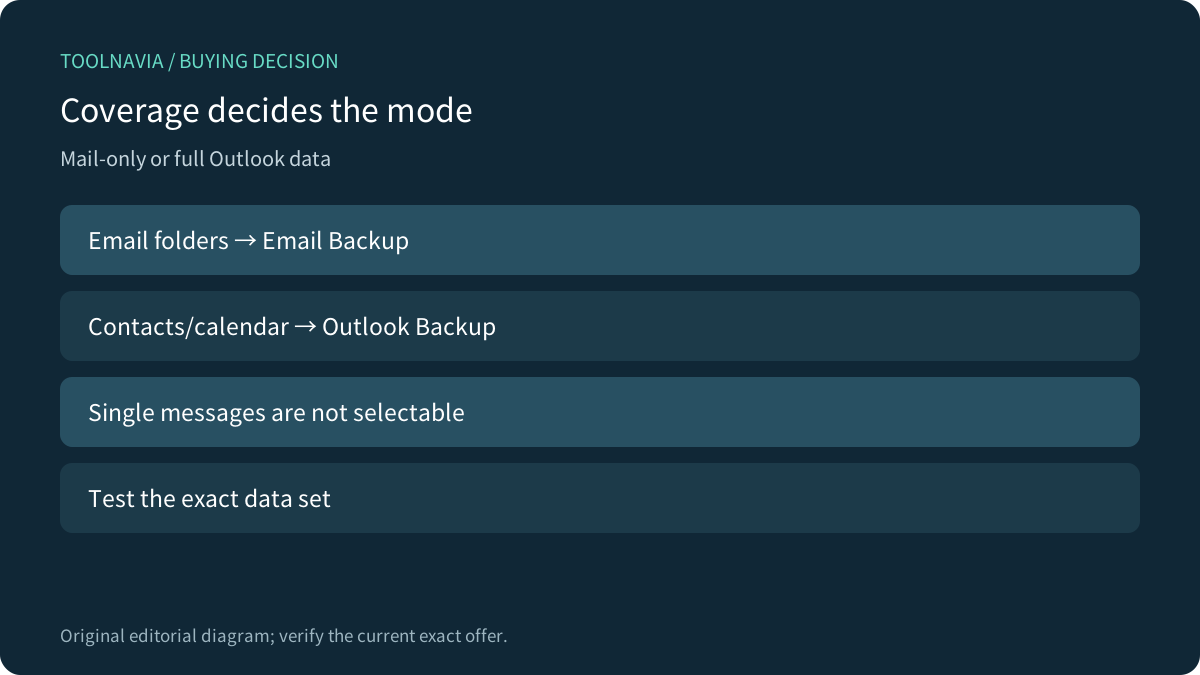
Email Backup is not a universal migration tool. AOMEI says it cannot select individual messages and does not back up contacts. Messages can exist as EML content inside the image, but the image must still be explored or restored with AOMEI. Treat it as an archive job, not a live mail client.
Authorization is an operating cost. Adding a mailbox can require provider authorization or an app password. A provider security change can break a previously healthy job, so someone must review logs and reauthorize failed accounts.
Outlook Backup has the opposite limit: broader data coverage, but only when compatible Outlook Classic is installed and the intended profile exists on that PC. Browser-only mail, new-Outlook-only environments and headless servers need a direct compatibility test.
What the paid license buys
Microsoft documents two free baselines: Exchange and IMAP normally retain server copies, and desktop Outlook can export PST. Outlook.com export through desktop Outlook can include email, contacts and calendar up to the export date. If you make one annual archive and can manage PST files, you may not need AOMEI for this job.
AOMEI’s Professional and edition pages confirm that these are paid capabilities. AOMEI becomes valuable when the copy must repeat. A scheduled job can target local or NAS storage and sit beside system, disk and file backup. AOMEI also says these email workloads require Windows to be logged in when the job runs. “Scheduled” does not mean independent of the workstation.
On the canonical US page opened on 11 November 2026 UTC, Professional Yearly for one PC displayed **$39.95 with automatic renewal**; Professional Lifetime for one PC displayed **$69.95 with lifetime upgrades**. These figures apply only to those exact one-PC options. Tax, currency and later promotions can change; the Family banner discount is not used here.
Which mode fits?
Choose **Email Backup** when the question is: “Can we recover server mailbox folders if this Outlook profile disappears?” It fits multi-client mailboxes, mail-only archives and teams able to maintain authorization and storage retention. It does not fit selective legal export, contacts, or a promised cross-provider migration.
Choose **Outlook Backup** when the local Outlook Classic profile is the recovery unit. It is stronger for contacts, calendars, tasks and multiple configured accounts. But restoring an image locally is not the same as rebuilding cloud accounts or migrating mail to another provider. Test both single-item and clean-machine recovery.
Break-even against free PST export
The useful comparison is repeated labor, not $39.95 versus $0 in isolation. If a manual PST export, labeling and move takes 20 minutes each month, that is four hours per year. At $20 per hour, labor reaches $80 before storage or restore testing, so the $39.95 annual license can break even. If you archive once a year, free PST export may remain better value.
Evaluate the lifetime option against device replacement, Windows compatibility and expected years on the same one-PC entitlement. “Lifetime” describes the current license and upgrade term, not a guarantee that every future provider or Outlook architecture will remain compatible.
A recoverable workflow
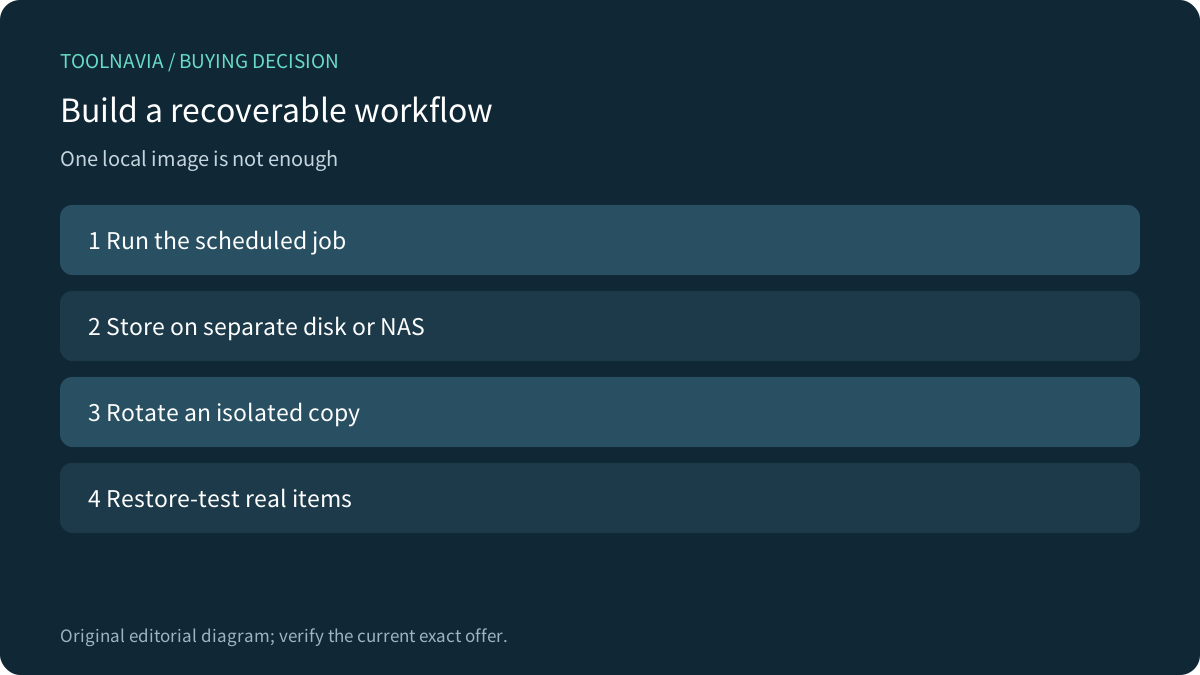
1. Run Email Backup or Outlook Backup on a deliberate schedule. 2. Write to a separate disk or NAS with enough retention. 3. Rotate a second copy that the Windows account cannot continuously overwrite. 4. Review failures after password, MFA or provider changes. 5. Restore a message and attachment; with Outlook Backup, also test a contact and calendar item.
Independent reviews also describe Backupper as a broad Windows suite with edition tradeoffs rather than a dedicated mail-archive service. Independent guidance supports the broad distinction that synchronization and server retention are useful but are not automatically an independent, tested archive. SaveMail and PrivacyRatings have publisher conflicts, so they are used only for category framing, not for AOMEI claims.
[Review the exact Professional license](https://www.jdoqocy.com/click-101895278-17143105)
Final recommendation
Use **Email Backup** for server mailbox folders and Outlook independence. Use **Outlook Backup** for the complete local Outlook Classic profile. Use **native PST export** for occasional manual snapshots.
Buy AOMEI Backupper Professional only when scheduling, retention and a broader Windows backup workflow justify the paid license. Confirm mailbox type, Outlook version, destination capacity, logged-in execution and a real restore before relying on it.
[Open the verified AOMEI offer](https://www.jdoqocy.com/click-101895278-17143105)