TOOLNAVIA / BUYING GUIDE
Acronis True Image Backup: $49.99 Local vs Cloud Plans
The short answer
Acronis True Image is the stronger fit when one home PC needs full-image backup, active disk cloning and a tested recovery path, with cloud backup added only when an off-site copy is worth a higher annual bill. The current official one-computer prices are $49.99 a year for Essentials, $72.99 for Advanced with 50 GB, and $124.99 for Premium with 1 TB. Start with the 30-day trial and prove one recovery before paying.
At a glance
- Best for
- Home users who will verify image recovery, cloning and optional off-site backup.
- Price model
- Essentials $49.99; Advanced $72.99 / 50 GB; Premium $124.99 / 1 TB
- Check first
- Subscription-only current plans; cloud, devices, tax and renewal vary at checkout.
Four useful capabilities tied to recovery jobs
Capture the whole machine
All three plans can create a full image of the operating system, applications, settings and files. That is more useful than a loose folder copy when the goal is rebuilding a failed computer. The benefit depends on the image being reachable when Windows cannot start, so store at least one copy away from the system disk and record the encryption password outside the machine.
Clone a drive while the system is running
Active disk cloning can move a working installation to a larger or faster disk without first rebooting into separate cloning software. It can shorten an SSD migration, but it does not decide which disk is the source. Confirm model names and capacities, disconnect unnecessary drives, and keep the old disk unchanged until the replacement boots and representative files open.
Recover when Windows will not boot
Quick recovery, Universal Restore and the Survival Kit support a recovery path beyond the installed application. This matters only after the rescue media has actually booted and found both the internal disk and backup destination. Different hardware can still require storage or network drivers, firmware changes and license reactivation.
Add an off-site copy and security layer
Advanced adds cloud backup, automatic local-to-cloud replication, Microsoft 365 backup and real-time anti-malware; Premium starts with 1 TB and adds notarization and electronic-signature features. Off-site copies help when local hardware is lost, but upload time, storage capacity and account access become part of recovery. Essentials already includes anti-ransomware protection but no Acronis Cloud storage.
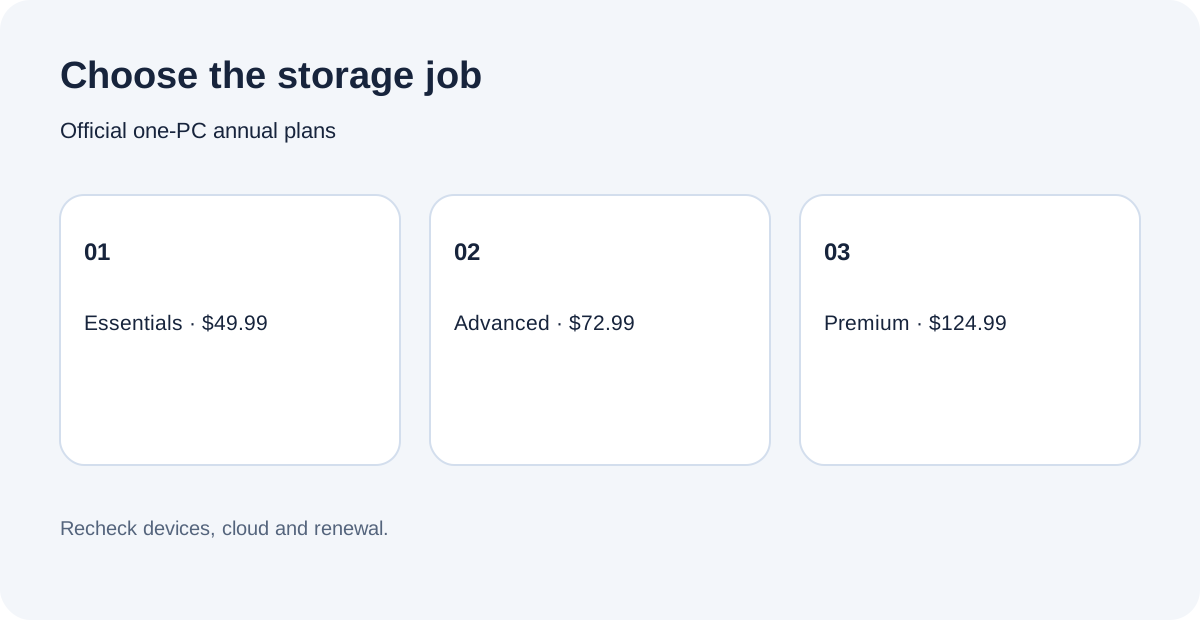
$49.99 Essentials, $72.99 Advanced or $124.99 Premium
The official page currently lists one-year subscriptions for one computer: Essentials $49.99, Advanced $72.99 with 50 GB, and Premium $124.99 with 1 TB. Device counts can be changed to three or five computers, and higher cloud capacities cost more. All plans are subscriptions; website purchases have auto-renewal enabled by default, and renewal can be disabled through the subscription-management link. Record the renewal setting, selected device count, cloud allowance, tax and final checkout total before buying.
Acronis also has first-party articles that still quote Advanced at $57.99. The live product and comparison pages now show $72.99, so this guide treats $57.99 as an older editorial figure, not a current promise. Promotions and renewal totals can change; checkout controls the transaction.
Choose local-only, cloud backup or a lighter tool
Choose Essentials when the verified job is local image backup, cloning and rescue recovery for one home computer. Choose Advanced when an automatic off-site copy, cloud restore or Microsoft 365 backup justifies $23 more a year than Essentials. Premium costs $52 more than Advanced at today's displayed prices; its 1 TB starting allowance is easier to justify when the protected data will not fit in 50 GB.
Do not buy a higher tier merely because it lists more security features. Windows Security or another endpoint product may already cover part of that job. For simple file backup, Acronis supports external drives, NAS and cloud destinations, but cloud-only placeholders must first exist locally to be included. Acronis can also feel broad for users who only need that limited job; recent independent reviews praise its imaging depth while noting cost, resource use or interface complexity.
Test the restore path before depending on it
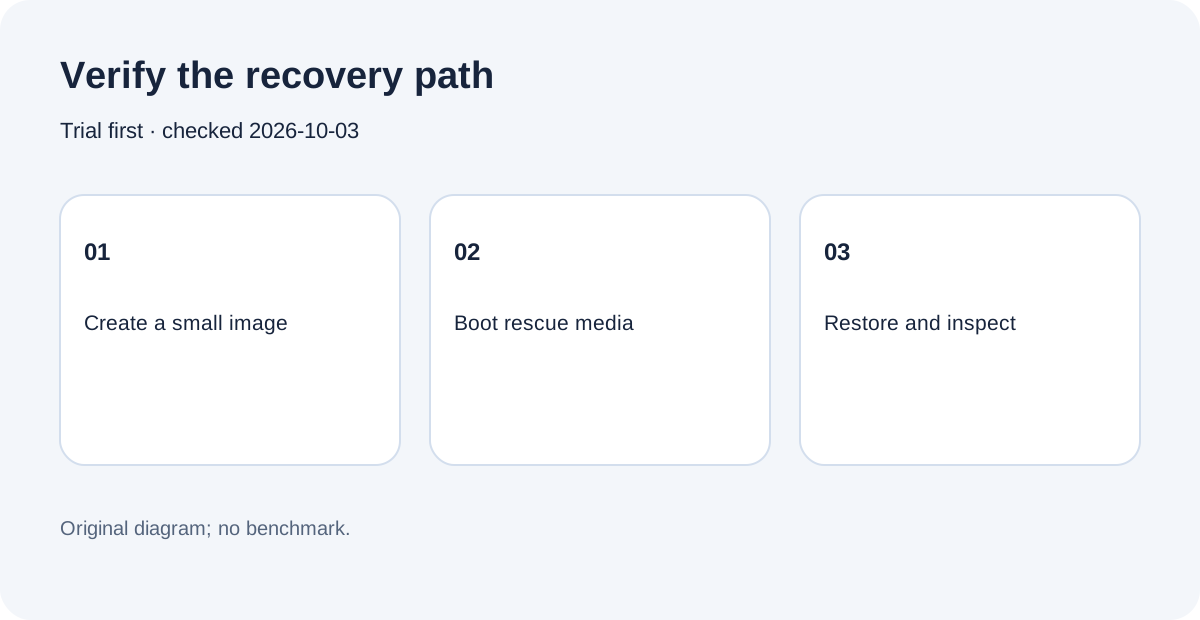
Use the trial to create one small local image, browse it, restore a harmless file to a separate folder and compare the result. Build rescue media, boot it, and confirm the source disk and backup location are visible. If cloud is the reason to pay for Advanced or Premium, upload a representative set and recover it through the intended network. These are acceptance steps, not claims that Toolnavia benchmarked your hardware.
The purchase decision
Buy Essentials for a proven local-image and cloning need, Advanced for a tested off-site workflow, or Premium when the starting 1 TB is genuinely required. Otherwise keep a simpler backup stack and spend the difference on an independent destination. Acronis publicly accepts affiliates through Commission Junction with commissions from 20%, but Toolnavia has not been approved, so tracking remains disabled. Next, write a recovery objective, run one restore rehearsal, and only then match the checkout plan to that result.