TOOLNAVIA / BUYING GUIDE
Acronis Essentials: Can Rescue Media Reach Your Backup?
The short answer
Acronis Essentials is worth considering for local Windows image recovery after its rescue environment can boot, find the backup and open it. A USB creation success message proves none of those hardware-specific checks.
At a glance
- Best for
- Windows owners maintaining a local-image recovery plan and tested rescue access.
- Price model
- Academic USD: Essentials one computer, one year $24.99 vs $49.99 listed reference; verify eligibility.
- Check first
- Boot, disks, backup credentials and restore proof are separate; academic renewal and eligibility vary.
Define what must remain reachable
Write down the computer to recover, the backup location and the credentials needed to read it. Keep the usable backup away from a single point of failure such as the system disk. Essentials is the local-backup tier in the academic comparison; it does not include Acronis Cloud storage.
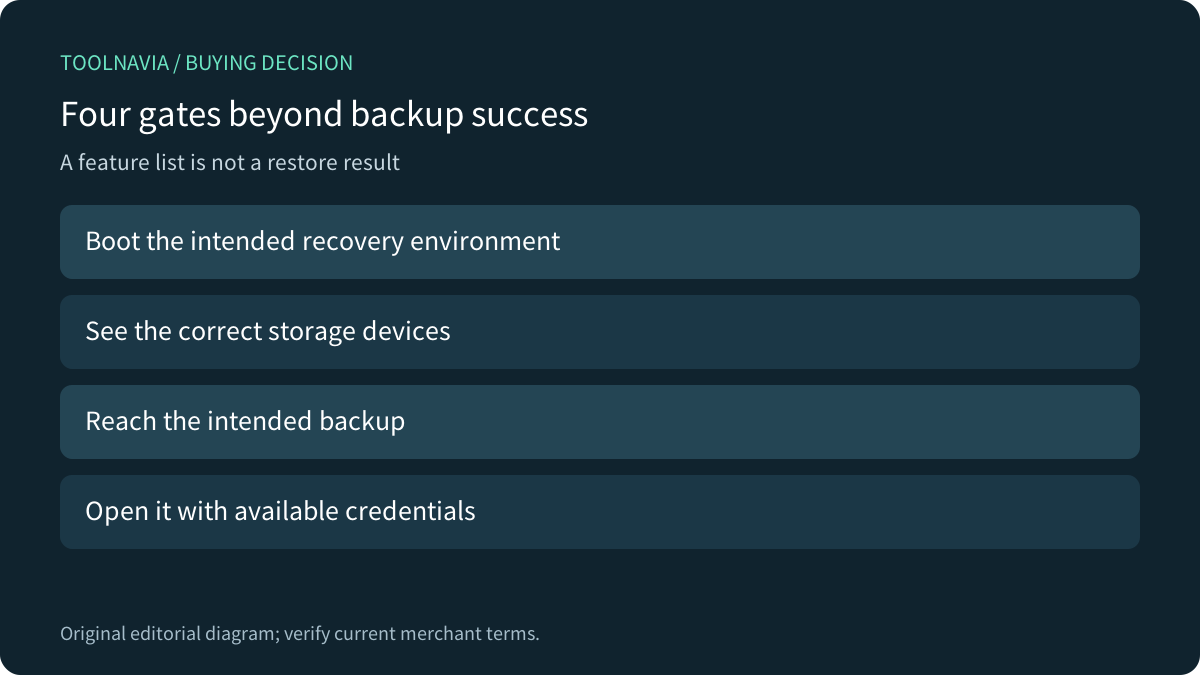
A rescue environment is a separate operating context. It must start on the intended hardware, recognize the necessary storage, reach the backup and open it with the appropriate credentials. These are proposed acceptance gates, not claims that Toolnavia restored a machine.

Build the right environment while Windows works
Acronis's current Windows2026 documentation offers its standard bootable environment, WinPE with an Acronis plug-in and WinRE with a plug-in. Windows-based media can use Windows drivers, which may help hardware compatibility. WinRE uses components already present on the system, while a WinPE route can require the Windows ADK.
The simple creation route uses WinRE on Windows10 or later. The advanced route allows more deliberate media and driver selection. Use the instructions for your current product and target computer; do not assume one USB is suitable for unrelated systems merely because the brand is the same. Acronis limits its WinRE media to the originating computer or a matching Windows version and bitness.
Veeam's own recovery-media documentation describes missing WinRE components and an ADK alternative, with some Microsoft repair tools then absent. That is a Veeam-specific boundary, but it usefully shows why “built successfully” does not establish that every expected recovery tool is present.
Separate booting from seeing the backup
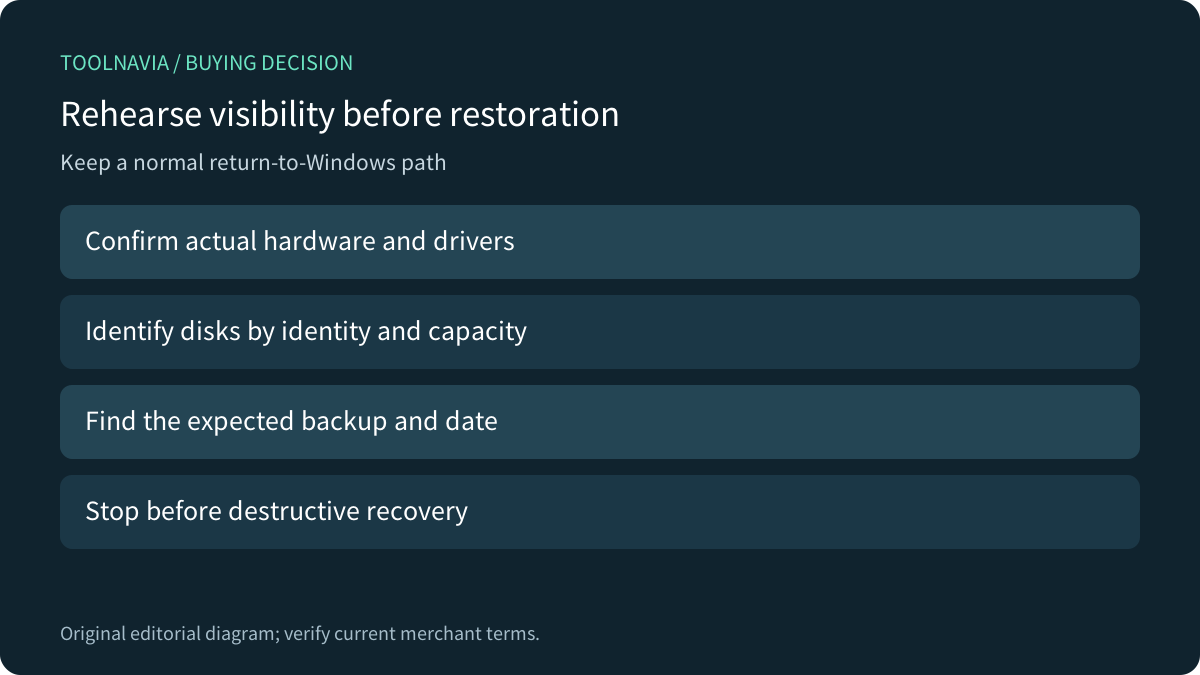
Choose an authorized maintenance window and preserve a normal return-to-Windows path. Before selecting any recovery action, confirm that the intended internal disk and external or network backup location appear. Record device identity and backup date rather than relying only on familiar drive letters.
If storage or networking is missing, investigate compatible drivers and the supported media type. Do not disable security controls or overwrite disks to make a generic tutorial work. Acronis explicitly supports adding drivers to its Windows-based media; the need depends on the actual hardware.
Stop the visibility rehearsal before a destructive restore. A boot-and-browse check provides evidence of access, while a complete restore requires a separately planned target and verification. Keep those two results distinct.

Keep unlocking separate from locating
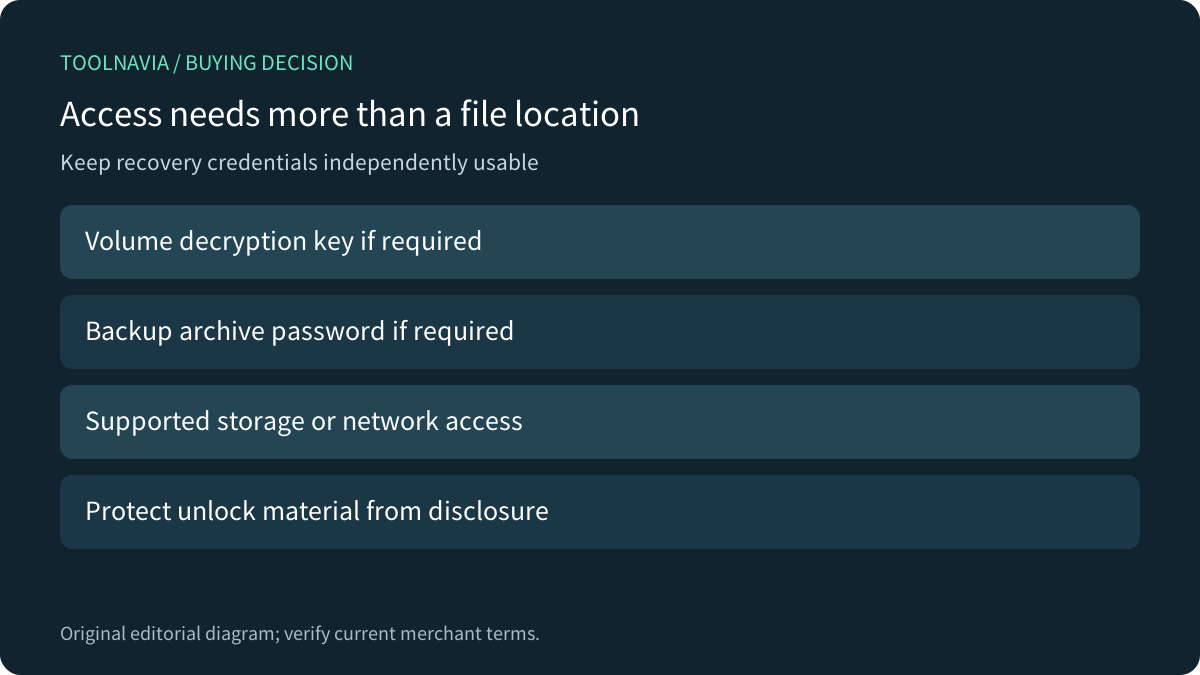
Finding a disk does not mean its contents are readable. Microsoft explains that encrypted files remain inaccessible in WinRE without the key needed to decrypt the volume. Retain an appropriate recovery route outside the Windows installation you are trying to repair. A backup archive's own password is another credential to inventory.
Macrium documents this distinction in its own rescue environment: BitLocker support and automatic unlocking are separate choices, and including automatic-unlock material can create a security concern. Do not copy its switches into Acronis or assume the products have identical defaults. The buying lesson is to confirm the supported unlock workflow and protect the credentials that make it work.
No one should need your private recovery keys for an article rehearsal. Use your own authorized environment and current vendor guidance; Toolnavia requested no key and performed no unlock.

Match the academic quote to the exact subscription
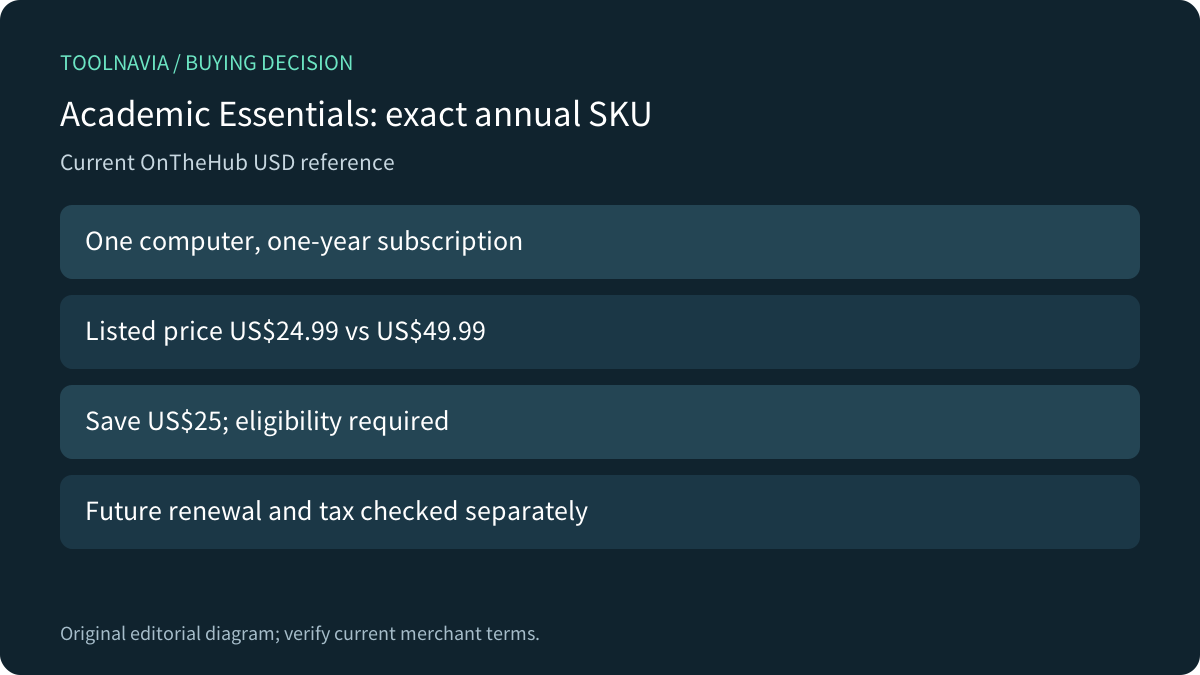
The current OnTheHub product selector explicitly lists Acronis True Image Essentials for one computer and one year at US$24.99. Its displayed starting reference is$49.99, a$25 difference. The live public variant data confirms USD and the Essentials SKU, so this is not a price inferred from the neighboring Advanced or Premium option.
The storefront lists students, faculty and staff, but warns that available prices depend on demonstrated eligibility. Purdue's institutional listing independently shows the same Essentials term and amounts for its academic users; it does not establish eligibility for people outside that institution. Verify your own route, tax and cart.
This is a one-year subscription, not permanent ownership. The reviewed academic listing does not establish an exact future renewal charge or renewal mechanism, so neither is promised here. Do not transfer a direct-store renewal rule to an academic reseller order without checking it.
Buy after the recovery path is maintainable
Acronis recommends recreating bootable media after each True Image update. Budget a suitable spare device and time for that maintenance; media creation can involve formatting and permanent data loss, so use an intended destination with its contents already protected.

Consider Essentials when local-image recovery is the real need and you can maintain media, backup access and credentials. If those prerequisites remain untested, a discounted license does not close the gap. A later authorized restore to a spare target would provide stronger evidence than the visibility rehearsal alone.
Acronis's public CJ affiliate program is open and advertises cash commissions. Toolnavia has no approval for this exact academic offer, so this guide carries no commercial purchase button or tracking link. No media was created, disk changed or recovery performance measured.