TOOLNAVIA / BUYING GUIDE
Acronis Advanced 500 GB: What Does Cloud Cleanup Remove?
The short answer
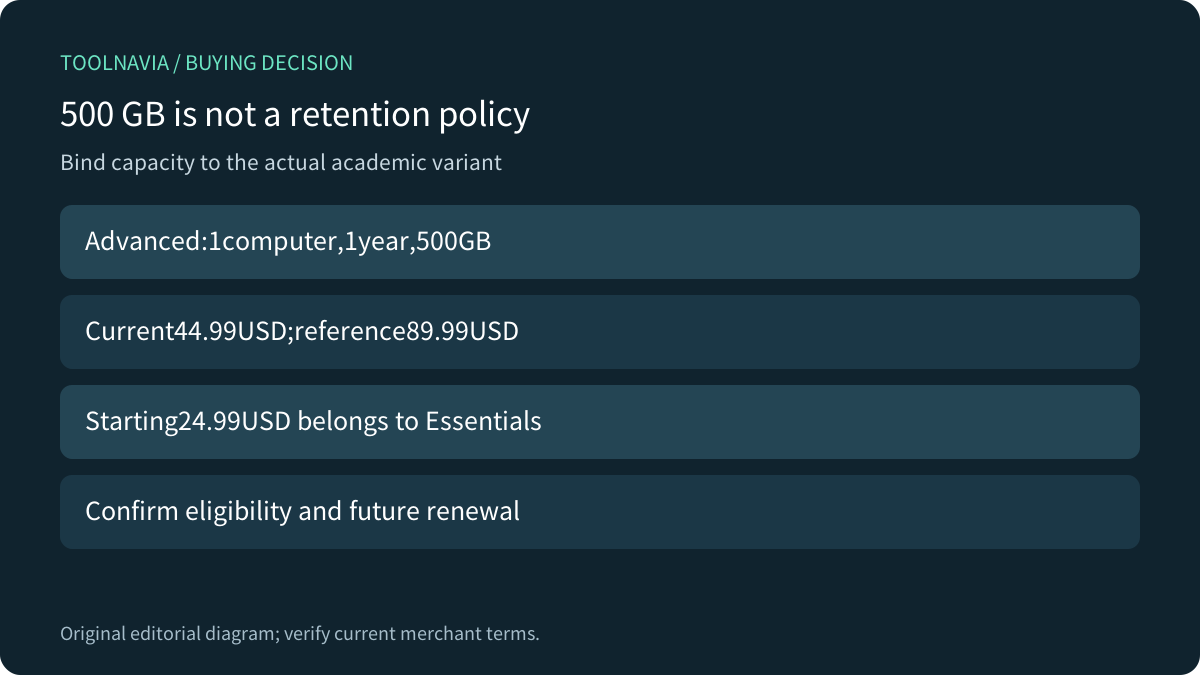
Acronis Advanced cloud space is useful only while it holds the recovery history you need. The current OnTheHub academic variant offers one computer,500GB of cloud storage and one year for44.99USD. Before paying—or deleting old backups—decide which past states must remain recoverable. A lower usage counter is not the same result as a successful recovery.
At a glance
- Best for
- Cloud history with a measured quota and explicit recovery-retention policy.
- Price model
- Academic Advanced:44.99USD one year,one computer,500GB; eligibility applies.
- Check first
- Cleanup removes recovery history; quota can take a day to update; renewal unverified.
Bind the price to the actual academic variant
The public product selector and variant data identify Advanced with500GB, one computer and a one-year subscription at44.99USD against89.99USD. The page's starting24.99USD belongs to Essentials, not this cloud plan. Older direct-store comparisons mentioning50GB also do not establish the current academic SKU.
Students, faculty and staff are listed, but the reseller warns that demonstrated eligibility can change which prices are available. Confirm your own eligible product, currency, tax and term. The exact future renewal amount and mechanism were not verified, so do not inherit a general direct-store renewal policy.
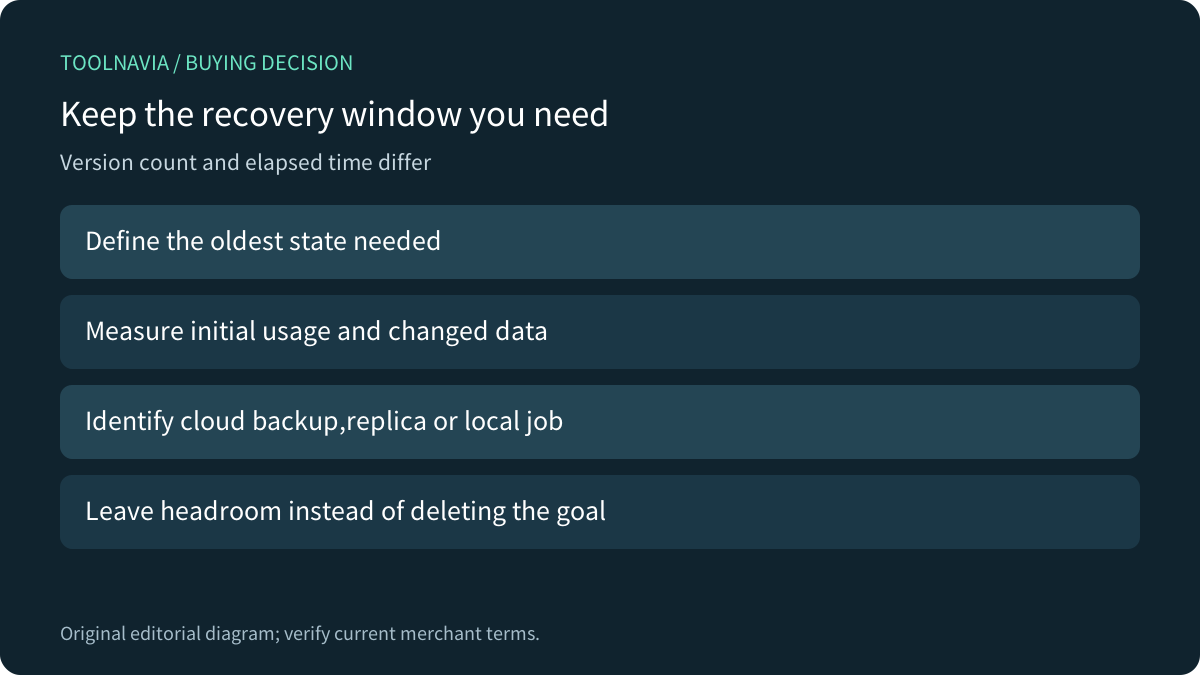
500GB is an allowance, not a promise that every500GB source set will retain the desired history. Measure the actual protected selection, initial cloud usage and subsequent changes. Keep room for growth rather than planning to run permanently at the limit.

Write a recovery window before a cleanup rule
Choose the oldest state the project must be able to recover, how quickly a mistake is likely to be noticed, and whether periodic checkpoints must survive longer. A frequently edited archive can need a different policy from a nearly static document folder. These are workload decisions; there is no universal number of versions that proves suitability.
Acronis documents cloud-replica cleanup controls based on the number of recent versions and on age. Its Windows local-backup scheme settings are a separate route. Identify whether you are configuring a cloud backup, a cloud replica or local storage rather than copying one tab's instructions into another job.
For a planning example, retaining30 versions from an hourly job can represent a very different time span from30 versions from a daily job. This is illustrative arithmetic, not a claim about the product's default schedule or that every run creates the same size version.
Use supported cleanup, not file-by-file guesswork
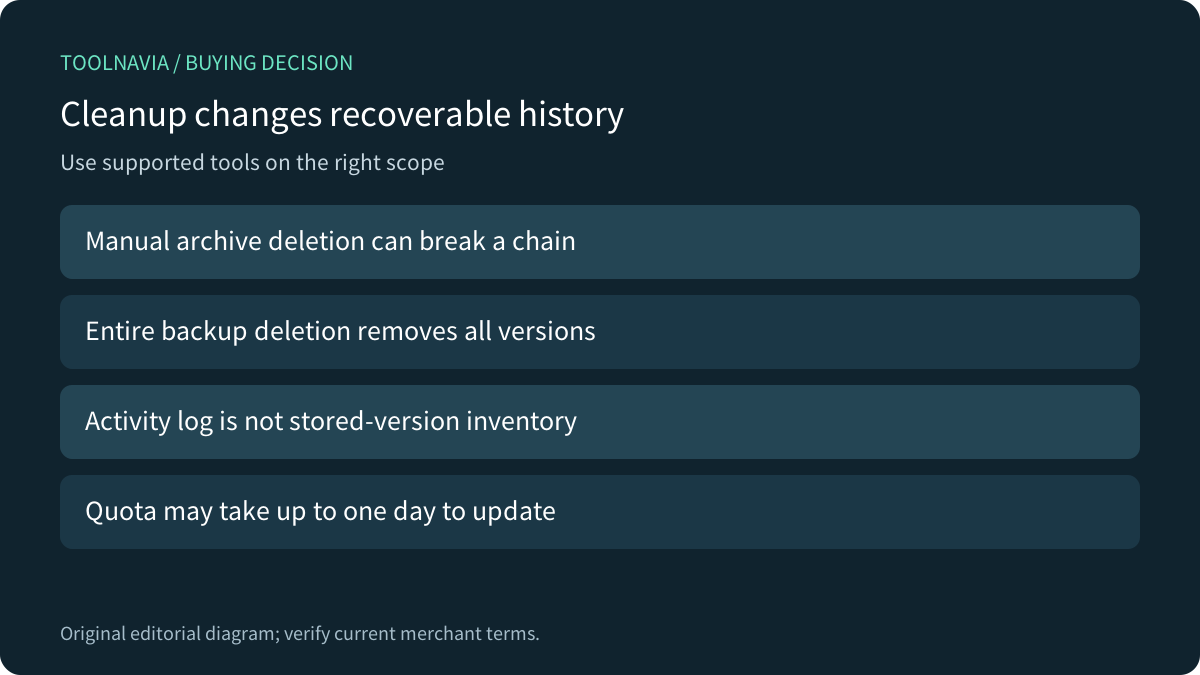
The True Image2026 Windows guide says manually deleting version files outside the application can break recovery chains. Its cleanup tool maintains consistency; the treatment of dependent versions also depends on backup format. The documented ability to remove a middle incremental version in current TIBX format is not permission to delete arbitrary archive files in File Explorer.
Do not erase auxiliary files simply because they remain after cleanup. Also, the Activity log is not a storage inventory: Acronis says cleanup removes stored versions without clearing that log. A history entry remaining on screen does not prove the recovery point is still available.
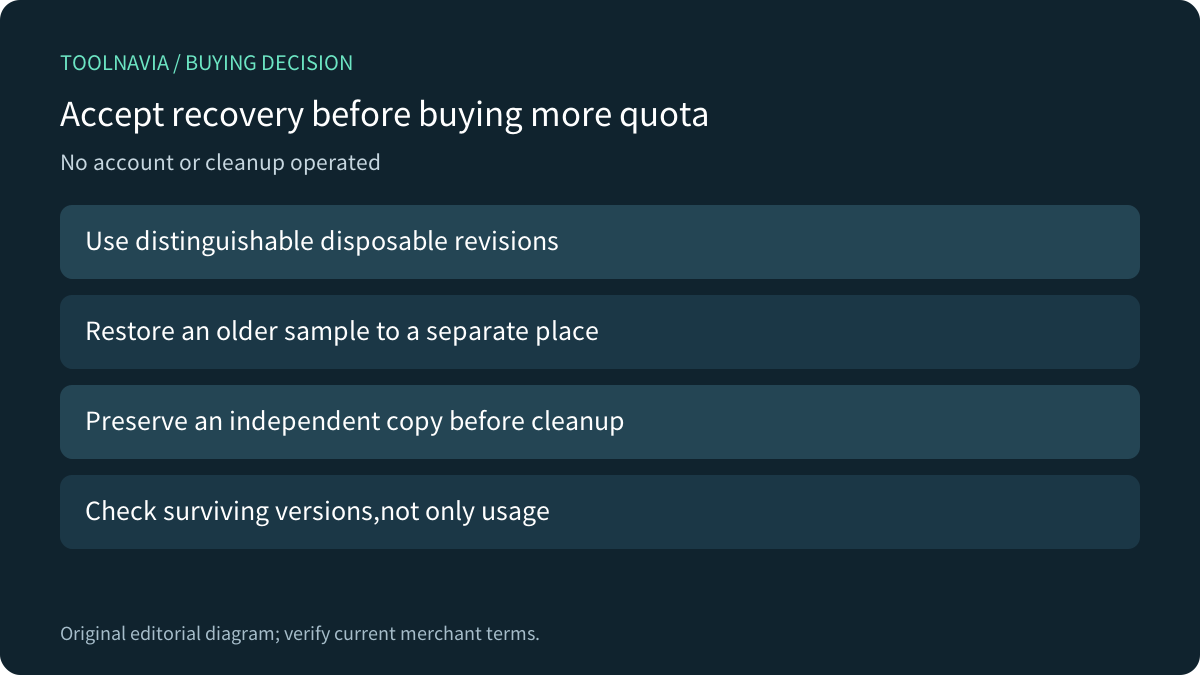
Before an authorized cleanup, preserve an independent recoverable copy and identify the selected backup, storage location and versions. Read the preview and cancellation point. This article provides no deletion script and did not operate a backup account.

Separate deletion scope from a slow quota counter
Deleting an entire cloud backup permanently removes all its versions. Acronis also distinguishes control surfaces: deletion through the application removes that backup's settings and schedule, while deleting cloud content through the web application leaves local settings and schedule in place. Treat those as different actions, not interchangeable buttons.
The documentation says cloud quota can take up to one day to update. Do not respond to an unchanged counter by repeatedly deleting more history. Record the completed operation, inspect the surviving recovery points and allow the documented accounting delay before deciding whether more space is needed.
The cloud-space cleanup page warns that deleted versions cannot be restored; deleting an unwanted whole backup removes all of its history. A job that later runs again is not evidence that the erased historical states have returned.

Compare retention accounting across products
Backblaze documents time-based Version History, including one-year and Forever options with their own conditions and pricing. The relevant question is how long a changed or deleted file remains recoverable under the selected setting, not just whether a product advertises cloud backup. Its settings are not Acronis defaults.
IDrive's Windows Classic FAQ describes previous file versions separately from quota accounting: it says previous versions do not consume the account quota calculated from the current version, while noting a different version count for older accounts. Verify your exact account and client rather than assuming that rule applies to every backup service.
These models are not equivalent merely because they can all restore an older file. Compare the source workload, recoverable age, version count, deletion behavior and actual storage charge together. A cheaper plan is a poor fit if its retained states miss the incident you need to undo.
Accept recovery before buying more quota
On an authorized disposable dataset, create clearly distinguishable revisions and confirm an older sample can be restored to a separate location. Record the selected policy and actual cloud usage. Any cleanup rehearsal should affect only expendable test history after an independent copy is verified; check which versions survive afterward.

Choose academic Advanced when its current500GB allowance, eligibility and a realistic retention policy fit. Compare a larger allowance when measured usage still exceeds the required recovery window, rather than deleting that window merely to fit the cheapest plan. Future renewal and exact order terms remain purchase checks.
Acronis publicly offers a cash affiliate program, but this exact academic offer has no enabled affiliate purchase link here. No cleanup, recovery, account change or purchase was performed for this documentation-based guide.