TOOLNAVIA / BUYING GUIDE
WPX Temp URL vs Hosts File: Which Preview Is Safe Before DNS?
The short answer
At a glance
- Best for
- WPX Business buyers who need both shareable visual approval and local real-domain acceptance before public DNS.
- Price model
- $19.99/mo equivalent on $1,199.60 five-year prepayment; $29.99 regular reference.
- Check first
- Temp URL is not for editing or speed tests; hosts mapping is local and requires admin access; neither proves public DNS completion.
Quick verdict
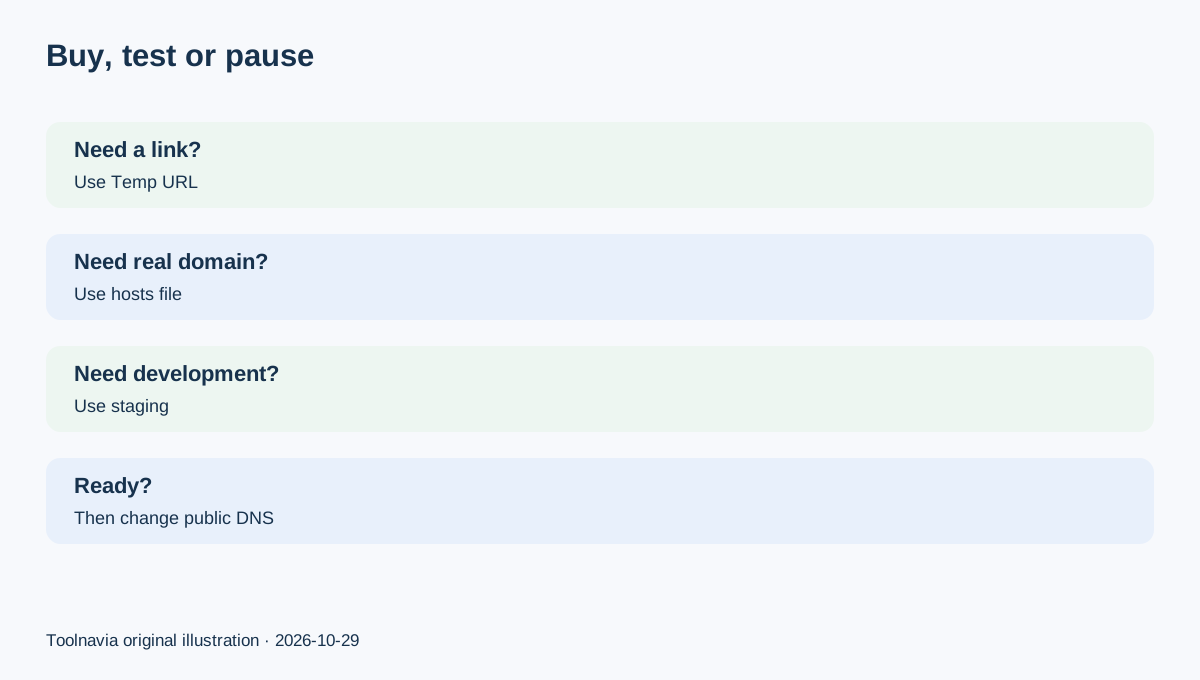
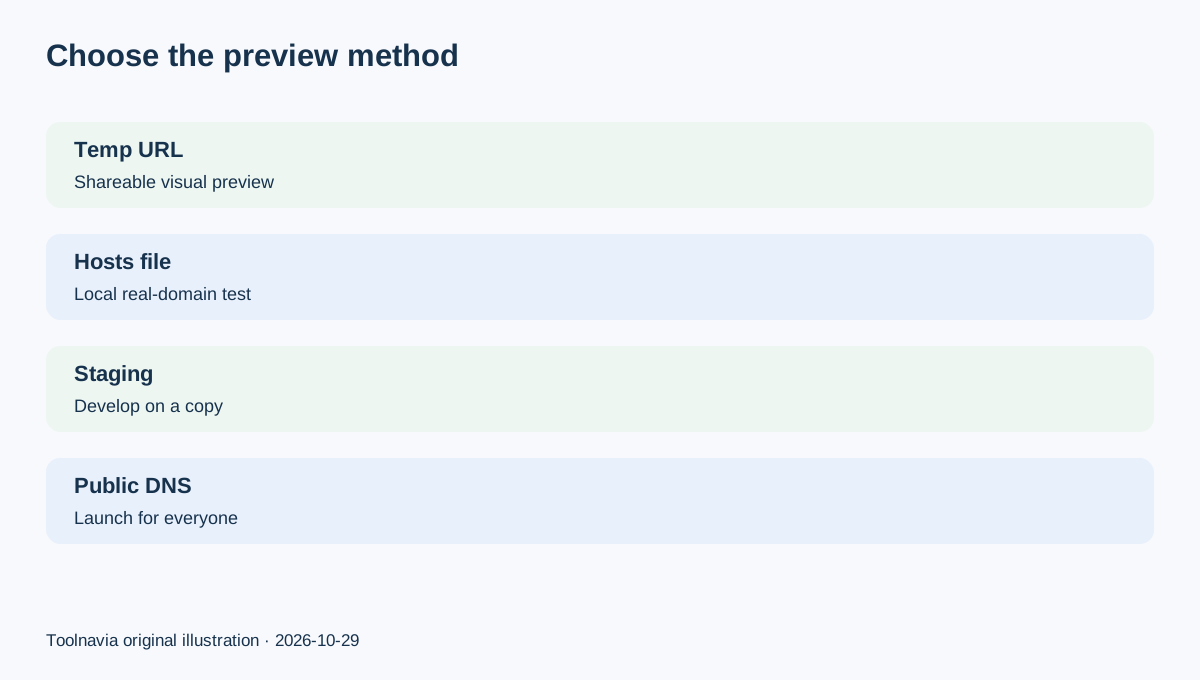
Use a **WPX Temp URL** when a client or teammate needs a shareable visual preview before public DNS changes. Use a **local hosts-file override** when you must test the migrated site under its real domain, including domain-sensitive logins, cookies, links or integrations. The Temp URL is easier to share, does not consume a website slot and can auto-disable—but WPX says it is for preview only, not editing or speed testing. A hosts-file test is local to one device and needs administrator access, but it keeps the real hostname in the browser.
That choice matters before paying for WPX Business. The current plan page displays up to five sites, 20GB storage, 200GB bandwidth, 5GB RAM, 1 CPU and 15 PHP workers, with a five-year prepaid total of $1,199.60 shown as $19.99/month equivalent; $29.99 is the displayed regular monthly reference. Recheck the selected term and checkout total before buying.
What each method actually changes
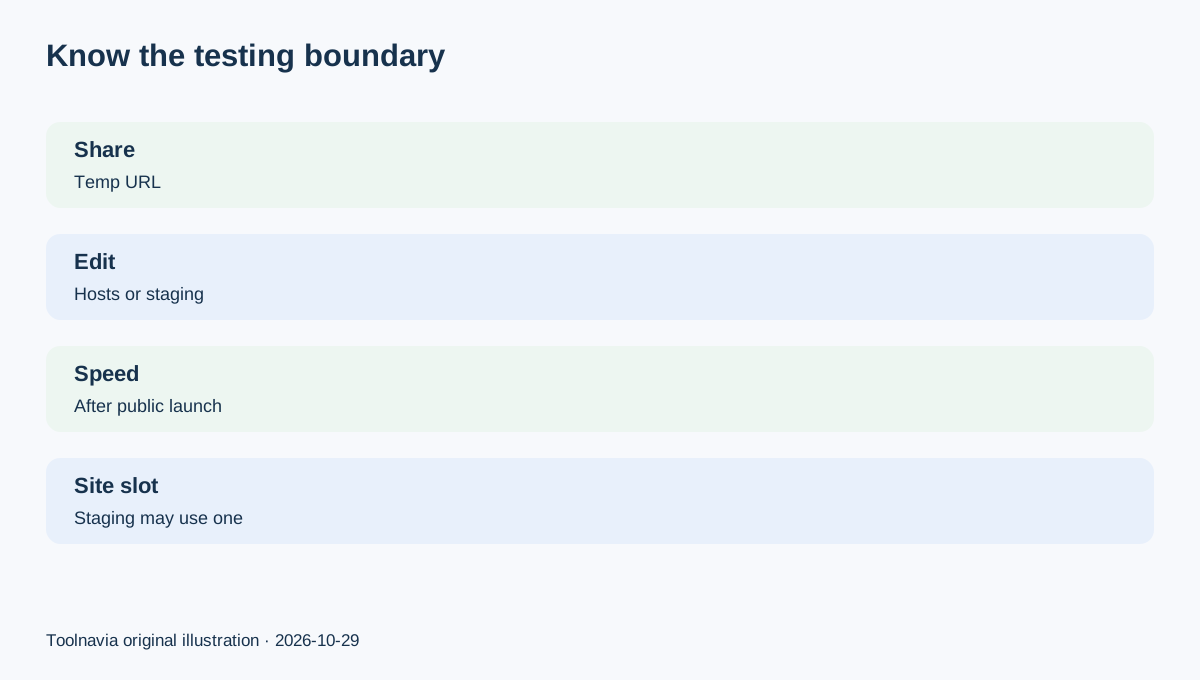
A Temp URL changes the address you visit: WPX generates a random subdomain under wpxtemp.com and serves a preview without moving public DNS. It can be shared for approval, but it is not the production hostname. WPX says not to edit through it and not to use it for performance measurements.
A hosts-file entry changes name resolution **only on your device**. Your browser requests the real domain, but the operating system sends it to the WPX server IP instead of following public DNS. Windows and macOS require different administrator-level steps; both should map the non-www and www names you intend to test.
Do not confuse either method with WPX Staging. Staging is for making and rehearsing changes on a copy; on WordPress hosting it consumes a website slot and has file/database limits. Temp URL and hosts-file preview answer a cutover question: “Is the migrated destination ready before the public switch?”
Choose Temp URL for shareable visual approval
Choose Temp URL when reviewers need a link and you are checking layout, navigation, content and obvious missing assets. WPX says the URL can be disabled manually or automatically and does not consume a site slot. Save the generated URL because the panel may not display the same one later; you can recreate it if needed.
The convenience has a boundary. Kinsta’s comparable preview mode warns that plugins relying on domain validation or authentication may not work normally under a temporary hostname. That is a useful independent check on the method class, not a claim about every WPX plugin. Treat Temp URL as visual approval, not proof that checkout callbacks, SSO, licenses, cookies or performance will behave under the production domain.
Choose hosts file for domain-sensitive testing
Choose the hosts file when the real hostname matters. Copy the **account-specific WPX server IP** from the control panel, map both domain variants locally, flush the DNS cache if required and restart the browser. Remove the entry after testing so your device returns to public DNS.
Independent hosting documentation converges on the same boundary: Cloudways treats local hosts mapping as a critical pre-DNS migration test; WP Engine calls it local and reversible; Pressidium uses it to test a migrated SSL-enabled site before the DNS switch. These sources do not prove WPX performance. They support the operational distinction between a shareable temporary hostname and a local real-domain override.
Run a pre-cutover acceptance test
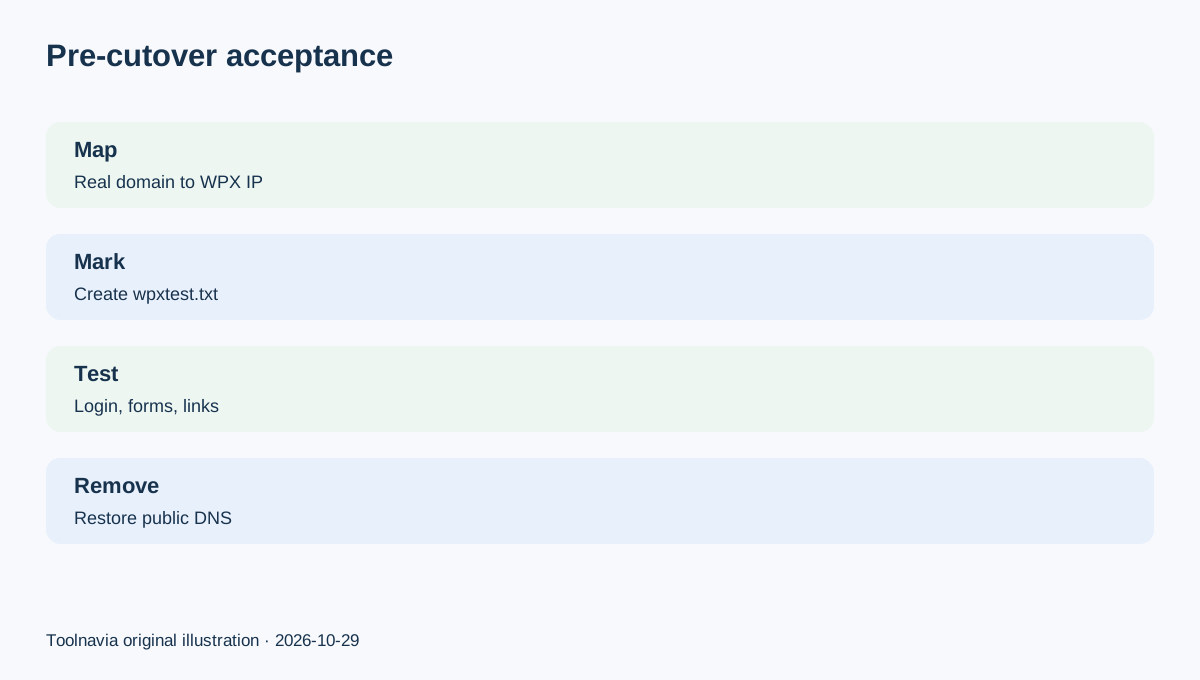
Do not stop at “the homepage loads.” On the WPX copy, create a unique `wpxtest.txt` marker and confirm that the real domain plus marker loads while the hosts override is active. WPX documents this as a way to distinguish its copy from the old host during propagation.
Then test logged-out and logged-in navigation, forms, media, search, redirects, robots/canonical output, payment sandbox flows where available, and the exact admin page needed for launch. Record which origin you reached, the time and the result. If the marker is absent, do not edit; you may still be on the old host. A green visual review is not evidence of a correct public DNS or email cutover.
Do not mistake preview for public launch
Neither method changes what the public sees. Public launch still requires the correct active DNS zone and the intended A records or nameservers. WPX says propagation can take from minutes to 48 hours, so some visitors may reach the old host while others reach WPX. Avoid content changes during that split or use a controlled freeze-and-sync plan.
Kinsta’s migration checklist similarly separates preview from go-live and recommends testing content and functionality before DNS, then speed testing after the public switch. That sequencing explains why a Temp URL speed score or a local-only hosts result should not be presented as production performance.
Buying rule
Buy WPX Business for this workflow when five site slots and the current resource envelope fit, a shareable preview helps approval, and someone on the team can perform a local real-domain test before DNS. Pause if nobody has administrator access to a test device, nobody can confirm the WPX origin, or the migration depends on domain-bound behavior that has not been tested under the real hostname.
Use Temp URL for **shareable visual review**, hosts file for **local domain-sensitive acceptance**, and staging for **developing changes on a copy**. Keep those jobs separate. The approved WPX referral does not promise a coupon or special price; verify the live term, total and plan limits before paying.
Affiliate disclosure: Toolnavia may earn a commission from an eligible WPX purchase through the referral buttons in this article. This does not change your price or guarantee migration, uptime, speed or search results.