TOOLNAVIA / BUYING GUIDE
WPX Business DNS Cutover: Keep Microsoft 365, Google or Zoho Mail Working
The short answer
At a glance
- Best for
- A website-only move where mail must remain at the existing provider and the operator can inventory and verify every active DNS record.
- Price model
- $19.99/mo equivalent on $1,199.60 five-year prepayment; $29.99 regular.
- Check first
- Teams without access to authoritative DNS or mail-provider records, or buyers expecting WPX to migrate third-party mailboxes or guarantee zero downtime.
Quick verdict
WPX Business can host the website while Microsoft 365, Google Workspace, Zoho or another provider continues to handle email. The safest website-only cutover is usually to keep the current authoritative DNS provider and change only the website A records to the account-specific WPX XDN addresses. MX, SPF, DKIM, DMARC, Autodiscover and verification records then stay where they already work.
A nameserver change is a larger decision: it transfers authority for the whole DNS zone to WPX. Before changing NS, recreate and compare every required web, mail, authentication and verification record in WPX. WPX explicitly warns that custom MX, CNAME and TXT records must be added to its zone.
The current Business offer displays **$19.99/month equivalent, prepaid $1,199.60 for five years**, versus a $29.99 regular price, for up to five sites. That price does not guarantee a mail-safe migration; the live checkout and the acceptance checklist below control.
> Affiliate disclosure: Toolnavia may earn a commission if you buy through the approved WPX link, at no extra cost to you. The recommendation remains conditional on the exact DNS plan and live checkout.

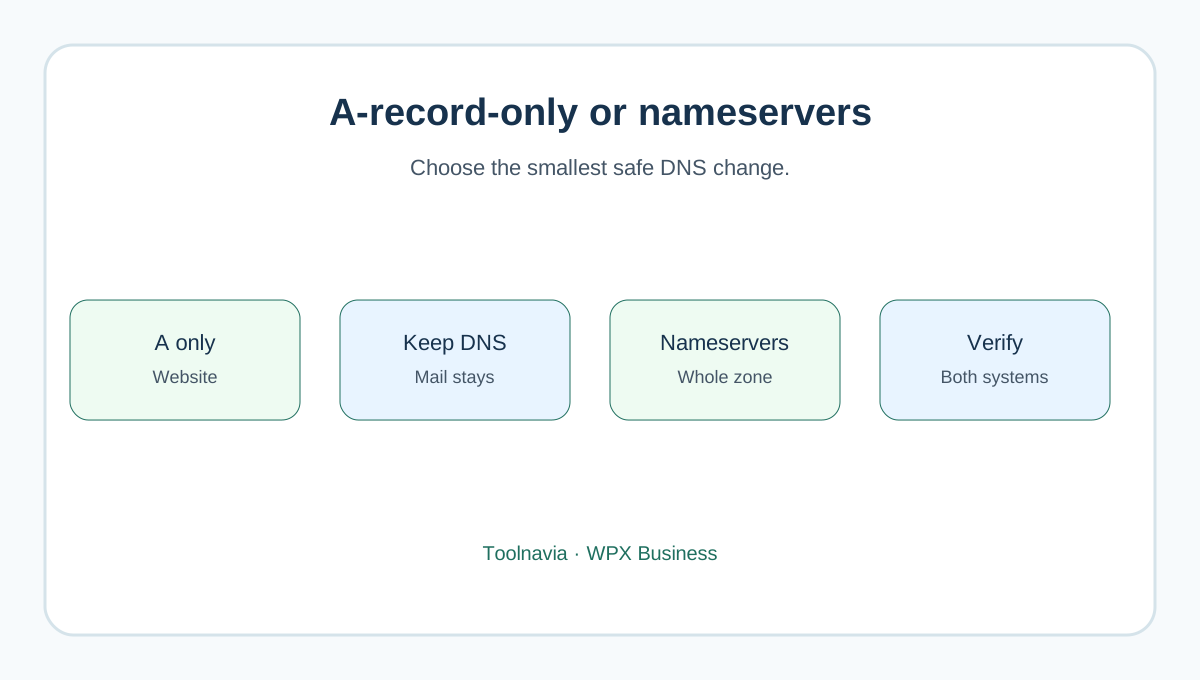
Choose A-record-only or nameserver delegation
| Decision | A-record-only | Nameserver change | | --- | --- | --- | | DNS authority | Stays at the current provider | Moves to WPX | | Website records | Change apex and `www` A records to your own WPX values | Rebuild website records in WPX | | Mail records | Usually remain unchanged | Must be recreated before delegation | | Best fit | Website moves; external mail and DNS provider stay | You deliberately want WPX to manage the full zone | | Main risk | Wrong or partial WPX A records | Missing MX/TXT/CNAME/CAA/SRV/DNSSEC or verification records |
WPX's own guide makes this distinction. It also says the example XDN addresses in screenshots may differ from the addresses assigned to your account. Use the values from your WPX Control Panel, never another customer's screenshot.
Only the active authoritative zone affects public DNS. Editing a WPX panel while nameservers still point elsewhere changes nothing publicly; editing the old panel after delegation to WPX also changes nothing. Check the current NS answers before deciding which panel is authoritative.
Inventory email before touching DNS
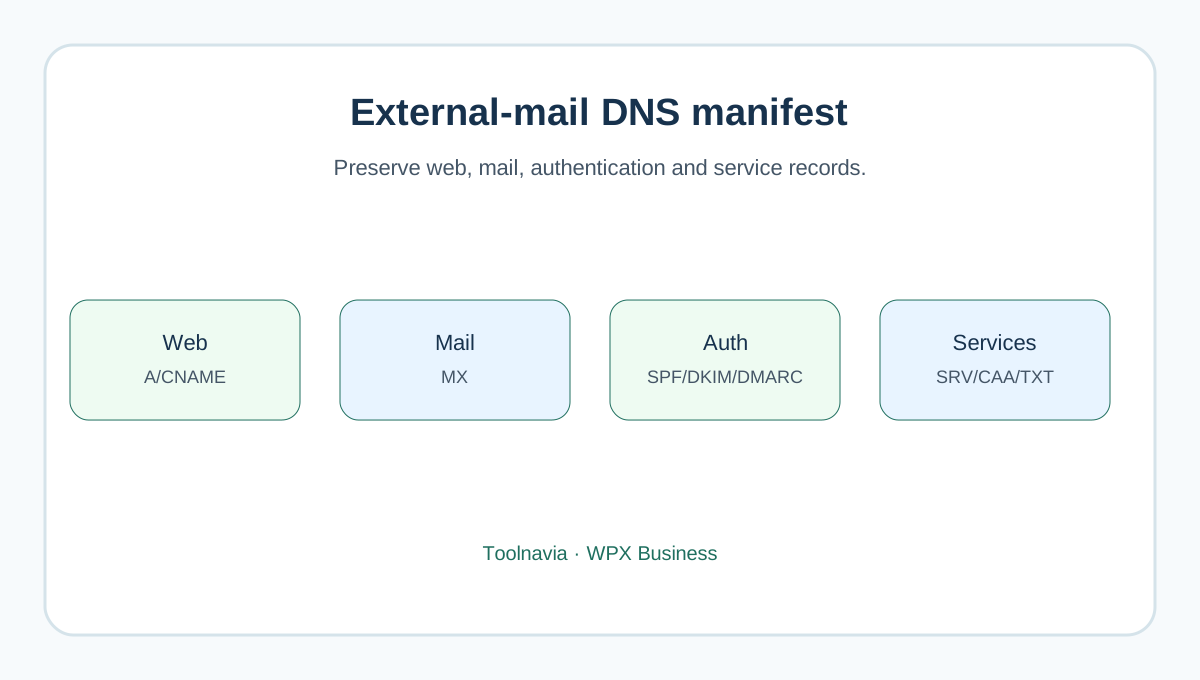
Export the current zone if possible. Otherwise build a manifest with record name, type, value, priority, TTL and purpose. At minimum capture:
- MX targets and priorities; - the single effective SPF TXT policy; - every DKIM selector and its TXT or CNAME target; - the DMARC policy and reporting addresses; - Autodiscover and other provider CNAMEs; - provider/domain verification TXT records; - mail, SMTP, IMAP or POP host records; - website apex, `www`, other subdomains, CAA, SRV and any DNSSEC/DS state.
Get exact values from the email administrator. Microsoft 365 records are tenant-specific; Zoho MX and DKIM values can be region- and account-specific. Do not copy generic values from a blog, another tenant or a different Zoho region.
WPX's migration form asks whether third-party email is in use. Declare it. A completed website copy proves neither public MX routing nor outbound authentication.

Stage the destination before the switch
For an A-record-only move, migrate the site first and retrieve the exact XDN addresses from your own account. Prepare the required apex and `www` records at the current authoritative DNS host. Leave working mail and authentication records untouched.
For a nameserver move, add the domain and full zone to WPX before changing the registrar's nameservers. WPX has presets for Google Workspace, Zoho and Microsoft 365, but the active zone must be at WPX for automatic setup. External-DNS users can generate records and copy them to the actual provider instead.
Selecting a third-party mail provider disables WPX Mail for that domain. That is a routing choice, not an extra simultaneous mailbox service. Preserve any required old mailbox data separately; DNS records route new traffic and do not migrate messages, contacts, calendars or rules.
If Cloudflare remains authoritative, review imported records. Keep the hostname targeted by MX and any SMTP/IMAP/POP host **DNS-only**. Cloudflare's ordinary HTTP proxy does not proxy those mail protocols.
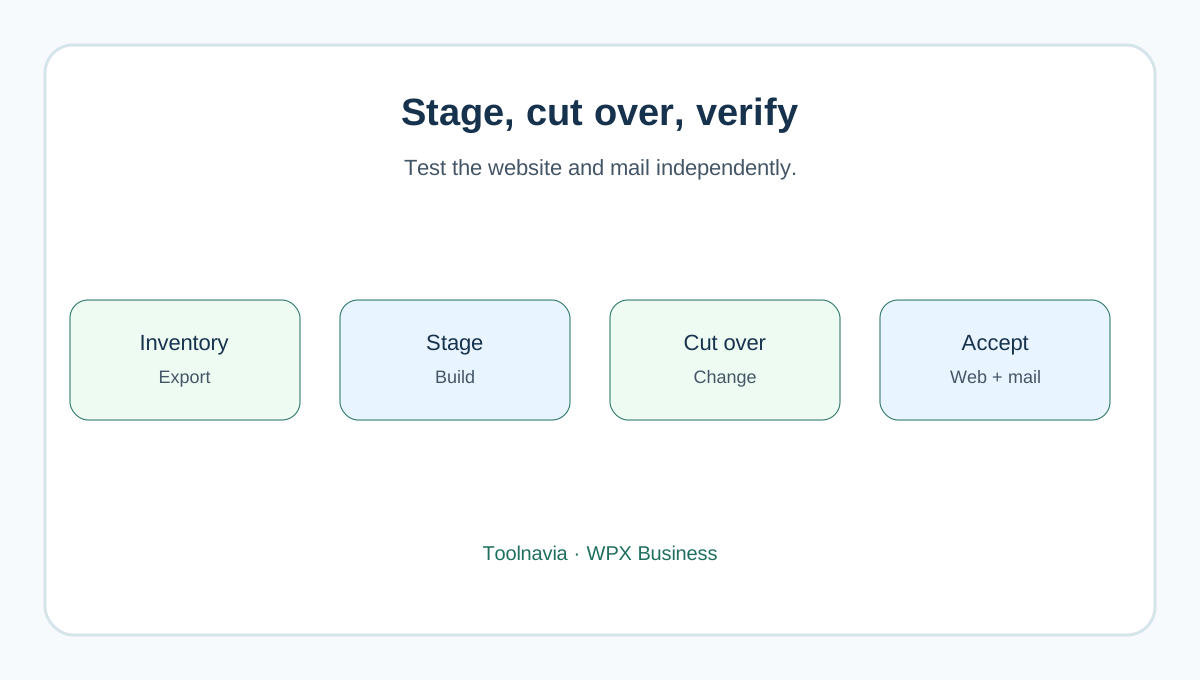
Cut over and verify both systems
WPX says DNS propagation can take from minutes to 48 hours. During that interval, visitors may reach different web origins. Avoid content changes until routing stabilizes; WPX warns that another migration can cost $98 excluding VAT. This is a possible window, not a guarantee that all networks update at the same moment.
Before and after the change, record read-only answers such as NS, A, MX and TXT from more than one resolver. Then test:
1. root domain and `www` over HTTPS; 2. WordPress login, forms, checkout and password-reset email; 3. inbound mail from an unrelated external provider; 4. outbound mail to an unrelated external provider; 5. aliases, shared addresses and attachments that matter; 6. the message headers for SPF, DKIM and DMARC results; 7. Autodiscover or the provider's client setup; 8. Cloudflare mail hosts resolving to real DNS-only targets, not Cloudflare proxy IPs.
A website returning 200 does not prove mail continuity. Cloudflare's current troubleshooting guide says to check public MX, missing SPF/DKIM/DMARC, delegated mail subdomains, CNAME behavior and DNS-only mail hosts.

Resolve the official boundaries
WPX's third-party presets are convenient, but exact Microsoft 365 or Zoho records still come from the tenant's admin. Use the preset as a starting workflow, then compare every generated value with the provider's current required records.
Do not publish two SPF records for the same hostname; combine authorized senders under the provider's instructions. Preserve DKIM selectors and DMARC intentionally. A working inbound MX test alone does not prove authenticated outbound delivery.
WPX Mail is automatically disabled when a third-party provider is activated. If the domain currently uses WPX Mail, switching this option is an email migration, not merely DNS housekeeping. Export and verify required mailbox data before changing providers.
Keep the old hosting and DNS service available until web and mail acceptance passes and cached traffic has aged out. Shorter TTL can reduce some record-cache time, but it cannot promise instant nameserver-delegation convergence.
Price and buying rule
Business currently advertises up to five sites, 20GB storage and business email at $19.99/month equivalent on a $1,199.60 five-year prepayment, versus $29.99 regular. Recheck the live term, tax and total. External Microsoft 365, Google Workspace or Zoho subscriptions are separate costs and are not included in this WPX price.
Buy WPX Business for this workflow when:
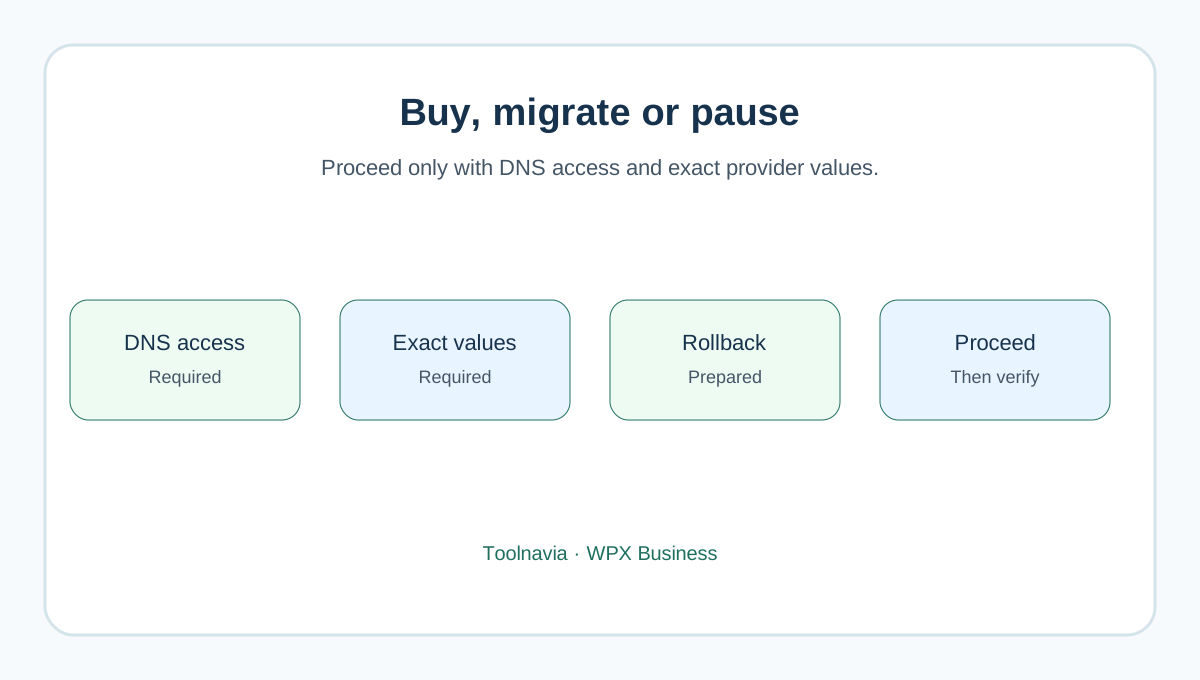
- the managed WordPress service fits the sites; - you can choose and document one authoritative DNS path; - you control the active zone and the email-provider admin; - every mail/authentication record is inventoried before cutover; and - you can keep the old environment until web and mail tests pass.
Pause when nobody can identify the authoritative DNS host, DKIM selectors, tenant-specific MX values or mailbox-data owner. Paying for hosting does not fix missing DNS ownership.

**Bottom line:** moving the website does not require moving business email. An A-record-only cutover usually minimizes change when external mail already works. A nameserver cutover can also succeed, but only after the complete zone is staged in WPX and both website and email are tested independently.