TOOLNAVIA / BUYING GUIDE
WPX Business Managed WordPress Hosting: $19.99 Five-Year Rate vs $29.99 Regular
The short answer
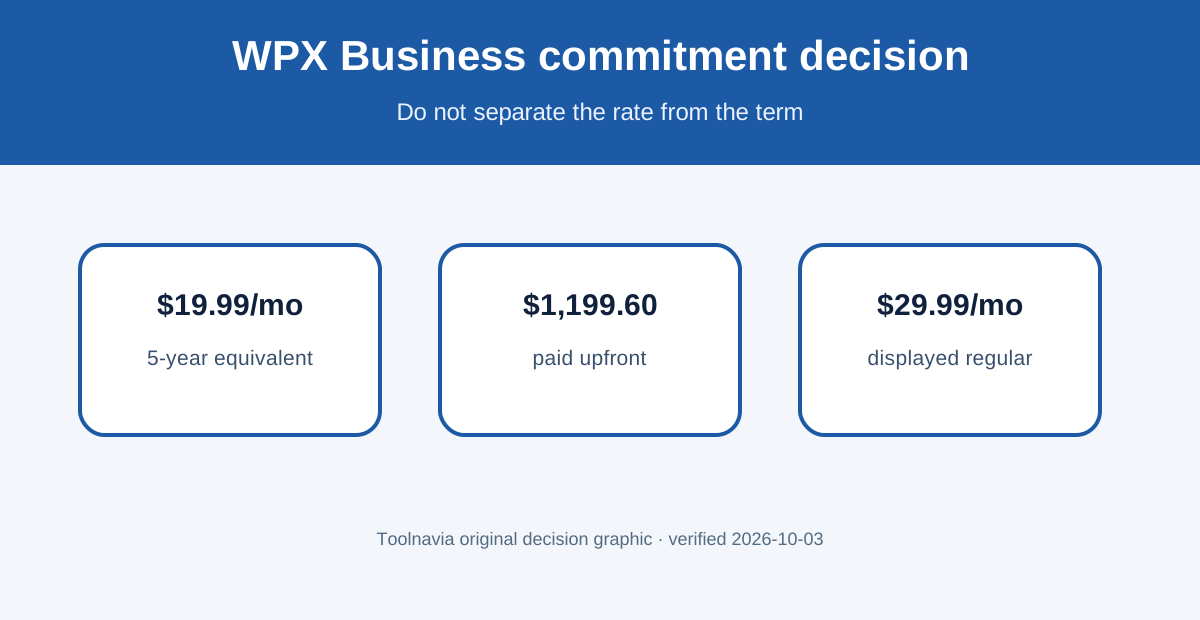
WPX Business is worth considering for two to five important WordPress sites when migration, staging, backups and human support replace real work. The current $19.99 monthly equivalent requires a five-year $1,199.60 prepayment, versus $29.99 regular. Buy it for managed workload reduction, not the headline rate alone.
At a glance
- Best for
- Two to five important WordPress sites that value assisted migration, staging, daily backups and managed support.
- Price model
- $19.99/month equivalent prepaid $1,199.60 for five years; $29.99 regular
- Check first
- Five-year advertised rate requires $1,199.60 upfront; confirm renewal and current 20GB/200GB/compute limits.
The real price decision is a five-year commitment
The current Business row covers up to five websites, 20GB storage, unlimited visitors, 200GB bandwidth, 5GB RAM, one CPU core and 15 PHP workers. At $1,199.60 prepaid, the displayed $19.99 monthly equivalent is $600 lower than sixty months at the displayed $29.99 regular price. That is meaningful only if the service still fits years later.
A separate official WPX location page still presents an older Business configuration at $24.99 monthly or $249.99 yearly, with 15GB storage and different resource wording. Treat this as an official-source conflict, not a secret better renewal price. The cart is the current purchase surface used here; save the exact checkout, renewal amount, capacity and cancellation terms before payment.
What the Business plan can replace
Five site slots let a company keep a main site, campaign properties or client-managed sites under one control panel. Staging, SSL, the WPX CDN, email tools and automatic security features reduce the number of separate services to coordinate. The benefit is simpler routine work, not a guaranteed speed result. Actual performance still depends on themes, plugins, database work and visitor geography.
WPX says standard migrations are free for active hosting customers. That can save hours when multiple sites, mailboxes and DNS records must move, but migration is not finished when files copy. Check redirects, mail, forms, checkout, analytics, scheduled jobs and cache behavior before changing the final DNS path.
Backups are useful, with an export boundary
WPX creates daily automatic backups on separate servers and keeps them for 28 days. They can be restored from the control panel. Automatic backups, however, cannot be downloaded locally in their system format. A personal backup can be created and downloaded, but it is kept for only 24 hours and uses account storage.
That makes recovery practical after a failed update while leaving an important boundary: keep an independent copy of business-critical files and databases. Test one restore and one portable export before treating the backup label as proof of recoverability.
Refund, renewal and workload limits
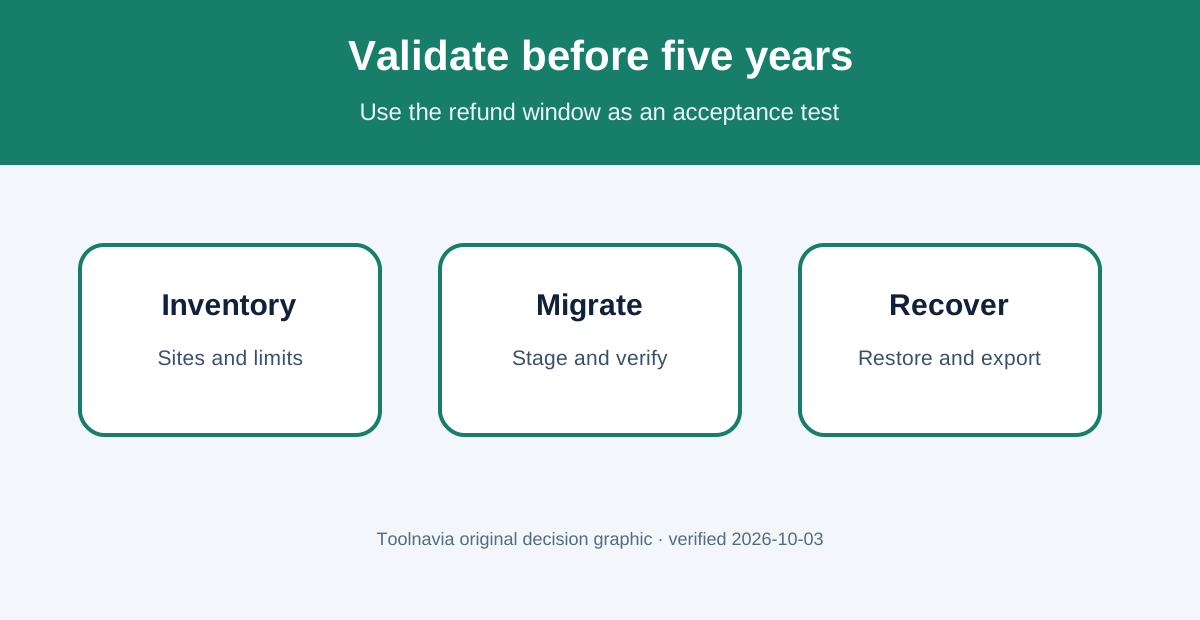
WPX publishes a 30-day hosting refund window for a new purchase over $5, but renewals are not refundable and cancellation must be requested properly. The five-year prepayment increases the importance of using that window. Test the support channel, migration quality, staging workflow, backup restore and representative traffic before day 30.
“Unlimited visitors” does not mean unlimited compute. Business still publishes one CPU core, 5GB RAM and 15 PHP workers. Dynamic stores, membership sites and uncached workloads can hit processor or worker limits before bandwidth. Ask support how resource pressure is measured and what evidence triggers an upgrade.
WPX’s public affiliate program pays cash commissions starting at $70 per sale. Toolnavia has no approval evidence, so no tracked link appears here.
Who should choose WPX Business
Choose it when you have two to five revenue-relevant WordPress sites, want expert-assisted migration and support, and can validate that 20GB storage, 200GB bandwidth and the published compute limits fit. Start on a shorter billing option if commitment confidence is low.
Skip it for one low-value site, teams needing root access, or dynamic workloads that require transparent dedicated resources. A lower-cost shared host or a scalable cloud platform may be a better financial match.
Next step
Inventory every site’s storage, bandwidth, PHP-worker pressure, mail and backup needs. Ask WPX to confirm the exact renewal amount and current Business limits in writing. Then migrate a representative site, test staging, restore, portable backup, forms and revenue paths during the refund window. Commit for five years only after those checks pass.