TOOLNAVIA / BUYING GUIDE
WPX Business Free Migration for 5 Sites: DNS, Email and the $98 Repeat Risk
The short answer
WPX advertises free website migration, but a five-site Business move is not a single “hand it over and forget it” job. The fee for an eligible standard copy may be zero; the buyer still owns capacity planning, five separate requests, the content-freeze window, DNS and MX records, verification and rollback evidence.
The practical verdict is simple: Business can be a good migration value when all five WordPress sites fit the current site and storage limits and you can stage the cutover. Do not buy on a “zero downtime” assumption. WPX’s own policy requires an active account, a free site slot, enough disk, and one form per website; it warns against changes during the move and the following DNS propagation period.
At a glance
- Best for
- WPX Business buyers moving up to five WordPress sites who can coordinate DNS, mail, a freeze window and rollback.
- Price model
- Eligible standard migration may be included; policy lists separate $98 or $100 ex-VAT services in specified cases. Verify live policy.
- Check first
- Eligibility, capacity, timing and fees depend on the live account and source sites; no zero-downtime, no-data-loss or fixed-storage guarantee.
What “free migration” buys for five sites
WPX’s current main page presents Business for up to five websites and 20GB storage. An older WPX blog still says 15GB. Because both are first-party publications, use 20GB only as the current page observation and confirm the final cart and account limit before paying. Five available slots also do not prove that the combined sites, mailboxes, backups and temporary files fit the account.
For an eligible standard move, WPX says it transfers the site as-is and includes email migration. “As-is” matters: a domain-name change, redesign, application conversion or cleanup project is not the same service. WPX lists a separate $98 fee excluding VAT for a domain-change migration, and the same amount per site for a repeat migration caused by customer-side changes within the stated policy window.
The free service therefore removes much of the mechanical copy work. It does not transfer responsibility for inventory, compatibility, DNS ownership, live transactions or final acceptance.
Preflight: slots, disk and five separate forms
Before opening the first request, make a row for each website with its source host, WordPress version, PHP requirement, database size, files size, mailbox size, DNS provider, nameservers, MX provider, dynamic-write risk and owner. Compare the aggregate requirement with the exact Business capacity shown at checkout.
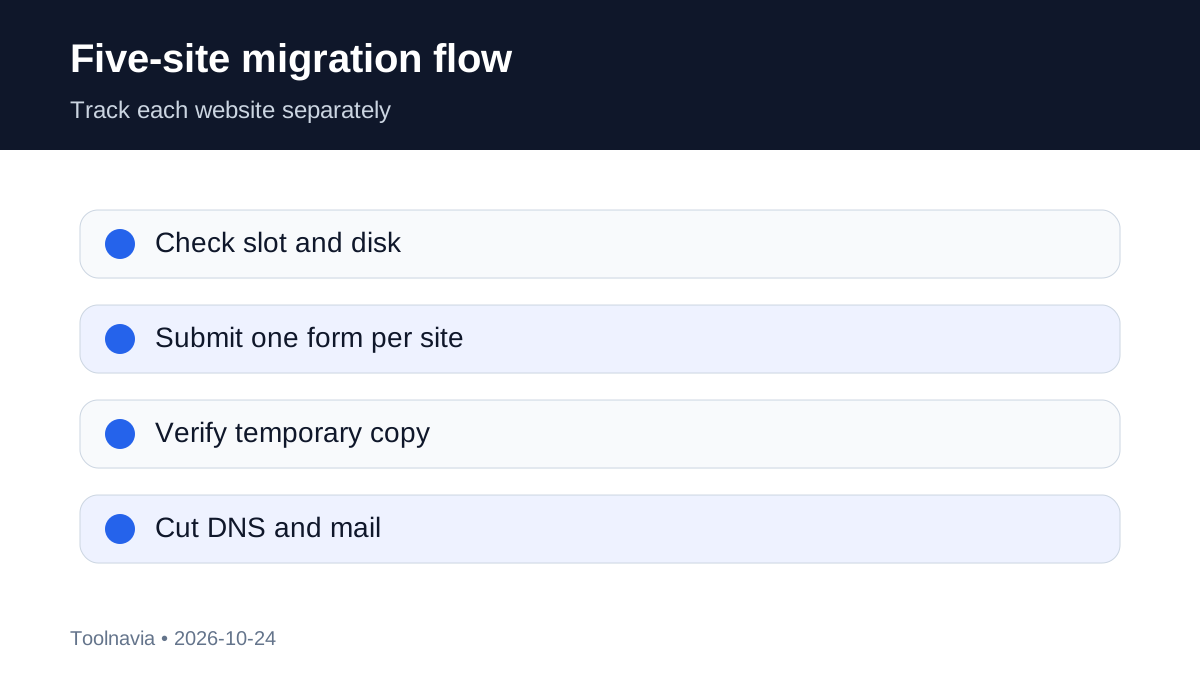
WPX requires one migration form per website. Submit them as five tracked work items, not one vague ticket. For each item, preserve:
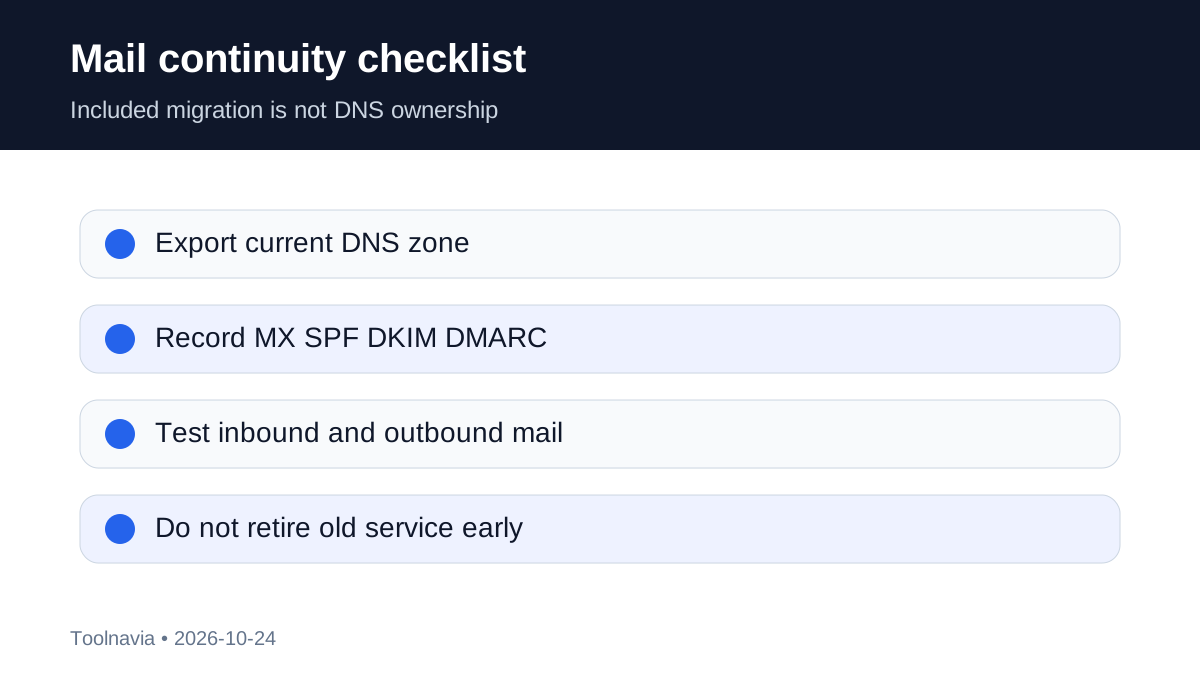
1. a restorable files-and-database backup; 2. source-host credentials or the approved backup/plugin method; 3. the current DNS zone, including A, AAAA, MX, TXT, CNAME, SPF, DKIM and DMARC records; 4. a list of forms, logins, scheduled jobs, payment callbacks and integrations to test; 5. the planned freeze and rollback decision owner.
Independent migration guidance recommends lowering DNS TTL roughly 24–48 hours before cutover and validating the backup, but your DNS provider’s minimums and caching behavior control the real timing.
Website copy and DNS/email cutover are different jobs
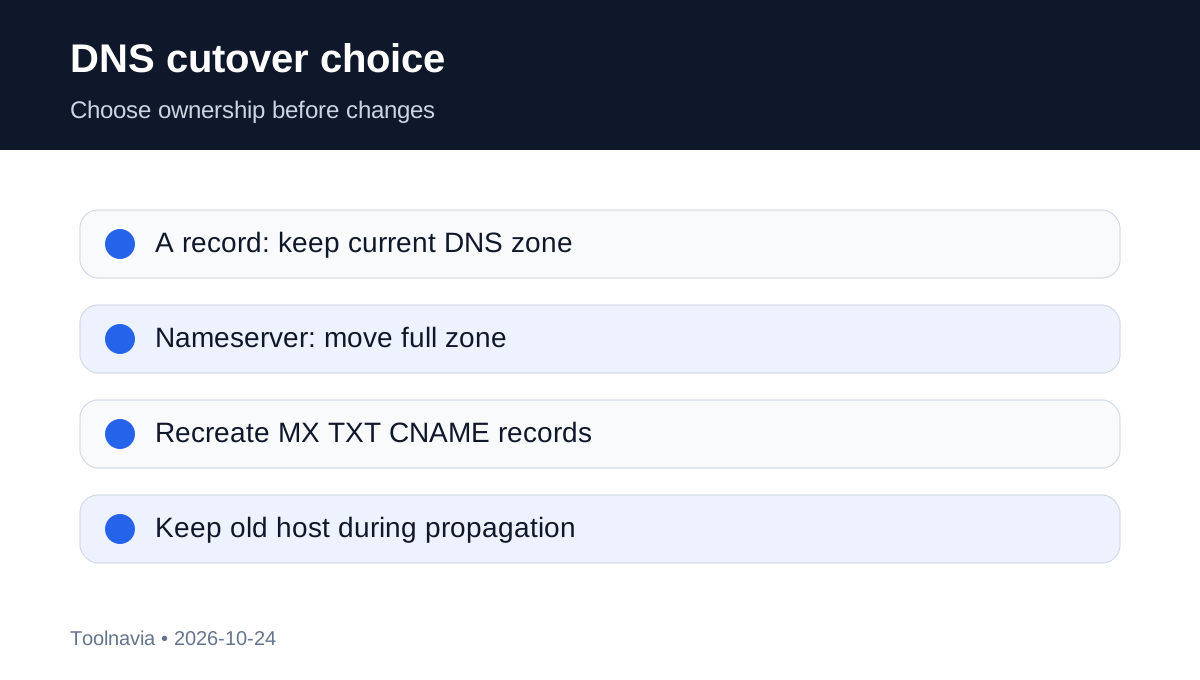
WPX can copy files, database and eligible email data, but its policy leaves nameserver and MX changes to the customer. That division is the most important operational boundary.
If you change only the website’s A record, the existing DNS provider continues to host the zone. This can reduce mail risk because MX, SPF, DKIM and other records remain where they are, though you still need to update the web address correctly. If you change nameservers, DNS-zone control moves; every non-web record must be recreated and checked.
For Google Workspace, Microsoft 365, Zoho or another external mail service, provide the exact records and do not assume “email migration included” means WPX controls that third-party service. Export the old zone before any nameserver change.
Freeze, verify and roll back one site at a time
WPX says propagation can take up to 24–48 hours, and both old and new origins may receive visitors during the transition. Editing both copies can split orders, form submissions or account data. For a dynamic store or membership site, schedule a write freeze or an application-specific synchronization plan; a file copy alone cannot guarantee transaction consistency.
Use a per-site sequence:
- keep the old host live; - review the temporary WPX copy before changing DNS; - test admin login, public routes, SSL, forms, search, cron, uploads, cache behavior and payment test mode; - choose A-record or nameserver cutover deliberately; - freeze writes, make the DNS change and monitor both origins; - verify web traffic and inbound/outbound mail; - lift the freeze only after the acceptance checklist passes; - retain the old host and backup until the rollback window closes.
WPX describes typical migration handling around 24 hours after complete details, with malware able to extend work to 72 hours. That is not a guaranteed end-to-end cutover time because DNS, third-party email and your testing are separate. Competitor and provider migration guidance likewise recommends keeping the old host available and warns that transfer scope varies by method.
When the $98 repeat fee can appear
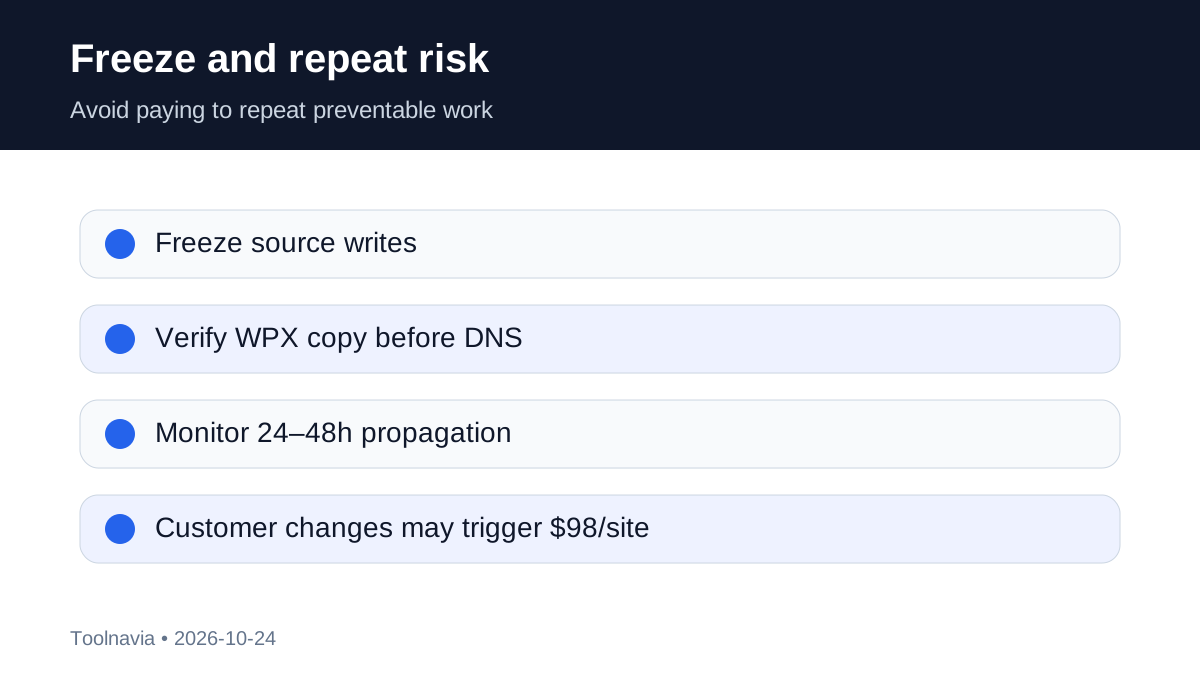
The policy lists $98 excluding VAT per site for a repeat migration when customer-side changes after the first transfer require WPX to do the job again. It is not a blanket Business-plan fee and should not be multiplied into a guaranteed bill. It is an avoidable risk exposure.
Reduce that exposure by setting a clear freeze start, recording the last accepted source change, testing the temporary copy before DNS, and assigning one person to authorize any post-copy edit. If a production emergency forces changes on the old site, document them immediately and ask WPX whether a delta plan is possible before requesting a full repeat migration.
The source conflict buyers should know
Two official WPX publications disagree on Business storage: the current main page shows 20GB, while an older WPX blog shows 15GB. The current commercial page is more relevant, but only the live checkout and your account record should be treated as binding.
Independent commentary sometimes describes WPX migration as having no downtime or data loss. WPX’s own policy is more cautious: no modifications during migration and the 24–48 hour propagation period, with repeat work potentially chargeable. This guide follows the official policy and does not promise a zero-risk cutover.
Buyer decision
Choose WPX Business for a five-site move when the sites fit the verified capacity, all are supported WordPress workloads, you can submit and track five requests, and you control DNS and mail records. The included migration can save real labor, especially for ordinary sites with a planned freeze.
Delay or choose a specialist migration plan when you have continuous WooCommerce orders, complex multisite/domain rewrites, unsupported source technology, undocumented mail records, or no safe rollback window. In those cases, get the cutover, synchronization, testing and recovery commitments in writing.
Toolnavia’s commercial entry uses only the approved [WPX Business route](/go/wpx-managed-wordpress-business-official-usd). It does not expose the raw tracking URL and does not claim that the unconfirmed TOOLNAVIA code is active. Confirm the current site limit, storage, price, tax and migration eligibility before checkout.