TOOLNAVIA / BUYING GUIDE
WPX Starter Migration Cost 2026: Free, $100 Express, or $98 Again?
The short answer
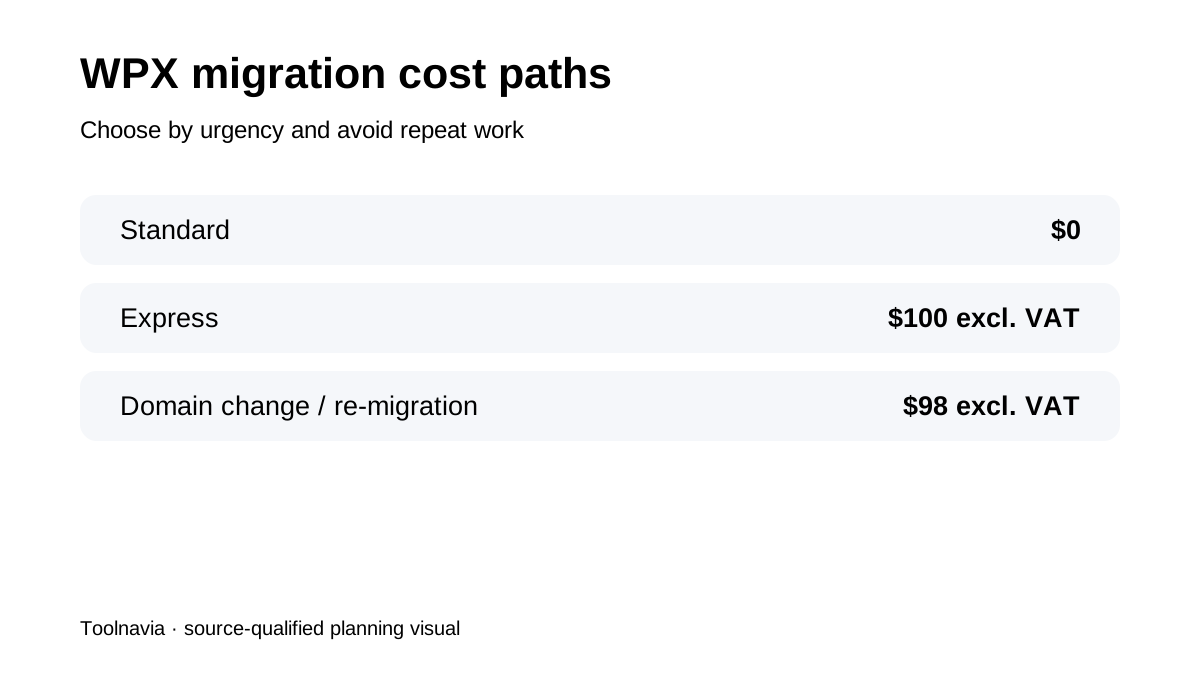
**Quick verdict:** Use WPX Starter's free standard migration for a normal one-site move. Pay **$100 excl. VAT** for Express only when queue time costs more, and avoid the **$98 excl. VAT** re-migration fee by freezing changes and controlling DNS.
At a glance
- Best for
- One-site WordPress buyers who can freeze writes and validate before DNS cutover.
- Price model
- Standard $0; Express $100 excl. VAT; domain change or customer-caused re-migration $98 excl. VAT
- Check first
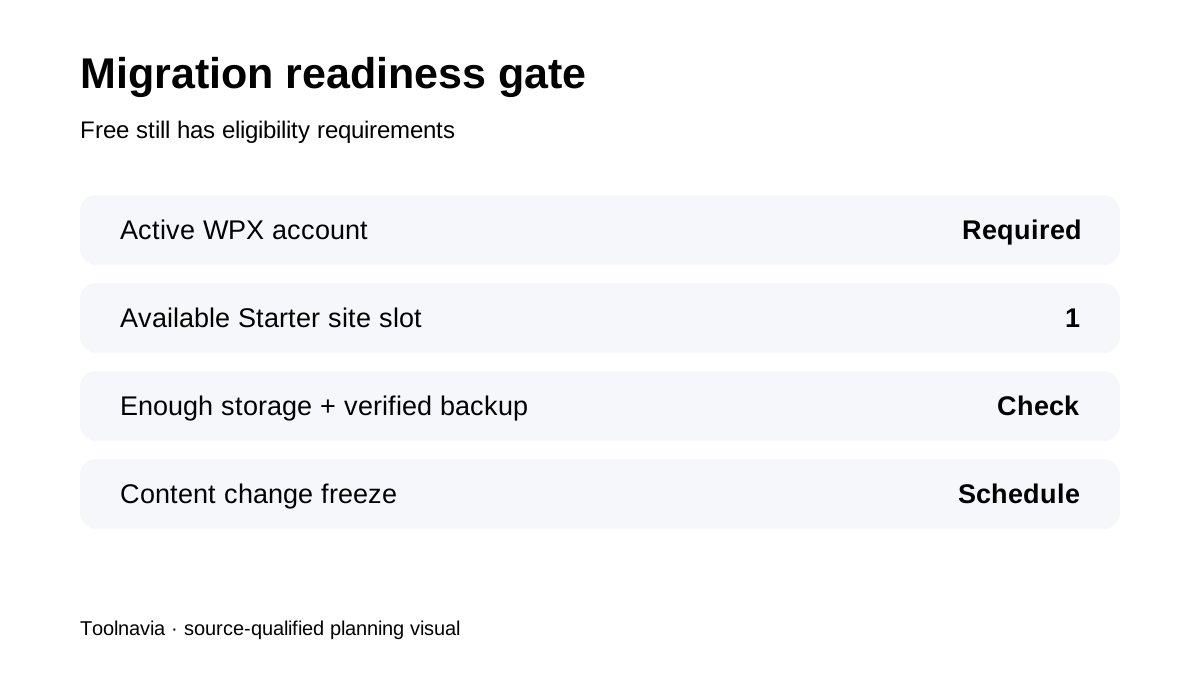
- Free migration needs an active account, one available site slot, enough storage and correct access; timing and DNS propagation are not guaranteed.
First check whether Starter can receive the site
Free does not mean unconditional. WPX's policy requires an active hosting account, an available website slot and enough disk space. Starter is a one-site plan, so the migration request consumes its only website slot.
Before purchase, record the current site's files, database size, email arrangement and external DNS records. If the site cannot fit the destination or relies on unsupported source access, the $0 headline is not yet a migration plan.
Standard versus Express is a timing decision
Standard migration costs **$0** and WPX says the transfer is normally completed within about 24 hours after the request is approved and the necessary information is available. The Starter page presents a broader 24–48 hour timeline. Malware scanning and cleanup can extend completion to as much as 72 hours.
Express migration costs **$100 excluding VAT** and moves the request ahead of the standard queue. It does not eliminate testing, DNS propagation or the need for a change freeze. Use it only when the cost of waiting—lost launch time, contractor idle time or an expiring old-host window—is clearly above $100.
The $98 fee is mostly a process warning
WPX says customer-caused re-migration and domain-name-change migration cost **$98 excluding VAT**. The practical trigger is often new content or transactions created while the source and destination are no longer synchronized.
For a brochure site, schedule a short edit freeze. For WooCommerce, membership or booking sites, decide how orders and user writes will be handled before the team starts. A final database sync or maintenance window may be more important than Express priority.
Choose the source-access path deliberately
WPX accepts a migration from another host, a full backup or a plugin-based path. The plugin path is convenient when only WordPress admin access is available, but WPX warns that source-host limits can prevent a complete transfer.
Prefer direct hosting/SFTP/database access or a verified full backup when the site is business-critical. Whatever the path, keep an independent backup that is outside both hosts.
Do not confuse migration with DNS cutover
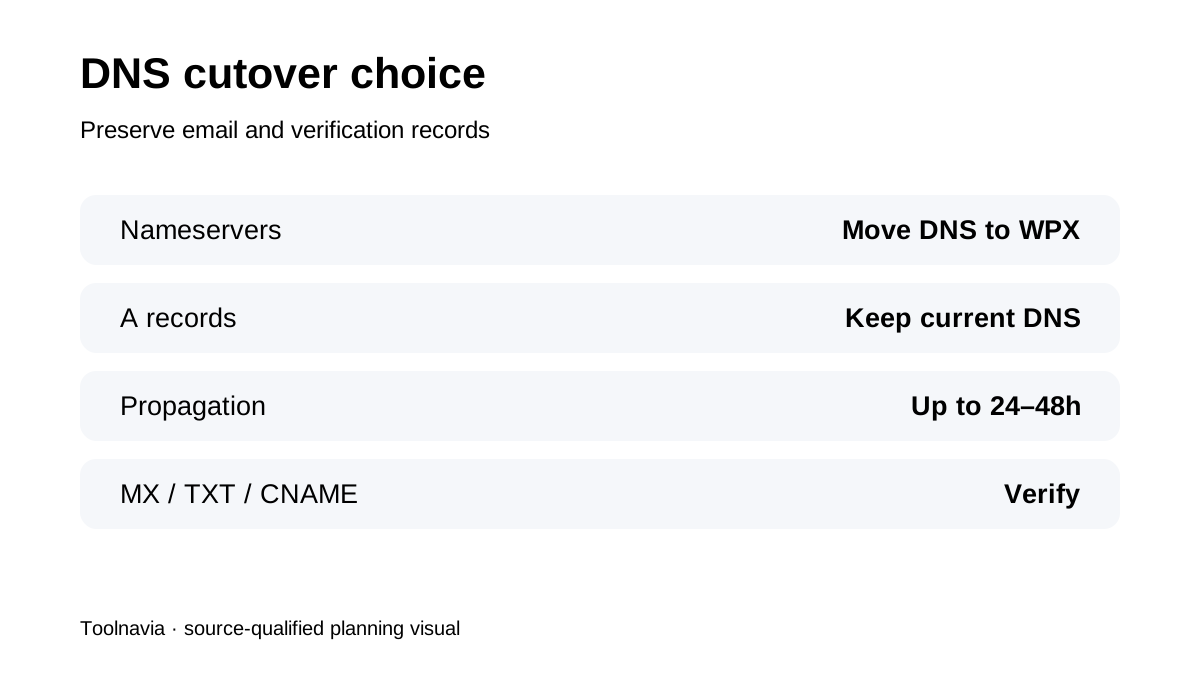
The team copies the site; the buyer still has to point the domain. WPX documents two broad choices: move nameservers to WPX, or keep DNS where it is and update A records.
Nameserver changes also move DNS-zone control, so MX, TXT, CNAME and verification records must be recreated. A-record changes can preserve the existing DNS provider, but the exact WPX XDN addresses must come from the account panel.
Accept the destination before changing traffic
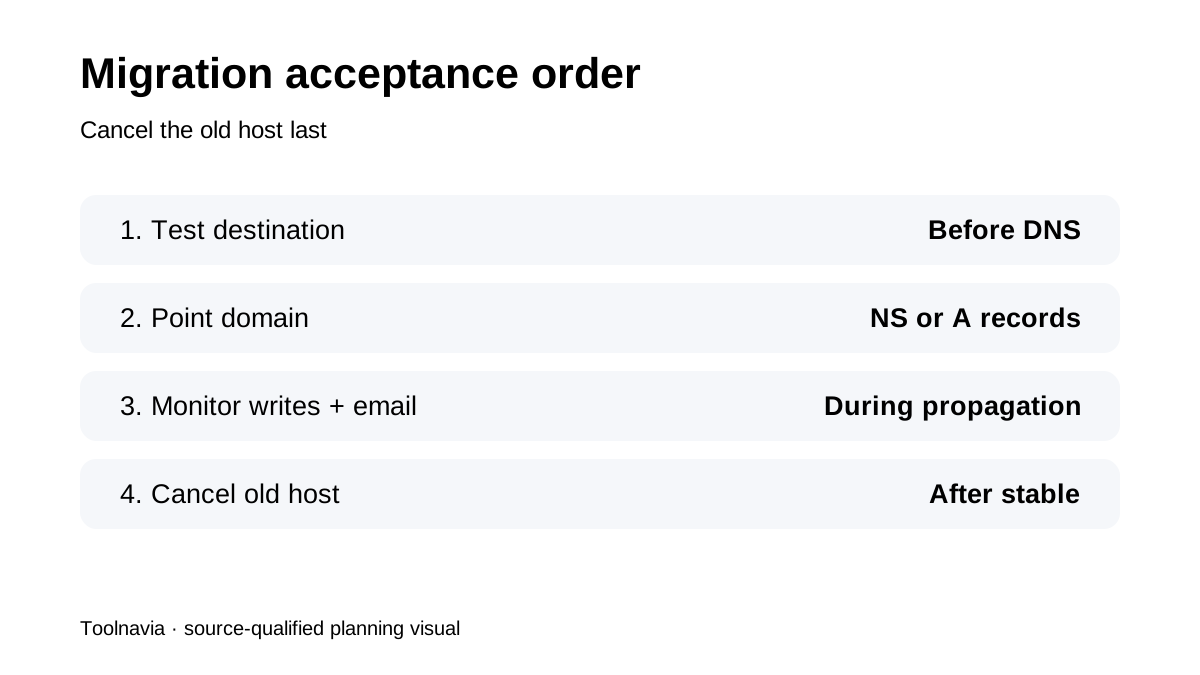
Test representative pages, WordPress admin, forms, checkout, webhooks, cron jobs, redirects, cache behavior and email. WPX's own materials describe a smooth transfer, but current independent reviews include both strong support outcomes and migration problems. Two same-intent 2026 guides also recommend an independent backup, write freeze and destination testing.
That conflict is why the safe buying decision includes an acceptance plan, not just a host price.
Treat propagation as part of the project
DNS may take **24–48 hours**. During that time, different visitors can reach different servers. Avoid content changes, watch orders and form submissions, verify HTTPS and MX records, and keep the old host active until traffic and data are stable.
Only then should the old plan be cancelled.
**Decision rule:** Choose standard migration when the site can tolerate the normal queue and you can schedule a freeze. Choose Express only when urgency is worth more than $100. Budget $98 only for a deliberate domain change—not for preventable rework.
**Bottom line:** WPX Starter migration is financially attractive because the ordinary move is free, but the real savings come from avoiding a second move. Slot check, backup, change freeze, destination acceptance and controlled DNS cutover are the purchase plan.