TOOLNAVIA / BUYING GUIDE
WPX Business Backups: 28-Day Restore Points vs 24-Hour Downloads
The short answer
WPX Business includes daily automatic backups, but “backup included” is not the same as an independent recovery plan. WPX says automatic copies are kept for 28 days on separate backup servers. They are designed for restoration inside WPX and cannot be downloaded. A buyer running up to five sites should decide which failures the host copy covers, which files it omits, and who owns a portable copy before committing.
At a glance
- Best for
- Teams that value simple 28-day host restore points while maintaining their own portable copy for business continuity.
- Price model
- Live WPX checkout; independent storage may cost extra
- Check first
- Buyers requiring immutable backups, near-real-time recovery, downloadable 28-day archives or a guaranteed provider-independent restore without another system.
Two backup systems solve different jobs
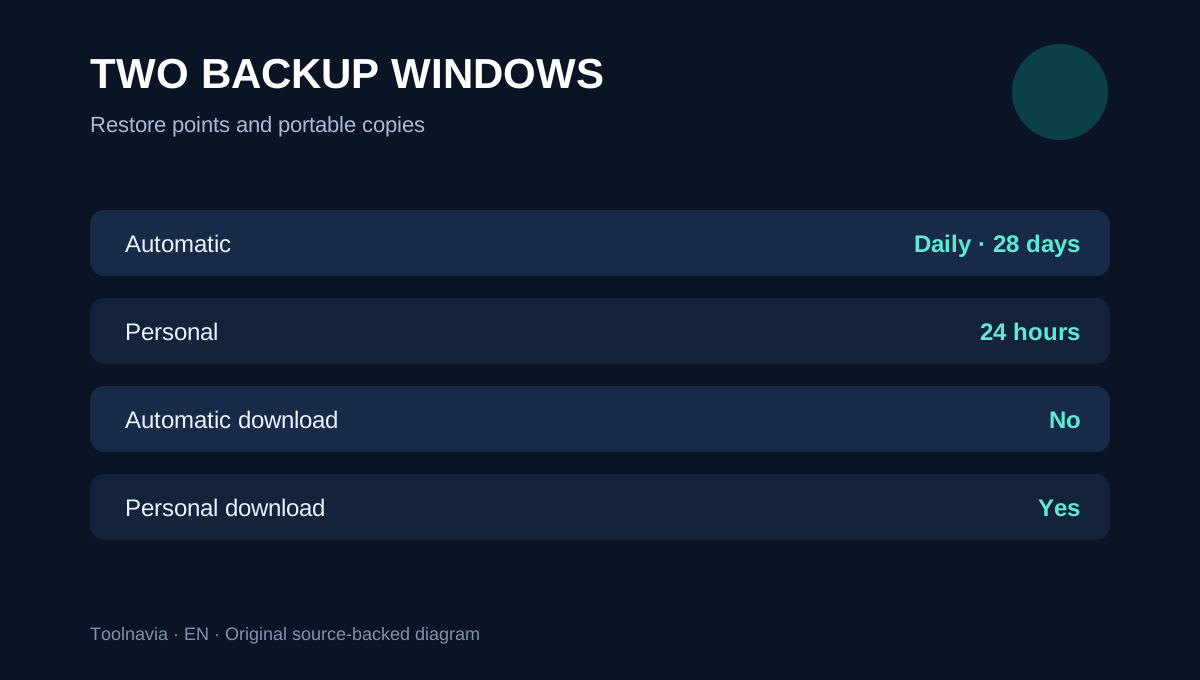
Automatic backups are created daily and kept for 28 days. In the control panel, a site can be restored from an available automatic point. These copies do not consume the account’s normal storage and are not downloadable. They are useful after an update, configuration mistake or deleted site when the desired point remains inside the retention window.
A Personal Backup is an on-demand point made before a risky change. WPX says it lasts 24 hours, consumes account disk space, can be restored or downloaded, and only one personal backup may exist per website at a time. It is therefore a short transfer window, not a second 28-day archive. Create it, download it, verify the file, then move it to storage controlled outside the hosting account.
The automatic copy has documented exclusions
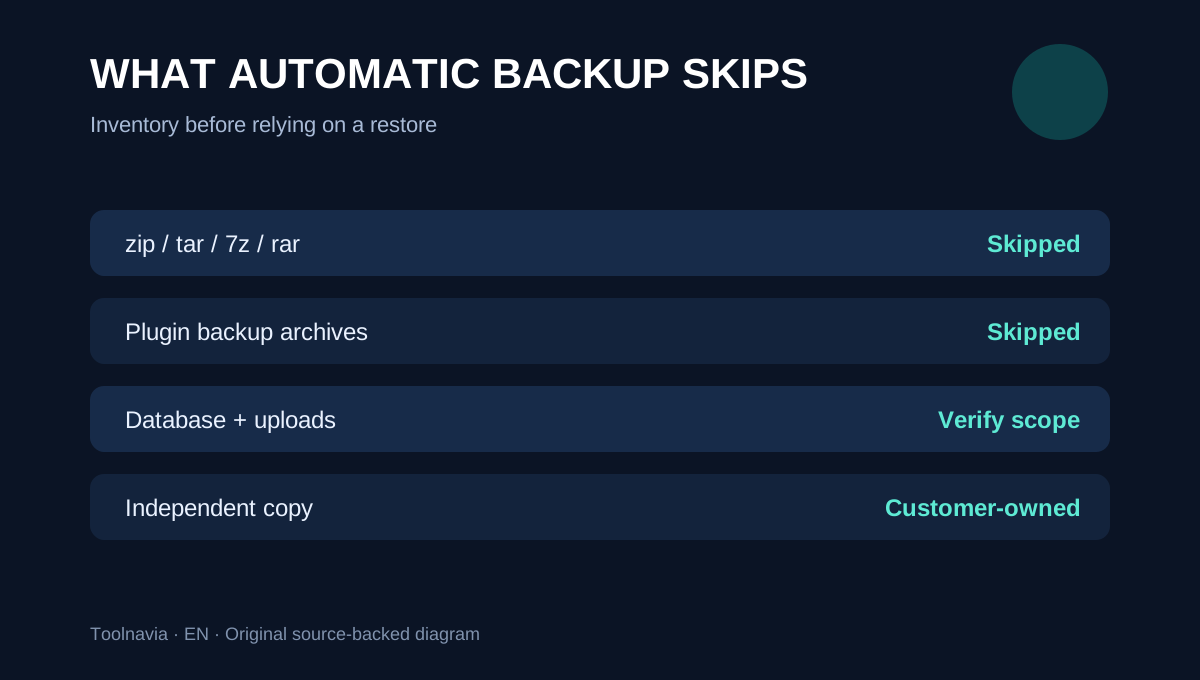
WPX says automatic backups skip common archive extensions such as zip, tar, 7z and rar. It also skips archives created by backup plugins, regardless of extension. A site may therefore restore while a package stored inside WordPress is absent. Do not treat a backup plugin archive sitting on the same account as proof of a second recoverable copy. Inventory the database, uploads, custom code, license files, mail, DNS and any external storage separately.
The terms also place the final responsibility on the customer if a restore result is unsatisfactory. That boundary matters more than the marketing phrase “daily backups”: availability of a recovery point does not guarantee that it contains every business artifact or that it meets a recovery-time objective.
Plan five sites as five recovery units
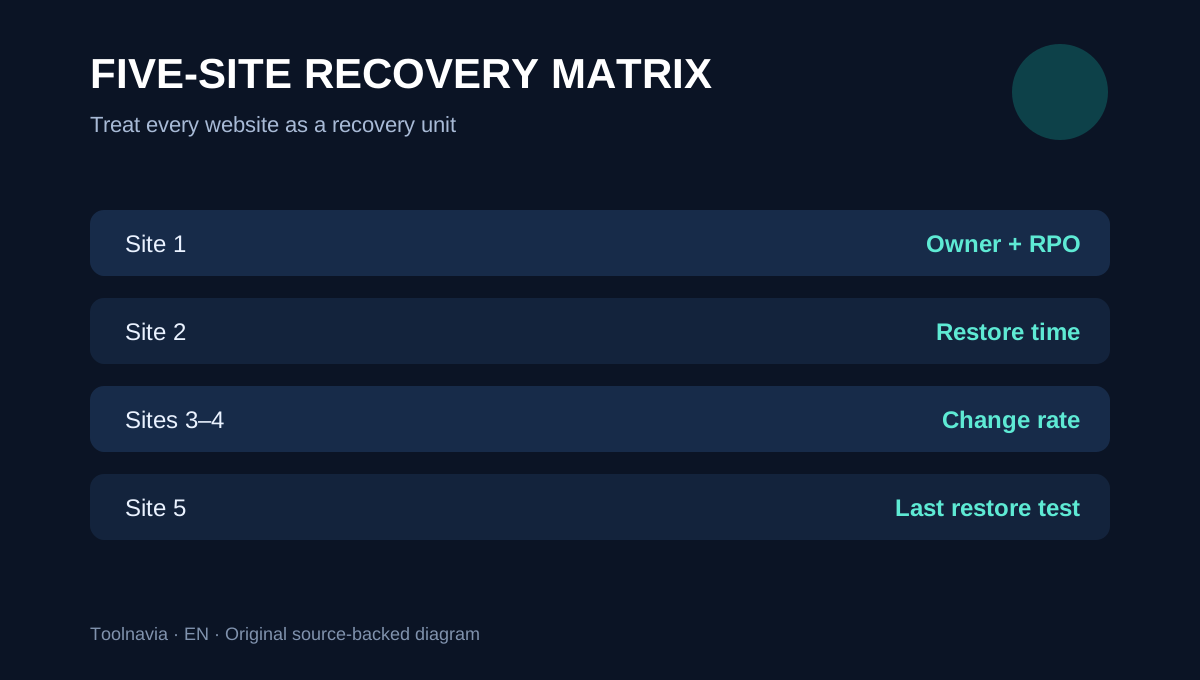
WPX Business supports up to five websites. Do not use one generic checklist for the whole account. For each site record the owner, change rate, most valuable data, acceptable data loss, required restore time, automatic-backup date, independent-copy location and last successful restore test.
A brochure site that changes weekly may tolerate a daily point. A membership, booking or WooCommerce site can lose orders or account changes made after the selected backup. The correct backup frequency follows the data-change rate, not the number of WordPress installations.
Before a plugin update, create a Personal Backup for the affected site, download it within 24 hours, and confirm the archive can be opened. For routine protection, keep a separate scheduled copy under credentials that are not dependent on the same hosting account. External storage creates cost and operational work, but it reduces the risk that one account or provider event removes every recovery route.
A restore button is not a restore test
A successful backup job proves that a copy was created; it does not prove the site can run after recovery. Test on a safe staging or temporary location when possible. Check the home page, login, forms, checkout, recent database records, uploads, scheduled jobs and outbound email. Record the selected recovery point, elapsed time and any missing components. Do not overwrite a healthy production site merely to test a theory.
After a restore, clear caches and recheck DNS, certificates, payment webhooks and third-party integrations. These services may live outside the WordPress files and database. A complete recovery runbook lists their owners and reactivation steps.
Cancellation recovery is an emergency path, not retention policy
WPX says terminated-account backups may be kept for up to 90 days. “Up to” is not a guarantee that a requested point exists, and restoring a terminated plan may require account reactivation and payment. Export the site before cancellation rather than using post-termination recovery as the normal migration plan.
This guide is not a duplicate of the WPX cancellation article: the purchase decision here is whether Business backup mechanics cover five active sites before anything is cancelled. The separate exit guide controls refunds, cancellation timing and final migration.
Purchase decision
WPX Business can fit buyers who value 28 days of host-managed restore points and a simple control-panel recovery path. It is not enough by itself for teams that require portable long-term archives, near-real-time recovery, immutable copies or a tested provider-independent restore.
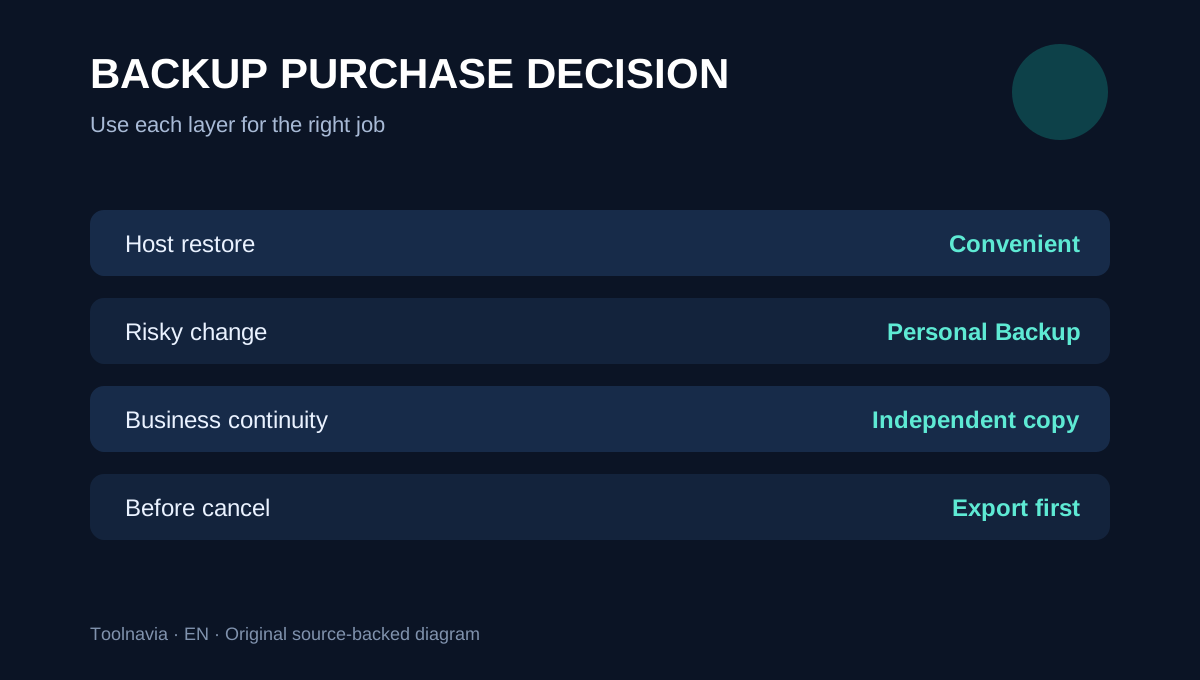
Before purchase, map all five potential sites, classify their change rates, ask WPX what the automatic copy includes today, and price an independent backup destination. Keep the approved WPX Business offer tied to live checkout; no unconfirmed TOOLNAVIA coupon is assumed. The practical rule is simple: use automatic backups for convenient host recovery, Personal Backups for a 24-hour downloadable change point, and an independently controlled copy for business continuity.