TOOLNAVIA / BUYING GUIDE
WPX Powerstore WooCommerce Staging: Protect Live Orders Before You Push
The short answer
# WPX Powerstore WooCommerce Staging: Protect Live Orders Before You Push
**Short answer:** WPX Powerstore includes staging, but WPX currently describes Deploy as replacing the live version with the staging setup. It does not promise that orders, customers, inventory or payment records created after the staging copy will be merged automatically. For a live WooCommerce store, assume those newer writes are at risk until WPX Support confirms a narrower current procedure for your exact site.
Powerstore is an approved one-store WooCommerce plan with 20GB storage, 400GB bandwidth, 8GB RAM, 2 CPU cores, 10 PHP workers and Redis. It is listed at $34.99 monthly or $1,399.60 prepaid for five years. Resources may fit the store, but staging safety is separate: can your team pause writes, preserve orders and prove rollback?
> Affiliate disclosure: Toolnavia may earn a commission from an eligible WPX purchase through the exact plan route below. This does not increase your price. No unconfirmed personal coupon code is presented as active.
[Check current WPX Powerstore availability](/go/wpx-woocommerce-powerstore-official-usd)
At a glance
- Best for
- One-store teams that fit WPX limits and can pause or reconcile live orders.
- Price model
- $34.99 monthly or $1,399.60 five-year current
- Check first
- Staging has limits; Deploy replaces live and automatic order merging is not promised.
Check staging eligibility before buying
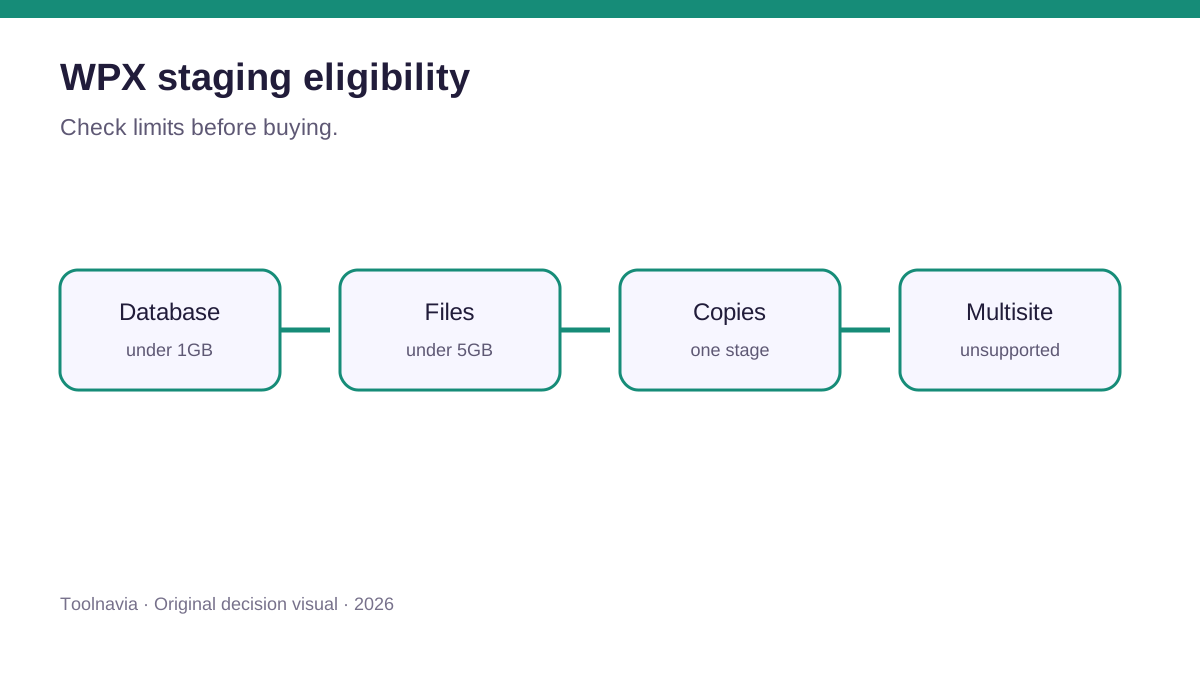
WPX publishes hard limits. The live database must be under 1GB and total files under 5GB when staging is created; only one staging instance is allowed; multisite is unsupported; and a staging database over 1GB cannot be deployed. Free disk must also cover the copy.
Measure the database and total files, confirm the site is not multisite, budget disk for both copies, and estimate whether test data or logs could push staging over 1GB. If the database is already near the line, do not assume one-click staging will solve releases. Ask WPX for a written current path or use a workflow that moves code and selected data.
Replace live is not merge live orders
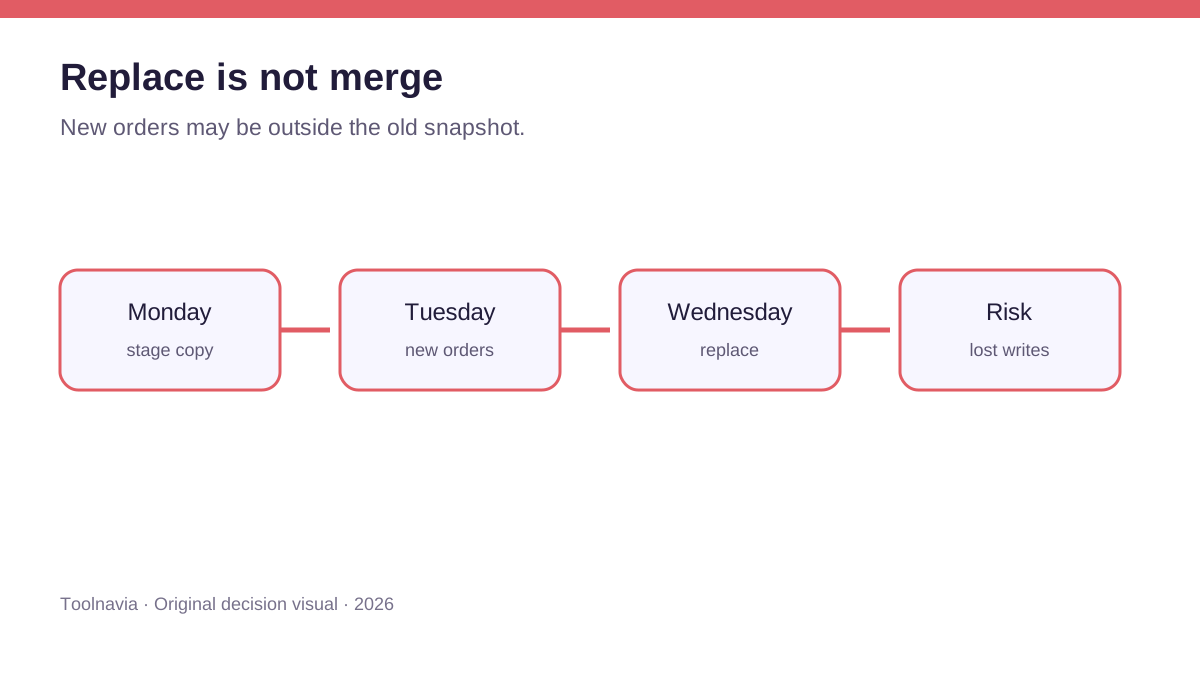
WPX says Deploy pushes staging live and **replaces the current live version with the staging setup**. That wording controls. It does not describe an order-aware merge.
Suppose staging was copied Monday. On Tuesday live receives 37 orders, three refunds, two customers and inventory changes. On Wednesday a developer pushes Monday's staging database. A full replacement can roll the business database back toward Monday even when the theme change is correct.
Independent same-intent guides from InstaWP and WP STAGING describe this WooCommerce risk and discuss selective synchronization, table exclusions or order export/import. Those are not WPX features, so we do not claim WPX provides them. They show why “staging passed” is not enough proof that a live push is safe.
Choose a release model
Low-write maintenance window
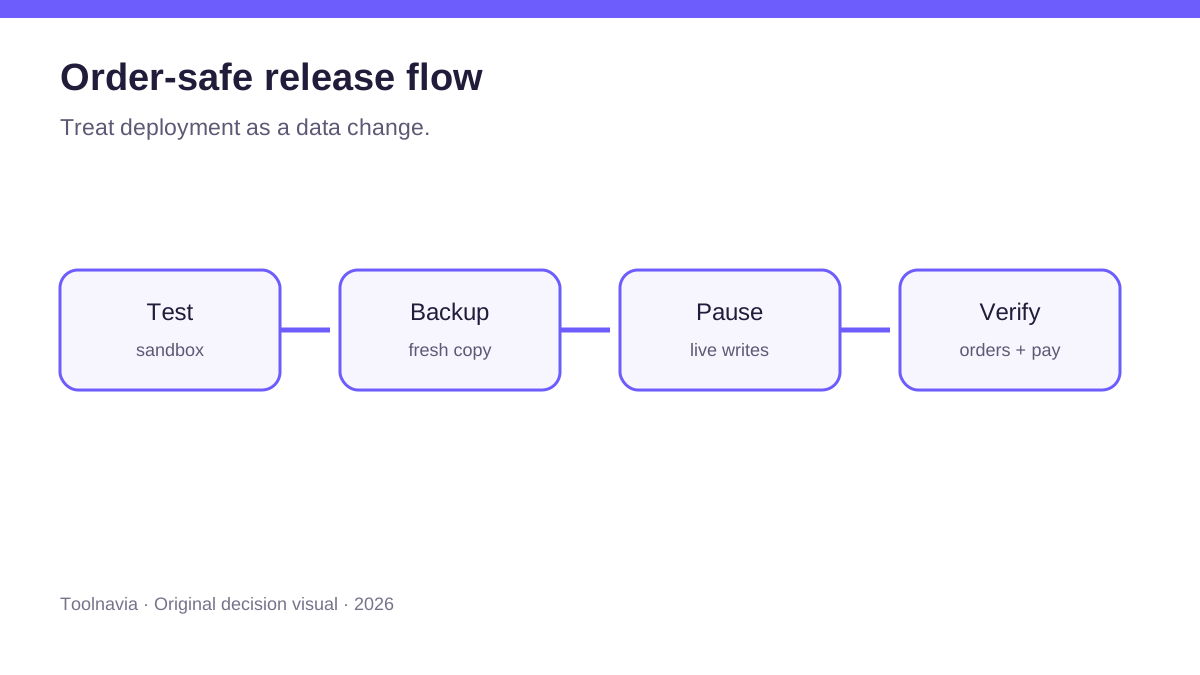
Pause checkout and other writes, take a fresh live backup, deploy, verify, then reopen. Record the last order ID and payment settlement before the pause and compare after release.
Code-only or smallest-scope deployment
If orders cannot stop, avoid replacing the whole database. Move only required theme, plugin or configuration changes. BlogVault's general guidance similarly favors a fresh backup and the smallest necessary scope. Confirm the exact supported method with WPX first.
Order-aware reconciliation
A high-volume store may need explicit table exclusions, HPOS-aware handling or a custom release. That is development work, not a hosting checkbox. If neither the team nor WPX can document reconciliation, do not full-push while orders continue.
Test payments without creating a second real store
Use gateway sandbox mode; verify order creation, stock, tax, shipping, emails, webhooks and scheduled actions; confirm the clone cannot capture real payments; and record expected statuses for comparison after release.
WooPayments documents cloned-site behavior and Safe Mode, reminding us that a clone has a different payment identity from production. Do not disable safeguards just to make staging appear live.
WPX also says staging is noindex by default and XDN is disabled. That helps privacy, but staging speed is not a reliable production benchmark. Test correctness there and measure performance after controlled release.
Understand the two backup clocks
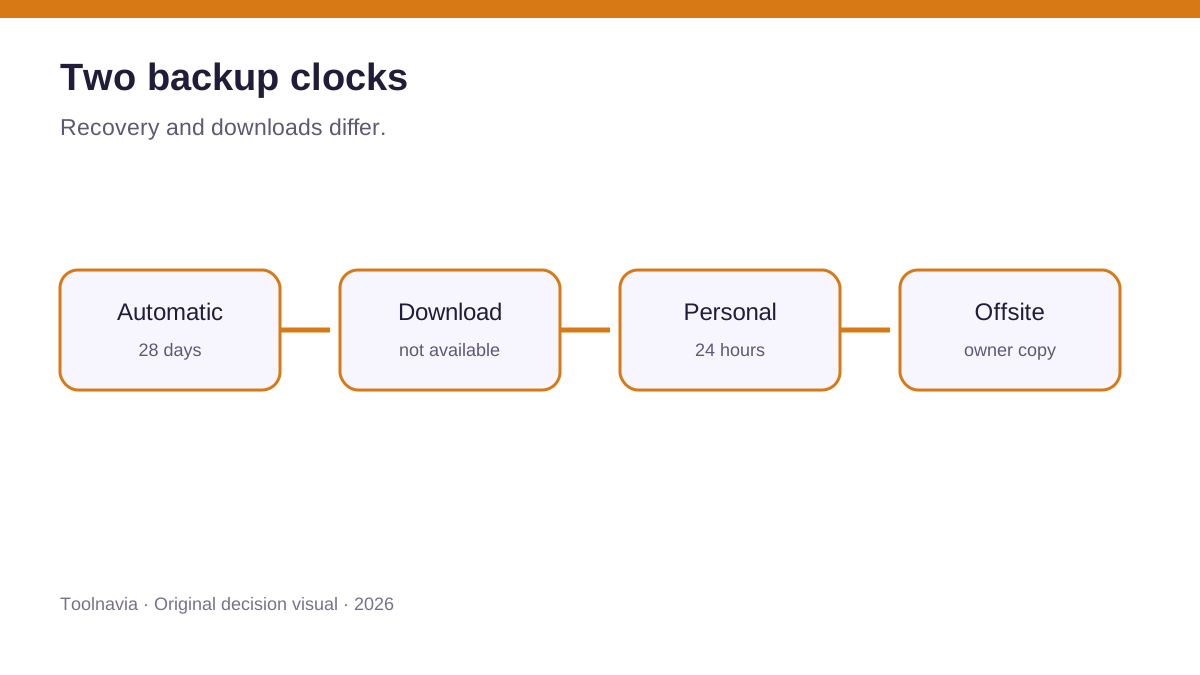
Automatic WPX backups run daily, are stored on a separate server and kept for 28 days, but are not downloadable. Personal backups are downloadable but retained for 24 hours.
Create a personal backup immediately before cutover, download it during the 24-hour window, keep an independent offsite database and uploads copy, verify whether archives were skipped, and test restore before a crisis. The 28-day history is recovery convenience, not the only continuity plan. WPX terms leave data-copy responsibility with the customer and acknowledge backups may be lost or corrupted.
Order-safe cutover checklist
**Before staging** - Capture database/file sizes and published eligibility. - Record last order ID, refund queue, stock and settlements. - Remove production secrets or use gateway test mode.
**During testing** - Test checkout, callbacks, emails, tax, shipping, stock and scheduled actions. - Keep noindex; remember XDN is disabled. - Prevent real email and payment processing.
**Before deployment** - Decide: pause writes, move code only, or reconcile data. - Ask WPX Support to confirm deployment scope. - Create and download a fresh personal backup; keep a database export. - Announce a maintenance window if checkout pauses.
**After deployment** - Compare last order ID and payment state. - Place one controlled live order and verify stock, email and settlement. - Check logs, webhooks, cron, cache exclusions and canonical URLs. - Keep the rollback point until business sign-off.
Who should buy—and who should not
Powerstore can fit a one-store operator that values an explicit WooCommerce resource envelope and can run disciplined releases. It is a poor fit if the database is at the limit, the site is multisite, the store cannot pause or reconcile orders, or the team assumes “managed” means automatic live-data merging.
**Bottom line:** buy for the current one-store capacity only if the team can treat deployment as a controlled data operation. Measure eligibility, test payments, preserve orders, download the fresh backup and verify after release. The safest default is: **replace is not merge**.
WooCommerce's general staging guidance and WP Desk both reinforce that a store clone is for controlled testing, not a substitute for a release backup; Kinsta's managed-host documentation independently illustrates the same full-database overwrite class of risk.