TOOLNAVIA / BUYING GUIDE
BigScoots Essential 75 Staging Guide 2026: Push to Live Can Overwrite Production
The short answer
**Quick verdict:** BigScoots Essential 75 gives you a real staging environment, but its **Push to Live is a full overwrite**, not a selective merge. That makes staging powerful for controlled releases—and dangerous if the live site has changed since staging was created.
At a glance
- Best for
- Managed WordPress teams that need isolated staging and can treat Push to Live as a full database/files overwrite release.
- Price model
- $35/month or $350/year current Essential 75
- Check first
- Push to Live fully overwrites production; dynamic live data must be protected; backups and collaborator permissions still require owner governance.
Staging is isolated until you push it
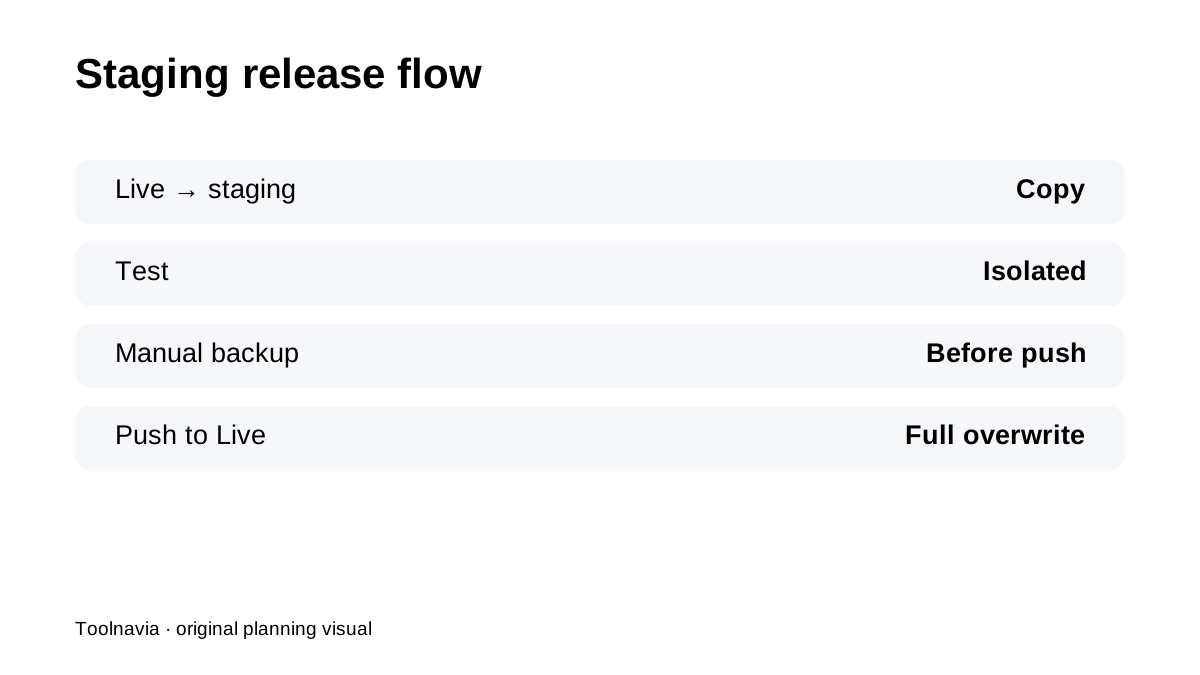
BigScoots says staging is independent from the live site. Changes in staging do not affect production until you use **Push to Live**. That is ideal for plugin, theme, PHP and layout testing because you can break the staging copy without breaking the public site.
Push to Live can overwrite newer production content
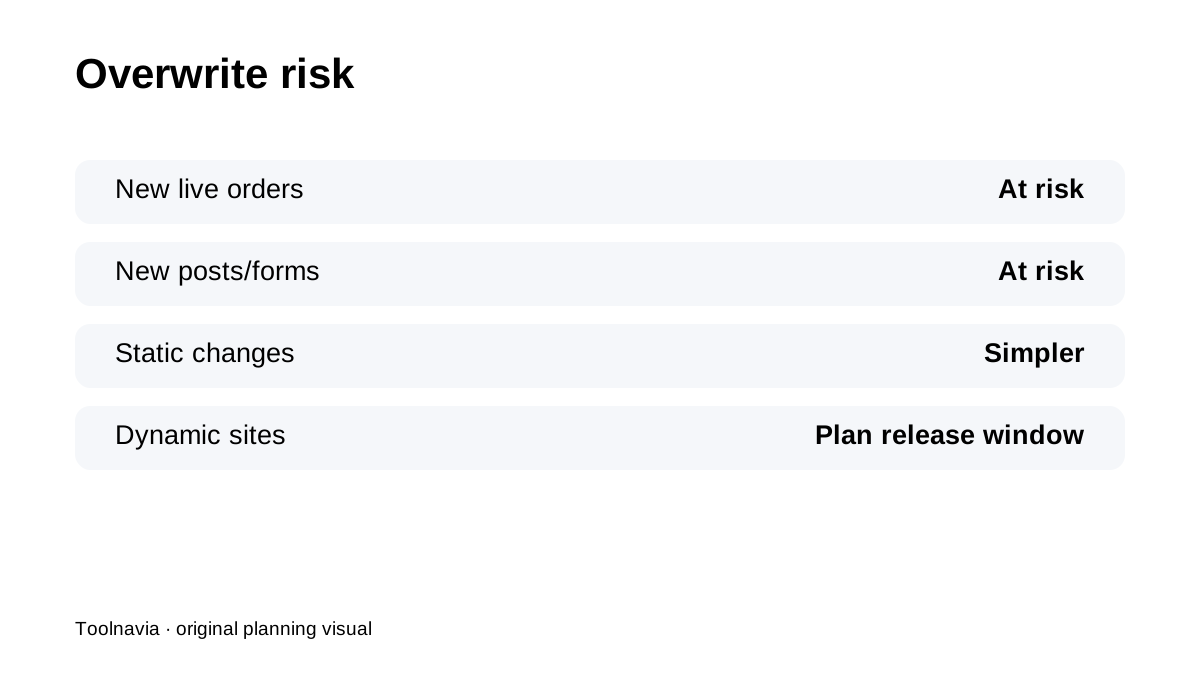
The important warning is explicit: Push to Live **completely overwrites** the live site. If the live site received a new order, comment, form submission or post after staging was created, those newer live changes can be lost when you push the older staging database over production.
Dynamic sites need a release window
For a brochure site, a full overwrite may be simple. For WooCommerce, memberships, bookings or active editorial sites, schedule a low-activity release window. Freeze writes if possible, reconcile the database, or use a developer workflow that moves code changes without replacing newer production data.
Make a manual backup immediately before the push
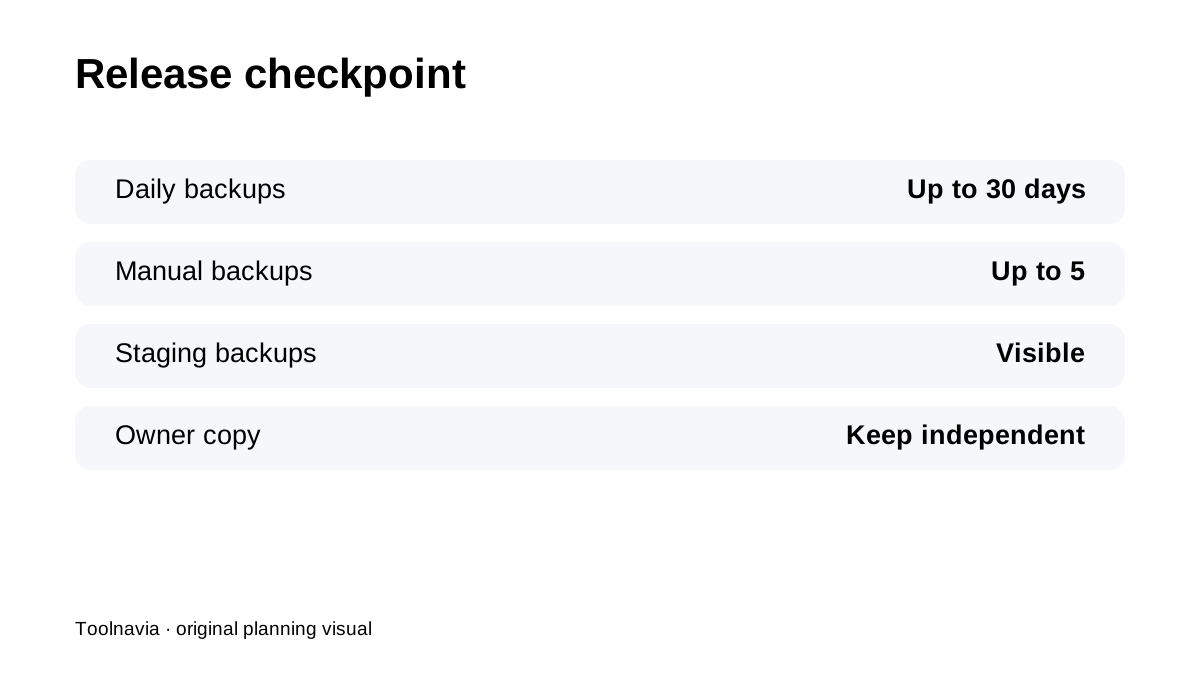
BigScoots recommends creating a manual backup before pushing staging live. The platform keeps daily backups for up to **30 days** and allows up to **five manual backups**. Use one of those manual slots as the release checkpoint, then confirm you can restore/download it before the push.
Staging itself should be part of recovery planning
BigScoots lets you view backups for staging environments too. That matters when a week of development exists only in staging. Protect the work you are about to deploy—not only the live site you may need to roll back.
Collaborator roles can reduce access risk
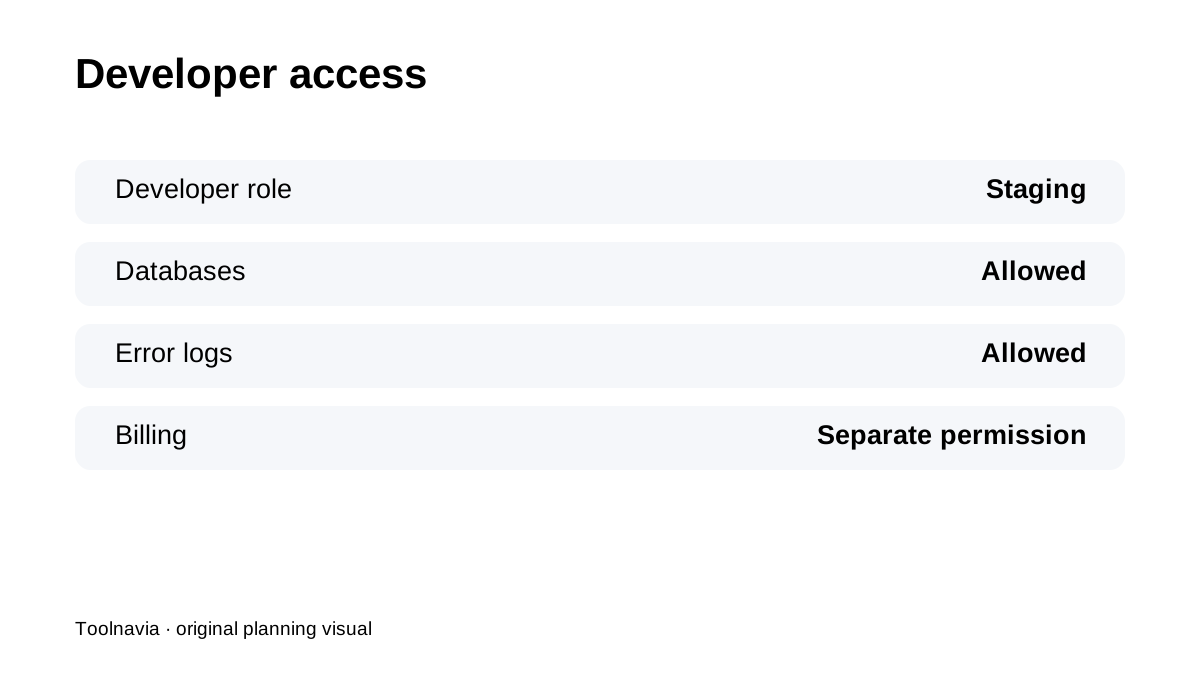
BigScoots Developer collaborators can access staging, databases and error logs without automatically receiving billing rights. For agencies, that is a cleaner workflow than sharing the owner's master account just to let a developer prepare a release.
Managed hosting does not remove data responsibility
BigScoots' WPO knowledge base centralizes staging, backups, logs, redirects and support tools, while its terms still keep data-integrity responsibility with the customer and do not guarantee every backup is always usable. Managed support can help, but your release checklist should still include a verified restore point and an independent business-critical copy.
Bulk Buy Hosting, WHTop and iTechGuides all reinforce that BigScoots' premium is the managed operational layer around WordPress, not simply raw disk space. The official docs reveal the key boundary: the push is convenient, but it is an overwrite.
**Bottom line:** use Essential 75 staging for **isolated testing**, then treat every Push to Live like a database-changing deployment. Back up first, protect new production data and give developers scoped access rather than assuming “managed” makes the push risk-free.