TOOLNAVIA / BUYING GUIDE
BigScoots Essential 75 Managed WordPress: $35 Monthly vs $350 Annual
The short answer
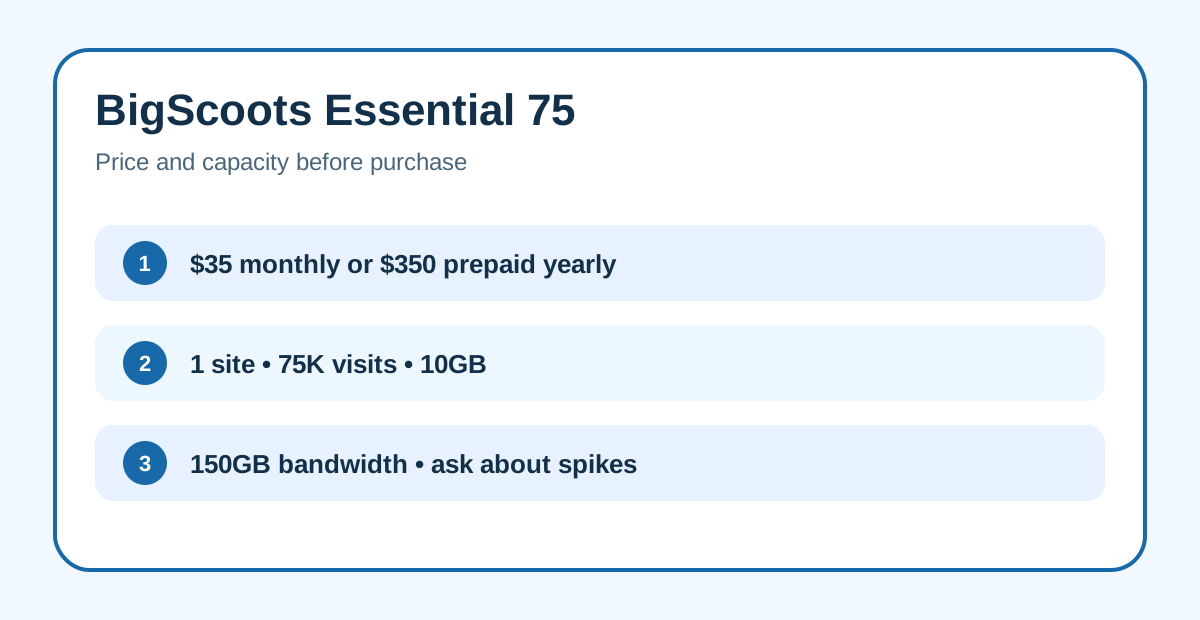
BigScoots Essential 75 is worth considering when one WordPress site earns enough to justify expert intervention, staging, daily backups and managed migration. It costs $35 month to month or $350 prepaid for a year, which BigScoots displays as $29.17 per month. Buy it to reduce operational risk and support delays, not because it is cheap.
At a glance
- Best for
- One important WordPress site that values expert intervention, proactive monitoring, staging, daily backups and managed migration.
- Price model
- $35 monthly or $350/year ($29.17 monthly equivalent)
- Check first
- One site, 75K visits, 10GB storage and 150GB bandwidth; confirm spike and CDN handling before purchase.
Price: monthly flexibility or annual prepayment
Essential 75 includes one WordPress site, 75,000 monthly visitors, 10GB of storage and 150GB of bandwidth. Paying annually saves $70 against twelve $35 monthly payments, but commits the full $350 upfront. There is no temporary introductory price in the published table; the annual figure is a billing discount. Save the checkout and renewal terms before paying.
BigScoots advertises “no overages, throttling or unnecessary upgrades”. That does not erase the plan’s visitor, storage and bandwidth limits. Treat those numbers as capacity gates and ask support what happens after a brief spike, which measurement controls an upgrade, and whether CDN traffic is included. The official terms define Enterprise CDN bandwidth as measured by BigScoots’ own systems.
What the managed layer replaces
The plan combines proactive monitoring, 24/7/365 human support, free SSL, a managed portal and a 99.99% uptime SLA. This can replace repeated triage across a generic host, security plugin and freelance administrator. The value is strongest when downtime or a broken update has a business cost.
One-click staging lets changes be tested before production. Free managed migrations reduce transfer work, and BigScoots says migrations are handled by its team. Neither feature removes acceptance work: verify DNS, mail, redirects, forms, checkout, analytics, scheduled jobs and cache behavior before declaring the move complete.
Backups and recovery boundaries
Essential 75 includes daily backups with 30-day retention. The portal documentation says backups are stored off-server and allows up to five manual backups, with restore or download controls. Those are meaningful recovery tools after a bad plugin update or content mistake.
The terms still make the customer responsible for data integrity and warn that a usable backup cannot be guaranteed. Keep an independent copy of business-critical files and databases, then test one restore. A backup badge is not evidence that your specific revenue path survives recovery.
Support, refund and important limits
BigScoots markets expert responses in about 90 seconds and a 45-day money-back guarantee. These are useful promises, but not a substitute for testing. Contact support with one real WordPress problem during the refund window and record whether the answer resolves the issue rather than only acknowledging it.
Essential 75 is limited to one production WordPress site. Its 10GB storage and 150GB bandwidth are modest for image-heavy publishing, membership libraries or busy stores. Teams needing several sites, root access or custom server software should compare a larger managed plan or a VPS instead.
BigScoots offers an affiliate program. Disclosure: Toolnavia may earn a commission when you purchase through our links, at no extra cost to you. Our buying advice remains based on the plan's published features and limits.
Who should choose Essential 75
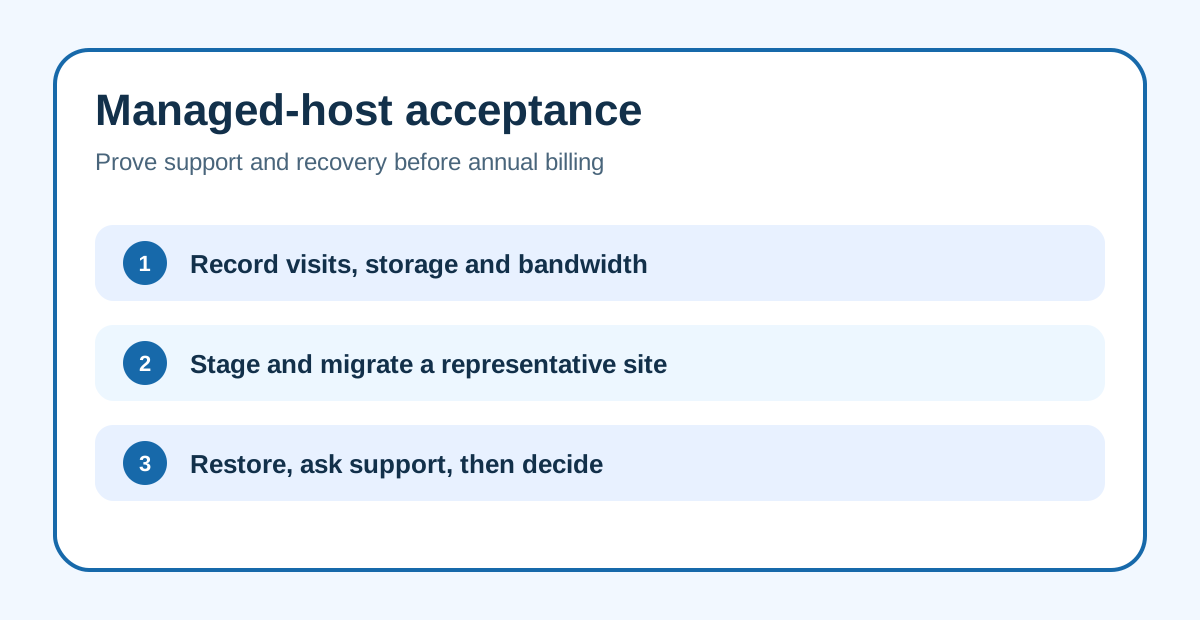
Choose it when one revenue-relevant site benefits from staging, monitoring, migration help, recoverable backups and fast human escalation. Start monthly while fit is uncertain. Annual billing makes sense only after normal traffic, storage, backup restore and support workflows remain inside the plan’s boundaries.
Skip it for a low-value hobby site, a multi-site portfolio, or a workload already near 75,000 visits, 10GB storage or 150GB bandwidth. Paying for a higher tier is better than designing around permanent limit anxiety.
Next step
Record a normal month of visits, bandwidth and storage. Ask BigScoots in writing how short spikes and CDN traffic are counted, then migrate or clone a representative site. Test staging, one backup restore, the revenue path and a real support request. Only after that should you trade $35 monthly flexibility for the $350 annual prepayment.