TOOLNAVIA / BUYING GUIDE
WPX Business for 5 Sites: How Far Do 1 CPU and 15 PHP Workers Go?
The short answer
WPX Business advertises room for up to five WordPress sites, but the five slots do not create five private resource pools. The current plan table shows one account sharing 5GB RAM, one CPU core and 15 PHP workers, alongside 20GB storage and 200GB bandwidth. The purchase question is therefore not “can I install five sites?” It is “can the combined uncached workload of all five sites stay responsive at the same time?”
The practical verdict: Business is a sensible fit for five mostly cached brochure, editorial or lead-generation sites with staggered demand. It becomes a risky buy when several stores, membership sites, imports, crawlers or wp-admin jobs can peak together. “Unlimited visitors” is a counting policy, not unlimited compute; current independent reviews make the same distinction.
At a glance
- Best for
- Five mostly cached WordPress sites with staggered dynamic peaks and measurable account-level headroom.
- Price model
- Observed at $29.99 monthly; $19.99 monthly equivalent requires $1,199.60 prepaid for five years. Verify live checkout.
- Check first
- The 5GB RAM, 1 CPU and 15-worker figures are account-level observations, not guaranteed traffic capacity or per-site reservations.
What the five sites actually share
Treat the account as one resource envelope. A quiet site does not permanently reserve one-fifth of the CPU, RAM or workers, and a busy site can consume more than one-fifth when capacity is available. That pooling is efficient for uneven workloads, but it also creates correlated risk: one runaway plugin, bulk import or uncached campaign can slow the other four sites.
WPX currently lists these Business account figures: up to five sites, 20GB storage, 200GB bandwidth, 5GB RAM, one CPU core and 15 PHP workers. WPX also explains that CPU monitoring is account-level, occasional spikes are normal, and sustained high use over roughly 24 hours can trigger a fair-use investigation. Do not turn those facts into a promise that every plugin stack or traffic burst will fit.
Use three constraints, not a per-site split
First, check storage and bandwidth because they are easy to inventory. Add production files, databases, email, logs, temporary archives and expected growth; do not budget exactly 4GB per site simply because 20GB divided by five equals four.
Second, watch CPU time. Heavy PHP, database queries, image generation, backup compression, search indexing and malware scans can compete for the single listed CPU core. A low-traffic admin import may be more demanding than a cached traffic spike.
Third, model PHP concurrency. Cached pages may be served without running PHP, while checkout, logged-in sessions, forms, search, APIs and wp-admin often need dynamic execution. The 15-worker figure is an account ceiling, not three guaranteed workers per site.
Model aggregate dynamic demand
A useful planning approximation is:
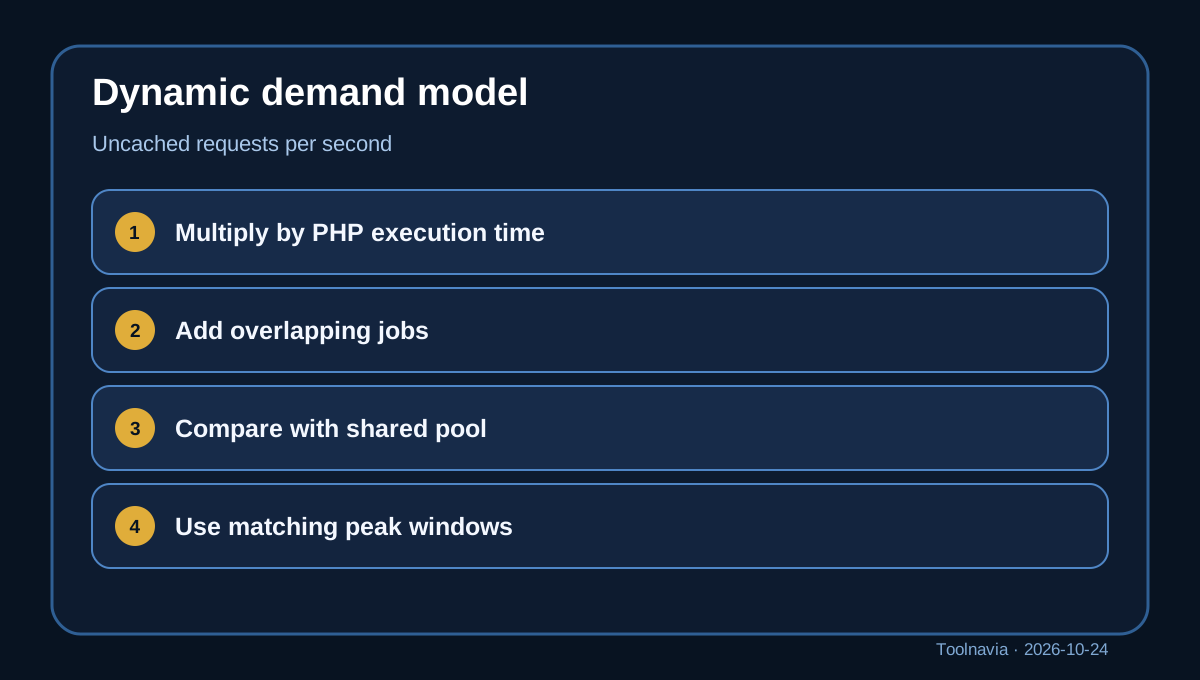
**concurrent dynamic executions ≈ uncached requests per second × average PHP execution time in seconds**
This is a capacity-planning estimate, not a benchmark or an uptime promise. Measure requests that actually reach PHP, not total pageviews. Then add overlap for cron, imports, backups and administration.
For each site, record a normal window and a peak window:
- uncached requests per second; - median and slow-tail PHP execution time; - checkout, account, search, API and form share; - scheduled jobs and import windows; - CPU, memory, worker saturation and queued-response symptoms.
Sum the five sites for the same time window. Do not add each site’s separate daily peak if those peaks never overlap; do test the scenario where a campaign, bot wave and scheduled job collide.
Independent technical guidance agrees that worker demand follows dynamic concurrency and execution time, not a universal visitors-per-worker ratio. An independent WPX review publishes stronger traffic thresholds, but those are not official guarantees and should not replace your own telemetry.

Two illustrative planning examples
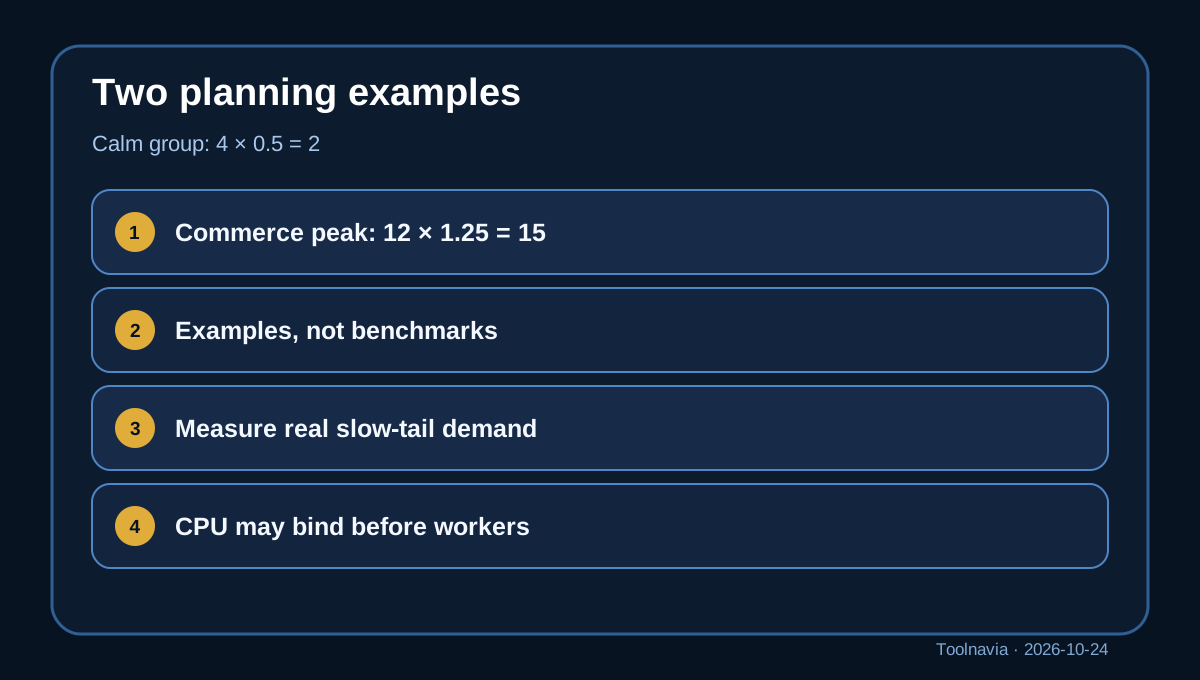
Example A is a calm portfolio group. Across five sites, suppose only four uncached requests arrive per second during the busiest shared minute and average PHP execution is 0.5 seconds. The rough model gives 4 × 0.5 = 2 concurrent executions. That leaves apparent worker headroom, although CPU-heavy code can still bind first.
Example B is a mixed commerce peak. Suppose checkout, account pages, search and APIs combine to 12 uncached requests per second, while average PHP execution rises to 1.25 seconds. The estimate becomes 12 × 1.25 = 15 concurrent executions—the entire listed pool—before slow-tail requests, cron or wp-admin are added.
These are transparent arithmetic examples, not measured WPX performance. Real capacity depends on code, cache hit rate, database work, external APIs and contention. Ecommerce guidance is especially cautious because personalized cart and account traffic is commonly uncached.
Upgrade triggers that matter
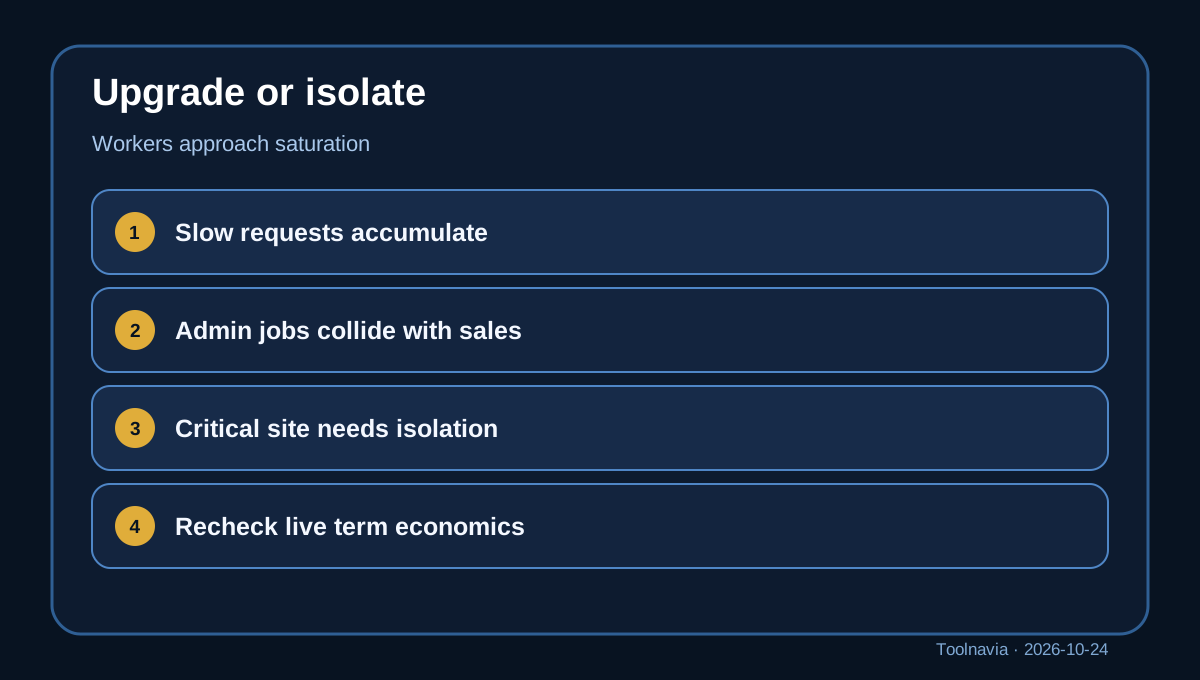
Upgrade before a launch when your measured overlapping peak already approaches the worker pool, slow requests accumulate, or routine admin jobs repeatedly collide with customer traffic. Also upgrade when one site is business-critical enough that noisy-neighbor risk from your own other sites is unacceptable.
Professional is not automatically better value; it is a larger envelope. The live comparison currently lists more sites, RAM, CPU and workers than Business. Compare the incremental term cost with the cost of delayed checkout, staff waiting on wp-admin, or separating the heaviest site.
WPX says short CPU peaks are expected and sustained high use is handled through investigation and optimization rather than a simple instant cutoff. That policy is helpful, but it is not a substitute for monitoring or an assurance that queues will remain invisible to visitors.
**Why equal slices and visitor counts fail.**
Dividing 15 workers into “three per site” creates false certainty. The account pool is shared, demand is bursty, and one long request occupies capacity longer than several fast requests. Likewise, unlimited visitor counting cannot tell you whether a visit hits a cached article or an uncached checkout.
Current reviews correctly note the continuing resource ceilings, but some independent material mixes older plan figures or converts tests into universal traffic claims. This guide uses current first-party plan data and keeps performance estimates explicitly illustrative.
Price and commitment boundary
The current monthly Business price is shown as $29.99. WPX also markets a five-year effective rate of $19.99 per month, which requires $1,199.60 paid upfront rather than monthly billing. Taxes, campaign eligibility and live checkout terms can change. A separate promotional page is campaign-specific and does not prove that its discount or coupon applies to this article’s buyer.
Compare total commitment, refund terms and upgrade flexibility. Paying five years ahead can lower the displayed monthly equivalent, but it increases the cost of discovering later that one dynamic site needs a larger tier or isolated account.
Buyer decision
Choose WPX Business for five sites when most public traffic is cached, dynamic peaks are modest or staggered, storage and bandwidth fit with growth margin, and you can monitor workers, CPU and slow requests. Keep imports, backups and heavy cron away from revenue peaks.
Choose a larger plan or isolate the heavy site when multiple stores peak together, a single site routinely consumes most dynamic capacity, or operational independence matters more than pooled efficiency. Ask WPX to review your real workload before a long prepayment; do not ask for a generic visitor limit.
Toolnavia’s commercial entry uses only the approved [WPX Business route](/go/wpx-managed-wordpress-business-official-usd). It does not expose the raw tracking URL and does not claim that the unconfirmed TOOLNAVIA code is active. Reconfirm the live plan resources, price, term and tax before checkout.