TOOLNAVIA / BUYING GUIDE
WPX Business XDN and WooCommerce: What Can Be Cached Without Breaking Checkout?
The short answer
If your WooCommerce shop sells a handful of products, WPX Business may look appealing because XDN distribution comes with the hosting plan. But a CDN speeding up images is not the same as preserving a buyer's cart and checkout session. The right purchase question is not simply whether WPX has a CDN. It is whether your mix of catalog views, logged-in shoppers, checkout actions and account traffic is compatible with the caching rules and resources you will actually run.
At a glance
- Best for
- Smaller stores with substantial public, cacheable content that will verify dynamic-route bypass behavior, live-site XDN behavior and uncached origin capacity before purchase.
- Price model
- Live WPX checkout; optional cache tooling may cost extra
- Check first
- Stores that need a guarantee of safe cache behavior without configuration testing, have high concurrent checkout or personalization loads, or require plan capacity proven by a CDN feature alone.
What WPX XDN does — and what it does not
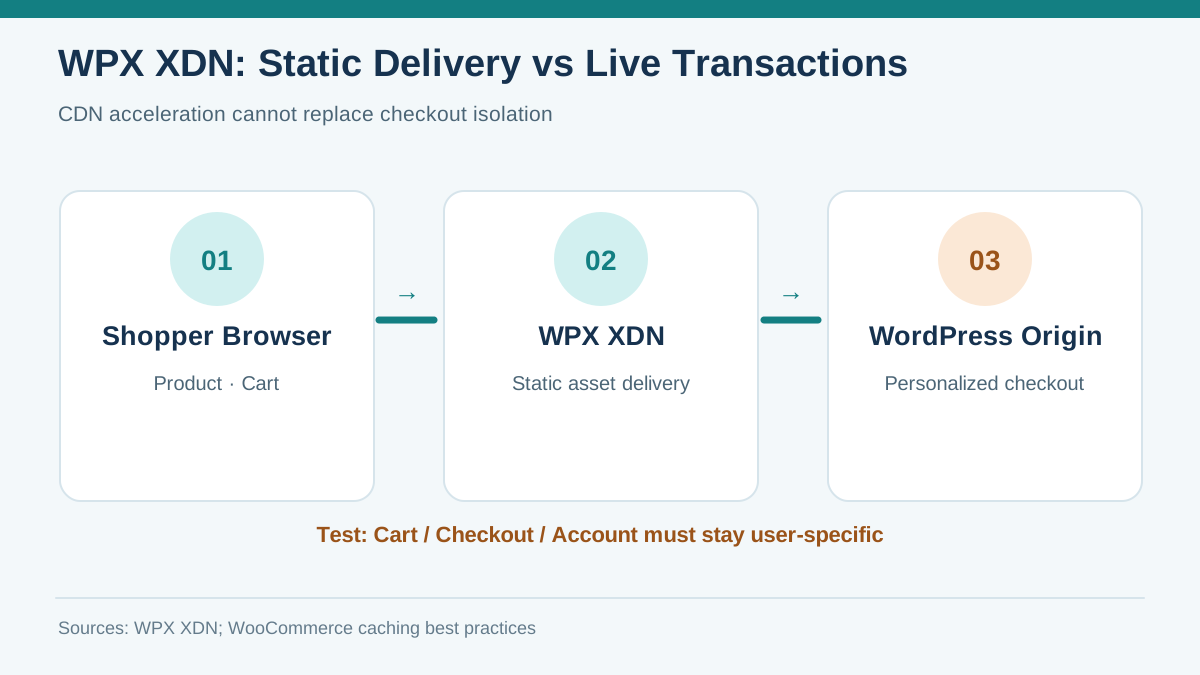
WPX describes XDN as a distributed delivery layer for popular website content. It says the network is included with live websites on its WordPress hosting plans, while bespoke dynamic elements such as individual shopping carts get far less CDN benefit because they cannot be cached in the same manner. WPX also explicitly states that the plan's bandwidth ceilings do not disappear when XDN is activated. That distinction matters for a store with heavy media and high personalized traffic: fewer repeated origin requests can help, but an uncached checkout still needs the application and database to respond.
This is not a lab measurement of WPX performance. Savings depend on cache-hit share, asset sizes, geographic audience, plugins and application configuration. Request a realistic traffic evaluation rather than treating a CDN icon as proof that a given Business plan supports a target number of concurrent buyers.
[Figure 1: xdn-static-dynamic-en.svg]
Do not let a shopper see another customer's cart
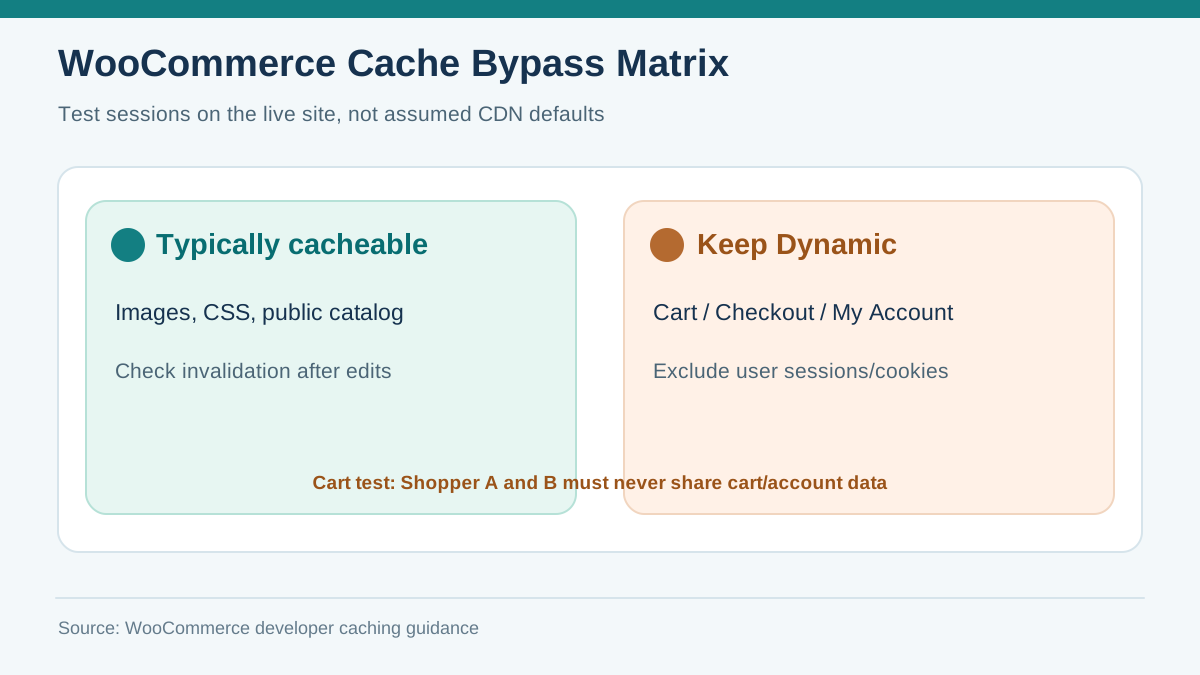
WooCommerce's developer guidance identifies Cart, Checkout and My Account pages as dynamic, user-specific surfaces that should be kept out of shared page caches. Its documentation also calls out cart/session cookies and, where relevant, WooCommerce session database records. A seller can have fast catalog browsing and still fail commercially if a proxy or plugin caches the wrong session response.
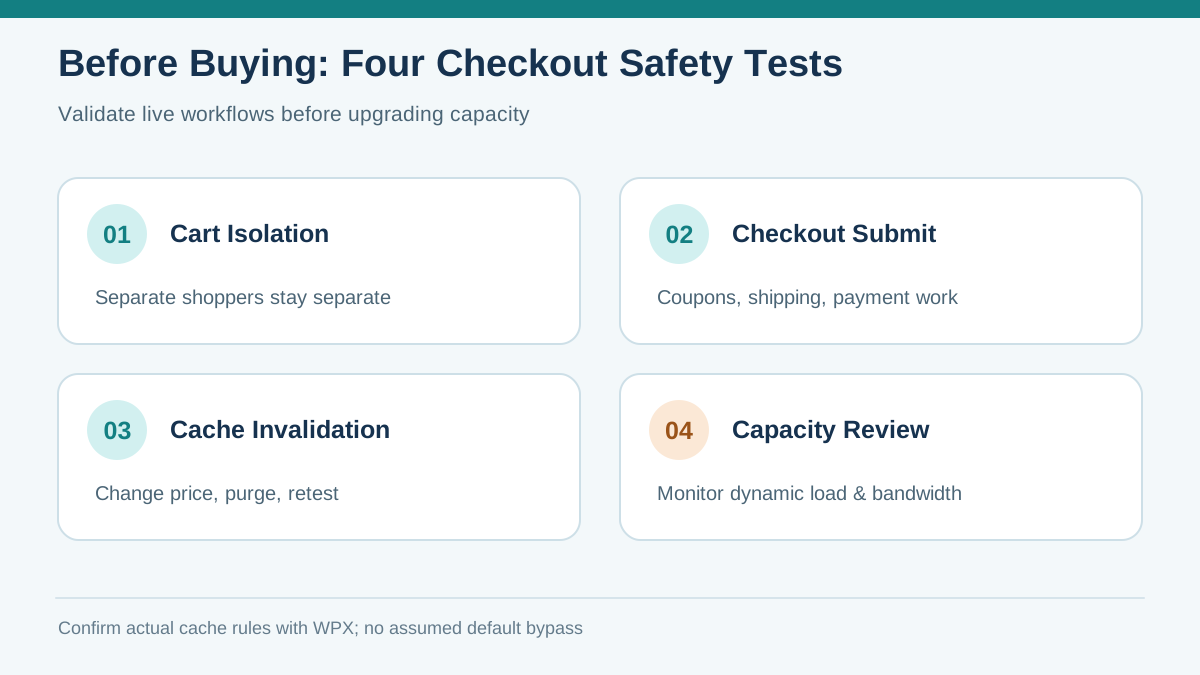
For pre-purchase testing, establish two separate browser sessions and put different items in each cart. Reload pages, apply a coupon, change shipping, log into a customer account and submit a test order using your payment gateway's sandbox/test mode. Verify that items, addresses, totals and order confirmation remain unique. Inspect actual caching headers or configuration with host support; do not infer the configuration merely from a good front-end speed score.
[Figure 2: woocommerce-bypass-en.svg]
The staging trap
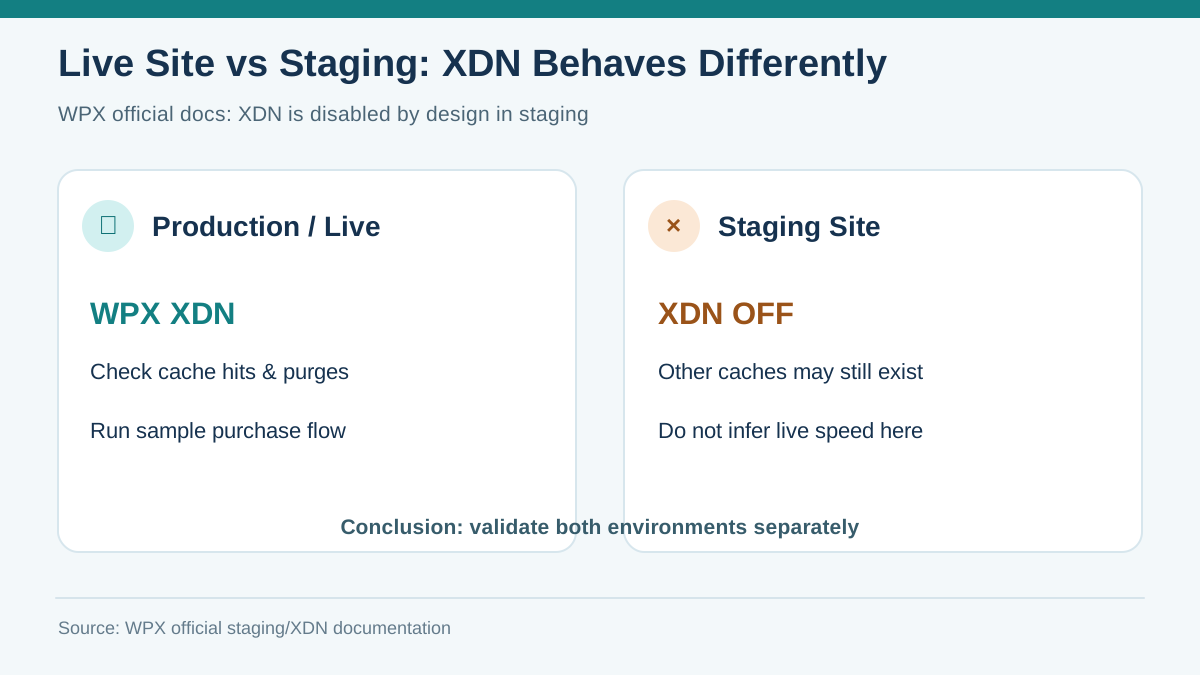
WPX's staging documentation says XDN is disabled by design for staging copies, although plugin and server-level caches may still be present. That means a staging URL is appropriate for functionality and safe deployment practice, but it cannot automatically be used to predict the live site's XDN response times. Validate the same functional customer journeys after deployment on the real domain. Keep payments in test mode or use controlled low-risk transactions when performing the acceptance test.
[Figure 3: xdn-staging-en.svg]
Clearing cached content after catalog changes
A changed product photo or pricing banner can appear stale at the edge even when the origin has updated. WPX documents an Empty Cache control under its XDN section in the hosting control panel. Make invalidation an explicit step in a publishing runbook: update a product, clear the relevant layer, check a logged-out visitor in another location, then repeat the cart and checkout flow. Ask WPX which layers require separate purges when a caching plugin, NitroPack or Cloudflare proxy is also in use. Invalidating one cache is not proof that every layer has refreshed.
Bandwidth and origin capacity remain part of the decision
WPX confirms that XDN does not change bandwidth allowances. Its separate bandwidth policy says it contacts customers about overages instead of automatically turning off every over-limit website, and recommends reviewing sustained usage and plan suitability. That policy is not a guarantee of unlimited transfer or a waiver of restrictions. If your shop features long product videos, large downloads or frequent authenticated requests, size the origin and bandwidth independently of the edge network.
WPX's CPU guidance is also relevant to uncached application work.
Track four measures during a representative sales period: (1) cache hit rate for genuinely public assets, (2) uncached origin latency and PHP/database usage, (3) cart-to-payment completion and errors, and (4) cumulative transfer against the plan limit. Product page speed alone cannot establish checkout reliability.
[Figure 4: purchase-qa-en.svg]
Who should buy WPX Business?
A smaller store with modest authenticated activity and many cacheable images may be a reasonable WPX Business candidate — provided the exact offer, current billing cycle, renewal terms, resources and support boundaries are confirmed before payment. A store with high concurrent checkout, complex personalized discounts, many persistent sessions or heavy transactional integrations should obtain a load and architecture review and compare specialized WooCommerce plans.
Independent WooCommerce and WPX reviews reinforce the need to separate public cache gains from dynamic checkout capacity.
The practical decision is conditional: confirm that the exact WPX Business resources fit your load, confirm XDN and WooCommerce bypass behavior in writing, rehearse cart/checkout/account flows with separate users, and establish a repeatable cache-purge and rollback procedure. If any of those conditions fails, the CDN's inclusion alone is not sufficient justification to buy.
Buyer disclosures: This is an editorial decision guide, not an independent benchmark; plan pricing is intentionally omitted until purchase-day checkout verification. No coupon code is asserted. The commercial button uses Toolnavia's registered exact-offer route; the raw tracking URL is not exposed.
[Check the current WPX Business offer](/go/wpx-managed-wordpress-business-official-usd)
Sources: WPX XDN overview https://wpx.net/kb/wpx-xdn-why-does-your-website-need-it/ WPX staging XDN behavior https://wpx.net/kb/is-my-staging-instance-cached-and-or-indexed/ WPX XDN cache purge https://wpx.net/kb/how-can-i-clear-xdn-cache-on-my-websites/ WPX bandwidth policy https://wpx.net/kb/what-happens-if-i-exceed-my-bandwidth-limit/ WooCommerce developer caching guidance https://developer.woocommerce.com/docs/best-practices/performance/configuring-caching-plugins WooCommerce core pages https://woocommerce.com/document/woocommerce-pages/