TOOLNAVIA / BUYING GUIDE
WPX Business Support: What “Fixed For You” Will—and Won’t—Fix
The short answer
At a glance
- Best for
- Two-to-five-site WordPress portfolios that value rapid triage, platform management and incident containment while retaining developer coverage for code.
- Price model
- $29.99 monthly; $1,199.60 prepaid for 5 years ($19.99/mo equivalent)
- Check first
- Buyers expecting unlimited plugin/theme repair, custom PHP/CSS work, guaranteed resolution times or a replacement for a retained developer.
Decision first
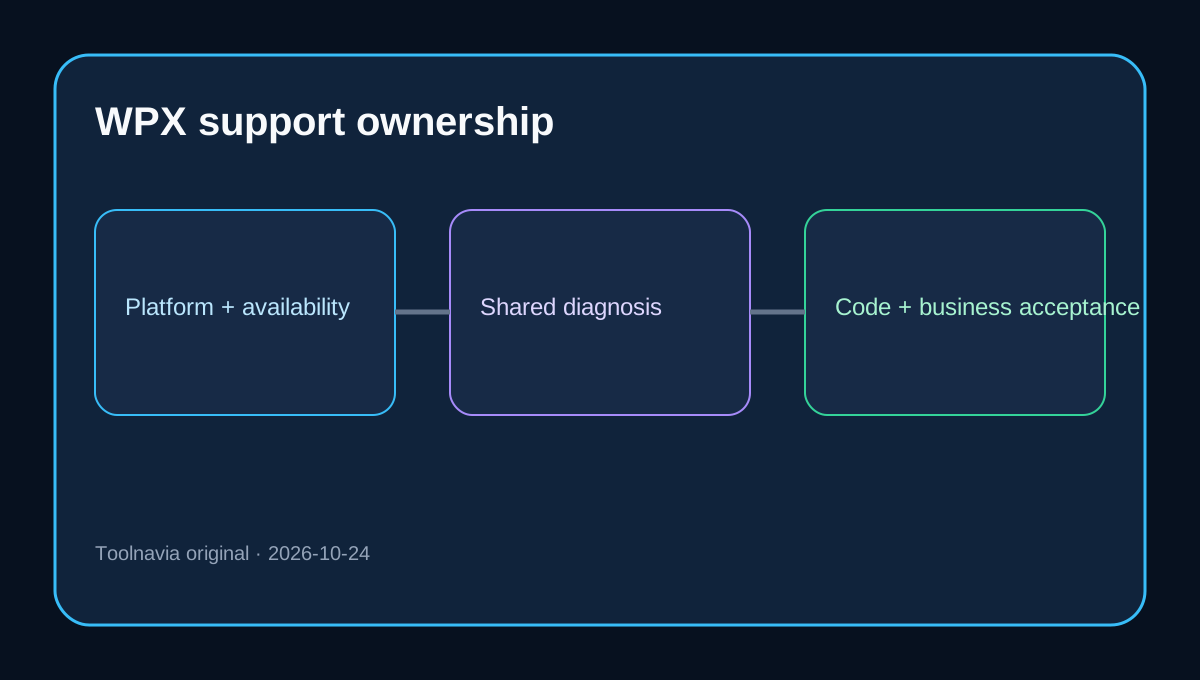
WPX Business support is valuable if your main fear is an offline WordPress site and you want a host to diagnose the incident, restore service when the cause is inside its platform, and isolate a bad plugin or theme. It is not a substitute for a WordPress developer. The practical boundary is simple: WPX owns its hosting platform and will help get a broken site working; you still own third-party code, custom design, content, releases, credentials and business acceptance.
Business is currently listed at $29.99 monthly or $1,199.60 prepaid for five years, an advertised $19.99 monthly equivalent. The plan supports up to five sites with 20GB storage, 200GB bandwidth, 5GB RAM, one CPU core and 15 PHP workers. Those resources and prices matter to the purchase, but the support scope described here applies across WPX hosting plans rather than being an exclusive Business entitlement. Verify the live checkout before paying.
What “Fixed For You” actually buys
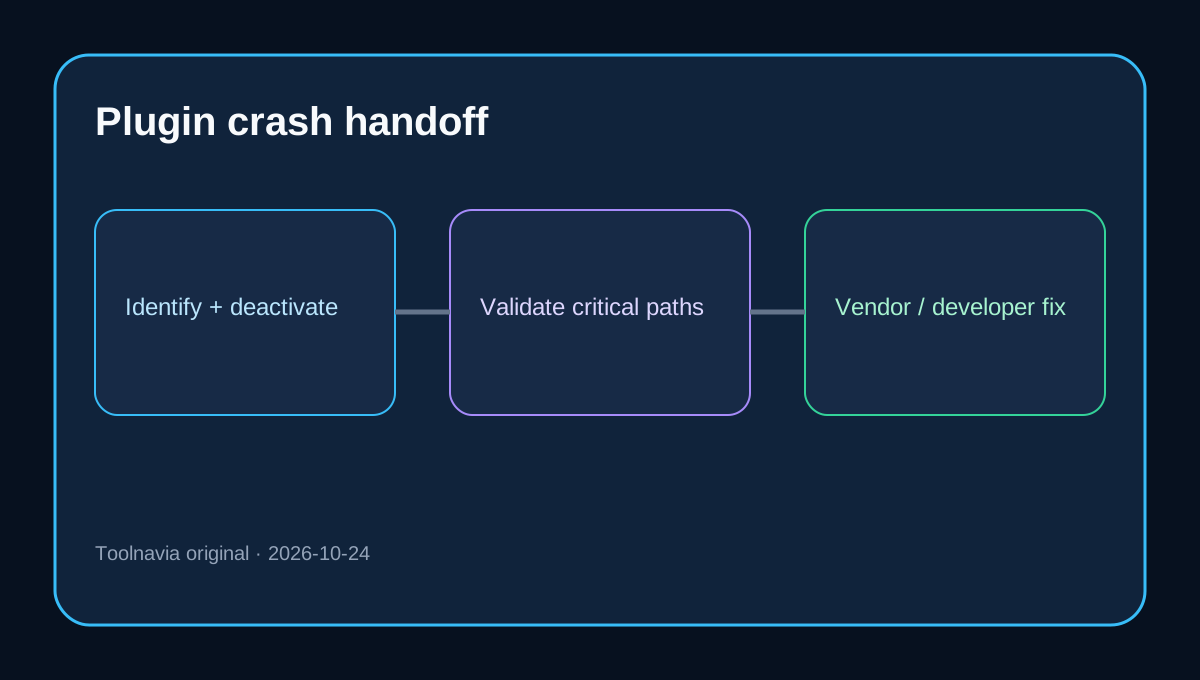
When a site goes offline or stops functioning normally, WPX says its team will diagnose the issue, explain the cause and try to restore the site. If a plugin or theme is the culprit, support can identify it, deactivate it and recommend an alternative. That is operationally useful: a store owner may regain a working checkout without spending the first hour finding the failing component.
The boundary appears immediately after containment. WPX says it cannot rewrite or repair poorly coded third-party plugins, themes or scripts. Custom CSS, PHP changes, layout work, visual improvements and general web development are also excluded. The original developer—or a developer you hire—must make the durable code fix.
Four incidents, four ownership answers
1. WPX server or configuration failure
This is the clearest provider-owned case. Support investigates the hosting environment and can repair configuration within the limits of a shared service. You provide the affected URL, symptoms, timing and a way to reproduce the failure, then confirm that the business workflow is healthy.
2. Plugin update crashes the site
WPX may identify and disable the plugin so the site returns online. Your team still decides whether to roll back, replace the plugin, contact its vendor or commission a code fix. A restored homepage does not prove that checkout, forms, scheduled jobs or membership access work. Test the critical path before declaring recovery complete.
3. Theme or custom PHP conflict
Expect diagnosis and directional help, not custom engineering. Preserve a staging copy, a change log and developer access. If the failure is in bespoke code, the fastest resolution usually comes from handing WPX's diagnosis to the developer who owns that code.
4. A request crosses departments
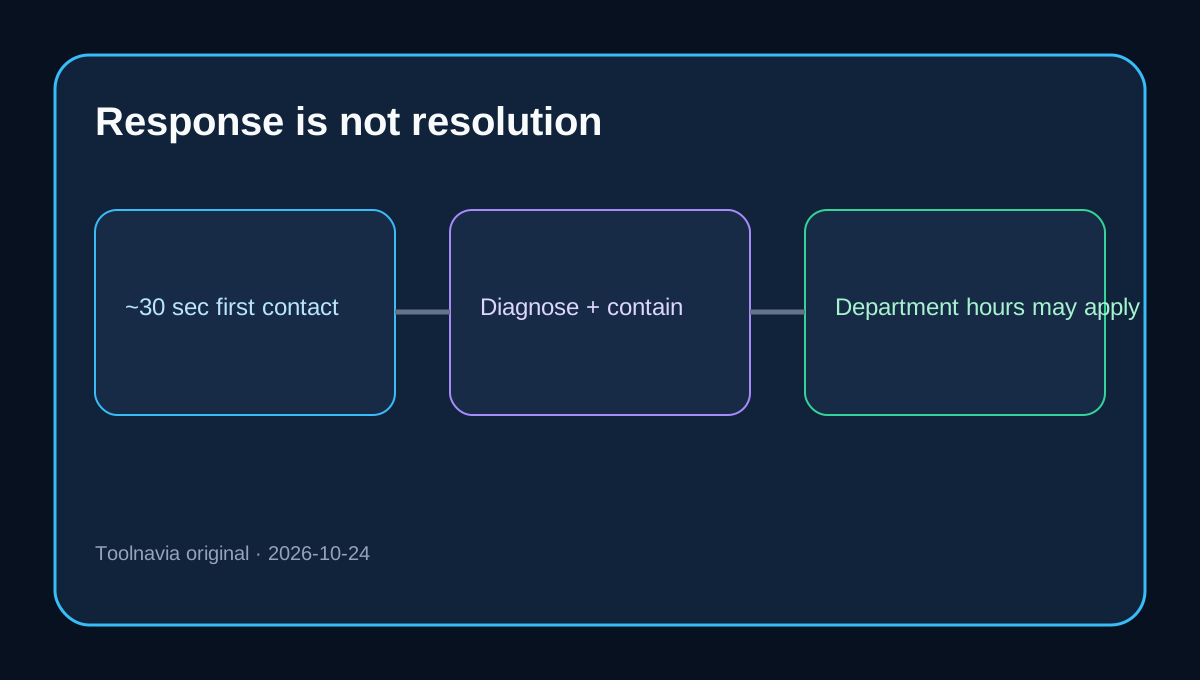
Technical support is advertised as continuously available by chat and ticket. WPX says live-chat contact is normally around 30 seconds, but work escalated to other departments follows their weekday 09:00–18:00 GMT+3 hours. Treat “30 seconds” as a first-contact target, not a universal resolution SLA.
What remains your job
You retain responsibility for content, SEO, advertising, secure passwords, theme and plugin updates, custom code and end-user hardware or internet problems. You should also maintain an independent recovery path: current off-platform backups for critical data, a list of owners and vendors, a tested rollback procedure, and acceptance checks for forms, payments, email and scheduled jobs. WPX's 28-day daily backups are useful, but a provider backup is not the same as an independent continuity plan.
This ownership model matches independent 2026 reviews, which consistently value WPX's responsive support, migrations and bundled security while still noting limits and long-prepayment economics. One independent review carries stale price figures, so none of those pages should override the live official checkout.
Pre-purchase test
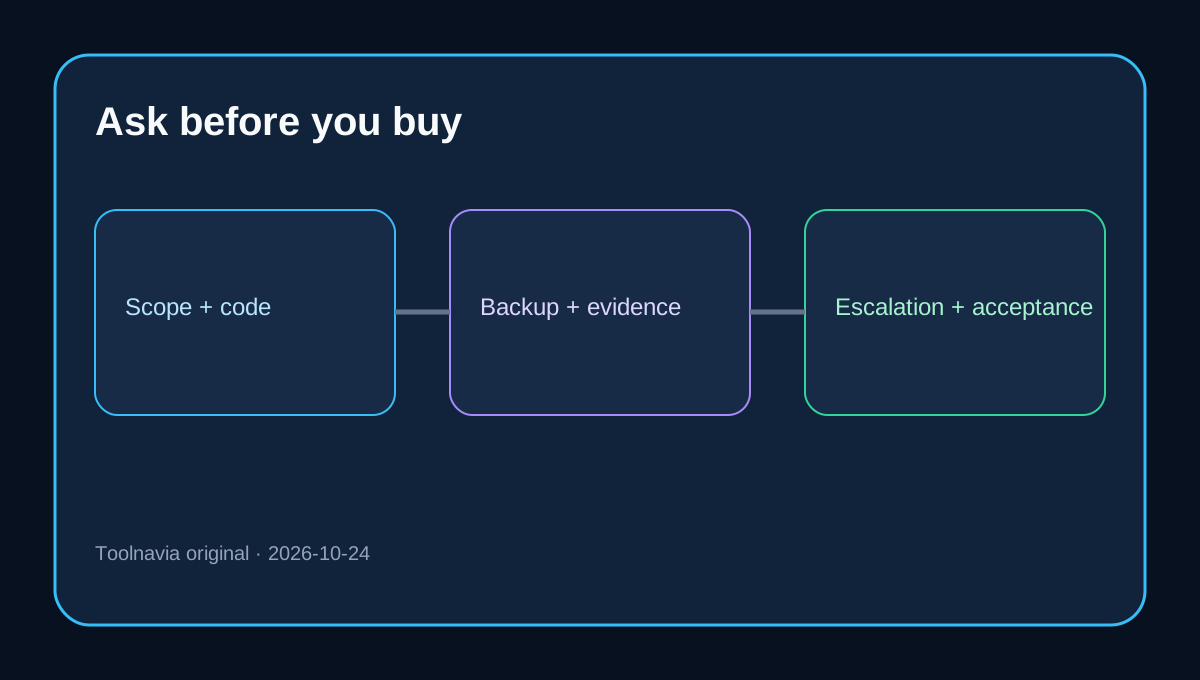
Before committing, ask support six written questions using a real site profile:
1. If a plugin update takes checkout offline, what will support do before handing the case back? 2. Will the team restore a backup, deactivate the component, or both? 3. Which custom PHP, CSS and database tasks are outside scope? 4. What happens after a ticket moves to another department? 5. Which logs and evidence will support provide to a developer? 6. What should the customer test before the incident is considered resolved?
Save the answers with your runbook. This converts “managed” from a marketing label into an operating agreement.
Verdict
Choose WPX Business when two to five WordPress sites benefit from fast triage, platform management, backups, security and a team that can often restore service without charging for every intervention. Do not choose it because you expect unlimited plugin repair or on-demand development. Budget for a developer when your revenue depends on custom themes, complex plugins or bespoke PHP.
If that boundary fits your team, [check the current WPX Business offer](/go/wpx-managed-wordpress-business-official-usd). The live checkout controls price, term and availability; no unconfirmed coupon is assumed.