TOOLNAVIA / BUYING GUIDE
WPX Business Bandwidth: Is 200GB Enough for Five Sites?
The short answer
**Quick verdict:** WPX Business can be enough for five lean WordPress sites, but the useful number is not “40GB per site.” It is one 200GB monthly transfer pool for the account. A cautious buying rule is to plan around 160GB—an editorial 20% reserve—and upgrade or change delivery before recurring usage reaches the official ceiling. WPX lists Business for up to five sites at $29.99 monthly, or a $19.99 monthly equivalent when five years are prepaid; live checkout controls. No unconfirmed coupon is included.
At a glance
- Best for
- One to five WordPress sites whose measured combined transfer stays comfortably below 200GB per month.
- Price model
- $29.99 monthly or $1,199.60 prepaid five years / $19.99 equivalent
- Check first
- 200GB is shared account-wide; the 160GB line is a planning heuristic, and soft-limit handling is not a promise of free overage.
Treat 200GB as one monthly pool
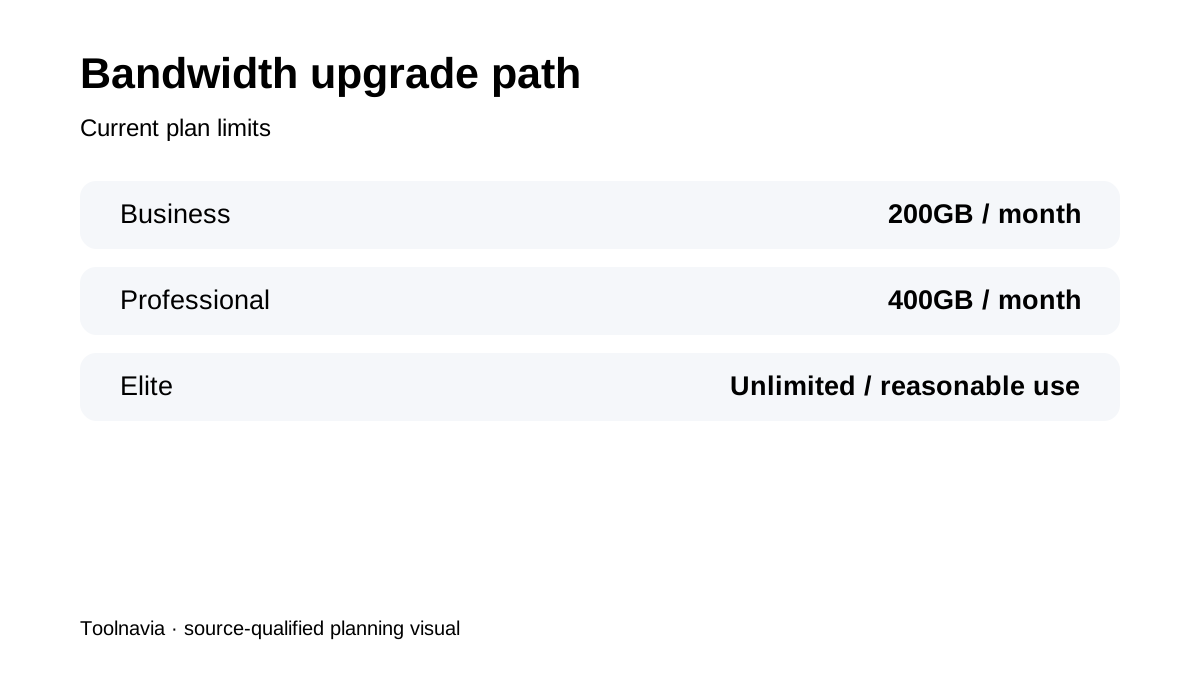
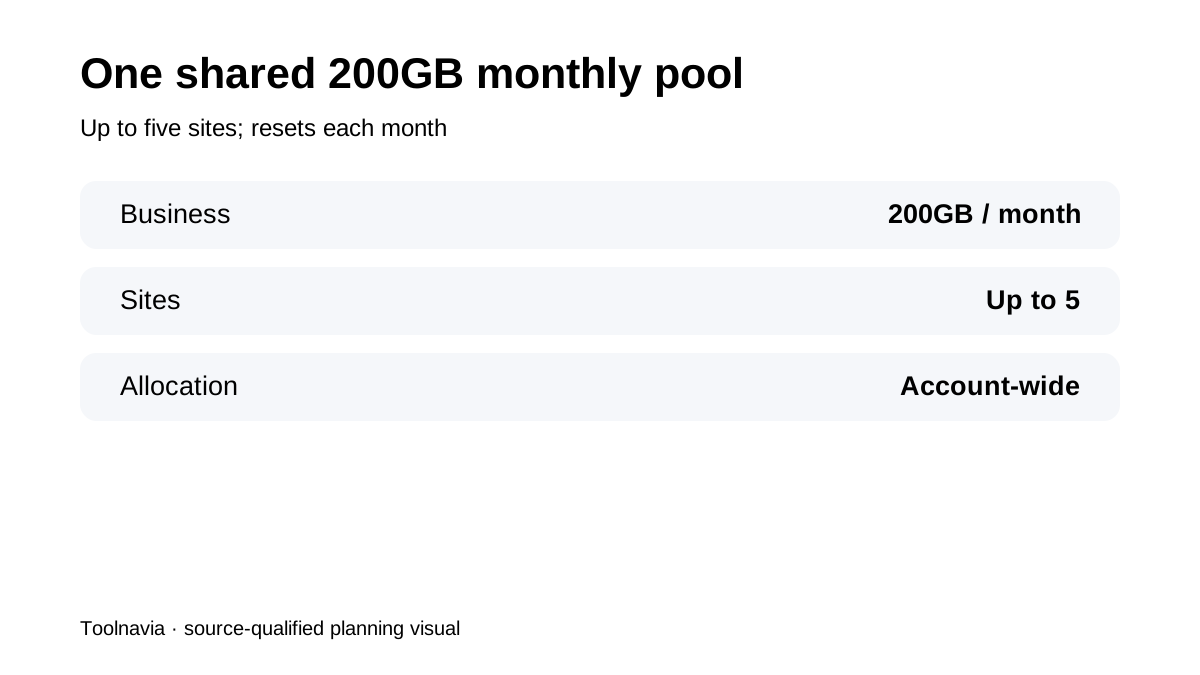
WPX’s current terms put Business at 200GB per month, Professional at 400GB and Elite at unlimited bandwidth subject to reasonable use. The Business allowance is shared across the account’s sites. Five sites therefore do not receive guaranteed 40GB silos: a busy store can consume most of the pool while four brochure sites use little. The account view resets on the first day of the month and exposes daily and per-site detail. That makes the capacity question measurable rather than a guess.
Translate 200GB into a planning budget
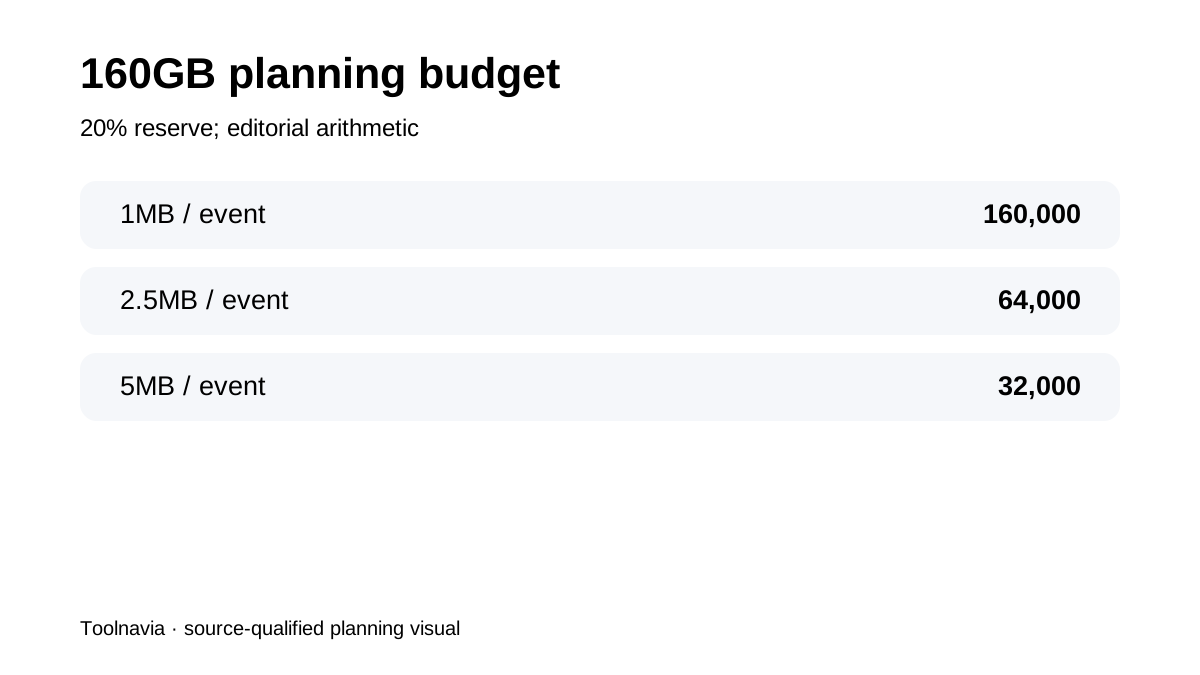
Keep 20% as operating room for campaigns, bots, uncached requests and measurement variation. That leaves 160GB as a planning line, not an official WPX rule. Using simple decimal arithmetic, 160GB covers about 160,000 transfer events at 1MB each, 64,000 at 2.5MB, or 32,000 at 5MB. These are transfer equivalents, not traffic guarantees: caching, repeat visits, compression and asset reuse change real delivery. The model’s value is showing how quickly page weight compounds across a portfolio.
Know what actually drives transfer
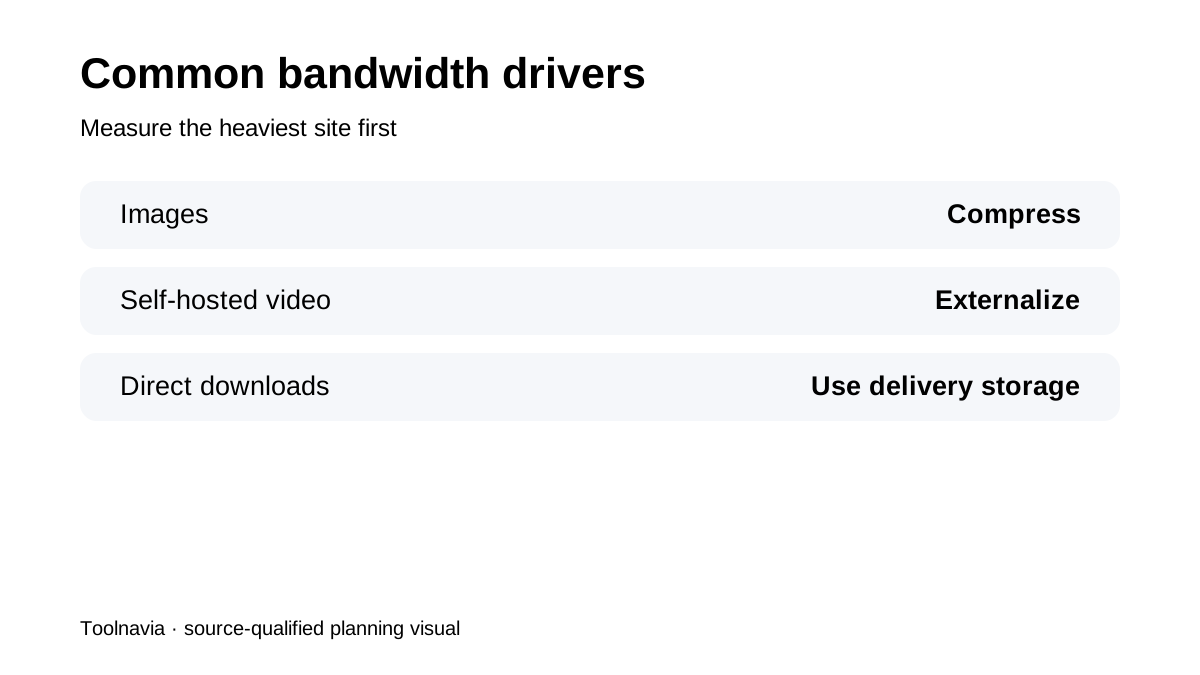
WPX identifies unoptimized images, self-hosted video and direct downloads as common causes of high usage. A five-site portfolio of mostly cached text and optimized images can be easier on the pool than one site distributing large ZIP files or video. Measure the heaviest site first, then review launches, software downloads, podcast files and large media separately. Independent reviews confirm the fixed 200GB plan context but generally stop short of an account-wide transfer worksheet.
Use XDN correctly
WPX says its XDN does not raise the bandwidth allocation, though it can reduce bandwidth consumption compared with earlier delivery. So XDN is an efficiency tool, not permission to call the plan unlimited. Turn it on where compatible, compress images, avoid self-hosted streaming and move large public downloads to a delivery service built for that workload. Recheck the panel after a full month; optimization claims should be judged by measured transfer, not by a speed-test screenshot.
Measure before buying or upgrading
If migrating existing sites, collect at least 30 representative days from the current host or CDN. Add the sites together, identify the highest daily spike, and compare both the total and the busiest site with the WPX panel’s monthly, daily and per-site views. New sites need a scenario model: ordinary month, campaign month and failure month when cache efficiency drops. A portfolio consistently below 160GB has useful room; repeated months above that line deserve investigation before the account reaches 200GB.
Understand what happens above 200GB
Current WPX guidance says a site is not automatically shut down at the moment the limit is crossed. Support contacts the customer, investigates causes and can recommend optimization; recurring overage can lead to a plan upgrade. This is a soft-limit process, not a promise of free overage or indefinite grace. One independent review calls the cap “strictly enforced,” but first-party policy controls our conclusion. A broad WPX overage article also uses a 400GB example; current terms and the order page control the Business threshold at 200GB.
Buy Business when the measured workload fits
Choose Business when combined transfer is predictably below the 160GB planning line, heavy media is externalized, and five-site traffic is uneven but observable. Choose Professional when recurring growth approaches 200GB, campaigns make the reserve too thin, or operational simplicity is worth more than squeezing the last gigabytes from Business. Elite is the higher-ceiling option, still subject to reasonable use. The decisive check is a 30-day account model plus a launch-spike scenario—not site count alone. Verify current limits and price at checkout before purchasing.