TOOLNAVIA / BUYING GUIDE
SiteGround Jump Start Cloud: $100 Monthly, No Root and One-Month Autoscale
The short answer
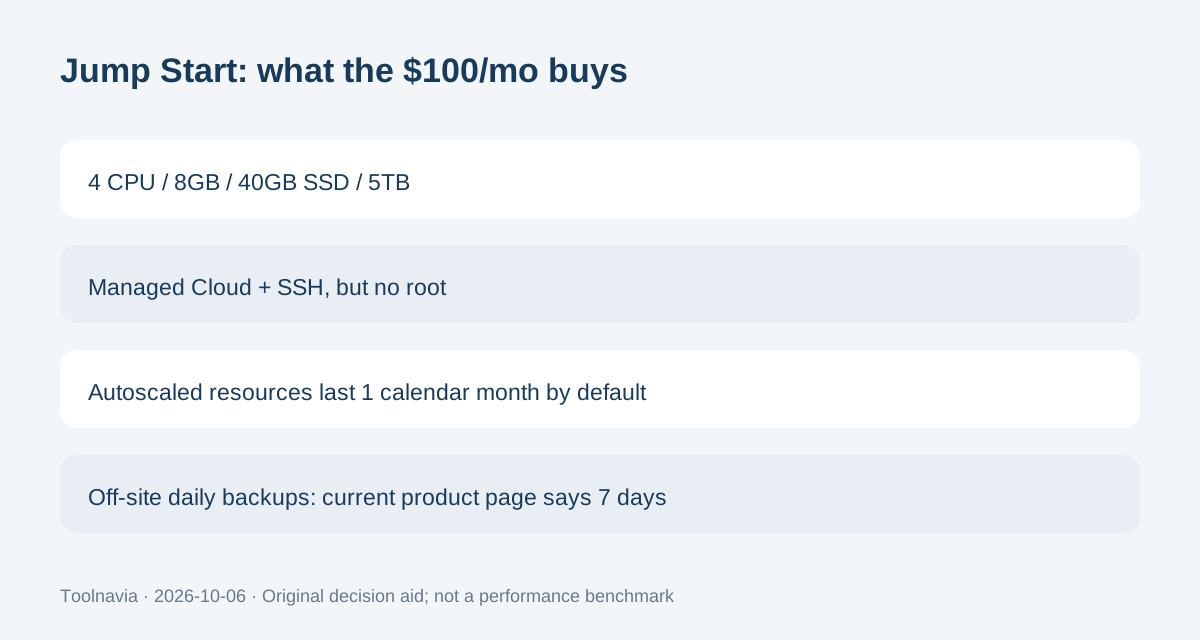
SiteGround Jump Start is a $100/month managed cloud plan with 4 CPU cores, 8GB memory, 40GB SSD storage and 5TB transfer. It includes dedicated resources, autoscaling and off-site daily backups, but it does not provide root SSH access.
At a glance
- Best for
- A growing website or agency that values SiteGround's managed Google Cloud layer, integrated Site Tools and scaling controls more than root access or the lowest compute price.
- Price model
- $100/month pay monthly; 4 CPU, 8GB RAM, 40GB SSD, 5TB transfer; autoscale extras account-specific
- Check first
- Root-dependent stacks, teams needing more than 40GB base SSD without resource upgrades, or buyers who prefer lower-cost self-managed cloud compute.
$100 per month is the base allocation, not a promotional first-year rate
The current Jump Start plan is billed at $100 per month and lists 4 CPU cores, 8GB memory, 40GB SSD space and 5TB transfer. SiteGround describes it as pay-monthly cloud hosting, so there is no shared-hosting-style introductory-to-renewal jump to calculate from the public page.
That does not make the total bill fixed. Autoscaled or manually added resources can change the configuration, and tax depends on the customer and market. Save the actual invoice and resource configuration rather than treating $100 as an all-in ceiling.
Four benefits explain the managed-cloud premium
First, SiteGround says CPU, RAM and SSD resources are reserved for the Cloud account rather than shared with other hosting customers. That is a capacity entitlement, not a benchmark for a specific application.
Second, the plan includes unlimited websites, a dedicated IP, SSL, email, CDN, staging, Git, WP-CLI and SSH. “Unlimited websites” still share the same 4-core/8GB/40GB resource pool, so site count is not the same as unlimited capacity.
Third, the cloud includes geo-distributed daily backups stored separately from the plan’s SSD space. Fourth, priority 24/7 support and a fully managed platform remove much of the underlying server-maintenance work. These are useful operational benefits for agencies and growing sites that value a managed control plane.
SSH is available, but root is not
SiteGround allows SSH on its hosting plans, including Cloud, but its support documentation explicitly says root SSH access is not allowed. This is a different operating model from managed VPS products that preserve root.
That boundary matters before migration. WP-CLI, Git and SSH can cover many application and deployment tasks, but a workload that requires root-owned packages, kernel changes or unrestricted system configuration is a poor fit. The fully managed layer is part of what you are buying.
Autoscale resources last one calendar month unless you renew them
Autoscaling can add resources automatically when demand rises. A SiteGround article updated September 29, 2026 adds an important billing-life-cycle detail: resources added by an autoscaling event remain active for one calendar month.
After that month, those resources are suspended unless you manually renew them or enable automatic renewal. This makes autoscale more than a momentary burst switch. Before enabling it, set a resource ceiling and decide whether the added capacity should expire or become recurring. Check the account’s displayed incremental price rather than assuming a traffic spike returns the bill to $100 immediately.
Seven days of off-site daily backups still need an independent copy
The current Cloud product page says every Cloud includes seven days of automated daily backups stored separately from the plan disk, plus on-demand backups. That is stronger separation than a local backup on the same 40GB SSD.
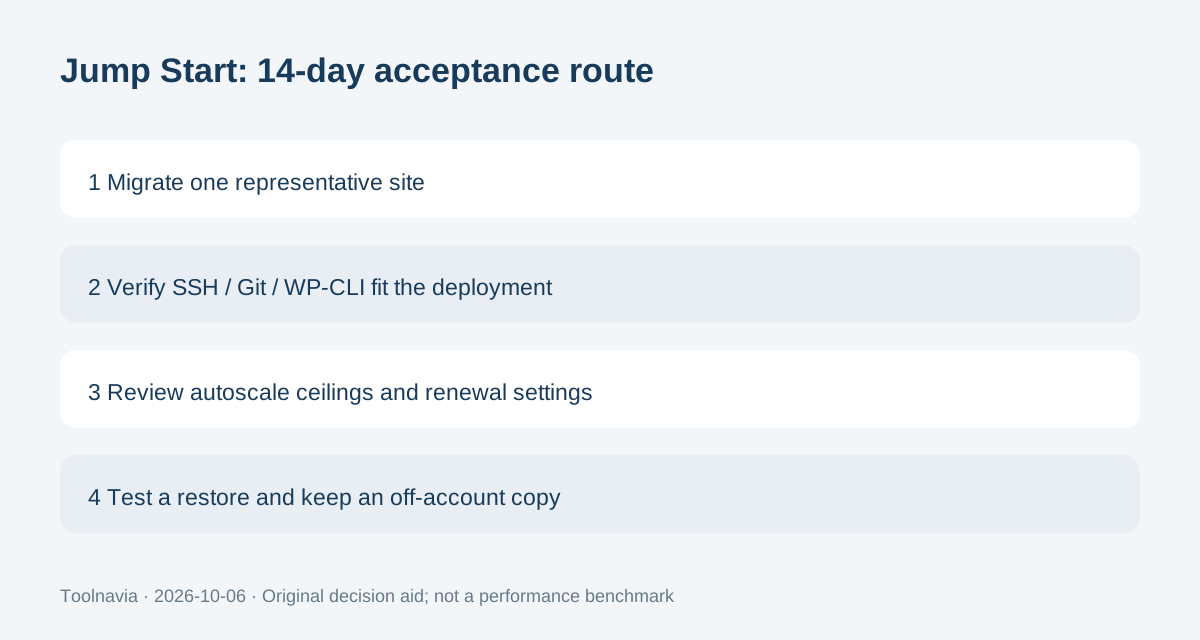
It still should not be the only copy of business-critical data. Verify a restore during the first two weeks and keep an export outside the SiteGround account. If the account is canceled immediately, SiteGround says the websites and account data are removed, so an independent copy is essential before cancellation.
The Cloud refund window is 14 days, not 30
SiteGround’s current refund policy gives Cloud hosting a 14-day money-back guarantee, while shared hosting gets 30 days. Paid support and third-party services are excluded, and cancellation must be submitted through the Client Area.
Use those 14 days as a real acceptance period: migrate one representative site, check SSH and deployment workflows, test a backup restore, observe resource use and decide whether autoscale settings are appropriate. Choose Jump Start when a managed Google Cloud layer, dedicated resources and integrated tooling are worth $100/month. Skip it when you need root access, a larger base SSD allocation or a cheaper self-managed compute layer.