TOOLNAVIA / BUYING GUIDE
ScalaHosting Build #1 Cancellation: Refund Conflict and Safe Data Exit
The short answer
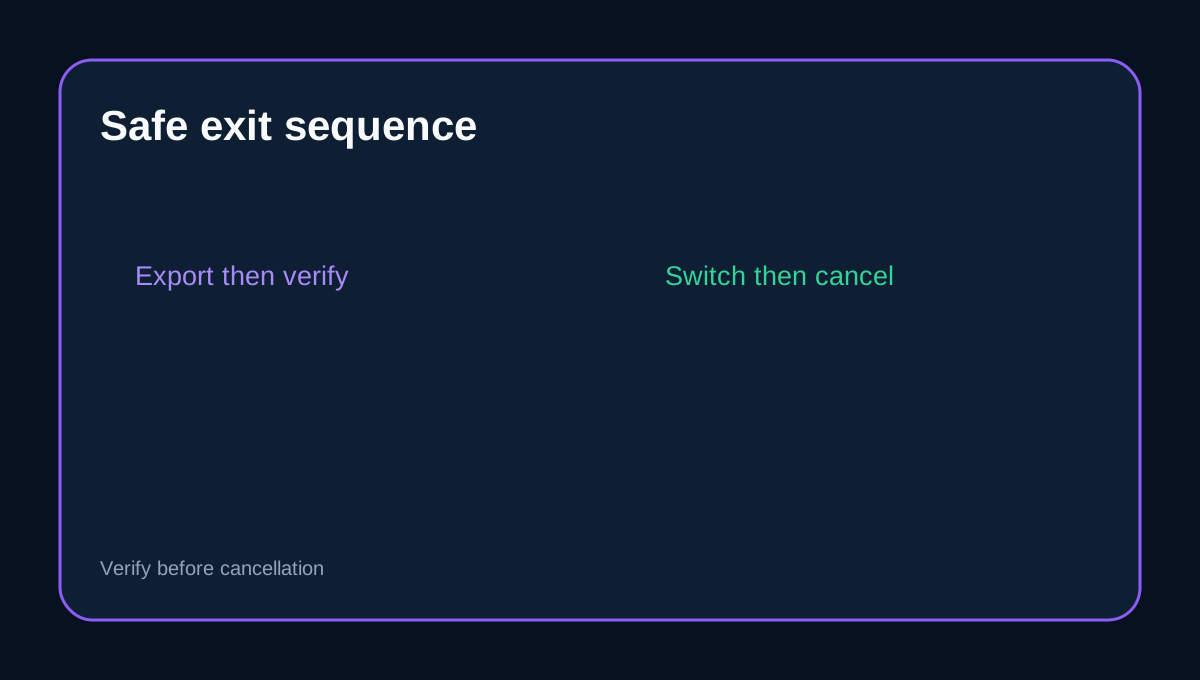
ScalaHosting Build #1 buyers should not treat “cancel,” “get a refund,” and “leave with usable data” as one click. The safe order is to export and verify the site, database and mail/DNS details, move traffic, and cancel hosting last. The current official refund pages also disagree about what happens after day 30, so do not budget around a later refund until Billing confirms the exact invoice in writing.
At a glance
- Best for
- Build #1 users planning a safe refund review and data exit.
- Price model
- Policy-dependent refund; no amount promised
- Check first
- Official pages conflict after day 30; Billing decides the exact invoice.
First classify the invoice
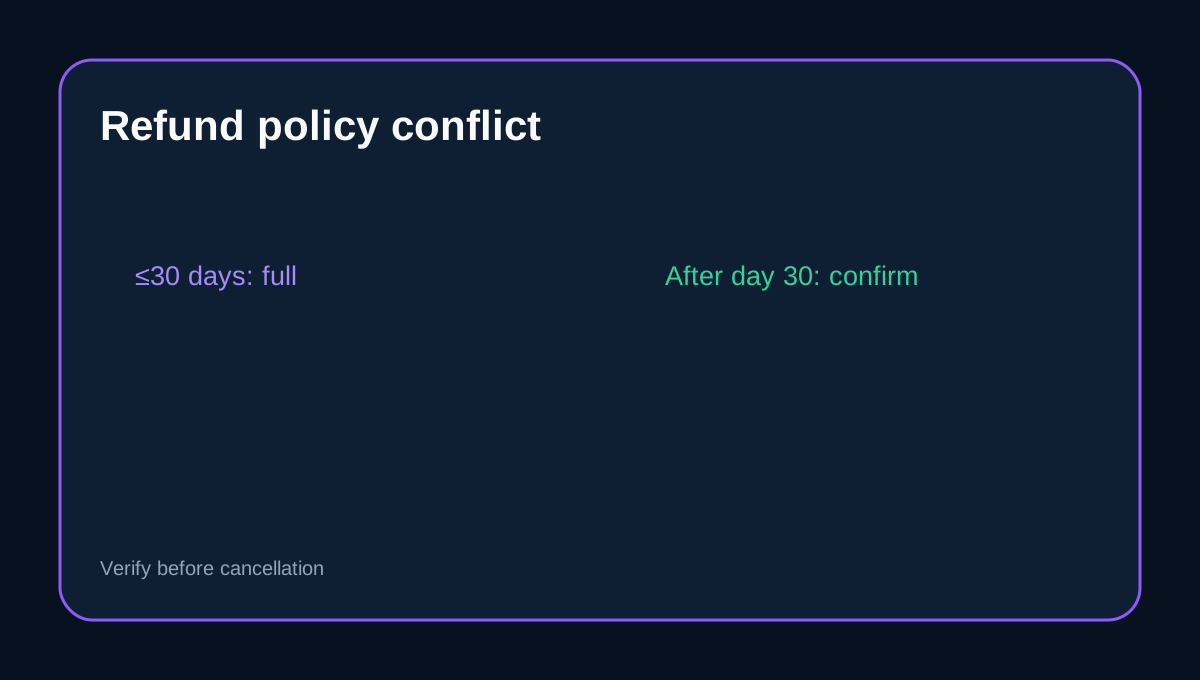
The current Terms say the money-back guarantee is for new clients and gives eligible web, reseller and VPS/cloud services a full-refund window of 30 days. The Terms also describe a partial refund for unused hosting time later. The refund KB, however, says no refund is available after the guarantee expires. Domains, SSL, licenses, custom work and dedicated servers sit outside the hosting guarantee, and a free-domain cost may be deducted. This is a real source conflict, not a promise: save both dated pages and ask Billing which rule governs your transaction.
Choose the cancellation timing deliberately
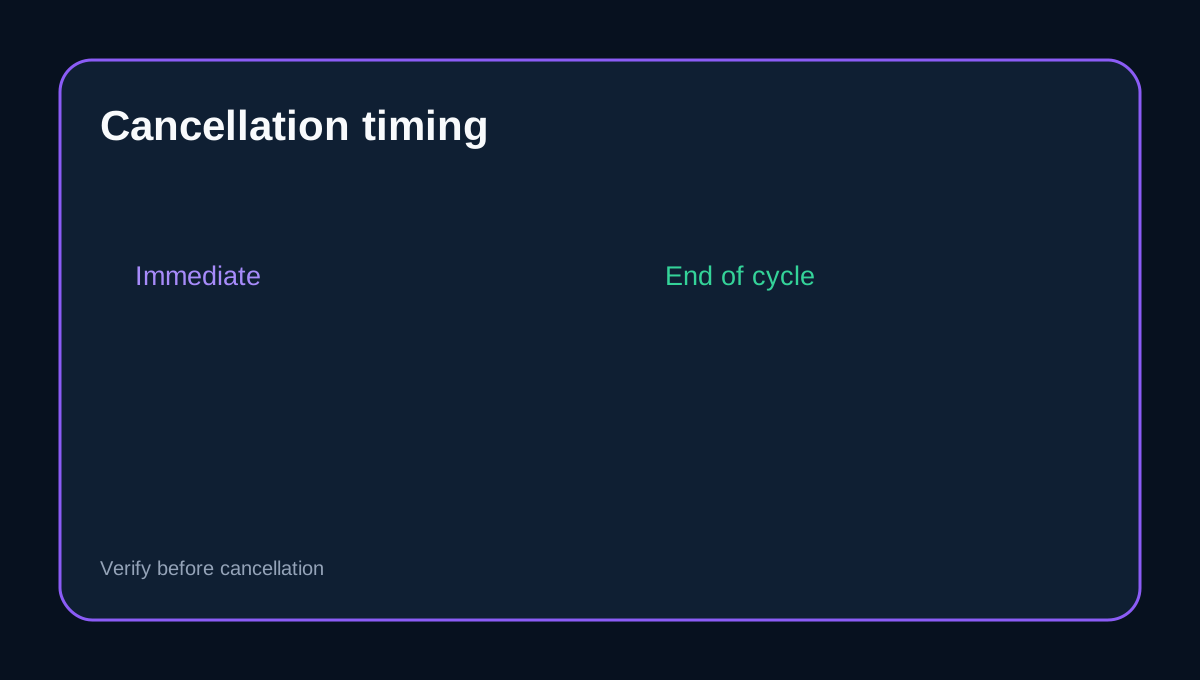
ScalaHosting's Client Area documents My Services → Manage → Request Cancellation. An immediate request and an end-of-current-cycle request have different consequences. If you still need access for export, mail synchronization or DNS testing, end-of-cycle is the safer operational choice. Also check domain auto-renewal separately; ending hosting does not automatically express what you want done with a registered domain.
Build an independent exit archive
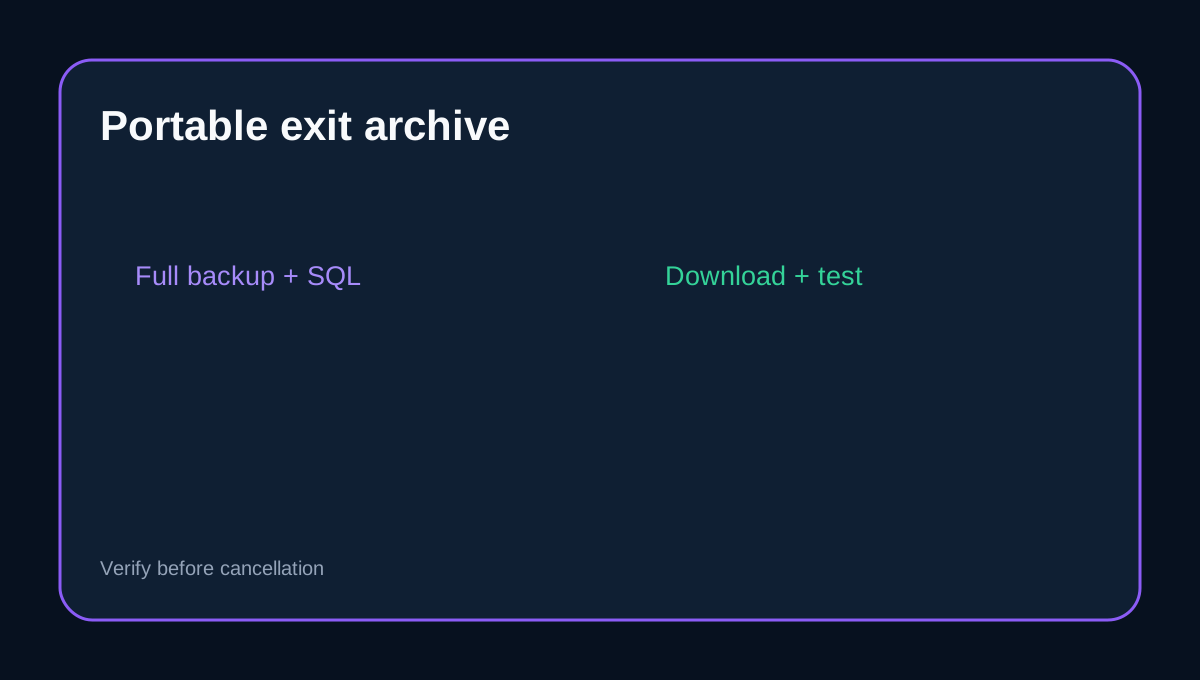
SPanel can generate a full account backup, omit selected components, save it under the account or send it to remote FTP. Download the archive outside ScalaHosting before closing the service. Then confirm that the file opens and that the expected web root, configuration files and databases are present. A backup visible only inside the provider's restore interface is useful for recovery but is not yet a portable exit copy.
Export the database and configuration separately
Create a separate SQL export from MySQL Databases and download it locally. Record PHP version, extensions, cron jobs, redirects, database users, environment variables and external storage or SMTP dependencies. ScalaHosting's manual-transfer instructions separate site-file download from database export; mirror that separation in your own checklist.
Mail and DNS need their own cutover
A full-account archive is not proof that every mailbox, alias and authentication record will work at the destination. Synchronize mail through a supported method, record MX/SPF/DKIM/DMARC and DNS zones, lower TTL when appropriate, and test HTTPS plus inbound and outbound mail before changing nameservers or canceling.
How independent reviews change the decision
TechRadar, PlainWP, HostAdvice and AI Ignitions broadly repeat the 30-day full-refund framing and later partial-refund interpretation. That agreement supports the current Terms, but it does not override the contradictory first-party KB or guarantee your exact payment. The practical decision remains evidence-led: preserve the invoice, dated policy pages and Billing reply.
Exit checklist
Before Request Cancellation: download and test a full account archive; export SQL separately; synchronize mail; record DNS and runtime settings; verify the destination; choose immediate versus end-of-cycle; check domain auto-renewal independently; and obtain written refund eligibility for the exact invoice.
Affiliate disclosure: Toolnavia may earn a commission from an eligible ScalaHosting purchase. That does not change the conflict disclosure or the export-first recommendation.