TOOLNAVIA / BUYING GUIDE
ScalaHosting Backups: Choose the Right Restore Before You Buy
The short answer
ScalaHosting's targeted file and database restores make its managed VPS worth considering for multi-site owners. Before buying, confirm the included backup history and how you will protect newer customer data.
Toolnavia may earn a commission from qualifying purchases through the ScalaHosting buttons on this page.
At a glance
- Best for
- Owners valuing targeted recovery and managed support, with confirmed retention.
- Price model
- Build1 reference $29.95/month introductory and $54.95/month renewal; selected term and paid backup-history options require order-specific confirmation.
- Check first
- Buyers expecting zero data loss or automatic merging of newer orders.
Choose recovery scope before choosing retention
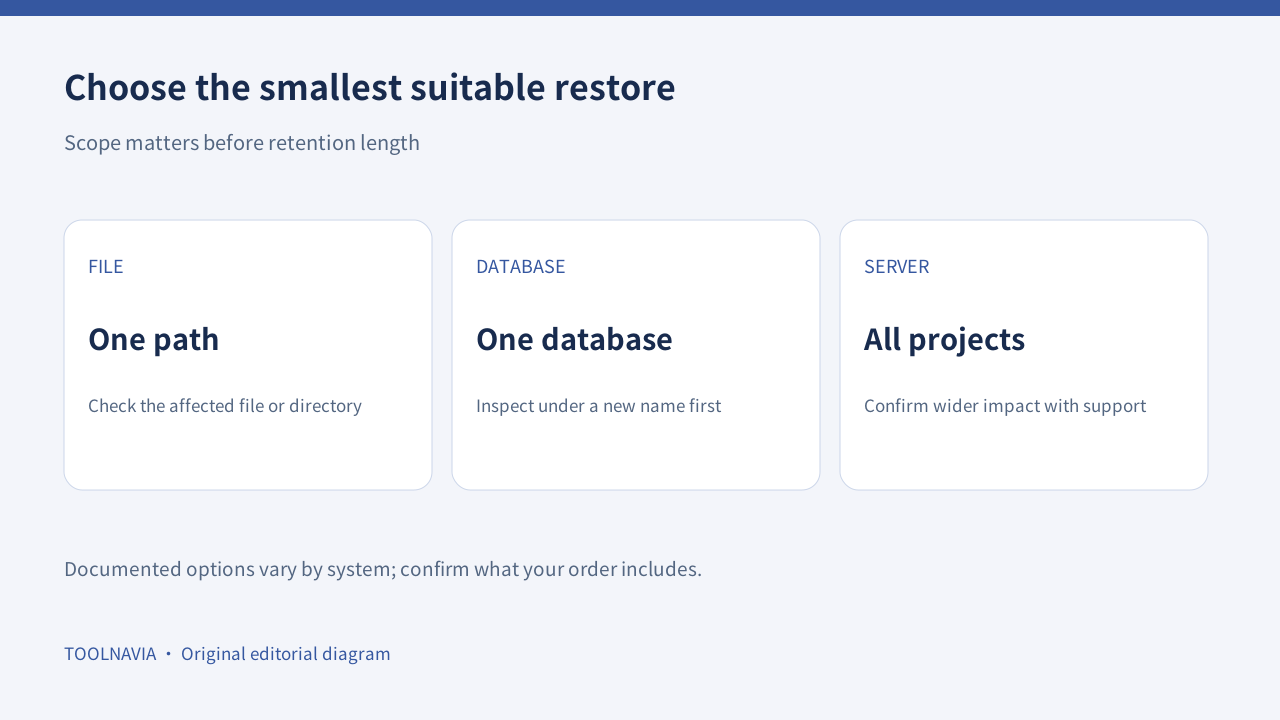
Imagine that one site's database is damaged while three other sites on the same server are healthy. Restoring the whole server would solve a broader problem than you have—and could undo unrelated work. A targeted recovery is a more appropriate starting point.
ScalaHosting's disaster-recovery article distinguishes account-level backups from a server snapshot that affects every project. Treat that as a reason to ask about the smallest restore scope available, not as proof that snapshots are included or instantly available in every order.
For a brochure site, yesterday's content may be sufficient. For a store receiving orders throughout the day, it may not be. Define the maximum amount of new information you could afford to reconstruct before choosing a backup schedule.
Four useful recovery capabilities
Daily remote backups reduce the need to remember a routine manual copy. Their value is a separate recent recovery source; they do not establish a guaranteed retention period or eliminate the need for independent copies.
Selective file recovery lets you target a damaged file or directory instead of replacing an entire account. Confirm that the required point and path are available before acting.
The documented database menu offers download, restore to the original database, or restore under a new name. The new-name option creates a useful inspection path before deciding whether to replace production data; it does not automatically merge newer orders.
Manual backup generation provides a pre-change checkpoint that you can download. Check the selected exclusions: a files-only archive will not contain the database, and a database-only export will not contain the website's files.
Ask for the exact retention and complete bill
The managed-cloud page lists automatic offsite backups and describes configurable schedules. It also lists paid extensions for longer backup history. Configuration capability is different from the history included in a specific Build #1 order. Ask support to identify the default retention, any extra charge and which destination holds each copy.
Build #1 currently shows $29.95/month introductory and $54.95/month renewal references. Use the selected checkout term and the complete backup quote rather than assuming the headline price covers every recovery option. We do not assert an unverified fixed retention period.
A useful written quote answers four questions: how frequently data is copied, how far back you can go, what can be restored separately, and what recovery assistance costs. More restore points are valuable only if they cover the incident you are planning for.
Test a recovery without replacing live orders
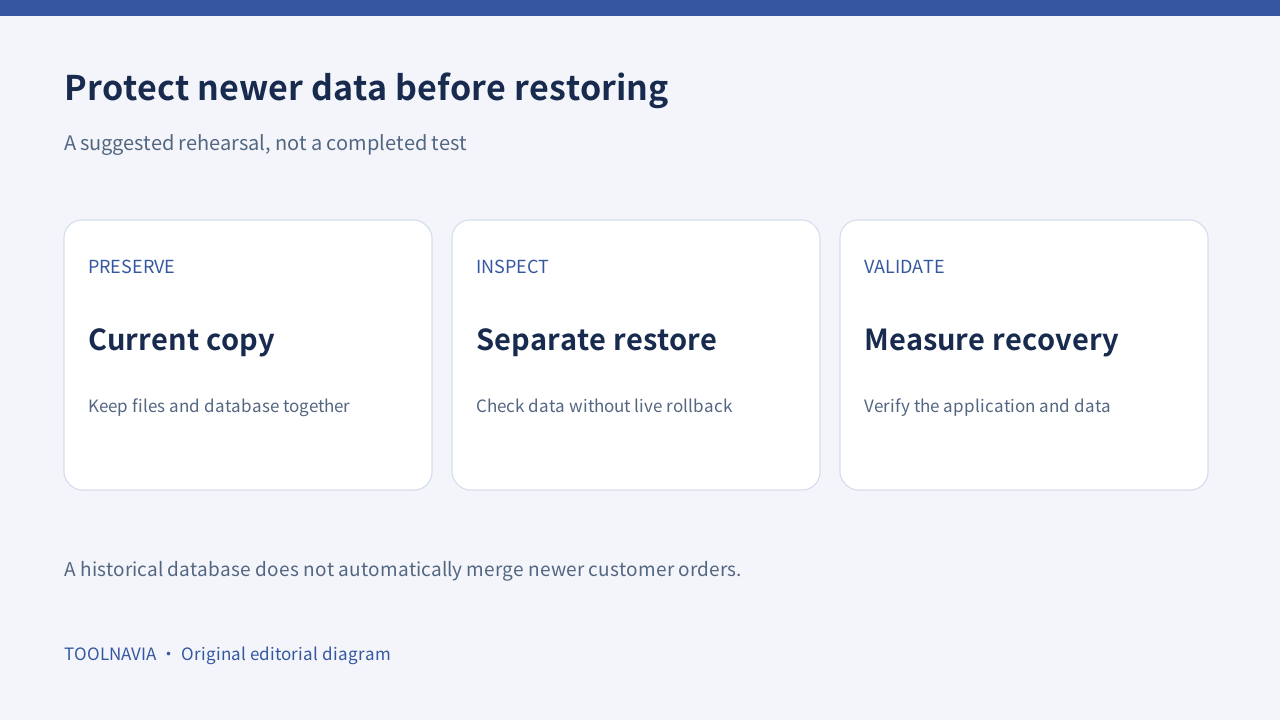
Start with an independent backup of the current site. WordPress documentation explains that a complete recovery set needs both files and database, ideally from a consistent time. Store a separate copy away from the production account.
Our suggested rehearsal is to inspect an older database under a different name or in a non-production copy, confirm important records and check the associated application files. Disable outgoing notifications in a test environment so a rehearsal does not email real customers.
Record the time required to locate the backup, recover the data and validate the site. That measured time is more useful for your own operation than a provider's generic “easy restore” description. This article has not performed that test.
Know which backup system produced the archive
A cPanel full-account archive is not the same as an application backup. cPanel documentation says automatic restoration of a full backup requires WHM or provider assistance; its end-user interface supports partial restores. Those rules describe cPanel, not SPanel's native restore entitlement.
Softaculous likewise documents restoration of backups created through Softaculous. Identify the tool and format before assuming an old archive will appear in another panel's restore list. Its instructions do not establish that a particular ScalaHosting order includes the tool.
When an incident affects multiple accounts, involve support before considering server-wide rollback. Preserve newer data, agree on the affected scope and validate one service at a time.
When managed recovery is worth the purchase
ScalaHosting is a useful candidate when the documented targeted restores and managed support reduce work your team would otherwise perform alone. Buy after confirming retention, configuration and the total renewal budget. A rapidly changing store still needs an application-aware plan for transactions between backups.
Use the ScalaHosting buttons to view current options. They open the general affiliate homepage; select Managed Cloud Build #1 and verify the order. This guide evaluates documented capabilities, not tested recovery speed, guaranteed data protection or a promise of zero downtime.