TOOLNAVIA / BUYING GUIDE
Pressidium Starter SSH vs SFTP: Activation, Trial Limits & Workflows
The short answer
At a glance
- Best for
- One managed WordPress site needing separate SFTP users and occasional support-enabled CLI access.
- Price model
- Official page currently lists $25 monthly or $299 paid annually; checkout controls.
- Check first
- SSH is support-enabled early access, absent from Free Trial, public-key only and restricted; no root, SCP or SSH SFTP subsystem.
Quick verdict
Pressidium Starter can fit a developer who wants managed WordPress plus command-line and delegated file access, but SSH and SFTP are not interchangeable. The Starter marketing table lists **SFTP & SSH access** and multiple SFTP accounts, while Pressidium's current help center says SSH is disabled by default, requires support activation, remains early access, and is unavailable on Free Trial plans.
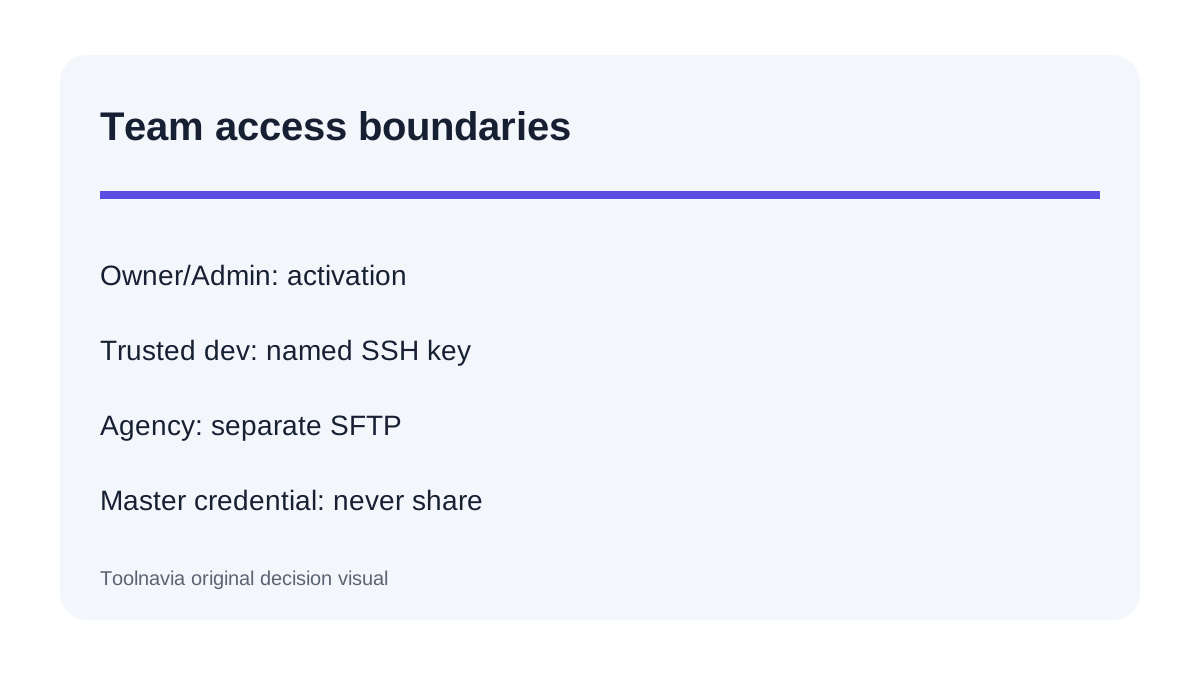
Treat SFTP as the routine file-transfer and agency-access path. Treat SSH as a support-enabled, public-key-only tool for trusted Owners or Admins who have confirmed that their paid Starter account and required WP-CLI or Composer workflow are eligible. Do not buy Starter assuming unrestricted shell, root, SCP, or an SFTP subsystem inside the SSH session.
What Starter includes—and what the feature table leaves out
The current Entry Plans page lists Starter for one website, 10GB storage, 50,000 monthly unique visits and 50GB CDN. It displays $25 monthly and an annual payment of $299, and its shared feature table includes SFTP & SSH access plus multiple SFTP accounts. Those facts make Starter a plausible one-site managed WordPress option, but the table does not explain activation, authentication, role limits or transfer-tool restrictions.
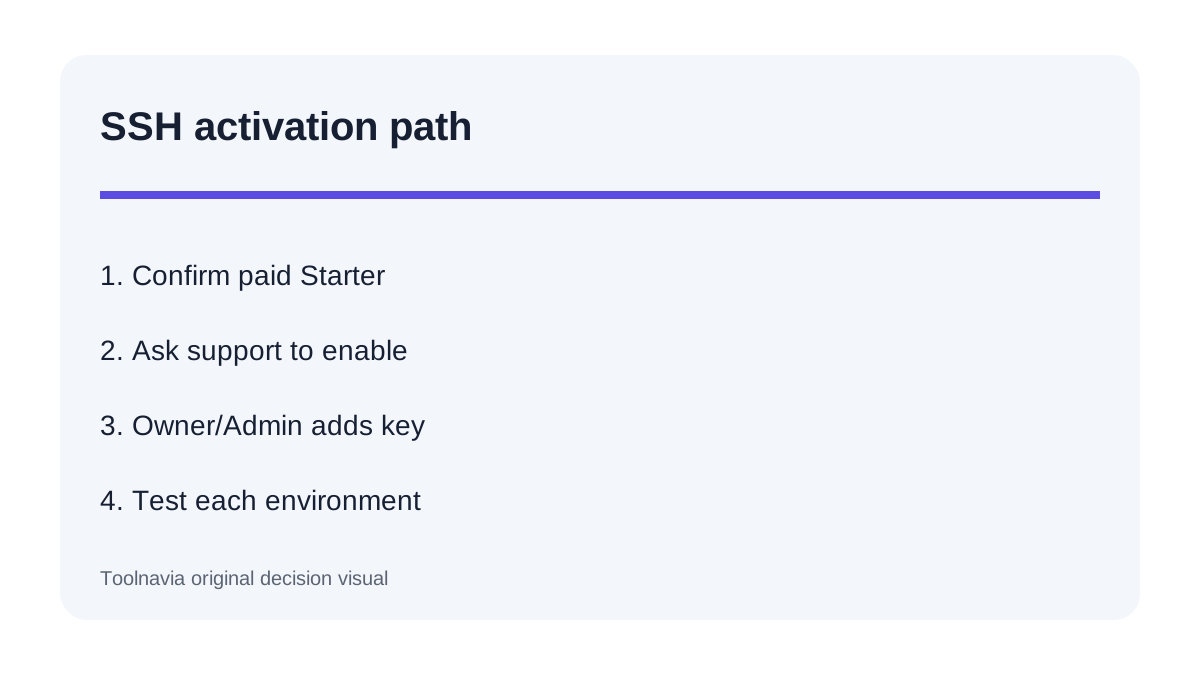
The operational documentation supplies those conditions. SSH is off by default and enabled on demand through support. After approval, an Owner or Admin enables it separately for Production or Staging and associates a public key; password authentication is not accepted. A separate Pressidium FAQ still labels SSH early access and excludes Free Trial plans. If shell access is essential, verify the exact paid Starter entitlement before migrating rather than using the trial as proof.
SSH and SFTP solve different jobs
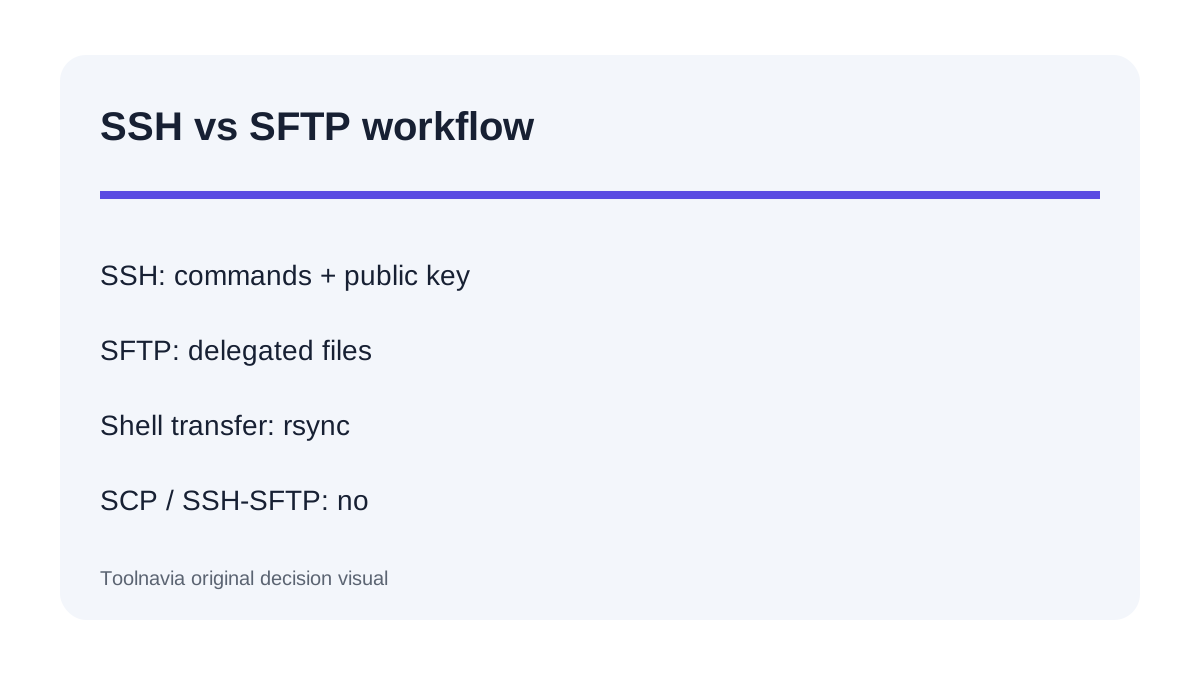
Use SSH when a trusted developer needs a command line, supported WP-CLI operations, Composer or an rsync-based deployment. Pressidium applies CPU and session limits, disables some commands, and does not promise unrestricted server control. This is a managed application environment, not a VPS root account.
Use SFTP when someone needs encrypted file transfer without broad dashboard or shell rights. Pressidium lets teams create separate SFTP users for a website and distinguish Production from Staging. That is usually the safer agency or contractor pattern. The Owner's master SFTP credential spans all websites and should not be shared.
One important restriction: Pressidium says its SSH environment does not expose an SFTP subsystem and does not support SCP. For shell-side transfer, use rsync. Separately provisioned SFTP remains a dashboard-managed file-access route. A CI/CD script written around SCP or “SFTP over the SSH user” therefore needs redesign or explicit confirmation.
File access is not permission to edit everything
Pressidium's SFTP guide provides environment-specific connection details from the Dashboard, but managed WordPress still imposes file boundaries. Core files can be provider-controlled, and direct SFTP changes to protected areas may be denied. Managed hosting trades some server freedom for a controlled platform.
Before buying, list the exact paths and operations your workflow needs. Theme and plugin deployment, uploads, log inspection and WP-CLI maintenance are different requirements. Ask support whether the required command and path are allowed on Starter. A generic “Do you have SSH?” answer does not prove that your deployment command, file path, background process or transfer method will work.
Backup before command-line changes
Pressidium warns that Dashboard Instant Backup policies do not automatically cover actions performed through SSH. Create a manual restore point before database replacements, plugin updates, bulk search-and-replace, Composer changes or scripted deployments. Keep an external copy when the operation is difficult to reverse.
A safe sequence is: back up, target Staging first, grant minimum access, test one harmless command, transfer a small file with the intended protocol, validate the site, and only then repeat in Production. Remove temporary agency access when work ends. This sequence is more useful than treating the “SSH included” badge as a complete deployment policy.
How other managed hosts frame access
Kinsta documents per-environment SSH/SFTP access and additional scoped or read-only SFTP users. WP Engine documents a per-site SSH gateway supporting WP-CLI, rsync and SCP without root or sudo, plus separate SFTP users. SiteGround uses its own SSH-key and SFTP-port workflow. These are comparison points, not permissions that can be transferred to Pressidium.
The practical difference is tool compatibility. Pressidium's no-SCP rule and absent SSH SFTP subsystem matter to automation built around those commands. Its separate SFTP-user model can still be strong for controlled agency access. Compare the workflow you actually run—not a generic checkbox—and obtain confirmation for every non-negotiable command.
Pre-purchase checklist
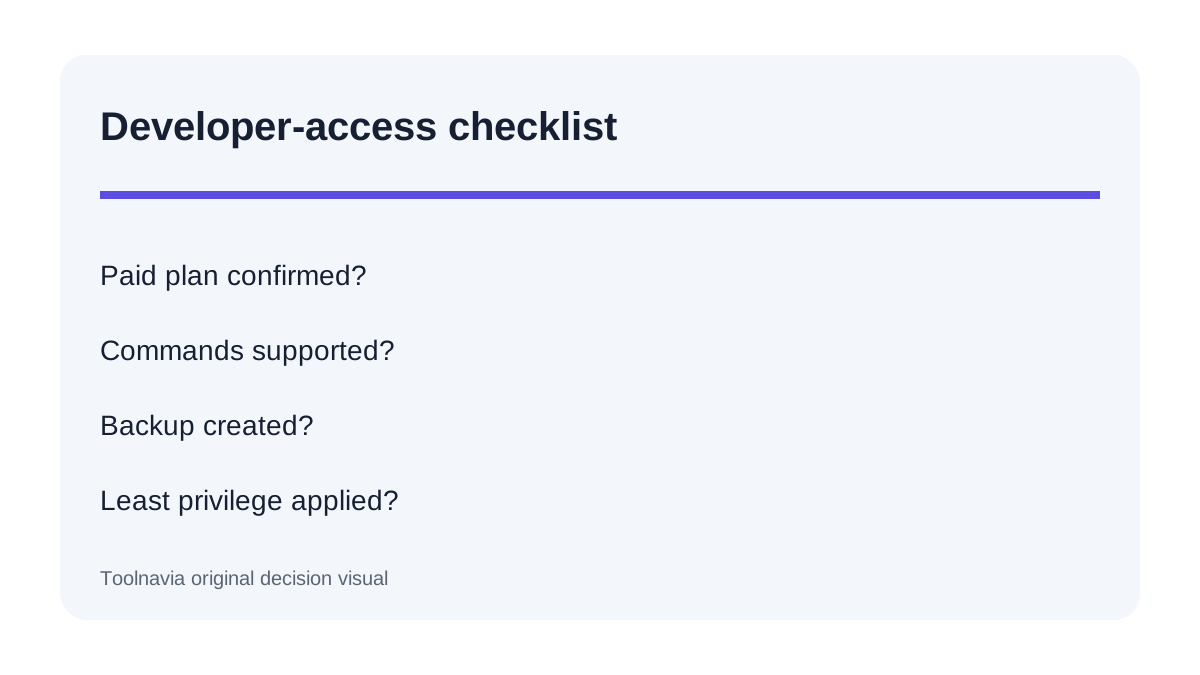
Confirm that support will enable SSH for the exact paid Starter account and region. Confirm that the Owner or Admin can complete activation and each developer can provide a public key. Ask whether every required WP-CLI or Composer command is permitted, whether rsync works for the intended path, and whether a long-running job exceeds session or CPU limits.
Map people to least privilege: Owner/Admin for activation, a named public key for trusted shell work, or a separate Production/Staging SFTP user for file-only access. Never distribute the Owner master SFTP credential. Finally, verify checkout price and term; the public page currently shows $25 monthly and $299 paid annually, but checkout controls.
Who should choose Starter for developer access
Choose Starter when one managed WordPress site needs controlled SFTP delegation and occasional trusted CLI work, and the team accepts support activation, public-key authentication, rsync instead of SCP, and managed file boundaries. It is especially sensible when Production/Staging separation matters and the team can make a manual backup before shell changes.
Do not choose it solely because the plan table says “SFTP & SSH.” Avoid it when SSH must work during the free trial, when deployment requires root, SCP, an SSH SFTP subsystem, unrestricted commands or persistent background processes, or when support cannot confirm the exact workflow. Select a platform whose current documentation explicitly matches those needs.
Toolnavia may earn a commission from the exact approved Starter offer. The recommendation remains conditional on Pressidium confirming paid-account SSH eligibility and required commands.