TOOLNAVIA / BUYING GUIDE
Pressidium Starter Security: Malware Removal Is Included—What Still Remains Your Job?
The short answer
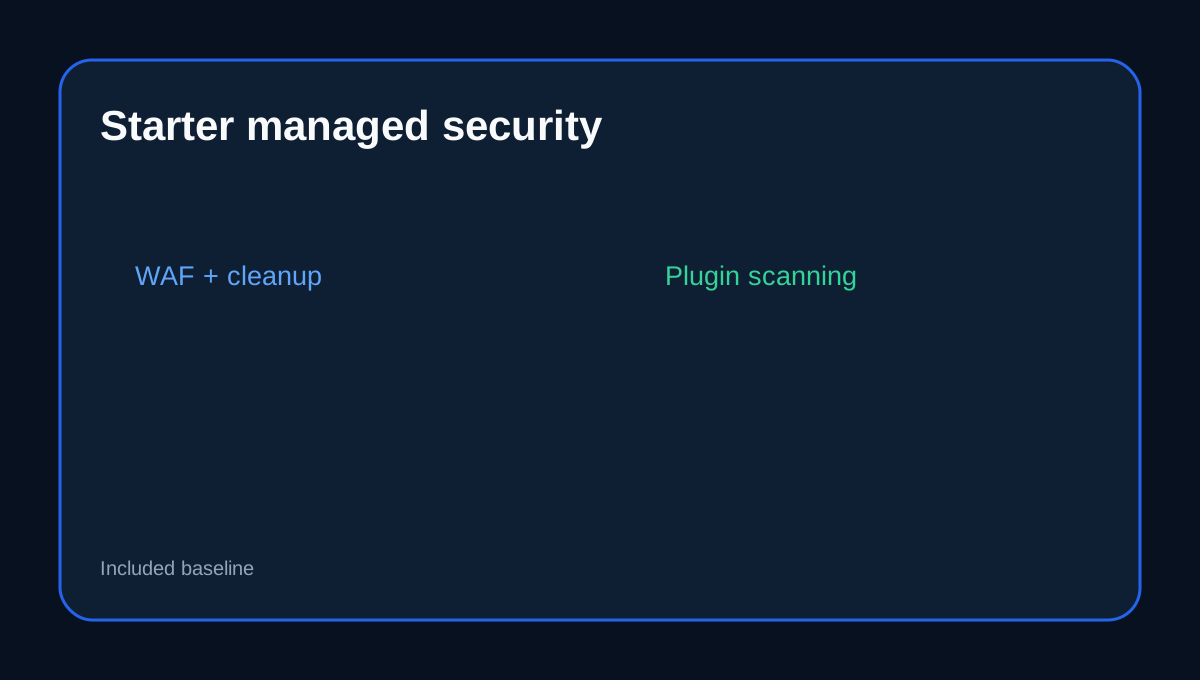
Pressidium Starter is unusual among entry managed WordPress plans because its current feature table explicitly includes **Managed Firewall (WAF), proactive malware monitoring and removal, vulnerable-plugin scanning/reporting, managed updates and automated backups with 30-day retention**. That means malware cleanup is not merely an optional add-on—but it still does not eliminate the site owner's application-security responsibilities.
At a glance
- Best for
- One-site buyers wanting malware cleanup, WAF, managed updates and 30-day recovery included.
- Price model
- US$25/month or US$299 annual current display
- Check first
- Managed cleanup does not make unsafe plugins, code or credentials risk-free.
What Starter clearly includes
Starter combines edge WAF, malware monitoring/removal, vulnerable-plugin reporting, managed WordPress/PHP updates, 30-day automated backups and direct DevOps support. For a one-site buyer, that is a substantially managed security baseline rather than a scan-only hosting feature.
Malware removal still needs root-cause repair
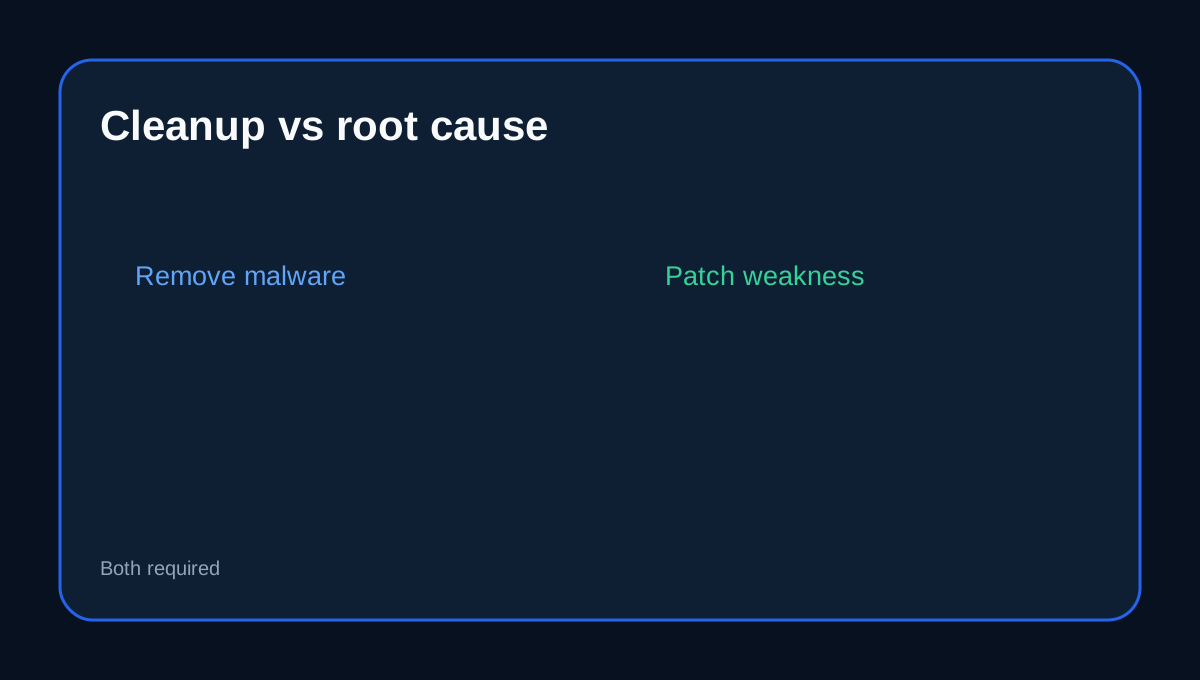
Pressidium's own malware guide says malware is usually the consequence of a weakness rather than the weakness itself. Restoring or removing infected files does not fix a vulnerable plugin, unsafe custom code or compromised credentials.
After a cleanup, confirm what allowed entry, remove or patch the vulnerable component, rotate affected credentials and review unexpected administrators or file changes.
The application layer still belongs partly to the owner
Pressidium tells WordPress owners to keep core/plugins/themes updated, use trusted software, remove unused code, protect admin accounts with strong credentials and 2FA, and limit privileges. Managed hosting reduces operational load but cannot make risky plugin choices harmless.
Edge security and virtual patching reduce exposure
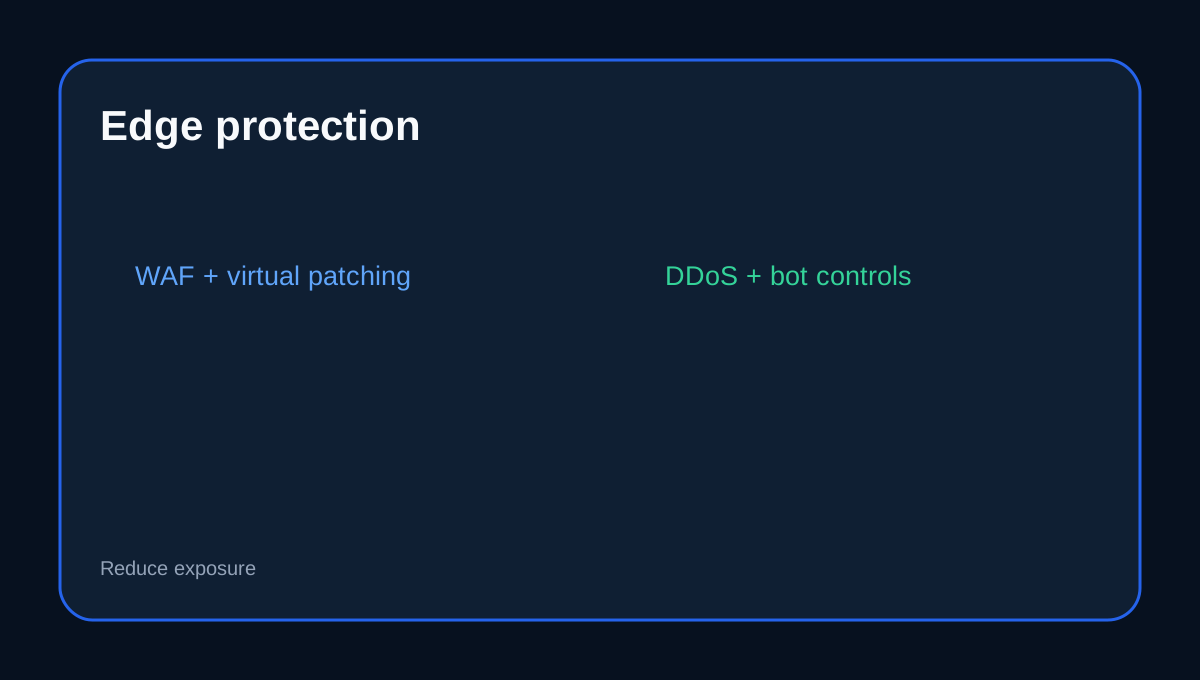
Pressidium describes WordPress-specific edge WAF, DDoS/bot controls, virtual patching and malware monitoring as part of its managed security model. Virtual patching can reduce exposure to known vulnerabilities before a normal plugin update is safely deployed.
That is valuable, but it should be treated as risk reduction—not permission to ignore abandoned plugins or unsafe code indefinitely.
Backups are recovery, not immunity
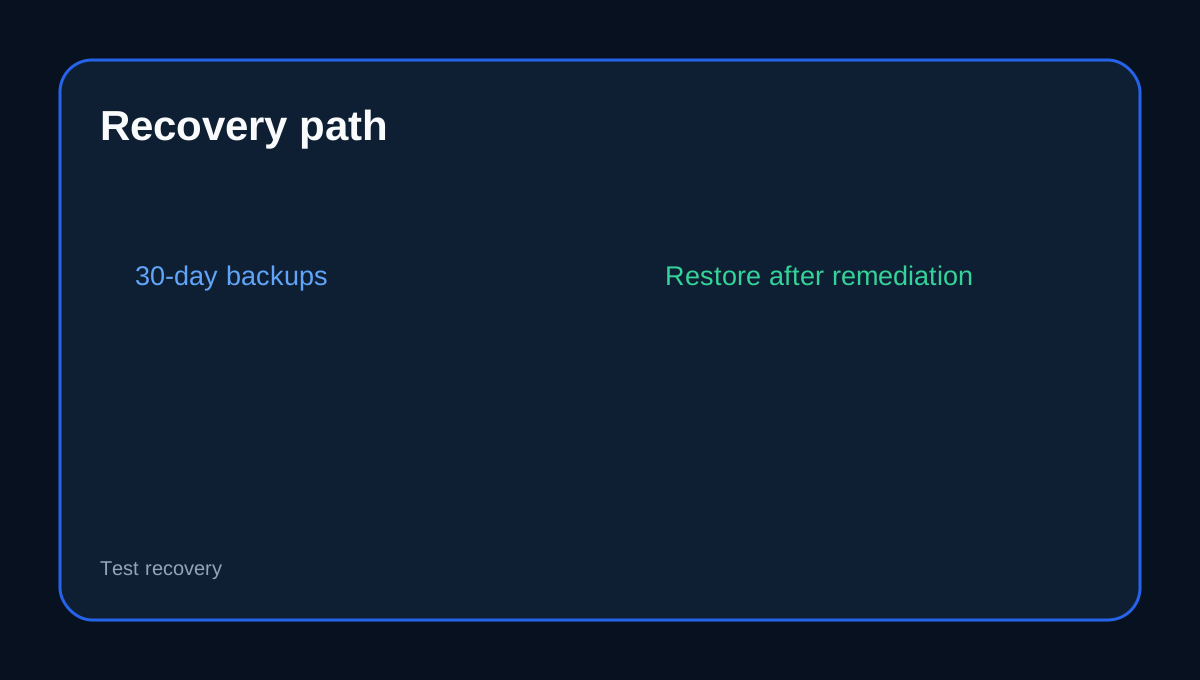
Starter includes automated backups with 30-day retention. Pressidium's malware guide specifically recommends multiple restore points and warns that restoring a clean backup does not repair the original vulnerability.
A safe incident sequence is: identify the compromise window, remediate the root cause, rotate credentials, restore or clean the site, and verify the application before normal traffic resumes.
Why managed DevOps support matters
Pressidium positions its DevOps support as part of the managed security and recovery path rather than general call-center assistance. This matters when a security symptom crosses caching, PHP, database, WAF or infrastructure boundaries.
Buyer fit and checkout checklist
Starter fits a one-site WordPress buyer who wants malware cleanup, WAF, updates, vulnerable-plugin monitoring and 30-day recovery included in a managed plan. Before checkout, confirm the current US$299 annual term, exact cleanup/support scope, what happens to a vulnerable third-party plugin, backup restore workflow, WAF controls and any tax/CDN overage.
Affiliate disclosure: Toolnavia may earn a commission from an eligible Pressidium purchase. That does not change this security-responsibility analysis.