TOOLNAVIA / BUYING GUIDE
Pressidium Cancellation & Refund Policy: Export Before You Confirm
The short answer
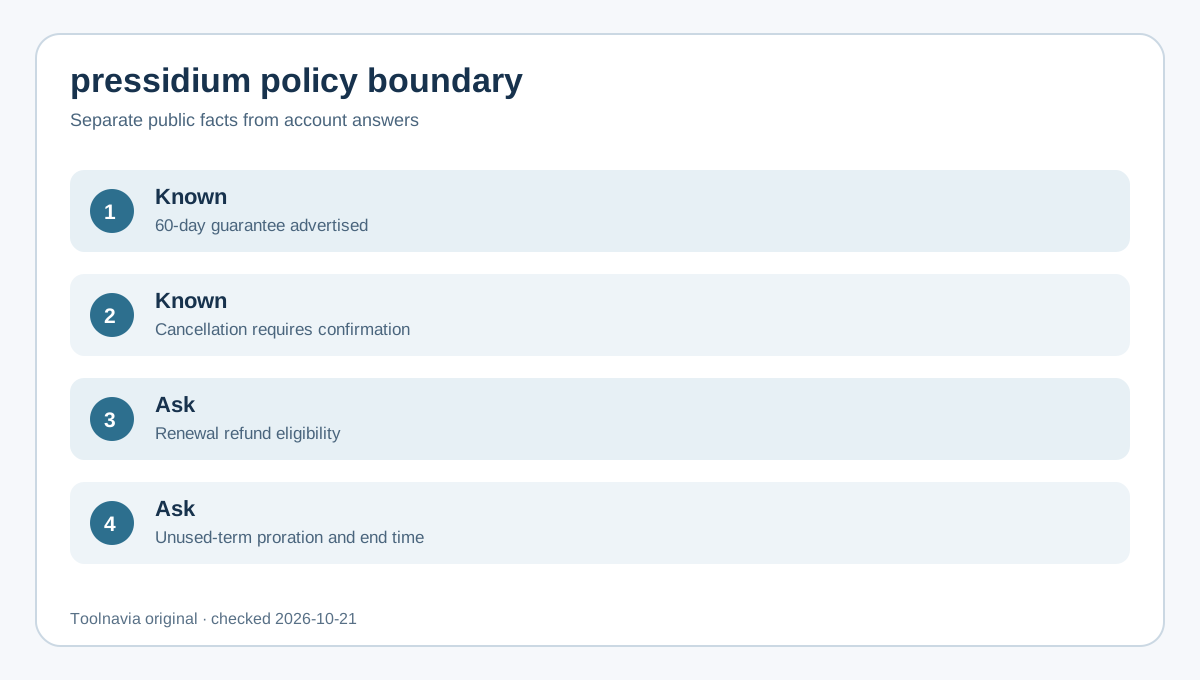
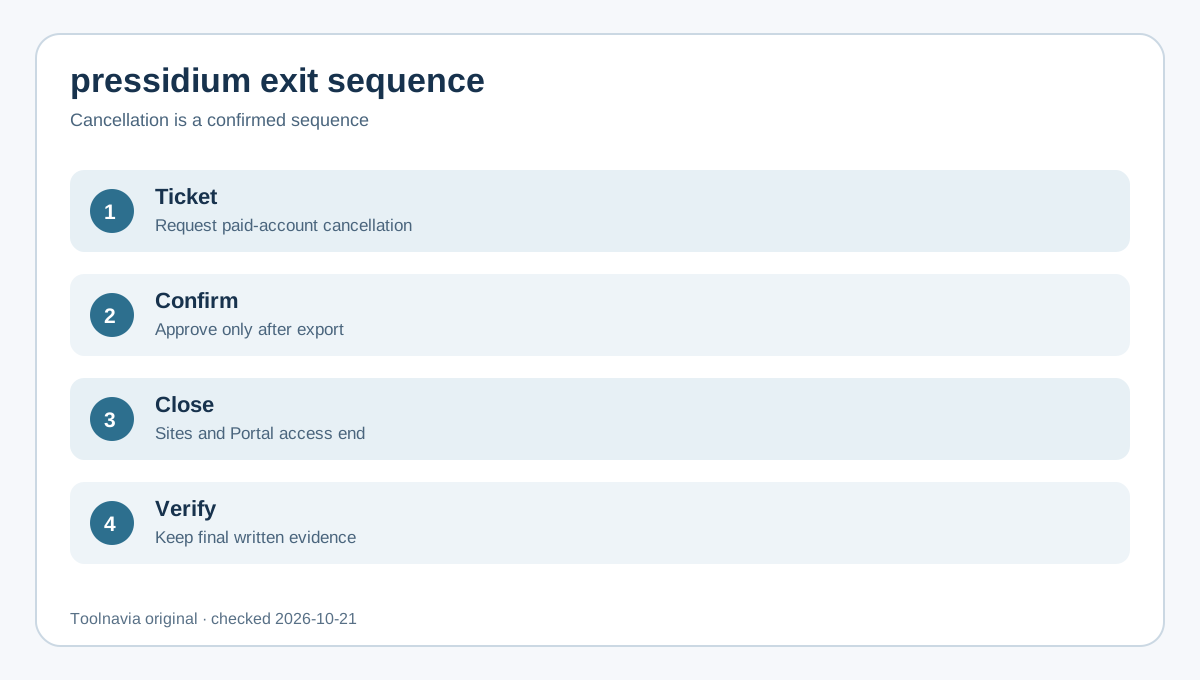
Pressidium paid cancellation requires a support ticket, confirmation and verified export. Confirming removes sites, Portal access and backups. A 60-day guarantee is advertised, but renewal and proration answers should be obtained in writing.
At a glance
- Best for
- Pressidium buyers who require a tested exit plan and written billing confirmation.
- Price model
- 60-day guarantee advertised; account-specific refund scope requires confirmation
- Check first
- Public pages do not fully define renewal refunds, proration or exact service-end timing; obtain an account-specific written response.
Before the ticket: build an exit inventory
List every production and staging site, primary domain, DNS provider, mailbox, CDN or security integration, scheduled task, API credential, and person who uses the Pressidium Portal. Record the subscription’s billing cycle and next due date from the dashboard. This creates the minimum evidence needed to separate “we asked to cancel” from “service has ended.”
Choose an exit owner and a rollback deadline. A support request alone is not final cancellation: Pressidium says a team member will request confirmation. Keep the old environment live until the replacement site, DNS, forms, email, cron jobs and third-party callbacks have been tested.
Export files and the database separately
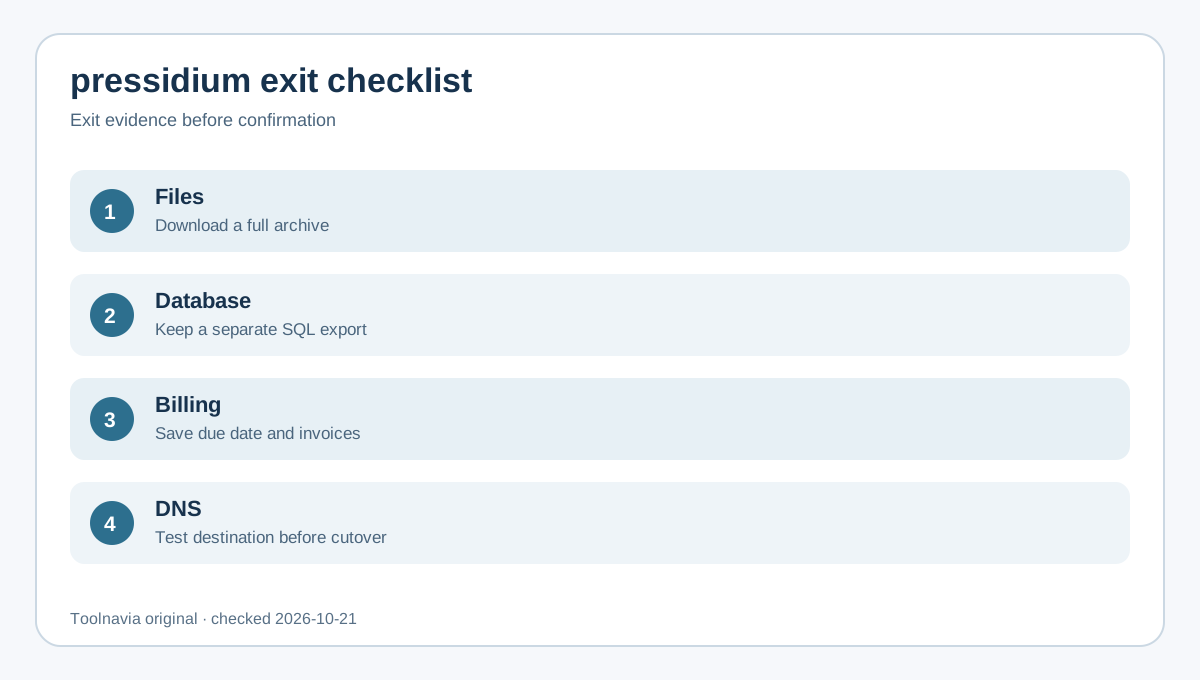
Ask Pressidium for a website archive if you need assistance; its cancellation article says the archive can contain site files and a full database dump. The documented full-backup flow emails a download URL and packages the database dump inside the archive. For an independent database copy, the dashboard can also export a compressed, mysqldump-compatible SQL file.
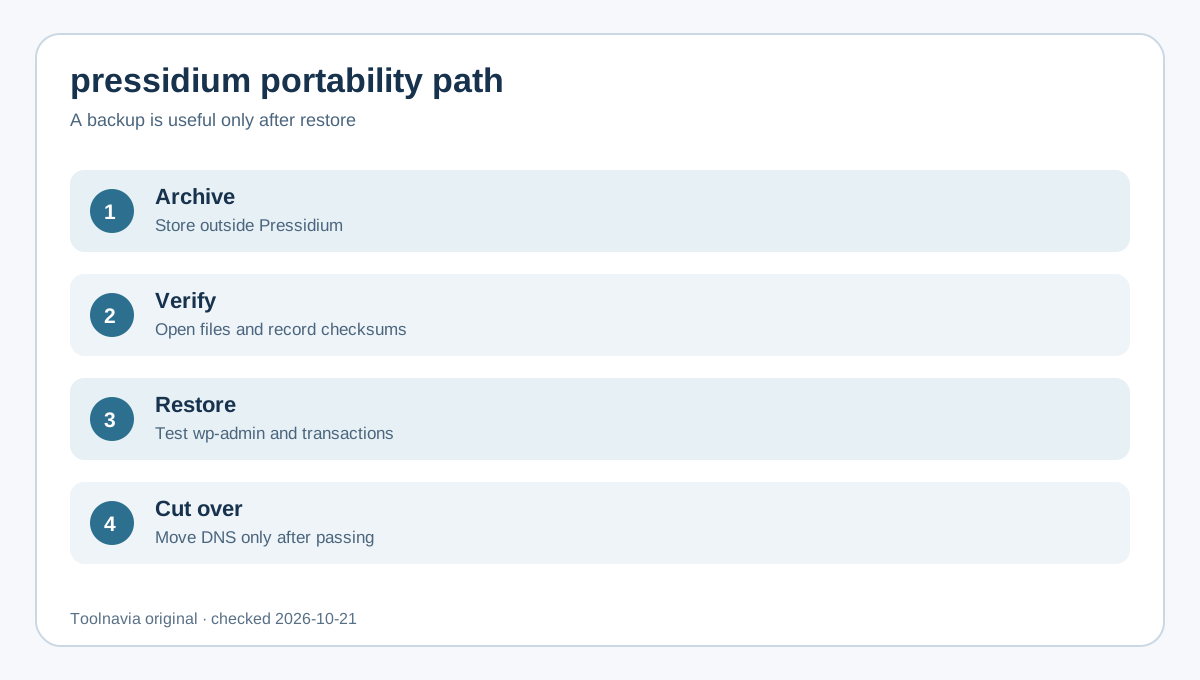
Download both a full-site archive and a separate database export when the site is commercially important. Store them outside Pressidium, encrypt sensitive copies, record checksums, and test that the archives open. An emailed download link is not a retained backup until the file exists in storage you control.
Prove the replacement before confirming
Restore the archive to the destination or a local test environment. Check wp-admin, public pages, media, forms, transactional email, scheduled jobs, redirects, SSL, analytics and payment callbacks. Lower DNS TTL before the planned cutover, then monitor the old and new environments during propagation.
This is where the exit guide differs from a generic migration article: the decision is whether you can safely give up Pressidium access and backups. If the replacement cannot pass a restore and transaction test, pause the confirmation. Pressidium’s documented consequence is destructive—sites, Portal access and backups are removed.
Put four billing questions in the support ticket
Ask Pressidium to answer these in writing:
1. What exact date and time will paid service end? 2. Will another monthly or annual charge occur before that date? 3. Does the advertised 60-day guarantee apply to this purchase, and are renewals or unused annual time refundable? 4. When will websites, backups and Portal access become unavailable?
The public premium page confirms a 60-day guarantee and cancellation at any time. It does not, by itself, answer every renewal or proration scenario. Treat the reply to your account-specific ticket as the operative evidence and keep it with the final invoice.
Save a cancellation evidence pack
Before confirming, save the ticket number, Pressidium’s written answers, subscription page, invoices, archive checksums, DNS-change record and destination test results. A current independent data-exit checklist likewise recommends exporting, testing and retaining written deletion and billing evidence before closure. After confirmation, capture the final response and verify that no unexpected renewal remains scheduled.
Other hosts use different workflows. Kinsta documents a dashboard cancellation flow and its own refund rules; Pressable warns that cancellation can make sites and backups unrecoverable; Cloudways documents provider-specific postpaid billing and final invoices. These examples show why you must not transfer another host’s refund or deletion rules to Pressidium.
Trial expiry is not paid-account cancellation
Pressidium’s trial page says the free trial expires without automatic charging. That is not the same as ending a paid subscription. A trial can disappear on its own; a paid account requires the ticket-and-confirmation sequence in the cancellation guide. Buyers should understand both paths before choosing the current Starter offer.
Decision rule
Pressidium is a reasonable purchase only if you accept a support-mediated exit, can maintain independent backups, and are willing to obtain billing answers before confirming cancellation. The 60-day guarantee reduces early purchase risk, but public pages leave renewal and proration details incomplete. If you need self-service cancellation, guaranteed post-cancellation retention, or published renewal-refund rules, get explicit written terms before paying.
The safe sequence is: inventory, export, restore, cut over, obtain billing answers, confirm, and verify. Reversing that order can turn a routine hosting change into permanent data loss.